Smartes KI-Tool

KI-gestütztes Blur Mehrere Gesichter Video für Bilder und Videos

Verarbeite Bilder und Videos automatisch mit fortschrittlicher KI-Erkennung und Bearbeitungsabläufen. Blur Mehrere Gesichter Video reduziert manuelle Arbeit und liefert saubere, professionelle und datenschutzbereite Ergebnisse.

Blur Mehrere Gesichter Video preview

AI-Powered Blur Multiple Faces Video

Blur Multiple Faces Video helps you finish the core task faster while preserving context around the people in the frame.

How Blur Multiple Faces Video Works

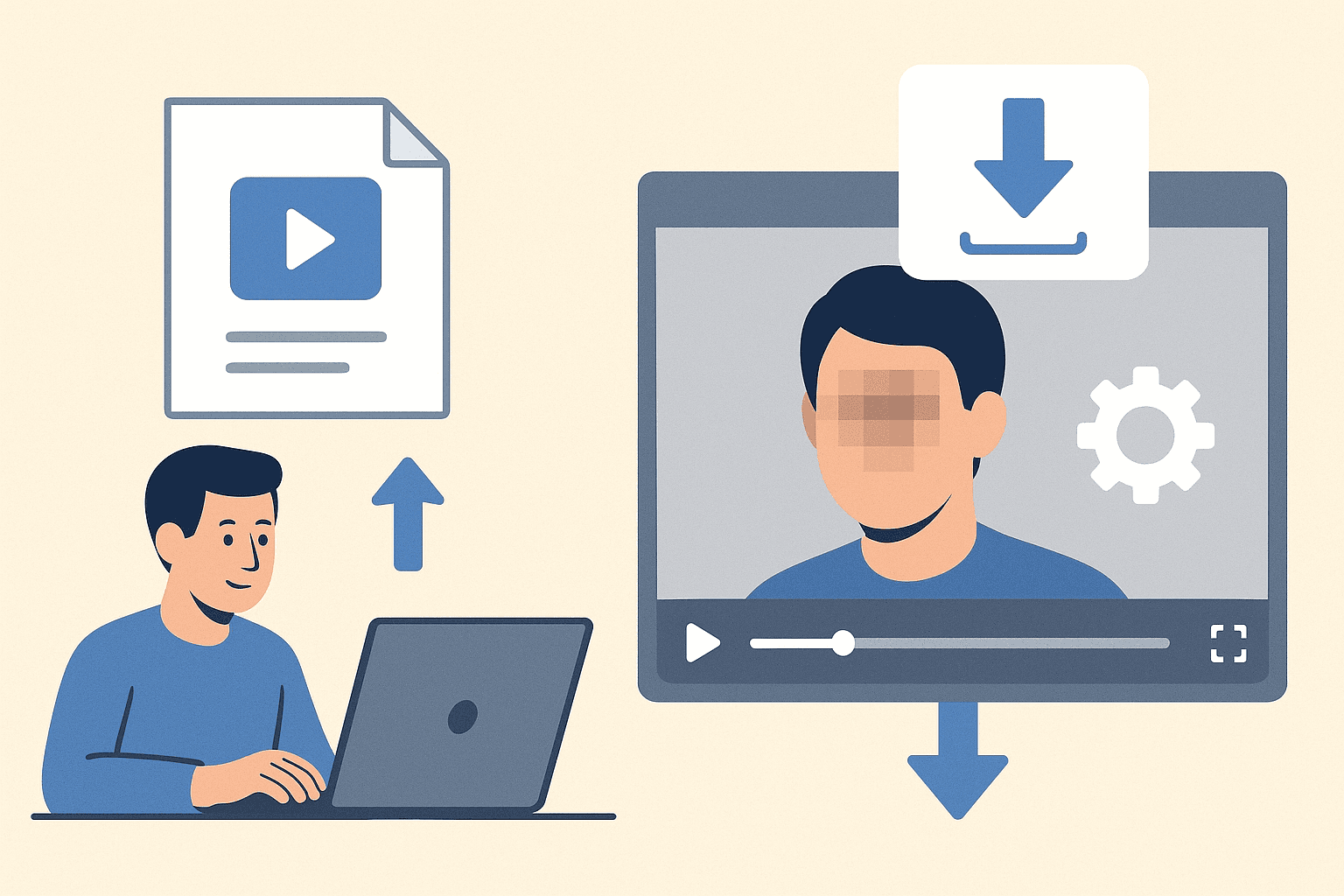
Blur Multiple Faces Video turns a complex manual workflow into a focused browser flow. Upload the file, let the tool do the heavy lifting, and export a result that is easier to share, review, or publish.

Use it when you need a faster way to prepare content for public pages, reports, client review, training material, social posts, or internal documentation without rebuilding the edit by hand.

Faces automatically

Detect faces automatically without manual boxes

Frame Tracking

Blur or anonymize people in photos and video frames

Context Preserved

Preserve context while protecting identity

Portraits, group shots, and moving scenes

Handle portraits, group shots, and moving scenes

Share Ready

Create privacy-safe exports for sharing and review

Less Manual Work

Reduce manual masking work for busy editors

Use Cases

Social Media use case for AI-Powered Blur Multiple Faces Video

Social Media

Hide bystanders before publishing. AI-Powered Blur Multiple Faces Video keeps this workflow practical for repeated review, privacy cleanup, publishing, and team handoff without forcing editors to rebuild every mask or adjustment manually.

Journalism use case for AI-Powered Blur Multiple Faces Video

Journalism

Protect witnesses and sources. AI-Powered Blur Multiple Faces Video keeps this workflow practical for repeated review, privacy cleanup, publishing, and team handoff without forcing editors to rebuild every mask or adjustment manually.

Research use case for AI-Powered Blur Multiple Faces Video

Research

Anonymize images for review. AI-Powered Blur Multiple Faces Video keeps this workflow practical for repeated review, privacy cleanup, publishing, and team handoff without forcing editors to rebuild every mask or adjustment manually.

Business use case for AI-Powered Blur Multiple Faces Video

Business

Prepare privacy-safe team assets. AI-Powered Blur Multiple Faces Video keeps this workflow practical for repeated review, privacy cleanup, publishing, and team handoff without forcing editors to rebuild every mask or adjustment manually.

Education use case for AI-Powered Blur Multiple Faces Video

Education

Share classroom images safely. AI-Powered Blur Multiple Faces Video keeps this workflow practical for repeated review, privacy cleanup, publishing, and team handoff without forcing editors to rebuild every mask or adjustment manually.

Compliance use case for AI-Powered Blur Multiple Faces Video

Compliance

Reduce exposure of personal data. AI-Powered Blur Multiple Faces Video keeps this workflow practical for repeated review, privacy cleanup, publishing, and team handoff without forcing editors to rebuild every mask or adjustment manually.

Fast Privacy Workflow

Blur Multiple Faces Video is designed for quick uploads, fast processing, and a clean result without a complicated editing timeline.

Ready to try Blur Multiple Faces Video?

Upload a file and generate a cleaner result with blur multiple faces video in seconds.

Try Blur Multiple Faces Video

How to Easily Blur Mehrere Gesichter Video

Follow this simple 3-step process to get a polished result without frame-by-frame editing.

01

Upload Your Video

Start by uploading the video you want to process. The blur Mehrere Gesichter Video workflow keeps the setup simple, so you can move from file selection to preview without rebuilding the project manually.

Upload
0%
.mp4
02

Review the AI Preview

BGBlur analyzes the file and prepares the right privacy edits for blur Mehrere Gesichter Video. Check the preview, confirm the important areas, and adjust the result before exporting.

Background Blur
Face Blur
License Plate
03

Download the Result

Export a clean, privacy-safe version when the preview looks right. The finished video is ready for sharing, publishing, archiving, or handing off to your team.

.mp4
0%
Save

AI editing features

More than a Blur Multiple Faces Video tool

BGBlur.com Tool: Blur Multiple Faces Video. Öffne die Seite für Details und versuche es online.. Blur Multiple Faces Video is built for video privacy protection, automatic blur, motion-aware editing, object redaction, secure export, and faster browser-based video workflows.

Smart AI Blur Multiple Faces Video video workflow

Blur Multiple Faces Video helps creators edit videos faster with AI-powered blur, masking, tracking, redaction, privacy protection, and browser-based automation.

Motion-aware AI automation

Use AI assistance to reduce manual keyframes, repeated masking, frame-by-frame blur work, object selection, and privacy edits across clips and social videos.

Video privacy protection

Blur Multiple Faces Video helps hide faces, plates, backgrounds, objects, text, body details, and sensitive visual information before videos are published or shared.

Fast browser-based processing

Upload a video, apply the tool workflow, review the result, and export edited content without installing heavy video software or switching between apps.

Flexible editing controls

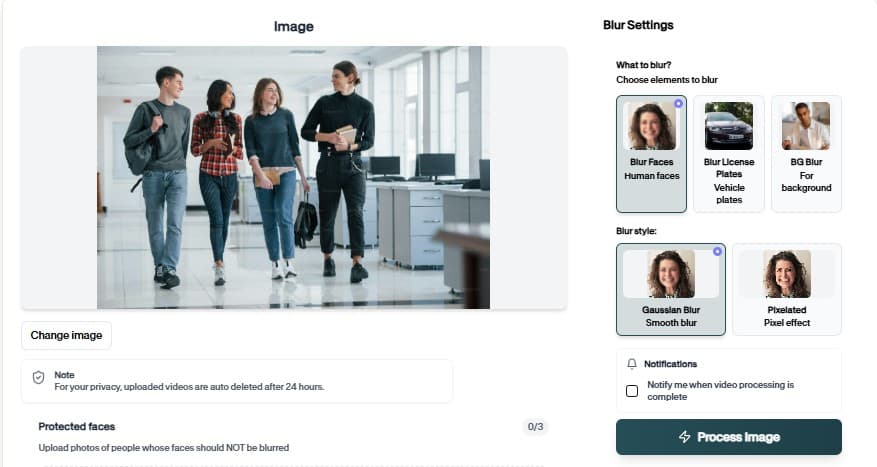
Adjust blur style, intensity, selected areas, tracking, masking, and export decisions depending on the footage, audience, platform, and privacy requirement.

Export publish-ready videos

Prepare cleaner videos for YouTube, TikTok, Instagram, training libraries, client review, education, journalism, real estate, automotive content, and compliance workflows.

What Our Users Say

Join thousands of satisfied users who trust our tools

Blur Mehrere Gesichter Video helps us prepare privacy-safe media quickly without rebuilding edits by hand.
SJ
Sarah Johnson
Content CreatorIndependent Studio
The workflow is fast enough for repeat review tasks and simple enough for the whole team to use.
MC
Mark Chen
Operations LeadVideo Review Team
BGBlur keeps sensitive visual details protected while preserving the useful context in our footage.
LR
Lisa Rodriguez
JournalistField Reporting Desk
4.9/5from 3+ reviews

Frequently Asked Questions

Answers to common questions about using Blur Multiple Faces Video for image and video editing, privacy protection, export quality, and browser-based AI workflows.

How does Blur Mehrere Gesichter Video work?

Upload your media, review the AI-assisted preview, adjust the result when needed, and export a clean file from the browser.

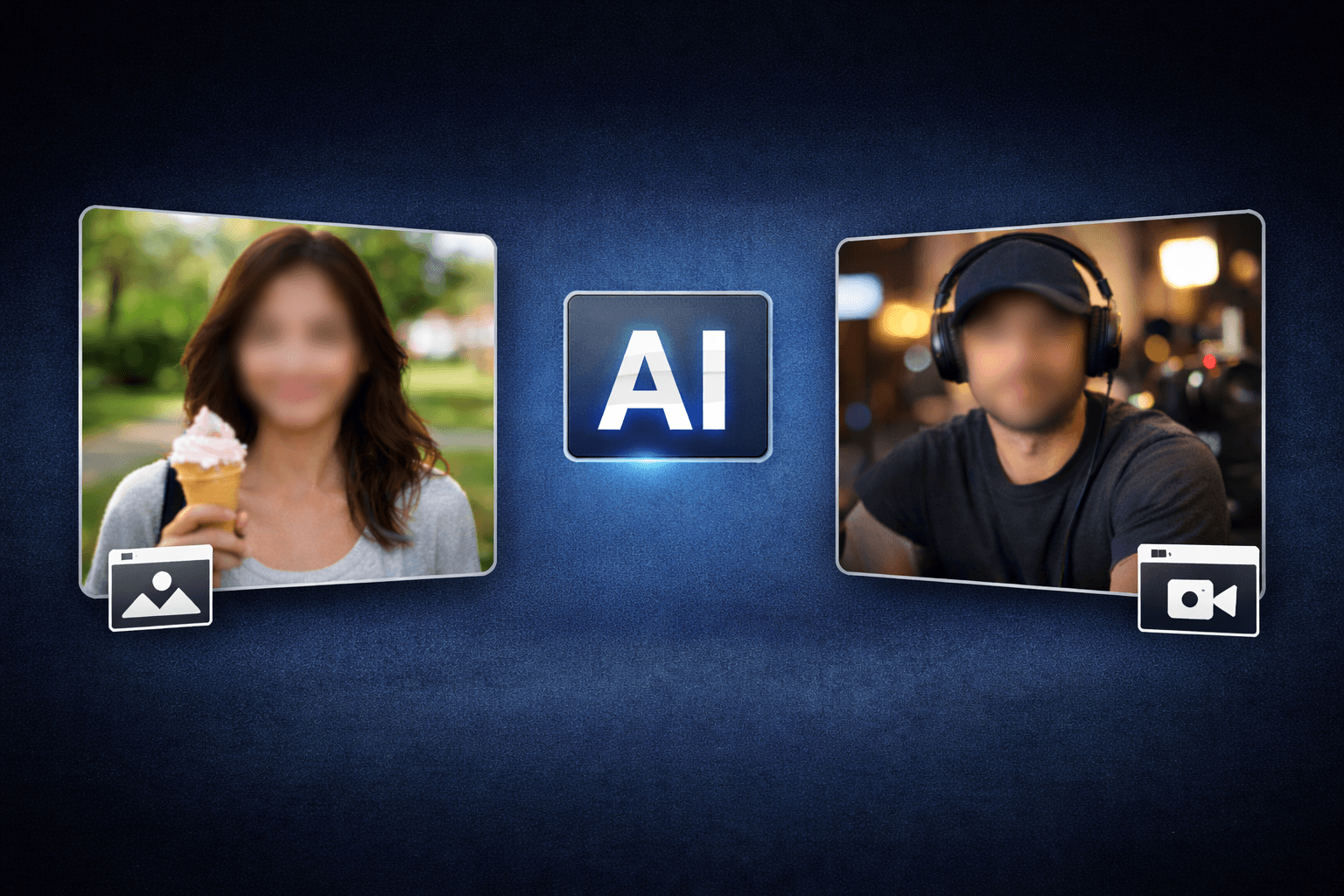
Can I use Blur Mehrere Gesichter Video for images and videos?

Most BGBlur tools support practical image and video privacy workflows. The upload flow will guide you based on the file type you choose.

Is my media stored permanently?

BGBlur is designed for privacy-first processing. Files are handled securely for the editing workflow and are not kept as permanent public assets.

Do I need editing software?

No. The workflow runs in the browser, so you can upload, preview, adjust, and download without opening a timeline editor.

What is Blur Multiple Faces Video?

Blur Multiple Faces Video is an AI-powered BGBlur workflow for editing images and videos faster. It helps automate privacy, blur, masking, or cleanup tasks so creators can finish content without manual frame-by-frame work.

Can I use Blur Multiple Faces Video for both images and videos?

Yes. BGBlur workflows are designed around common image and video use cases, including uploads for photos, short clips, social content, product footage, screen recordings, and longer privacy review workflows.

How does Blur Multiple Faces Video save editing time?

The tool uses AI-assisted detection and automation to reduce repetitive selection, masking, and redaction steps. You can start with an upload, review the result, adjust settings when needed, and export a finished file.

Is Blur Multiple Faces Video good for privacy protection?

Yes. It is built for privacy-first editing tasks such as hiding sensitive details, reducing identifiable information, and preparing content before it is shared publicly, with clients, or inside a team.

Do I need professional editing software?

No. BGBlur runs in the browser, so you do not need a desktop video editor, plugin setup, or complex timeline workflow for common AI blur and privacy edits.

Will Blur Multiple Faces Video keep my export quality clear?

The goal is to keep the important parts of your image or video visible while applying the selected privacy or blur effect only where it is needed. Final quality can depend on the uploaded file and export settings.

Can I review the result before downloading?

Yes. You should review the AI result before export, especially for crowded scenes, fast motion, low light, reflections, small objects, or footage with partial occlusion.

Who uses Blur Multiple Faces Video?

Creators, marketers, educators, journalists, real estate teams, automotive teams, compliance reviewers, and social media editors use BGBlur tools to prepare safer publish-ready media faster.

Does Blur Multiple Faces Video work on mobile and desktop?

BGBlur is web-based, so it is designed for modern browsers on desktop and mobile devices. Larger video files are usually easier to review and export from a desktop browser.

What should I check before publishing?

Check every sensitive frame or image area, confirm the blur or mask covers the intended subject, preview the final export, and keep an original backup if you may need to revise the edit later.

User Reviews

Share your experience and help others make informed decisions

Write a Review

5 stars

All Reviews (0)

No reviews yet

Be the first to share your experience and help others discover this tool!

Face privacy tools

More ways to blur, pixelate, and redact faces

Explore face-focused workflows for videos, photos, social clips, CCTV footage, and privacy reviews where identities must stay protected.

Werkzeuge →

Start with BGBlur

Smart AI Blur Mehrere Gesichter Video for Images & Videos

Blur Mehrere Gesichter Video helps creators edit images and videos faster with smart AI-powered automation. Upload your file, choose the privacy or blur workflow you need, and export polished content without manual frame-by-frame editing.

BGBlur.com Tool: Blur Multiple Faces Video. Öffne die Seite für Details und versuche es online.

Werkzeug öffnen
Free to startBrowser workflowPrivacy-first export
BGBlur video privacy editor interface