زوم فريق يلتقي بالخصوصية
Professional video call recordings with blurred backgrounds, participant faces, and sensitive on-screen content for safe sharing.
Recorded Zoom and Teams meetings often contain more than the intended presentation: home offices with family photos, coworkers who didn't consent to external sharing, and screen shares with customer data.
Clean up Zoom and Teams recordings for safe sharing in three steps
Built for corporate comms, HR, and marketing teams who need privacy-safe recordings for external or LMS distribution.
Export your Zoom or Teams recording
Download the MP4 from Zoom cloud or Teams recordings before sharing externally.
Apply background and face blur
Blur participant backgrounds and specific attendee faces to protect privacy in gallery view.
Preview and export
Check gallery layouts across the timeline, then export for LMS, YouTube, or Vimeo hosting.
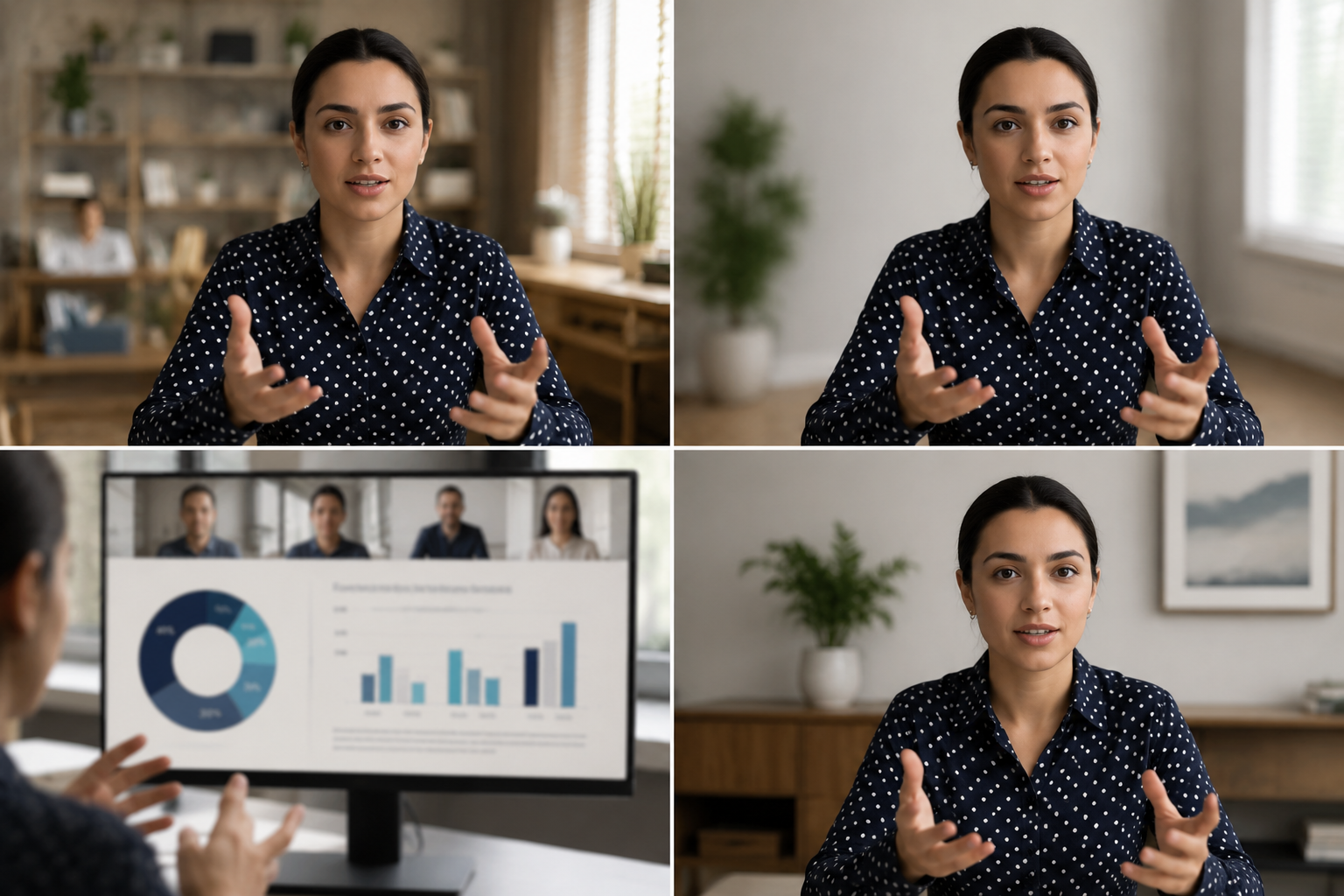
What this example demonstrates
Post-production blur gives you control that real-time virtual backgrounds can't: selectively protect participants, hide screen share content, and clean up backgrounds after the call ends.

Why teams use this pattern
Use this workflow when you need to share all-hands recordings externally, create training clips from client calls, or publish webinar archives with attendee privacy intact.
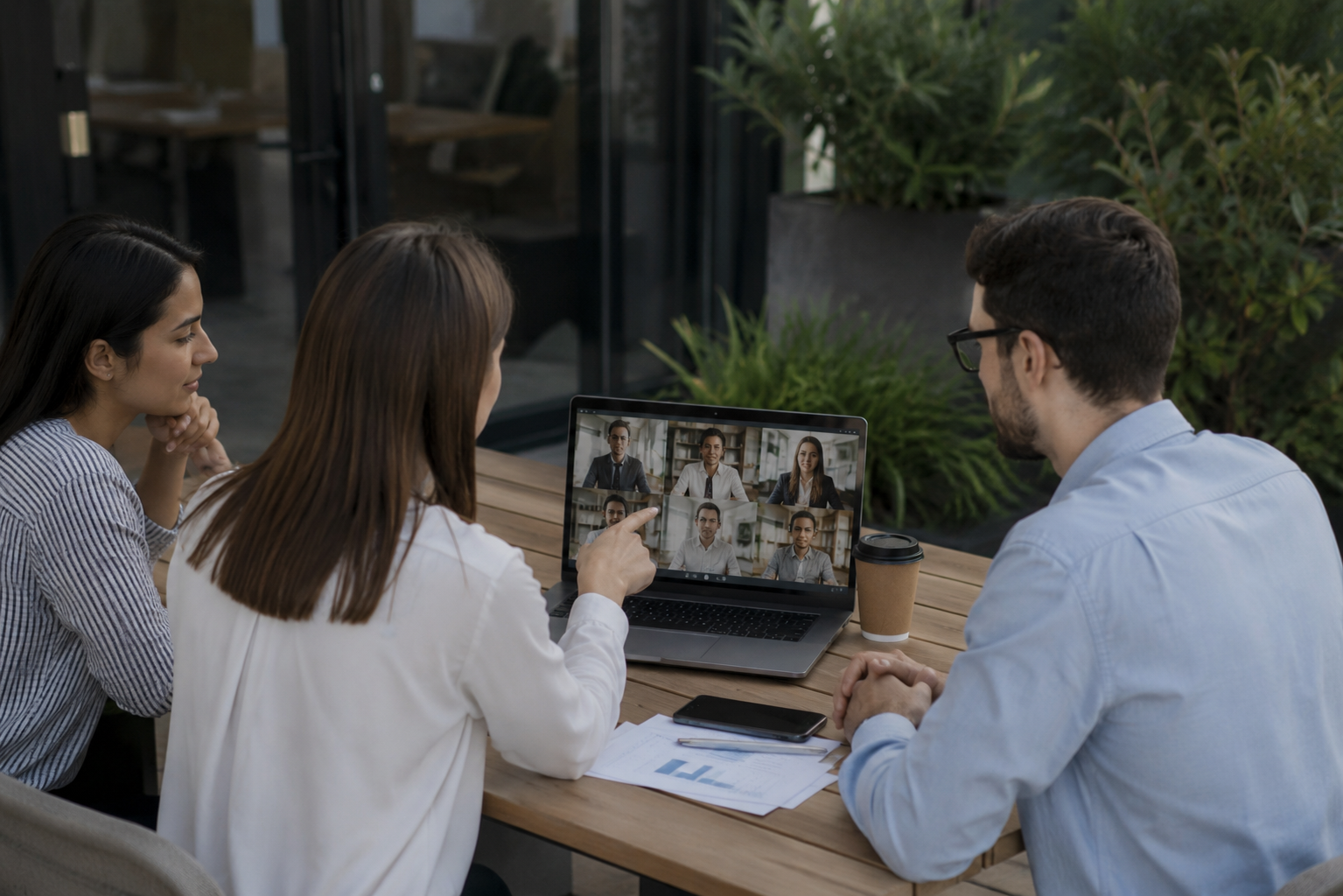
Common use cases
Teams reach for this workflow when all-hands meetings shared with contractors or press; client webinars with internal attendees visible; training recordings from customer success calls; town halls with employee q&a requiring anonymization. BGBlur automates detection so these scenarios stay publishable without days in a timeline.

Built for Corporate communications teams and HR and internal comms
Ideal audiences include Corporate communications teams, HR and internal comms, Marketing and demand gen, Customer education teams. Pair this example with your policy review when footage is sensitive or public-facing.
حالات الاستخدام
- عقد اجتماعات شاملة مع المتعاقدين أو الصحافة
- زبونة على شبكة الإنترنت مع الحضور الداخلي
- تسجيلات التدريب من نداءات نجاح العملاء
- قاعات البلدات التي يعمل فيها موظفون من الفئة " QA " التي تتطلب التسمية
لمن هذا
- أفرقة الاتصالات المؤسسية
- HR and internal comms
- التسويق والطلب
- فرق تعليم العملاء
المزيد من أمثلة تعتيم الفيديو
استكشف سيناريوهات مماثلة مع نفس مقاطع الفيديو التجريبية وإرشادات خطوة بخطوة.
معلومات أساسية غير واضحة بشأن التركيز السينمائي
متسخة أو تحل محل الخلفيات المشغولة لذا فالموضوعات تبرز بشكل جيد بالنسبة للشبكات، والاستعراضات، وصور المنتجات في المنزل.
تمويه الوجوه في فيديوهات الحديث المباشر
اكتشاف تلقائي للوجوه وتمويهها في المقابلات والبودكاست ومدونات الفيديو، مع تتبع الحركة للحفاظ على حماية الهويات.
أشرطة فيديو للتدريب في مجال حقوق الإنسان ذات خلفيات أكثر أماناً
اختبئوا في المكتب المنزلي، مخططات المرضى على الجدران، أو الملصقات التي تسرّب الموقع في محتوى (لوس أنجلوس).
Screen recording blur for tutorials "
إخفاء كلمات السر، ومفاتيح البريد الإلكتروني، والبيانات الشخصية في الشاشة الملتقطة - أساساً لصور البرامجيات ودعم الفيديو.
الأسئلة الشائعة
- لمَ لا نستخدم خلفية (زوم) المُبنية؟?
- طائش في الوقت الحقيقي يتم تطبيقه خلال المكالمة، عدم وضوح ما بعد الإنتاج يجعلك تتحكم في قرارات الخصوصية بعد التسجيل عندما تعرف سياق التشارك.
- هل يمكنني أن أضفي ضوضاء على مشارك واحد فقط في مشاهدة المعرض؟?
- الوجه الانتقائي يعمل بشكل غير واضح في مخططات الشبكة حتى تتمكن من حماية حضور محدد بينما تبقي الآخرين مرئيين.
- ماذا عن الدردشة وأسماء المشاركين في التسجيل؟?
- Video blur handles pixels only; disable participant names and conversation overlays in Zoom/Teams recording settings or crop those UI elements in post.
هل أنت مستعد لتجربة هذا على الفيديو الخاص بك؟
قم بتحميل MP4 أو MOV أو M4V وقم بتطبيق نفس أوضاع التعتيم الموضحة في هذا المثال.
جرب BGBlur مجانًا