Recorded Zoom and Teams meetings often contain more than the intended presentation: home offices with family photos, coworkers who didn't consent to external sharing, and screen shares with customer data.
Clean up Zoom and Teams recordings for safe sharing in three steps
Built for corporate comms, HR, and marketing teams who need privacy-safe recordings for external or LMS distribution.
Export your Zoom or Teams recording
Download the MP4 from Zoom cloud or Teams recordings before sharing externally.
Apply background and face blur
Blur participant backgrounds and specific attendee faces to protect privacy in gallery view.
Preview and export
Check gallery layouts across the timeline, then export for LMS, YouTube, or Vimeo hosting.
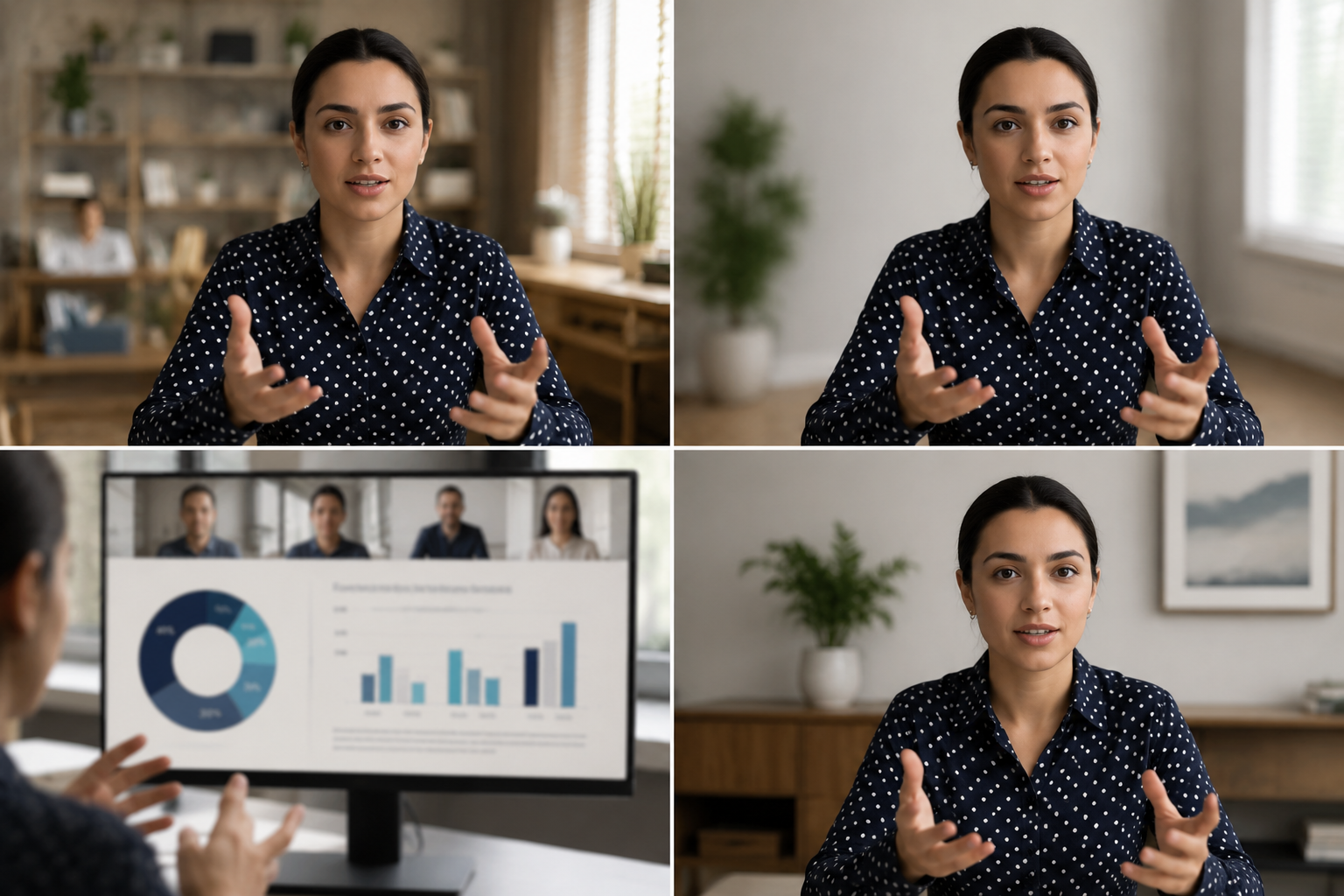
What this example demonstrates
Post-production blur gives you control that real-time virtual backgrounds can't: selectively protect participants, hide screen share content, and clean up backgrounds after the call ends.

Why teams use this pattern
Use this workflow when you need to share all-hands recordings externally, create training clips from client calls, or publish webinar archives with attendee privacy intact.

Common use cases
Teams reach for this workflow when all-hands meetings shared with contractors or press; client webinars with internal attendees visible; training recordings from customer success calls; town halls with employee q&a requiring anonymization. BGBlur automates detection so these scenarios stay publishable without days in a timeline.

Built for Corporate communications teams and HR and internal comms
Ideal audiences include Corporate communications teams, HR and internal comms, Marketing and demand gen, Customer education teams. Pair this example with your policy review when footage is sensitive or public-facing.
使用场景
- 与承包商或新闻界举行所有手头会议
- 客户端网络研讨会,内部参与者可见
- 培训客户成功电话录音
- 雇员需要匿名的市政厅
适用人群
- 机构通信小组
- 人力资源和内部通信
- 营销和需求
- 客户教育小组
常见问题
- 为什么不使用Zoom的内置背景模糊?
- 实时模糊在呼叫中被应用;制作后模糊让您在了解共享上下文后在录制后控制隐私决定.
- 我能把画廊的景色模糊吗?
- 是 - 选择性的面部模糊在网格布局中的工作, 这样您就可以保护特定的参与者, 同时保持其他人的可见性 .
- 录音中的聊天和参与者名字呢?
- 视频模糊只处理像素; 在 Zoom/ Teams 中禁用参与者名称和聊天覆盖, 或裁剪邮递中的 UI 元素 .