模糊的视频背景
模糊的视频背景 即刻为焦点,无干扰的视觉.
How to Use BG Blur
Get started with our simple 3-step process
Upload your video to our AI video blur editor
Upload your video to our AI video blur editor.
Select what to blur: background, faces, license plates, or objects
Pick the blur mode that fits your use case and adjust intensity for a natural result.
Download your professionally blurred video with privacy protection
Export and download your processed video in just a few clicks.
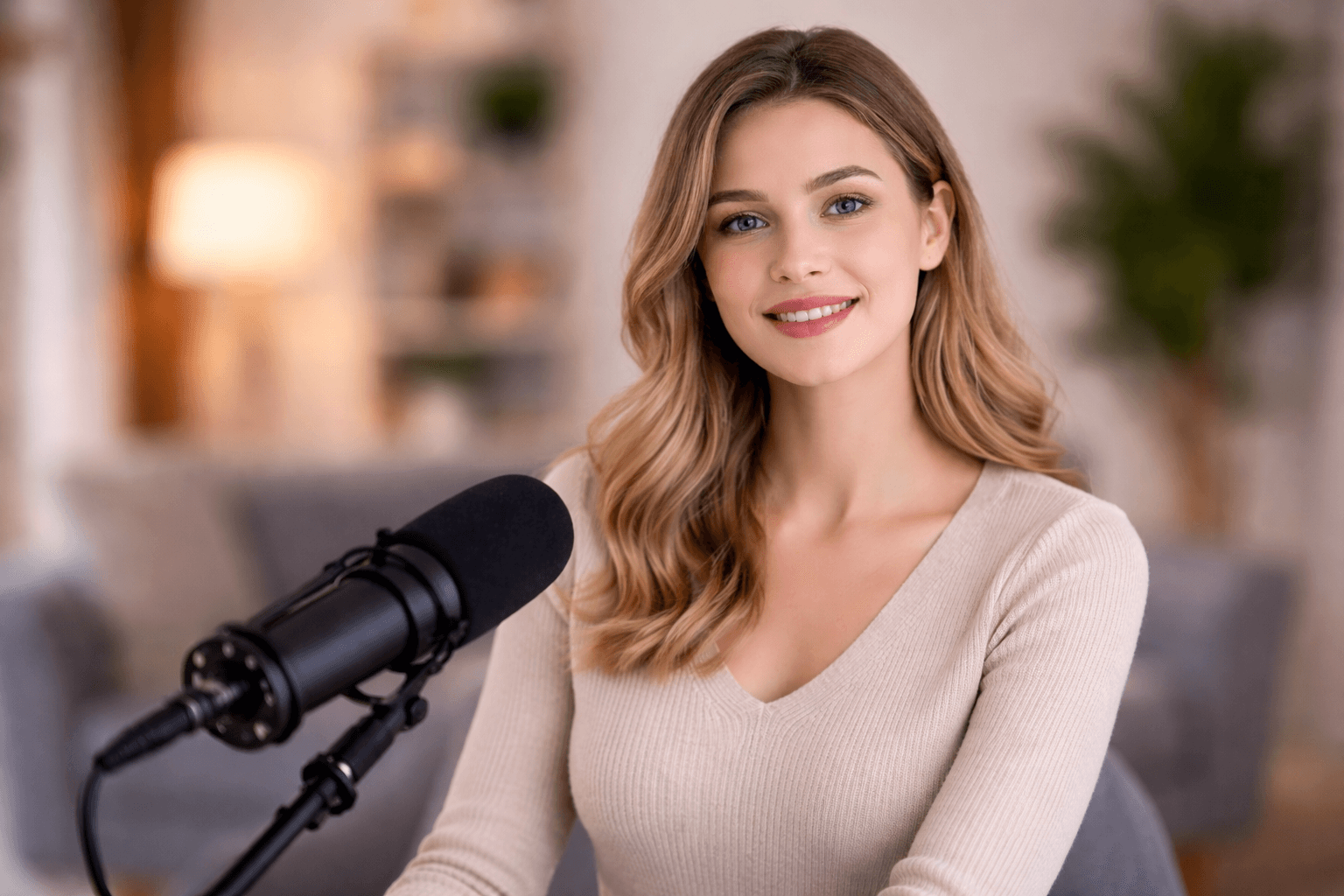
智能模糊视频背景工具
模糊的视频背景可以自动去除不必要的分心,并保持对主题的关注. 这种AI背景模糊在不同的环境和照明条件中平稳地工作,帮助你创建专业外观的视频而无需复杂的编辑或工具.
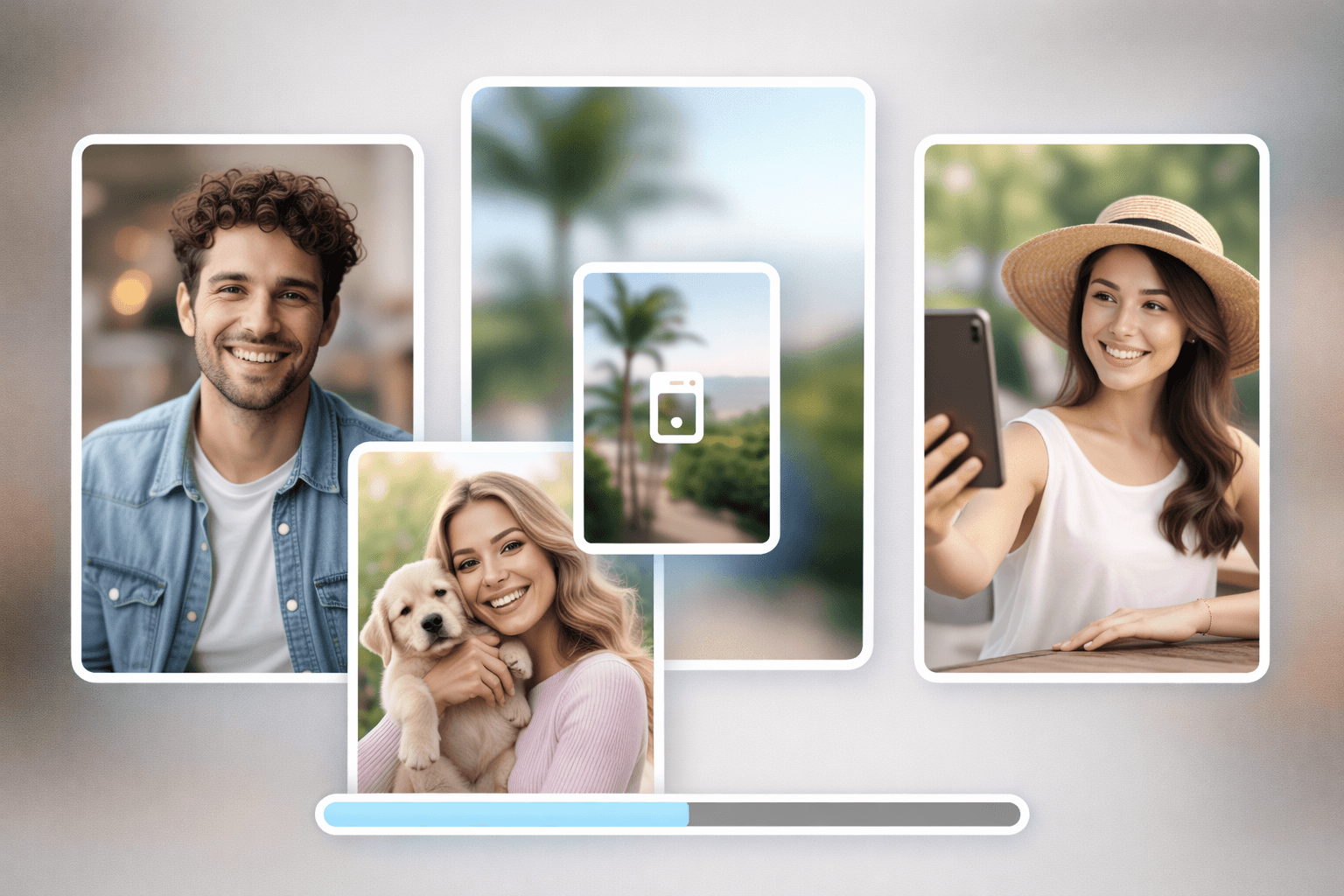
秒照片的模糊背景
与视频一起,您可以很容易地模糊网上的照片背景. 上传一个图像来模糊背景, 并突出主要主题的不努力 。 BGBlur 无论是要模糊照片的背景,模糊图片,还是模糊图像背景,都会立即给出干净准确的结果.
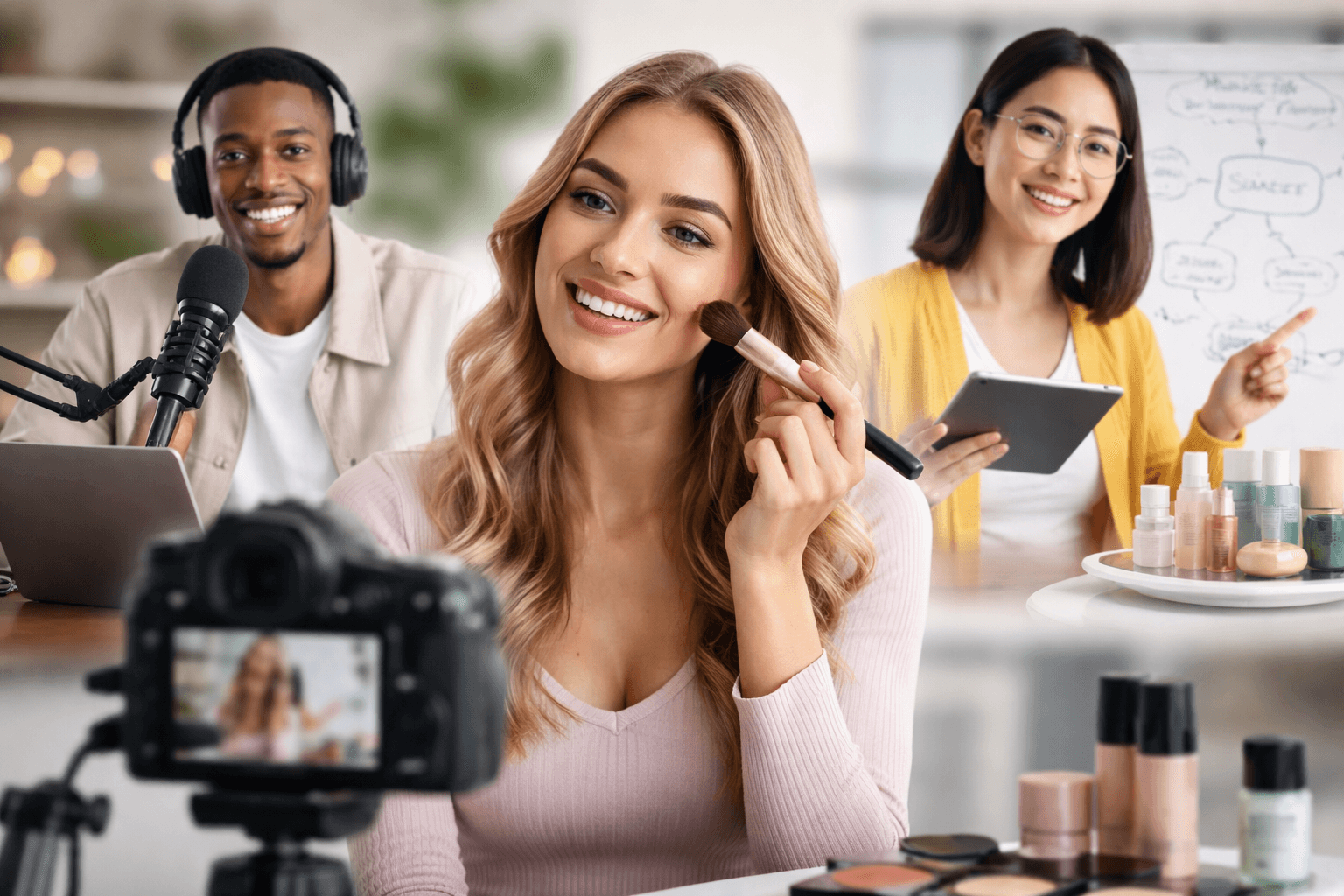
内容创建者 & More 的隐私安全背景模糊 .
BGBlur为跨行业创作者设计. 使用模糊的视频背景进行发型辅导,新闻视频,在线教学,采访,演示,录像,产品展示等. 这个背景模糊的视频功能帮助您的内容保持干净,专业,并关注观众.
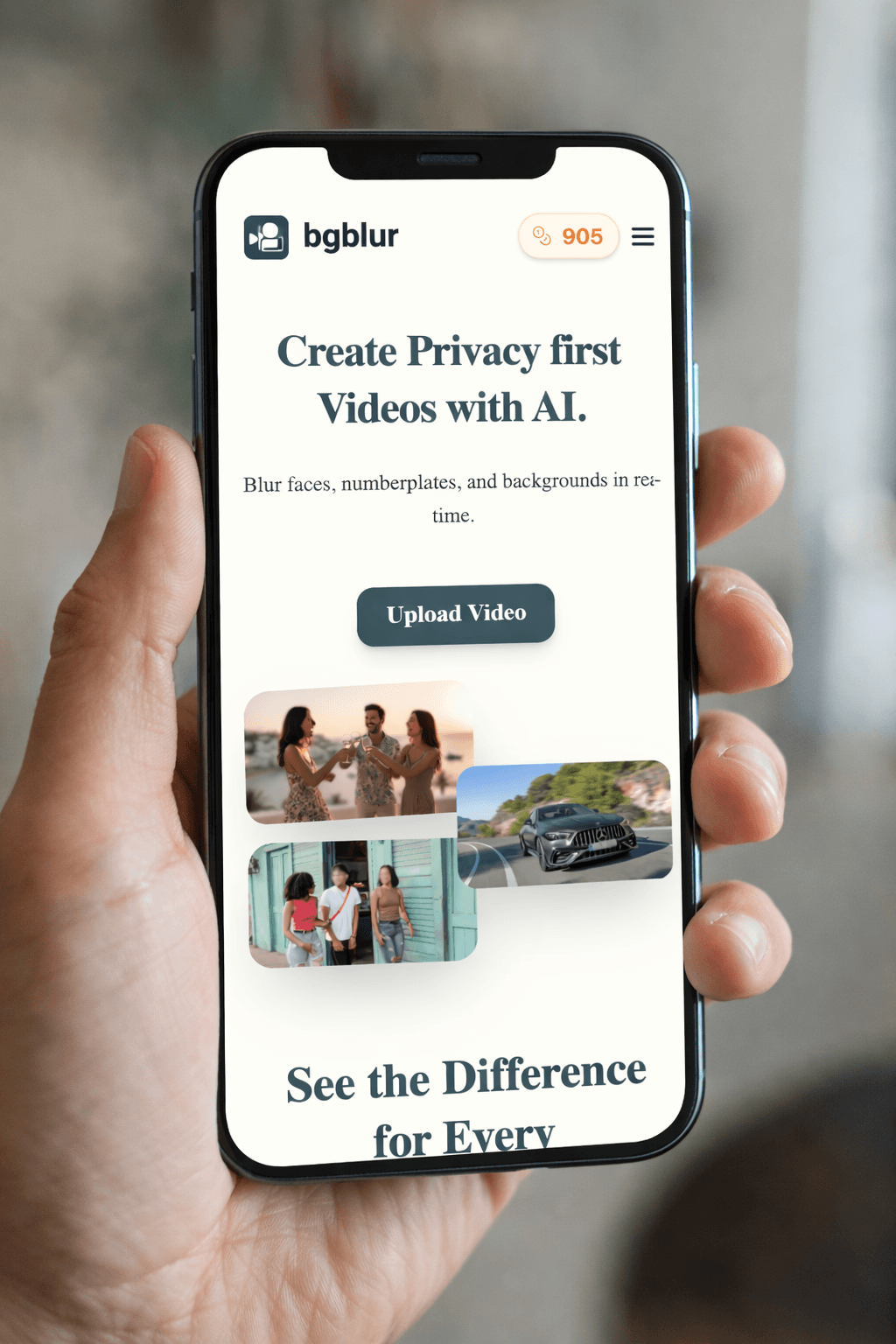
任何设备上的模糊背景在线工程
BGBlur在您的浏览器中直接工作在手机,平板电脑和桌面上. 无需下载任何应用或软件来模糊视频或模糊图像. 只要上传文件,应用AI背景模糊,并立即下载结果.
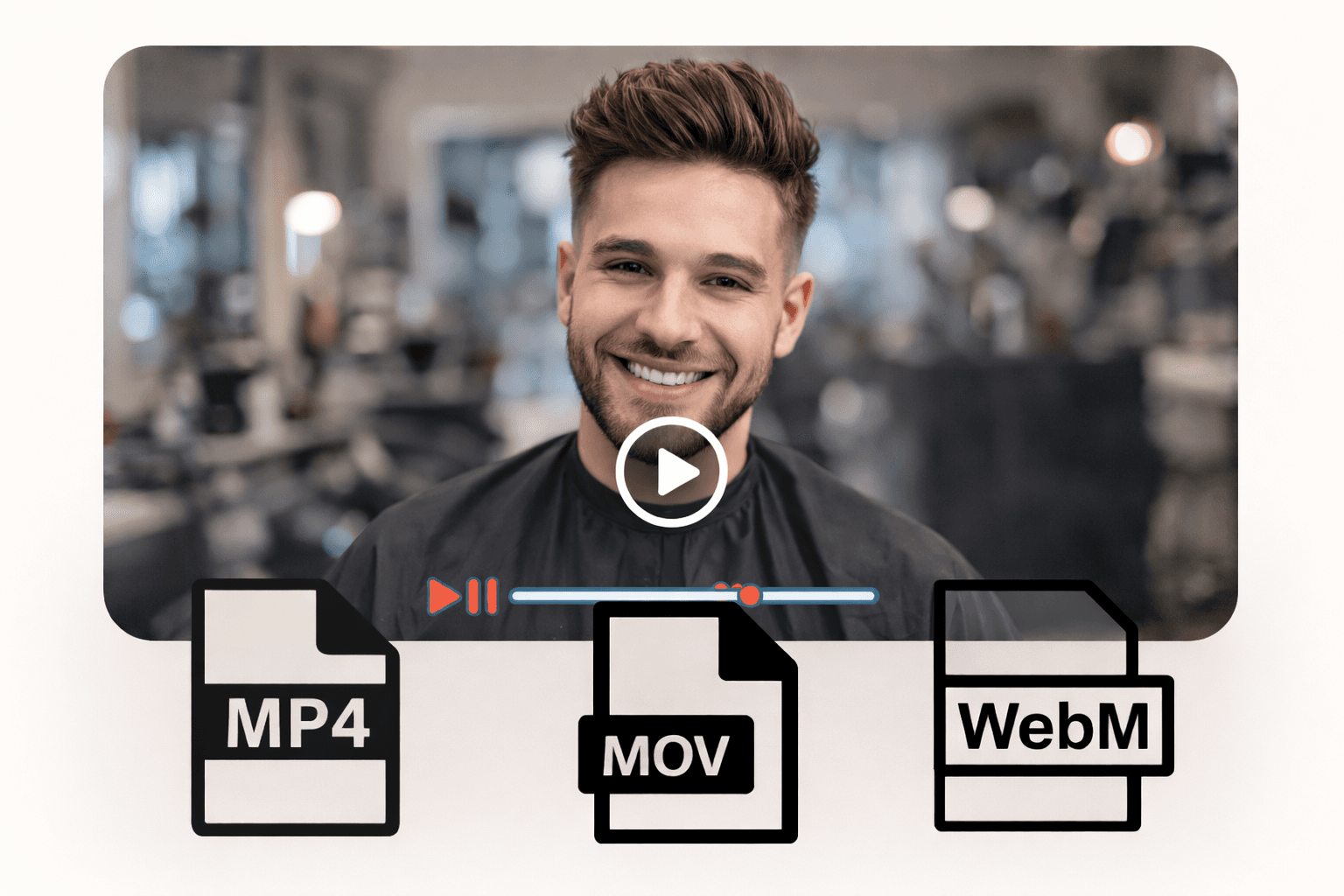
支持流行视频和图像格式
模糊的背景视频和图像并不担心兼容性. BGBlur支持平滑上传和导出常用格式. 支持格式: MP4, MOV 视频 PNG, JPG, JPEG, GIF, WebP 图像
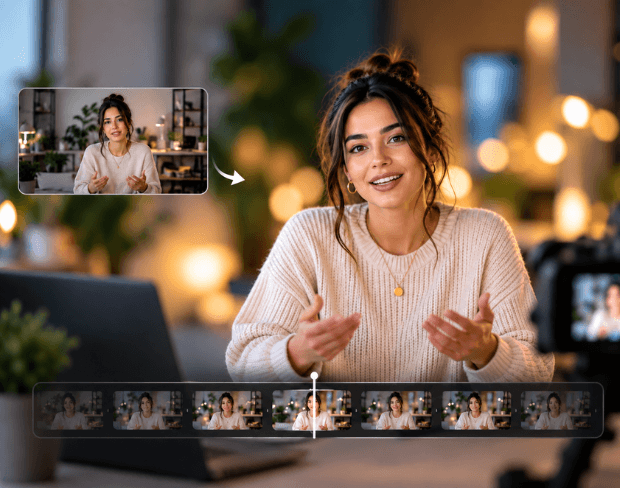
无需相机镜头的视频散景效果
完全通过 AI 获得电影级的视频散景效果——通常只有昂贵相机镜头才能实现的柔和虚化背景效果。这与用于人物讲话视频、产品展示和采访中的视频散景模糊相同,让主体保持清晰,而背景则被柔和地虚化。
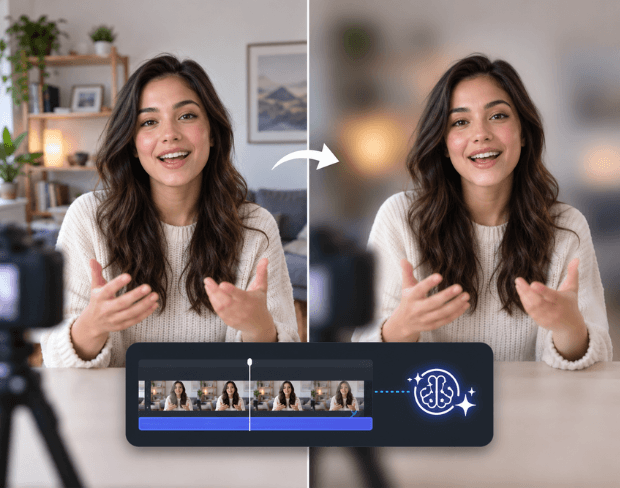
无需绿幕即可模糊背景
无需绿幕、演播室灯光或特殊布置。直接从您已有的任何视频中模糊背景,无需绿幕——AI 会检测主体并模糊其后方的一切,原理与虚拟会议背景模糊相同,但适用于您上传的任何视频。
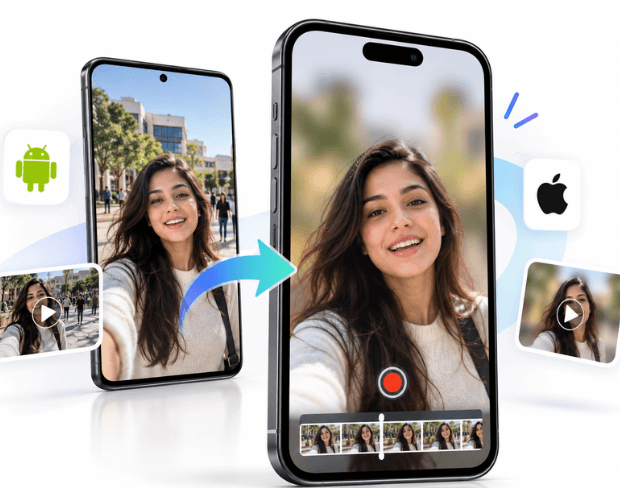
iPhone 和安卓上的背景模糊
无需安装任何应用即可在 iPhone 或安卓设备上模糊视频背景——BGBlur 完全在您的手机浏览器中运行。上传用手机拍摄的视频,应用背景模糊,然后直接下载到您的设备,无需电脑。
是什么让BGBlur不同?
BGBlur是为基于浏览器的AI视频编辑而构建的:上传一个剪辑,选择隐藏或软化的内容,并在没有学习时间表软件的情况下导出隐私准备的镜头.
AI 视频模糊
自动视频模糊的工作流程减少人工遮掩面部,板块,背景,屏幕,以及敏感对象.
基于浏览器
从桌面或移动方式在线编辑视频,而不安装专业视频编辑软件.
注重隐私
BGBlur的设计是为了更安全的出版,编辑,匿名化,以及符合规定的视频共享.
选择性控制
选择目标模糊,背景模糊,面部匿名,或者根据镜头选择对象模糊.
快速工作流程
简单的上传,预览,处理和导出步骤帮助创建者和团队快速完成编辑.
多种格式
使用BGBlur跨越常见的视频和图像工作流程进行社会,法律,培训和创作内容.
自动模糊视频背景
BGBlur致力于让视频隐私和增强向所有人开放. 我们的工具使用高级AI来帮助你模糊面孔,车牌,物品,屏幕,以及您的浏览器中迅速和安全的背景.
特征包括自动面部模糊,车牌模糊,背景模糊,物体模糊,以及AI辅助匿名. 上传您的视频,选择您需要的隐私效果,预览结果,并导出不下载或高级软件.
由BGBlur提供动力
常见问题
我们的AI会分析你的视频并自动添加模糊效果。
我们支持MP4、MOV和M4V格式。
有,视频需小于200MB且时长小于10分钟。
可以,BGBlur 的 AI 能够自动跟踪移动的物体、人脸和车辆。您不需要手动为每一帧应用遮罩,运动感应追踪器会在主体移动时自动保持模糊锁定。
BGBlur 是一款完全基于网页的工具。您只需上传任何视频或图像,选择“人脸模糊”工具,即可在浏览器中立即应用模糊或像素化,无需下载任何应用或插件。
当然可以。我们的 AI 专门针对驾驶画面、行车记录仪和街景视频中的车牌进行过检测和模糊训练,帮助创作者和车队遵守隐私法规。
保护您的隐私是我们的首要任务。BGBlur 利用先进的客户端技术安全地处理视频。您的文件在浏览器本地进行处理,绝不会上传或永久存储在外部服务器上。
可以!BGBlur 采用全响应式设计,并对移动浏览器进行了深度优化。您可以轻松地直接在 iPhone、iPad 或 Android 手机上模糊视频背景或像素化人脸。
限制取决于功能。标准视频模糊工具(例如面部模糊、车牌模糊、背景模糊、任何内容模糊、屏幕模糊、NSFW 模糊和面部匿名化)在免费计划中支持高达 500MB 和 5 分钟,在付费计划中支持高达 1GB 和 10 分钟。 Object Remover 支持高达 1GB 的 MP4 和 MOV 视频,每个剪辑 10 秒。 Voice Anon 直接上传支持高达 100MB,而上传/URL 工作流程支持高达 500MB 且时间不超过 10 分钟的音频或视频文件。
User Reviews
Share your experience and help others make informed decisions
Write a Review
Community Score
0.0
/ 5
Based on 0 reviews
All Reviews (0)
No reviews yet
Be the first to share your experience and help others make informed decisions!