Live streamers face constant doxxing risks: a Windows notification showing your real name, a Discord ping with your address, or an accidental browser tab revealing private information can all appear on stream in seconds.
Clean up stream VODs and gaming footage in three steps
Built for Twitch, YouTube Gaming, and esports creators who need privacy cleanup before clips go public.
Download your stream VOD
Export gameplay footage or Twitch VOD before highlight compilation or upload.
Identify sensitive timestamps
Find moments where notifications, chat, or personal info appeared on screen.
Apply selective blur and export
Blur those regions and export for upload or archival—no timeline software required.
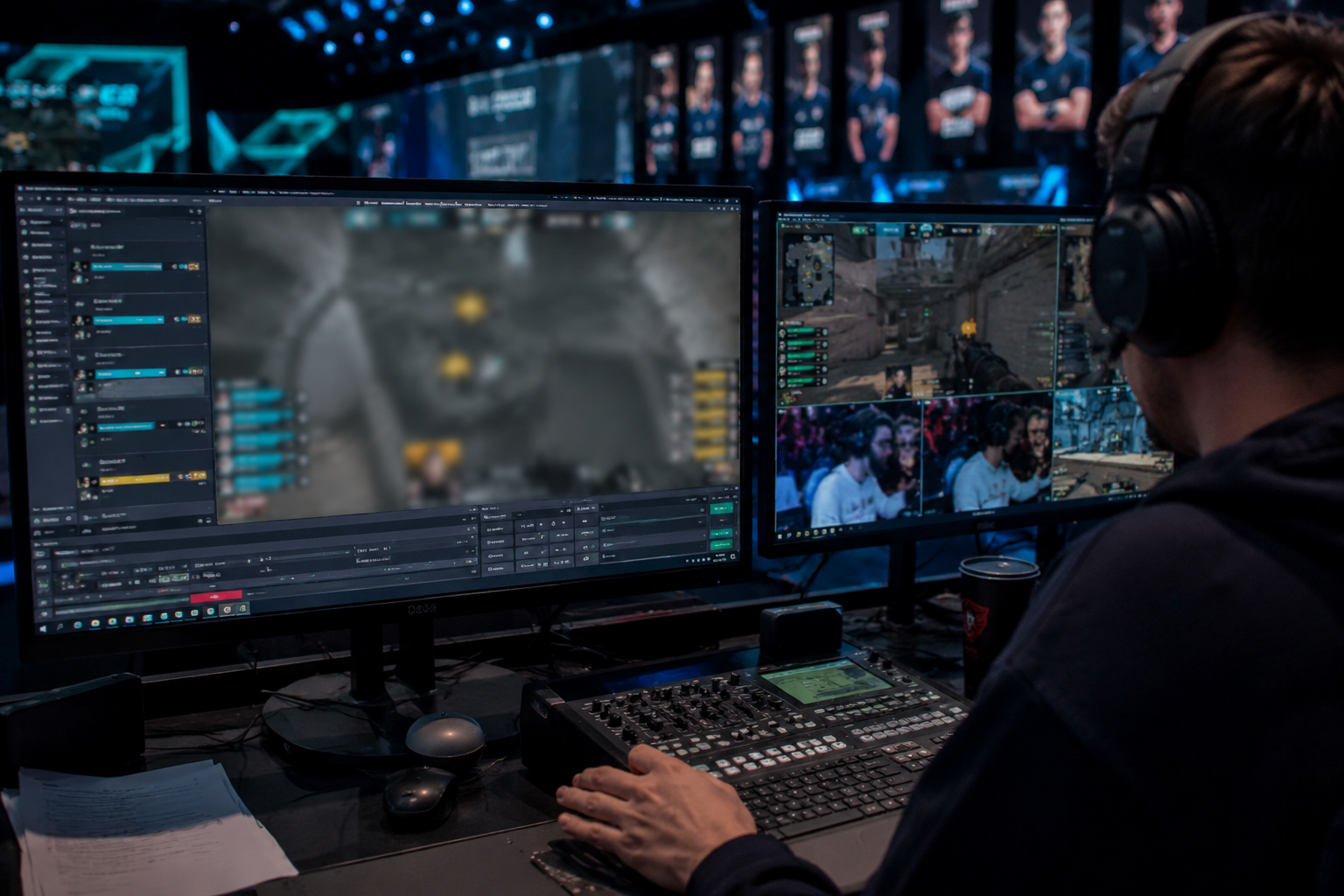
What this example demonstrates
Post-stream blur for VODs and highlight reels gives you a safety net: catch leaked information before clips go viral or get reuploaded by viewers.
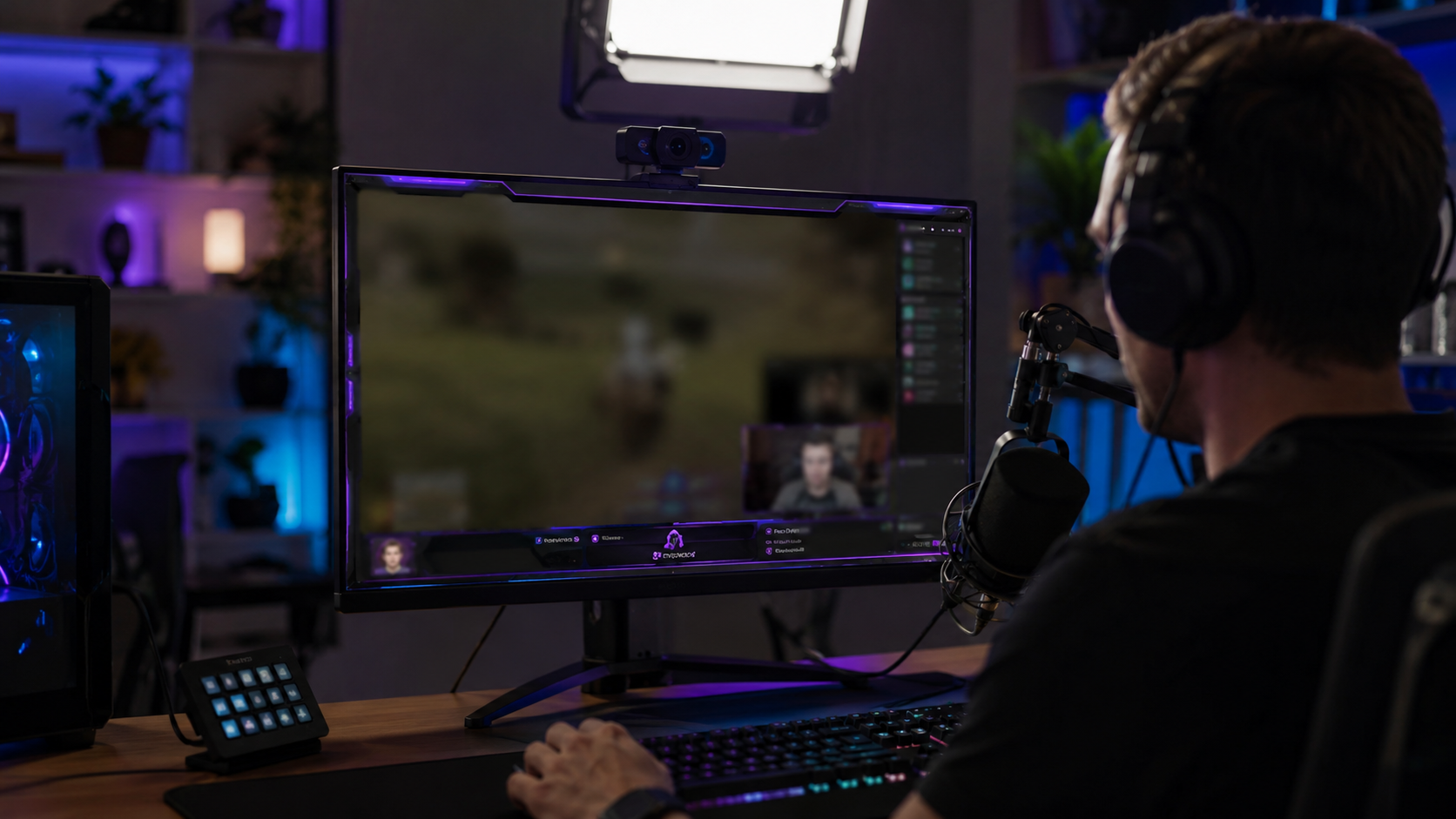
Why teams use this pattern
Combine regional blur with OBS scene overlays—blur protects past streams while overlays prevent future leaks during live broadcasts.
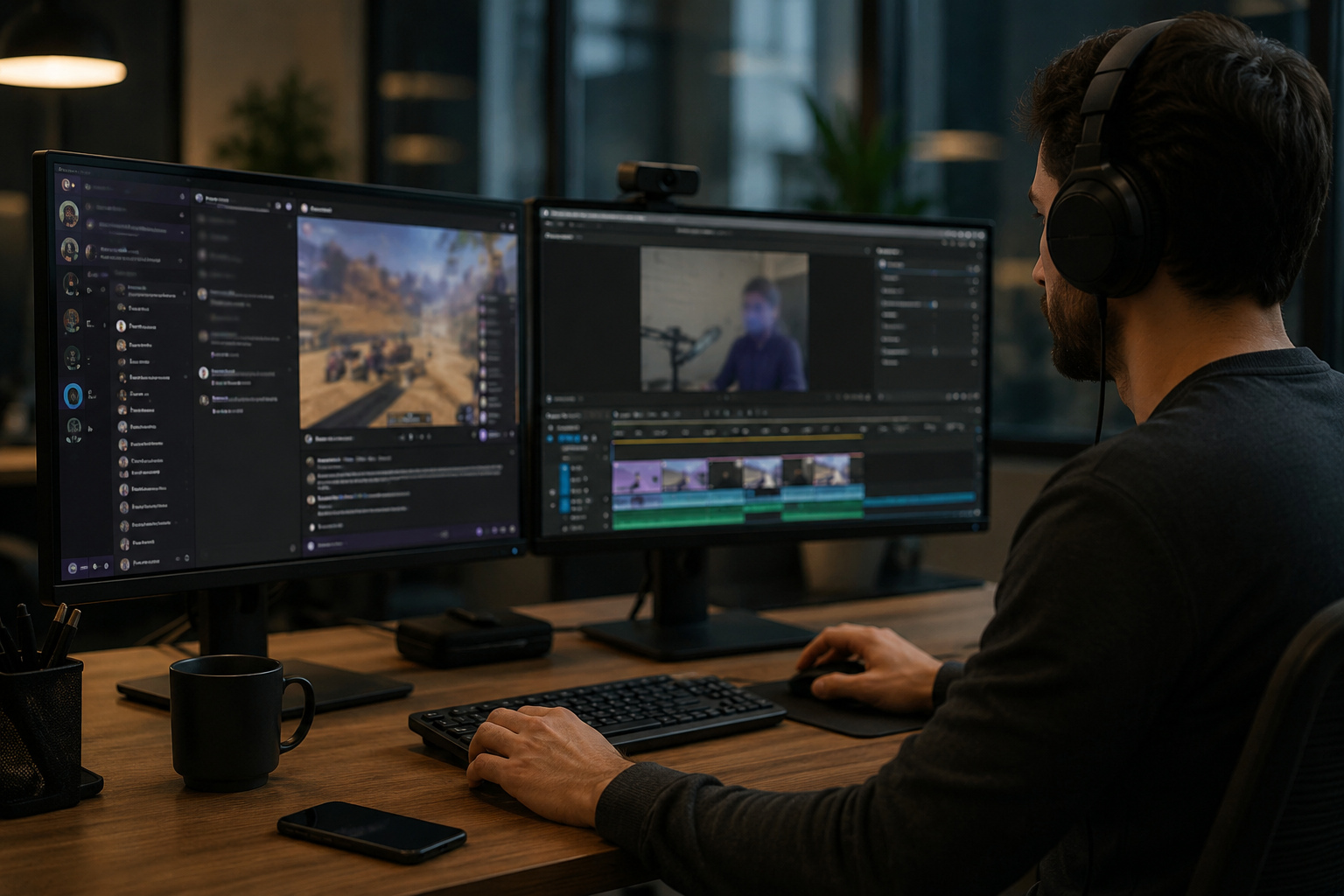
Common use cases
Teams reach for this workflow when twitch vod cleanup before highlight compilation; youtube gaming uploads with accidental notifications; discord screen shares showing private channels; stream recap videos with chat or ui containing pii. BGBlur automates detection so these scenarios stay publishable without days in a timeline.
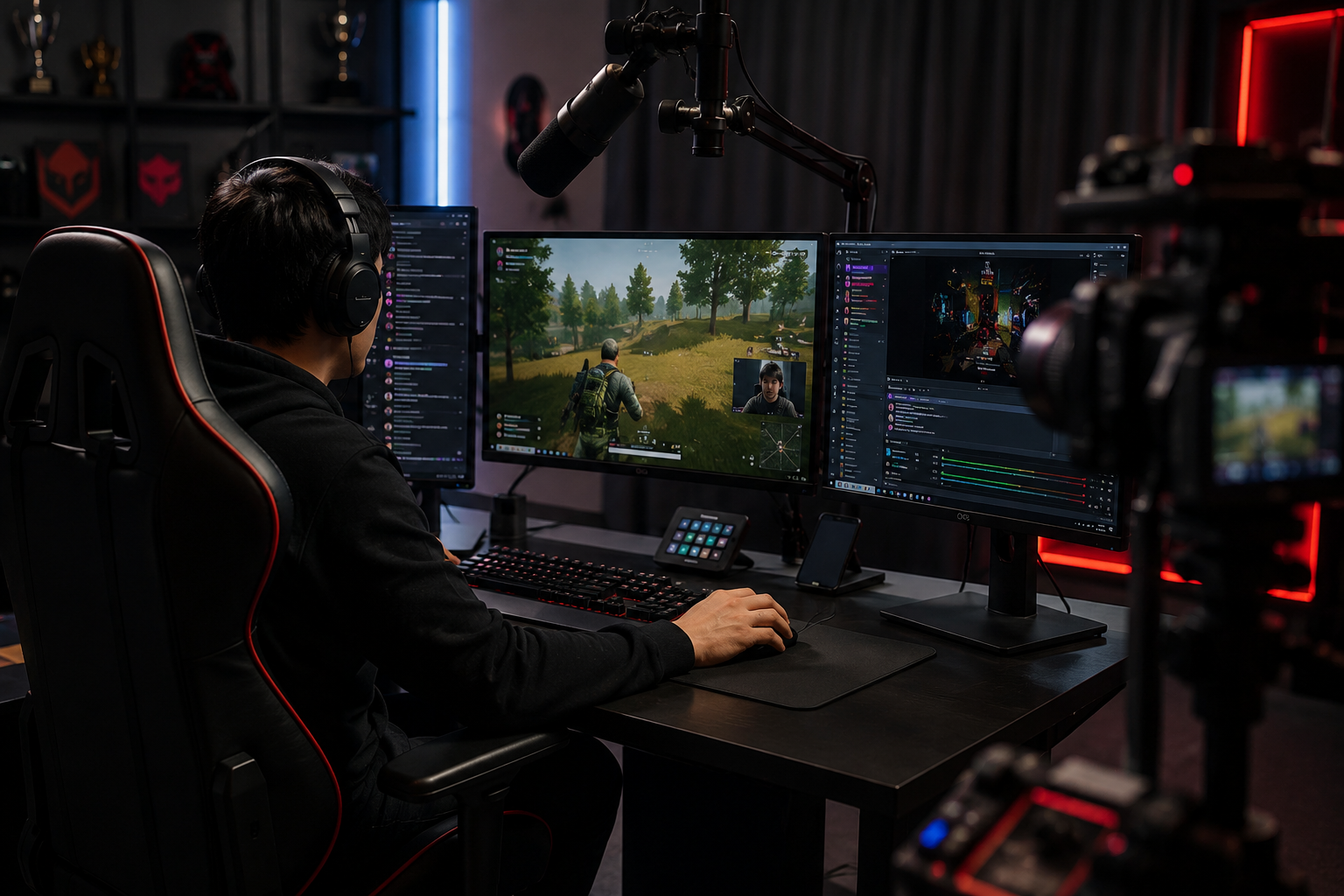
Built for Twitch and YouTube Gaming streamers and Esports content creators
Ideal audiences include Twitch and YouTube Gaming streamers, Esports content creators, Gaming clip channels and highlight editors, VTubers with face cam overlays. Pair this example with your policy review when footage is sensitive or public-facing.
使用场景
- Twitch VOD 清除前的突出汇编
- YouTube 上带着意外通知的游戏上载
- 显示私人频道的 Discord 屏幕共享
- 带聊天内容或包含 PII 的 UI 片段
适用人群
- Twitch 和 YouTube 的游戏直播
- 体育内容创作者
- 游戏剪辑频道与高光编辑
- VTubers 配上面部摄像头(face cam)
常见问题解答与说明
- 我能像聊天卷轴那样,把移动的用户界面元素也一起模糊吗?
- 可以。运动追踪会一直把遮挡范围跟着移动——例如锁定在移动的像聊天窗口这样的重叠区域、消掉提示画面(杀死种子),以及在整个剪辑过程中把弹出的通知都处理掉。
- 如果有人在 Twitch 聊天里把我的地址贴出来呢?
- 把聊天内容做模糊处理:可以是完全遮盖,也可以只针对特定讯息;同时保持友善、积极、不过分的互动。
- 那我是不是也该把摄像头画面弄模糊?
- 如果你的真实身份需要保密,脸部模糊或 VTuber 形象很常见。很多“流体”(flow)风格的配对网路摄像头和语音调制内容也会做模糊处理,让你保持相当匿名。