Podcast、采访和Vlog的镜头,通常都会有一个清晰的主讲者,再加上一些在画面框里同时出现的附带面孔。这个示例说明:在移动之后系统会自动进行人脸侦测,所以你不用每次导出都自己处理那种“密钥纹理椭圆面罩”。
三步:把会说话镜头里的模糊人脸处理好
为播客影片、远程采访和创作者合作而打造。
01
上载 MP4、MOV 或 M4V
把你的内容上载/放到BGBlur里——没有时间线功能;或者只限隐私的 Creative Cloud 座位。
02
启用面部模糊或匿名
在每个面框上运行探测器;模糊区域会随每个面框一起更新,因此受访者点头或转头时也能保持被遮盖。
03
适用于 YouTube、TikTok 或审查导出
下载一份“政策安全”的 MP4;然后可选堆叠背景或板块模糊,尤其当同一段影片里有混合的隐私风险时。

说话头没有手的画面遮罩
传统的 NLE 通常得处理多层叠加,并为每张脸逐一套上遮罩。BGBlur 会把脸部处理在本地完成——所以每天做上载的人,就能在彩色或声音都还没准备好前先把隐私顾好。
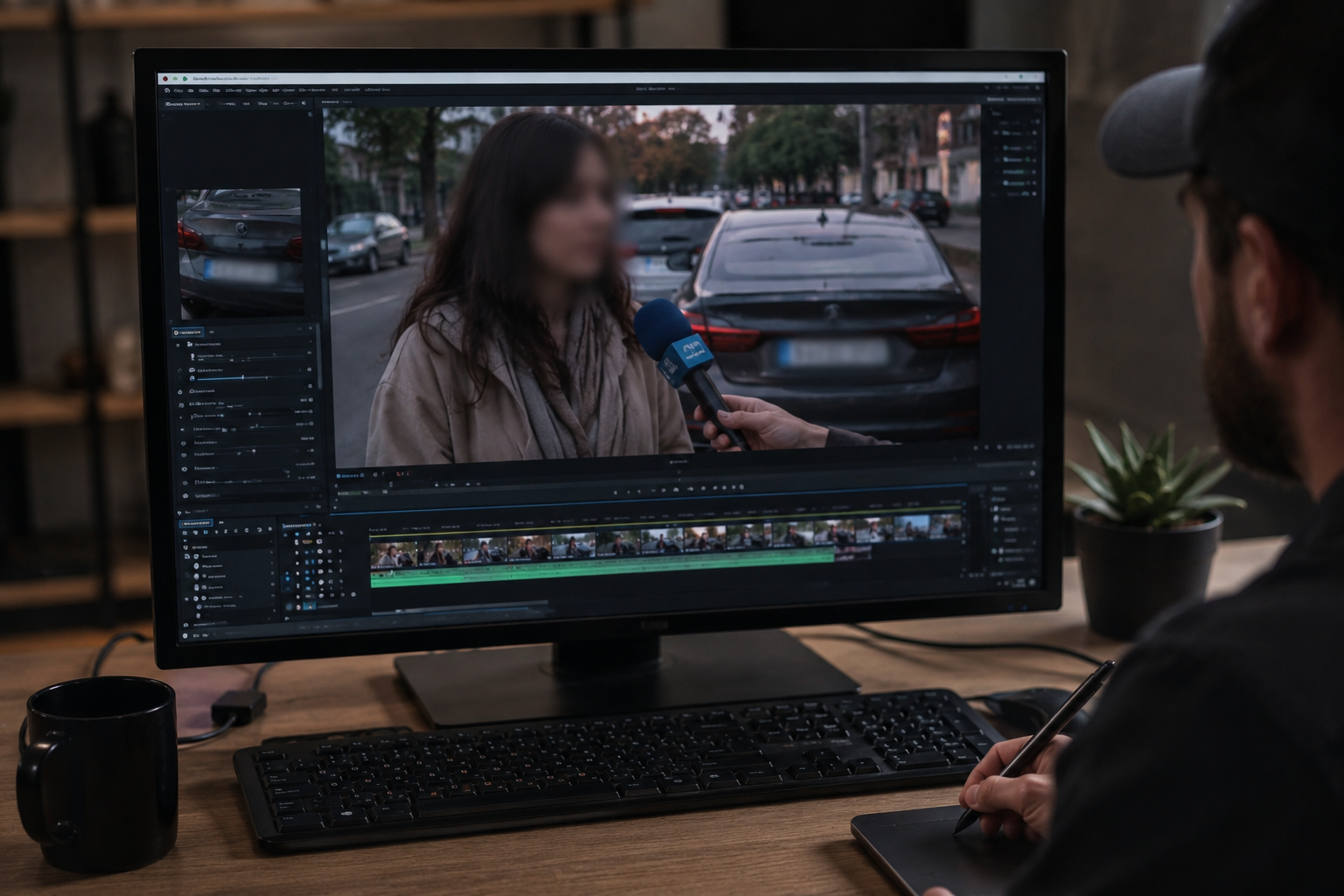
因为车道牌或背景而进行堆叠式模糊
街头采访和校园拍摄的片段,常常会在同一镜头里同时带到路人和车牌。脸部处理完成后,你就能在同一个浏览器会话里模糊车牌或背景——不必再用不同工具各导出三次。

纵向短片和横向播客
同一套探测器流程同时适用于 9:16 的 Reels 和 16:9 的播客影片。创作者保留一个工作流程:把从更长的采访母片剪出来的 TikTok 片段直接处理——不需要单独再开一个移动应用来做模糊,这样脸部也能保持“稳稳跟着走”,不会飘。

选择“匿名对软模糊”
“重匿名”适合偏吹哨人式的采访;“软”高斯模糊则更适合需要兼顾情绪与氛围的培训及社会内容。在发布到内部通讯或公开频道之前,请在编辑器里先同时预览。
使用场景
- 街头访谈和“街上的人”片段
- 带有学生的教室或校园B卷
- 创作者合作——不代表每个人都签了授权书
适用人群
- YouTubers 和播客影片团队
- 新闻与文献编辑
- 教育工作者与通讯小组
常见问题解答与说明
- 如果有动作,也会让模糊区域跟着脸走吗?
- 这个工作流程是为运动而设计的:先跟踪面孔,所以模糊区域会在每一帧更新,而不是保持不变。
- 我可以把面部模糊和车牌或背景模糊一起用吗?
- 可以。因为很多制作都会用“堆栈”模式:把行人、车牌,以及敏感的环境细节一起处理,像是用同一张通行证搞定。
- 这适合短式的垂直影片吗?
- 是的。TikTok、Reels 和 Shorts 上常见的横向与纵向时间线,都会用同一套探测管道工程。