影片与图片中的面部模糊
配合 AI 让影片与图片里的面孔一键模糊,保护隐私,并在几秒内生成干净、专业的内容。
如何模糊影片背景
Get started with our simple 3-step process
1. 上载档案,或直接粘贴链接
上载影片或粘贴链接就能马上开始。
2. 模糊背景
选取影片,并开启背景模糊效果。
3. 导出与分享
导出影片后分享,或直接下载。
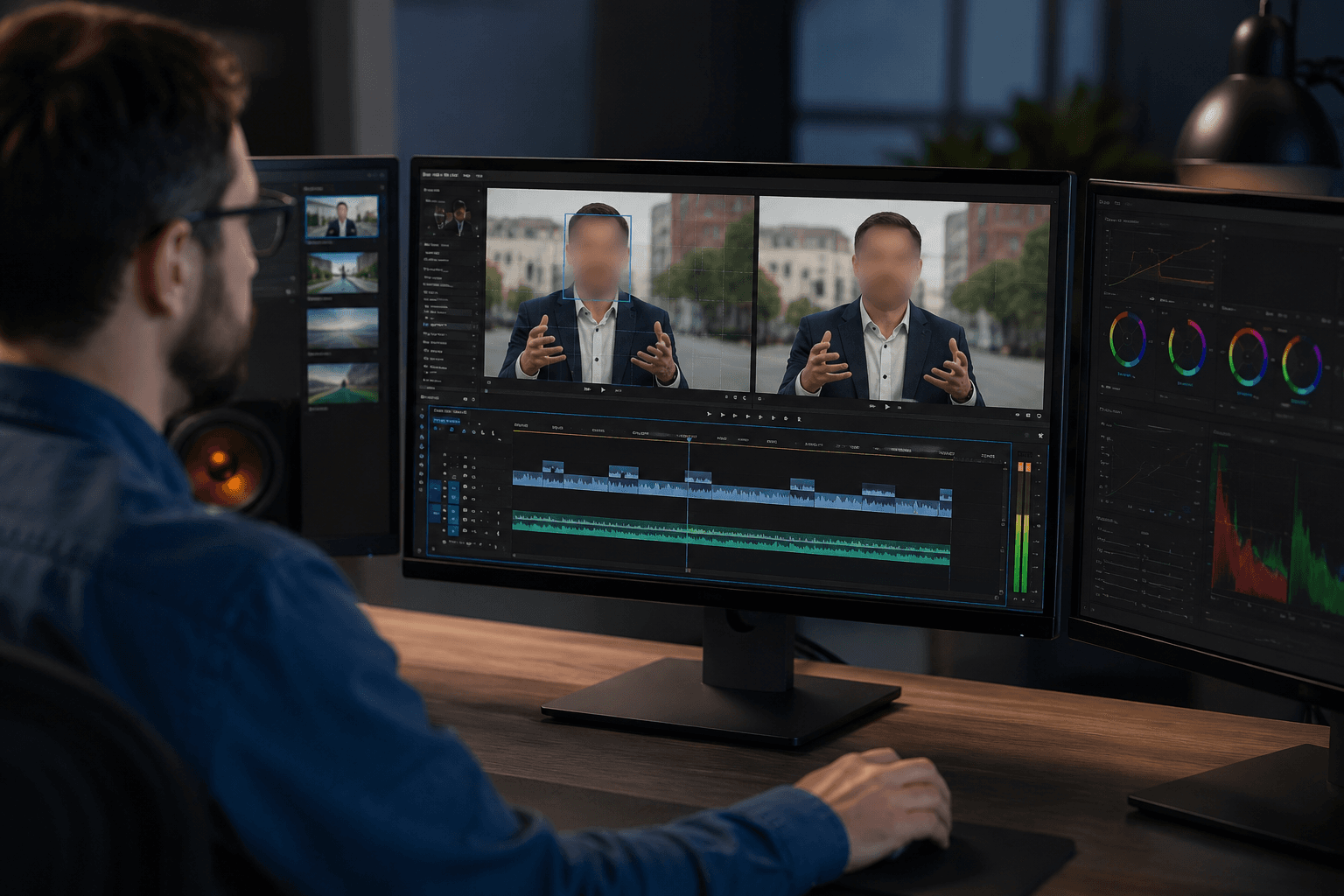
影片里的模糊面部
影片里容易模糊的面孔,使用进阶 AI 面孔检测:在整段影片中自动识别并追踪面孔。即使人物移动、镜头角度变化或光线条件不一样,模糊效果仍会锁在脸上。非常适合用在采访、公开录影、Vlogs 以及社交媒体影片。
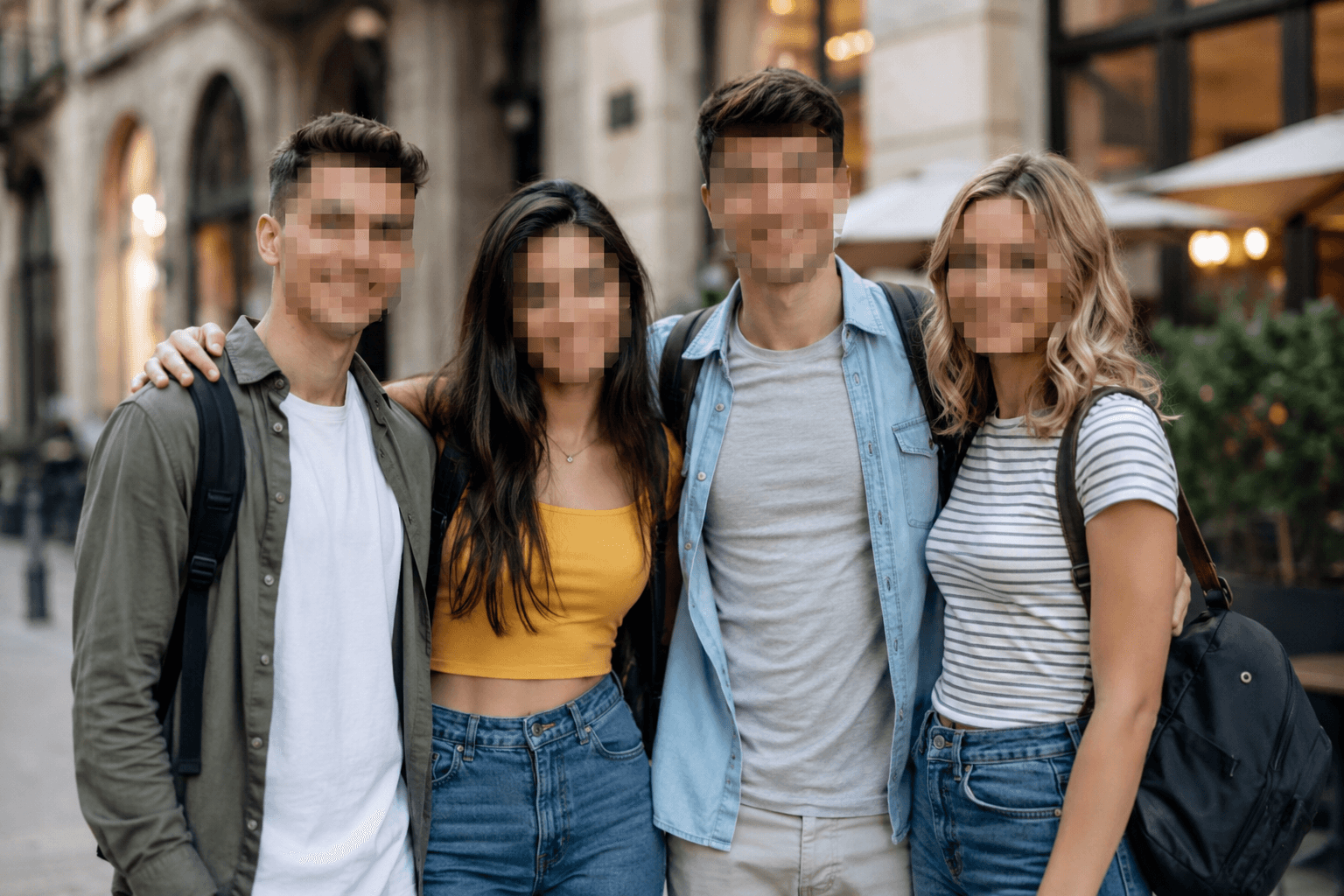
图片在线模糊面孔
拍照与图片里快速模糊面孔:只要上载档案就行。这个工具会用干净、自然的面部模糊或像素模糊来隐藏身分,同时保持整张图片的清晰度。它提供了快速可靠的在线模糊图片方式——无需任何照片编辑软体。
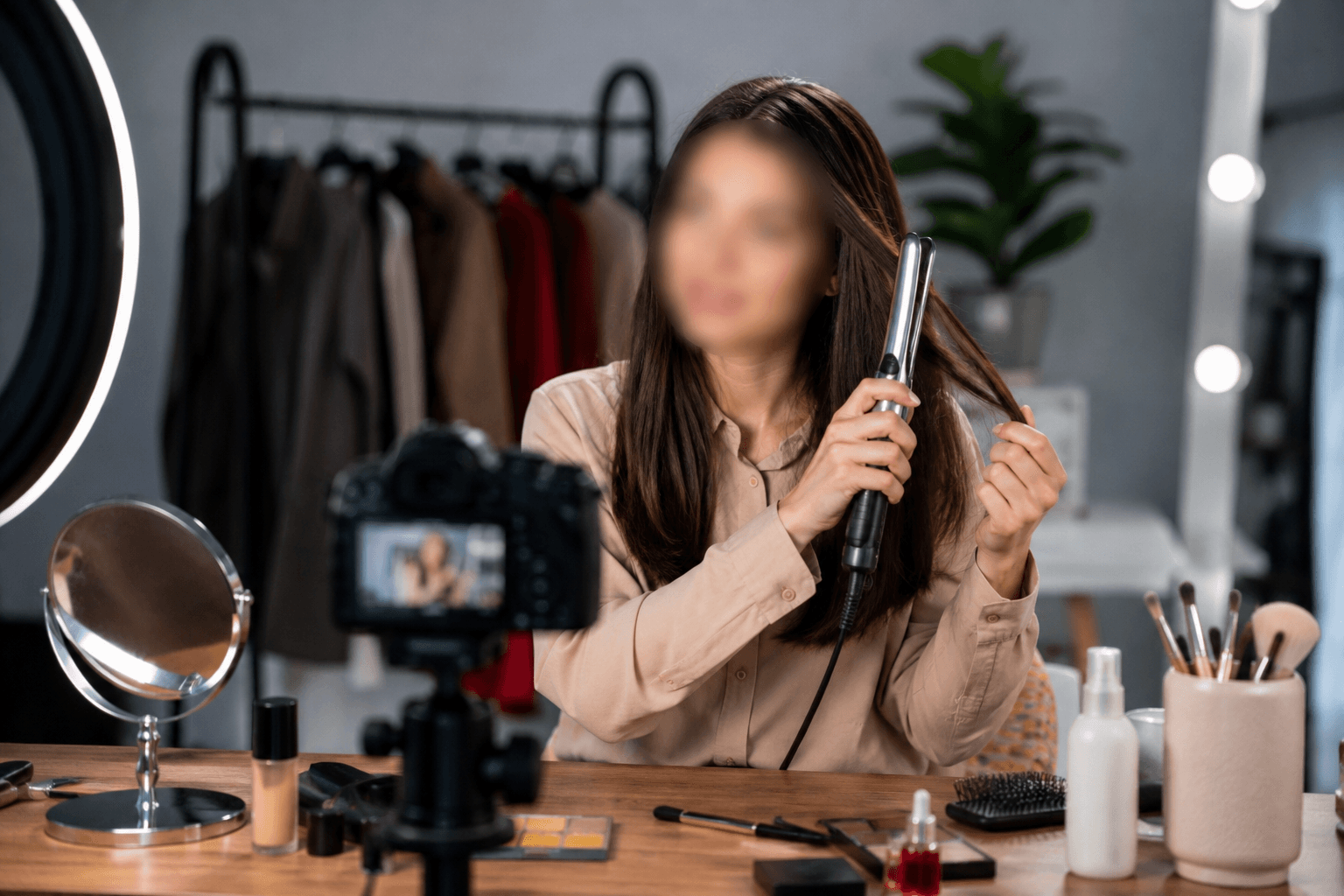
以隐私为先的内容创作工具
这个工具以隐私为核心,协助创作者安全发布内容,而不必暴露身分。你可以在影片和图片里使用模糊面孔来做新闻与媒体报道、在线教学与辅导、发型与美妆展示、排华相关内容、采访、胶卷拍摄,以及各类公众或人群内容。自然的面部模糊效果能帮助你符合隐私要求,同时保持跨平台一致的专业画面观感。
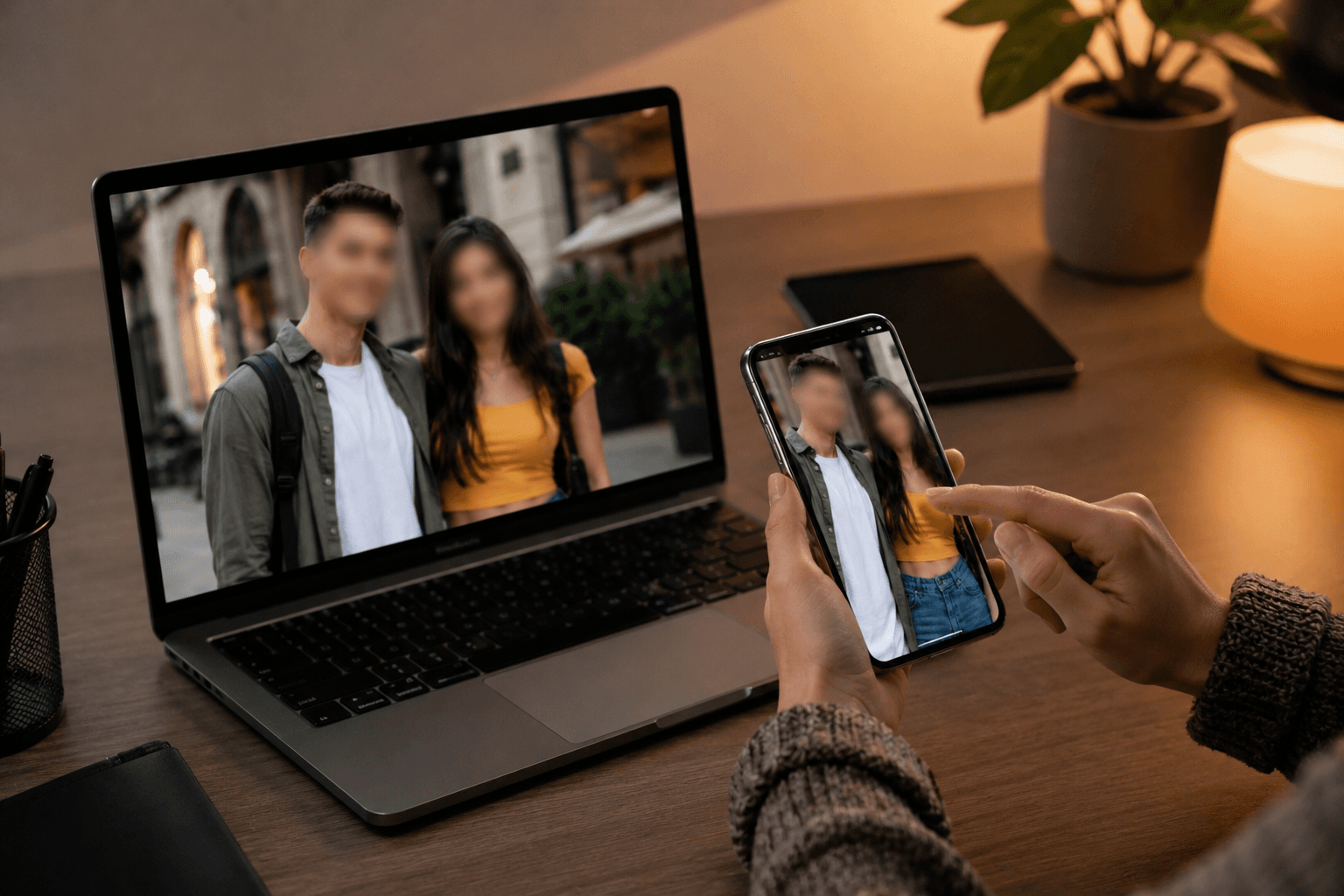
手机与桌面工程 & {} 不需要应用程序
这款基于网页的面部模糊编辑器已针对手机、平板、笔记本和桌面电脑做了优化。你可以直接在浏览器里把影片或图片中的面孔模糊掉 。无需下载应用、无需更新,也不需要额外存储空间。
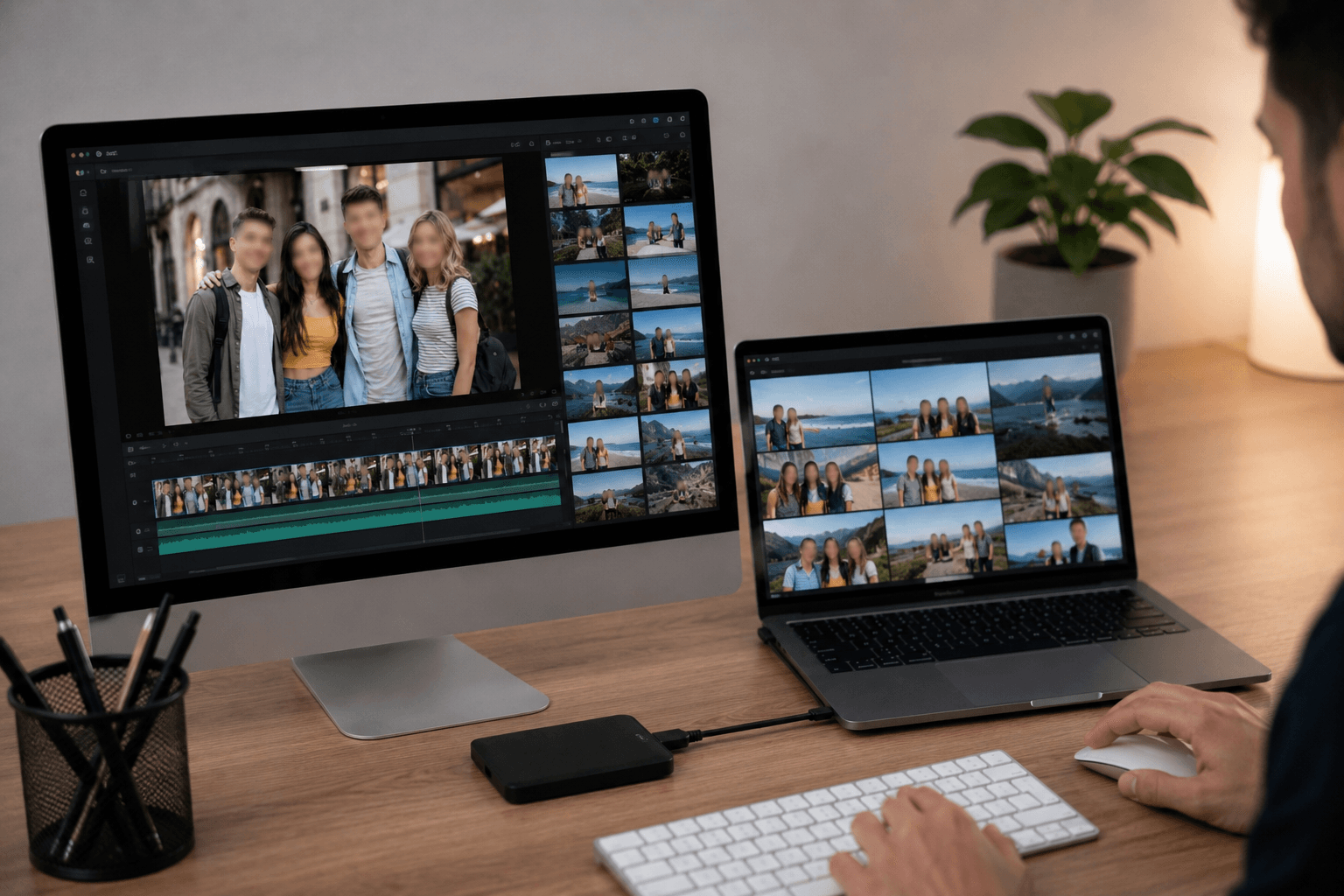
支援常见影片与图片格式
BGBlur 支援多种常用格式,让你上载和导出流程更顺畅。你可以编辑 MP4 和 MOV 影片,以及 PNG、JPG、JPEG、GIF 和 WebP 格式的图片。这样你就能在不同内容类型与平台上应用面部模糊效果,而不必担心兼容性问题。
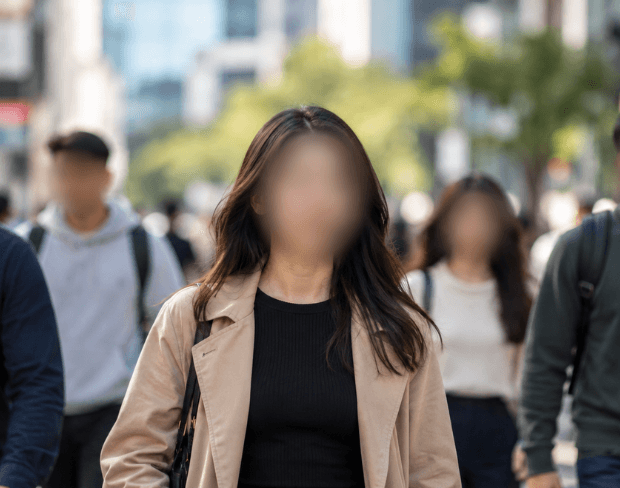
任何影片的自动人脸模糊
自动人脸模糊影片处理意味着你再也不用逐帧手动追踪人脸。你只要上载一次,AI 就会持续套用模糊效果——即使人物移动、进出画面,或镜头跟随旋转。同样的方法也适用于采访、人群画面,以及执法随身摄像头、行车记录仪和监控影片里的脸部模糊;你不需要手动处理任何一帧。
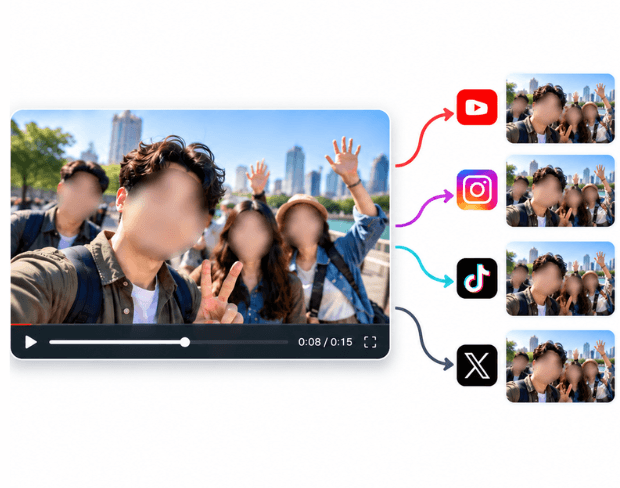
在任何平台上审查或隐藏影片中的人脸
无论你是需要先替新闻素材做人脸审查、在发布到抖音、Instagram 或 YouTube 之前先隐藏人脸,还是为了法律或合规用途导出模糊人脸,同一套自动检测都能搞定。它覆盖了你在影片里想模糊人脸的所有场景——只要上载一次,找到的每一张脸都会被模糊处理;之后你随时都能下载或分享。
BGBlur 有什么不一样?
BGBlur 是为基于浏览器的 AI 影片编辑而打造:上载一段剪辑,选择要隐藏或软化的内容,再直接导出已做好隐私处理的镜头——无需学习复杂时间表软体。
AI 影片模糊
自动化的影片模糊流程,减少你手动遮挡面部、牌匾、背景、屏幕,以及敏感对象的麻烦。
基于浏览器
在不安装专业影片编辑软体的情况下,用桌面或移动设备在线编辑影片。
重视隐私
BGBlur 的设计旨在让影片发布、编辑、匿名化更安全,也让内容分享更符合规定。
选择性控制
选择要模糊的目标:背景模糊、面部匿名,或根据镜头内容选择要模糊的对象。
快速工作流程
把简单的上载、预览、处理和导出步骤整合起来,让创作者和团队能更快完成编辑。
多种格式
用 BGBlur 覆盖常见的影片与图片工作流程,用于社群、法律、培训和创作内容。
自动模糊影片背景
BGBlur 致力于把影片隐私和增强功能带给每个人。我们的工具用更先进的 AI,帮你快速、安全地模糊面孔、车牌、物品、屏幕,以及浏览器里出现的背景。
特色包括自动面部模糊、车牌模糊、背景模糊、物体模糊,以及 AI 辅助匿名。上载你的影片,选择你需要的隐私效果,预览结果,然后导出——无需下载或使用高级软体。
由 BGBlur 提供动力
常见问题解答与说明
我们的AI会分析你的影片,并自动添加模糊效果。
我们支援MP4、MOV和M4V格式。
有的,影片需小于200MB且时长不超过10分钟。
可以。BGBlur 的 AI 能自动追踪移动中的物体、面部和车辆。你不需要逐帧手动加遮罩;运动感应追踪器会在主体移动时,自动维持遮盖锁定。
BGBlur 是一款完全基于网页的工具。你只要上载任何影片或图片,选择“人脸模糊”工具,就能在浏览器里马上应用遮盖或像素化,不用下载任何应用或插件。
当然可以。我们的 AI 针对驾驶画面、行车记录仪和街景影片里的车牌进行过检测与遮盖训练,协助创作者与车队遵守隐私法规。
保护你的隐私是我们的首要任务。BGBlur 运用先进的客户端技术来安全处理影片。你的档案会在浏览器本地处理,从不上载或长期存放到外部伺服器。
可以!BGBlur 采用全响应式设计,并对移动浏览器做了深度优化。你可以直接在 iPhone、iPad 或 Android 手机上轻松把影片背景遮盖,或把面部像素化。
限制会因功能而不同。标准影片模糊工具(例如面部模糊、车牌模糊、背景模糊、任何内容模糊、屏幕模糊、NSFW 模糊以及面部匿名化)在免费计划中支援高达 500MB 和 5 分钟;在付费计划中支援高达 1GB 和 10 分钟。Object Remover 支援高达 1GB 的 MP4 和 MOV 影片,每段剪辑 10 秒。Voice Anon 通过直接上载支援高达 100MB;透过上载/URL 工作流程,则支援高达 500MB,且音频或影片时长不超过 10 分钟。
User Reviews
Share your experience and help others make informed decisions
Write a Review
Community Score
0.0
/ 5
Based on 0 reviews
All Reviews (0)
No reviews yet
Be the first to share your experience and help others make informed decisions!
Trusted by thousands of creators
Perfect for privacy
BGBlur makes it incredibly easy to blur faces in my videos. The AI detection is spot-on and saves me hours of manual work. Perfect for content creators who need to protect identities.
Sarah M.
Best face blur tool
I've tried many face blur tools and this is by far the best. The automatic detection works great even with multiple faces and the blur quality is professional.
David K.
Game changer for my workflow
As a journalist, protecting sources is crucial. This tool has become essential for my video editing workflow. Fast, reliable, and easy to use.
Emma T.