Short-form vertical video dominates 2026 social media, but rapid shooting in public spaces means you'll capture bystanders, license plates, branded signage, and personal details you can't legally or ethically share.
Blur vertical short-form video for safe publishing in three steps
Built for TikTok, Reels, and Shorts creators who need fast privacy turnaround before trending content goes live.
Upload vertical footage
Drop 9:16 MP4 or MOV files into BGBlur—no desktop software or Creative Cloud seat required.
Apply face, background, or selective blur
Choose blur modes for bystander faces, background clutter, or specific regions as needed.
Preview and export
Check portrait orientation across the timeline, then export for direct upload to Reels, Shorts, or TikTok.
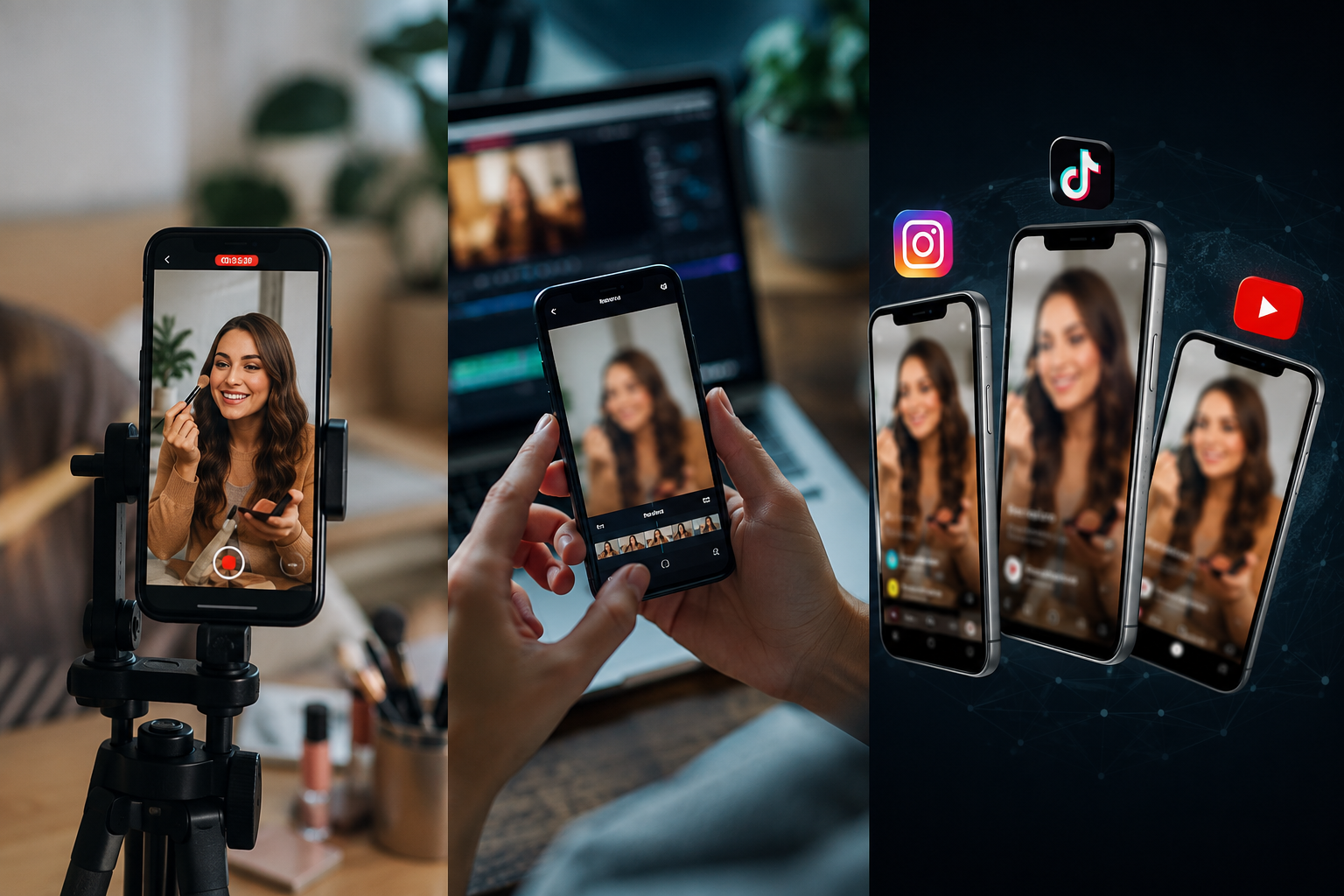
What this example demonstrates
Vertical formats (9:16) put faces and identifiable details front and center with nowhere to hide. Fast-turnaround blur workflows let you publish trending content within hours while staying platform-compliant.

Why teams use this pattern
Use blur both defensively (privacy compliance) and creatively (focus effects, face reveals, teaser content) to stand out in crowded feeds.
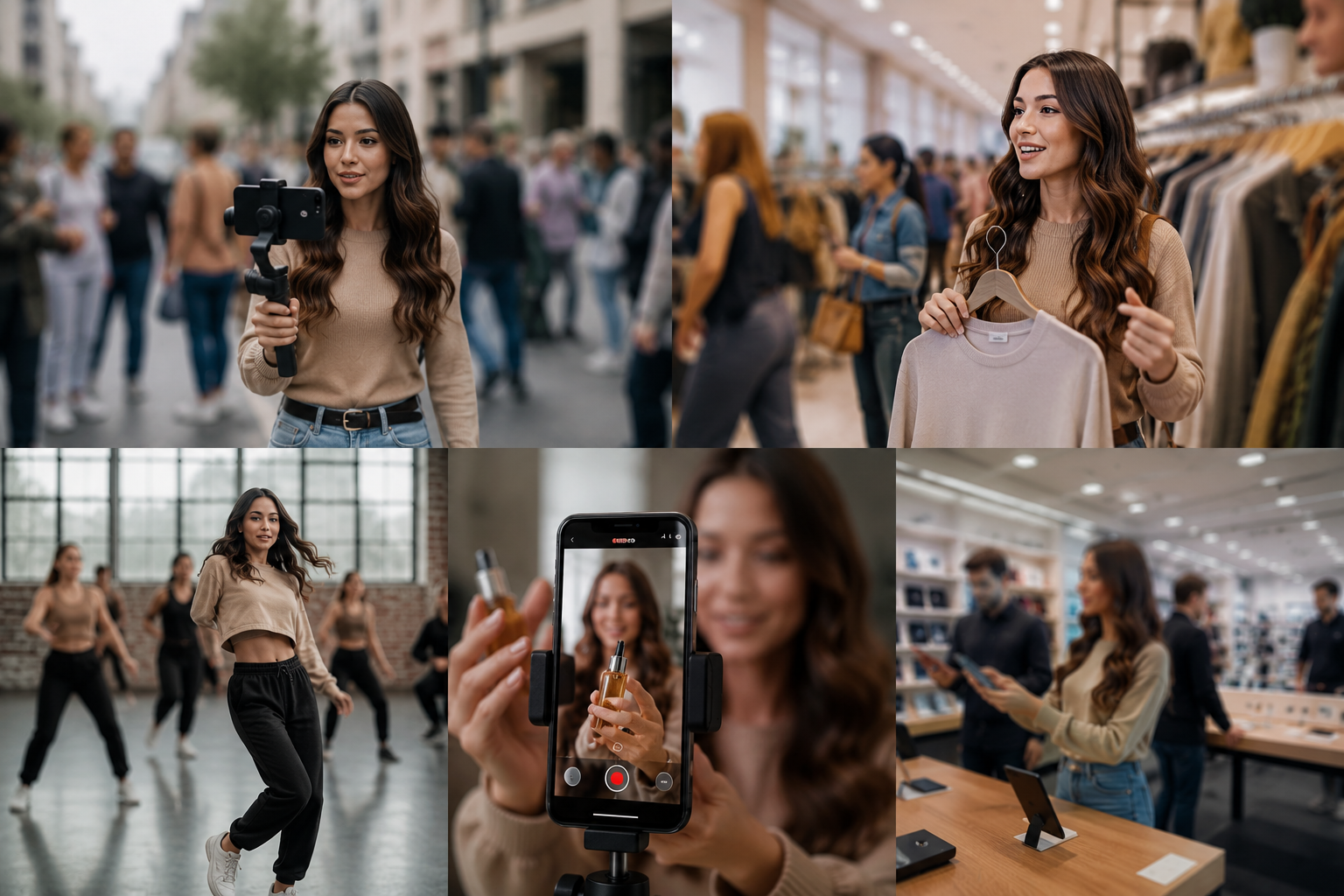
Common use cases
Teams reach for this workflow when street content with incidental bystander faces; store or venue tours with visible customer faces; dance challenges and public performances; product demos with background clutter or branding. BGBlur automates detection so these scenarios stay publishable without days in a timeline.

Built for TikTok and Reels creators and Influencers and content creators
Ideal audiences include TikTok and Reels creators, Influencers and content creators, Social media managers, Mobile-first video producers. Pair this example with your policy review when footage is sensitive or public-facing.
使用场景
- 街道画面与顺带入镜的旁观者面孔
- 带有清楚顾客面孔的店面或场地参观
- 舞蹈挑战与公共表演
- 背景杂乱或带有品牌的产品展示
适用人群
- TikTok 和 Reels 的创作者
- 影响者与内容创作者
- 社交媒体管理人员
- 移动优先的影片制作人
常见问题解答与说明
- 竖屏影片的模糊效果会和横屏不一样吗??
- 同一套模糊算法适用于任何画面比例;竖屏格式只是把可辨识的主体集中在更窄的画框里,因此更需要仔细检查。
- 我能把“模糊”当作一种创意效果来用,而不是为了隐私吗?
- 可以。很多创作者会用选择性模糊来做视觉重点——让脸部以半遮掩的方式出现,或者制造更戏剧性的转场;不过,并不是所有模糊都只是为了合规而做。
- 这会影响我那套算法吗?
- 模糊本身不会影响“伸展范围”;不过,移除策略上会隔离的内容(例如可辨识的未成年人、非同意的面孔),可以避免破坏分发所带来的后续问题。