Manual frame-by-frame masking is the traditional nightmare of video privacy: every camera movement, subject turn, or lighting change requires new keyframes and hours of roto work.
Track and blur moving subjects in video in three steps
Built for video editors, action sports creators, and documentary teams working with dynamic, fast-moving footage.
Upload video with moving subjects
Drop footage containing faces, vehicles, or objects that need blur coverage through motion.
Enable AI tracking
Select faces, vehicles, or custom objects—AI tracks each independently through the timeline.
Scrub and export
Verify tracking accuracy across the timeline, then export with motion-locked blur.

What this example demonstrates
AI motion tracking eliminates 90% of that labor: detect a face, plate, or object once and the system tracks it across time—even through occlusions, lighting changes, and fast motion.

Why teams use this pattern
Use motion-tracked blur for any scenario where subjects won't stand still: sports footage, dashcam recordings, crowd scenes, and handheld documentary work.

Common use cases
Teams reach for this workflow when sports footage with player anonymization; dashcam and action camera recordings; crowd event coverage with moving attendees; documentary street scenes with pedestrian flow. BGBlur automates detection so these scenarios stay publishable without days in a timeline.
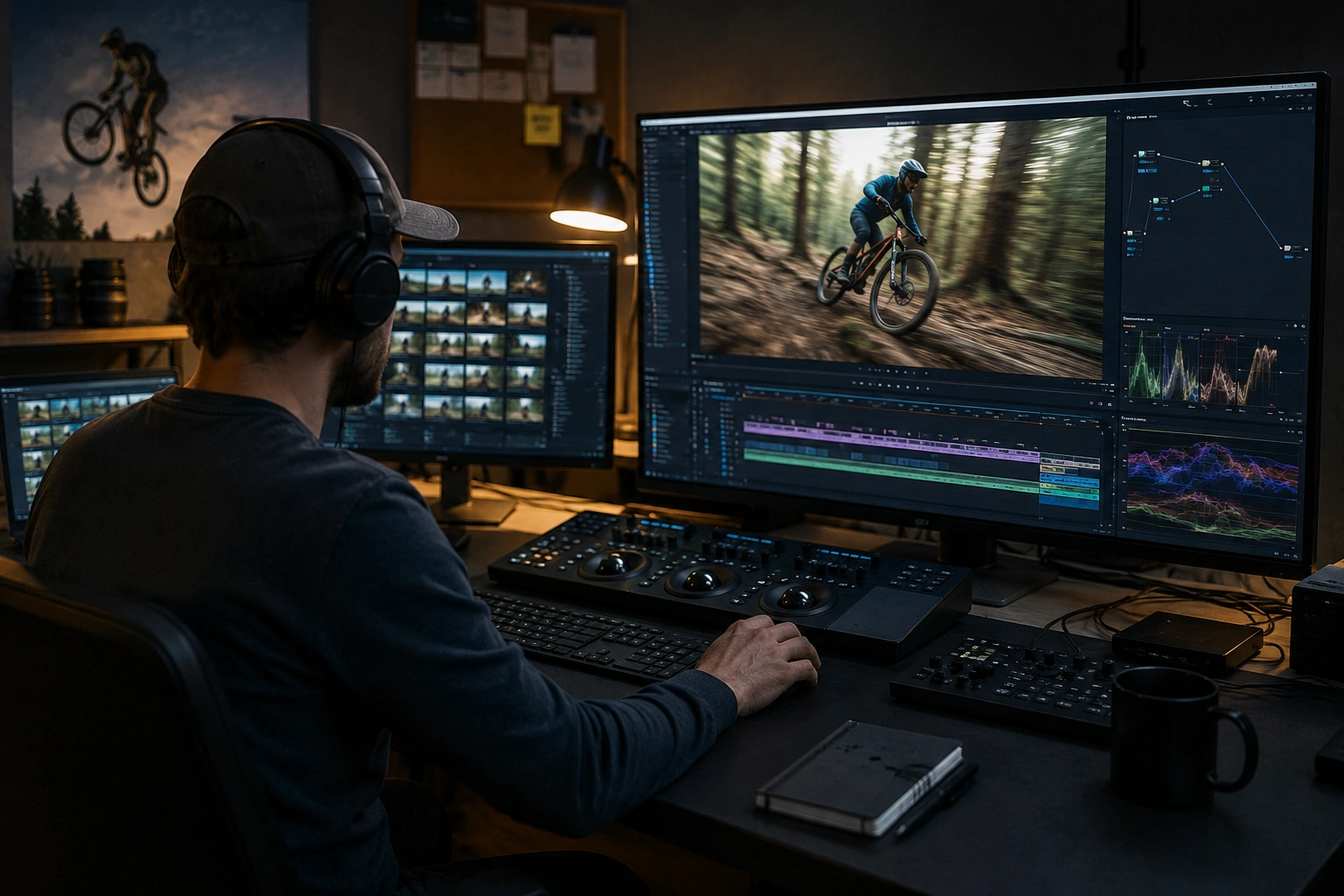
Built for Video editors and post-production teams and Action sports creators
Ideal audiences include Video editors and post-production teams, Action sports creators, Documentary filmmakers, Surveillance and security teams. Pair this example with your policy review when footage is sensitive or public-facing.
使用场景
- 运动员匿名的体育镜头
- Dashcam和动作相机录音
- 有移动参与者的人群活动报道
- 有行人流的纪录片街景
适用人群
- 录像编辑和制作后小组
- 行动体育创造者
- 纪录片制片人
- 监督和安全小组
常见问题
- AI运动追踪有多准确?
- 跟踪工作最好有稳定的照明和清晰的主题可见度;快速运动、隔离和极端角度可能需要进行抽查调整.
- 我能马上追踪到多个物体吗?
- 是——同时对多个面孔,板块或区域应用模糊;每个面孔都通过时间段获得独立的跟踪.
- 如果跟踪失去对象会怎样?
- 审查工具允许您发现失败的跟踪, 并手动调整或重新初始化问题段; 总是在最后导出前 QC .