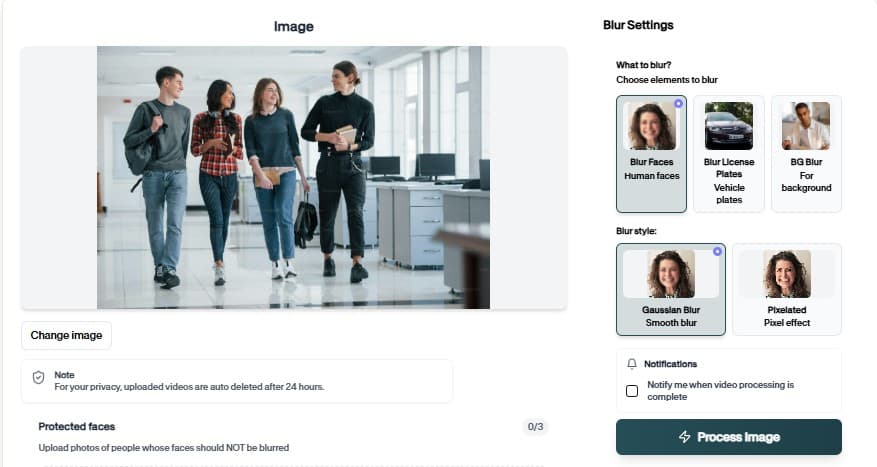
Face Redaction API for Production Pipelines
Ship programmatic blur and redaction with Face Redaction API. Authenticate once, send image or video jobs, and receive privacy-safe outputs at scale.
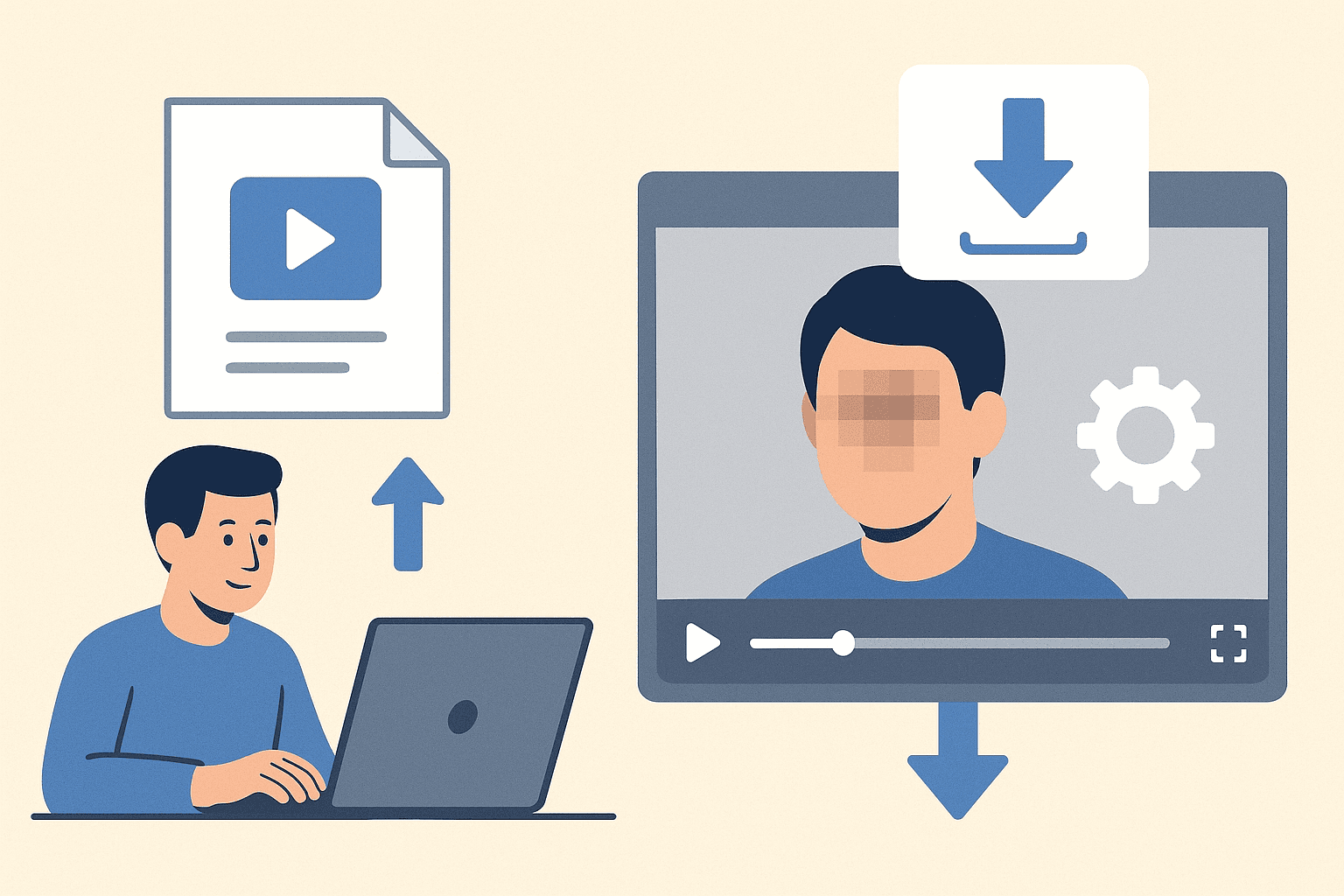
Face Redaction API for Engineering Teams
Integrate Face Redaction API into your app, DAM, or review queue.
Why teams use Face Redaction API
Face Redaction API moves blur out of the browser and into your backend. Authenticate, POST media jobs, and pull redacted assets into the same pipelines you use for transcoding and storage.
Teams adopt Face Redaction API when manual masking becomes the bottleneck in their publishing calendar.
Upload from desktop or mobile browsers
Combine with other BGBlur tools in the same project flow
Scale batch jobs without browser upload limits
Preview AI suggestions before committing export
Send image or video jobs via REST with API keys
Embed blur into DAM, MAM, and custom review tools
Where it is used

Client delivery
Send privacy-reviewed exports. 让这一工作流程适用于重复审核、隐私清理、发布和团队交接,无需编辑手动重建每个遮罩或调整.
Team handoff
Standardize redaction across editors. 让这一工作流程适用于重复审核、隐私清理、发布和团队交接,无需编辑手动重建每个遮罩或调整.
Archive cleanup
Retroactively fix old media libraries. 让这一工作流程适用于重复审核、隐私清理、发布和团队交接,无需编辑手动重建每个遮罩或调整.
Client delivery
Send privacy-reviewed exports. 让这一工作流程适用于重复审核、隐私清理、发布和团队交接,无需编辑手动重建每个遮罩或调整.
Team handoff
Standardize redaction across editors. 让这一工作流程适用于重复审核、隐私清理、发布和团队交接,无需编辑手动重建每个遮罩或调整.
Archive cleanup
Retroactively fix old media libraries. 让这一工作流程适用于重复审核、隐私清理、发布和团队交接,无需编辑手动重建每个遮罩或调整.
Fast browser turnaround
Most projects move from upload to export in minutes because Face Redaction API proposes edits automatically instead of starting from a blank timeline.
Explore Face Redaction API
Read the API docs and run your first redaction job from curl or your backend.
Integrate Face Redaction API in three steps
From API key to first redacted asset.
Get API credentials
Create a BGBlur API key, note rate limits, and choose face, plate, or general redaction mode for Face Redaction API jobs.
Submit a job
Send a POST request with your API key and media URL. Poll or wait for the webhook payload with the redacted asset link.
Retrieve output
Download the redacted file from the response or your storage bucket hook. Log job IDs for compliance audits.
API capabilities
Face Redaction API at a glance
What you get when integrating Face Redaction API in real projects.

Detection-first workflow
Upload from desktop or mobile browsers

Browser or API delivery
Combine with other BGBlur tools in the same project flow

Privacy-safe exports
Scale batch jobs without browser upload limits
Teams using similar workflows
How Face Redaction API fits day-to-day media and compliance work.
“Face Redaction API cut our redaction time from hours to minutes on last week's footage.”
“We shipped client-safe exports the same day instead of waiting on manual masking.”
Face Redaction API — FAQ
Common questions about Face Redaction API, exports, and privacy handling.
Faces, plates, and general sensitive regions depending on the endpoint you call.
API pricing depends on volume. Start with developer docs and sample jobs before production rollout.
No. Face Redaction API runs in the browser — upload, preview, and download without Premiere, DaVinci, or desktop apps.
BGBlur processes files for the editing session with privacy-first handling. Media is not published as permanent public assets.
User Reviews
Share your experience and help others make informed decisions
Write a Review
All Reviews (0)
No reviews yet
Be the first to share your experience and help others discover this tool!
Face privacy tools
More ways to blur, pixelate, and redact faces
Explore face-focused workflows for videos, photos, social clips, CCTV footage, and privacy reviews where identities must stay protected.
View all tools →Developer API
Face Redaction API for Production Pipelines
Ship programmatic blur and redaction with Face Redaction API. Authenticate once, send image or video jobs, and receive privacy-safe outputs at scale.
Integrate Face Redaction API into your app, DAM, or review queue.
View API docs