Redact PDF
Free, permanent PDF redaction
Find sensitive text or draw precise boxes over any part of a PDF, then export a flattened document where the hidden content is permanently removed — not just hidden behind a box.
如何模糊视频背景
Get started with our simple 3-step process
1. 上传文件或粘贴链接
上传视频或粘贴链接即可开始。
2. 模糊背景
选择视频并启用背景模糊效果。
3. 导出并分享
导出视频并分享或下载。
Permanent redaction, not a black rectangle on top
Most PDF editors just draw a shape over the text — the words are still underneath and can be copied, searched, or lifted out. BGBlur flattens each page to an image and destroys the pixels under every mask, so redacted content is gone for good.
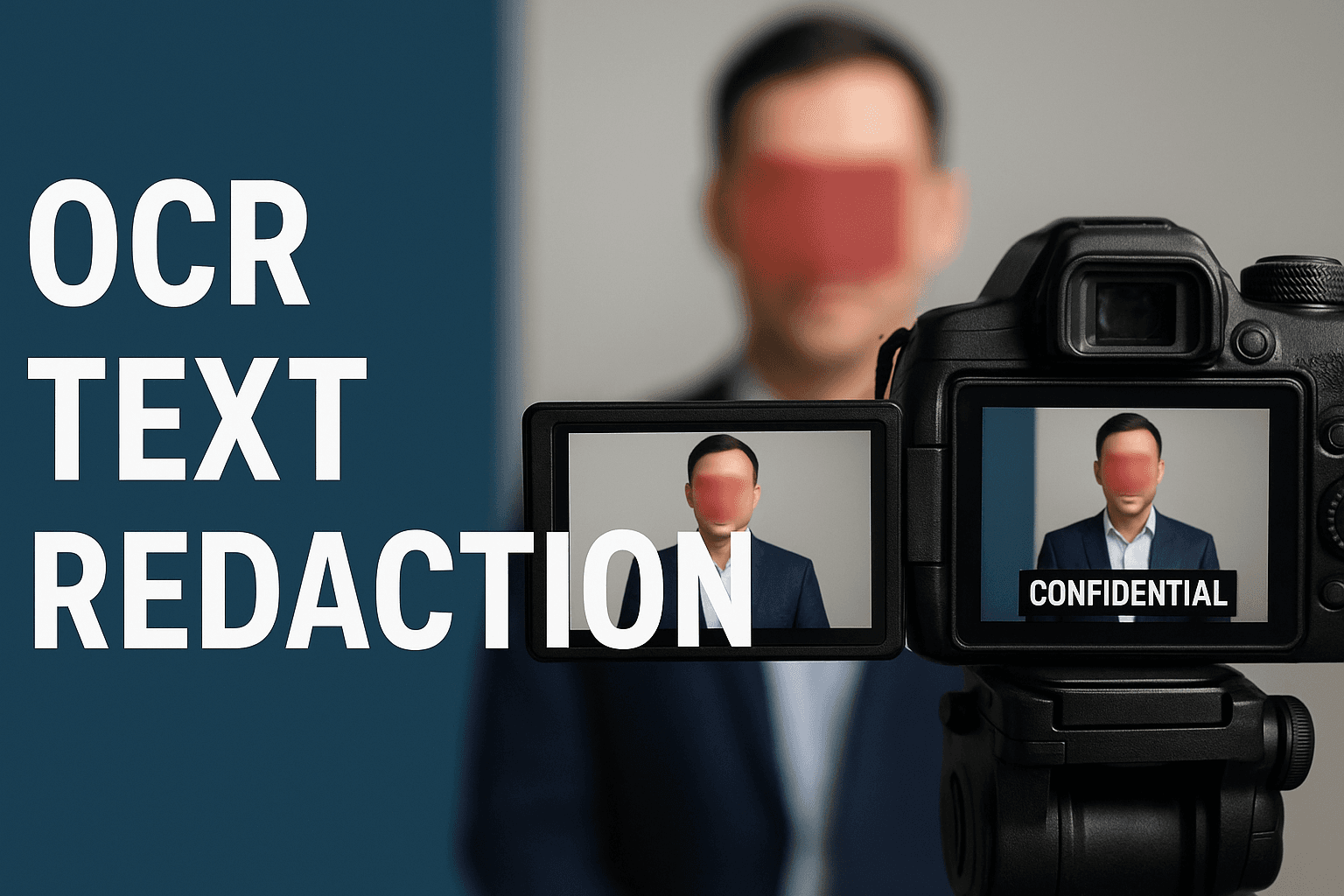
Auto-detect emails, phone numbers, and card numbers
Scan the whole document in one pass. Email addresses, phone numbers, and Luhn-valid credit card numbers each become a redaction area you can review — and it also catches text that was added later as a comment or annotation.
Search any word, or draw exactly where you need
Type a name, account number, or address to redact every match across all pages. Or draw a box directly on the page over a signature, logo, or photo, then move and resize it until it is right.
Your files stay private
Your document isn't shared or kept around. Only the finished, flattened copy is saved to your account so it appears in your processing history for you to download again later.
What makes BGBlur's PDF redaction different?
BGBlur is built for redaction you can actually trust: the sensitive content is removed from the file, not hidden behind a shape someone can move or delete.
Truly permanent
Pages are flattened to images and the content under each mask is destroyed — redacted text can't be copied, searched, or recovered.
Works on any PDF
Auto-detection works on any PDF with a text layer; for image-only scans, draw your redaction boxes by hand.
Auto data detection
One pass finds emails, phone numbers, and Luhn-checked card numbers, including text added as annotations.
Full manual control
Search any phrase across every page, or draw, move, and resize black boxes by hand.
Review before export
Every detected and drawn area is listed and shown on the page so you can check it before downloading.
Free and no install
No watermark, no desktop software, works on mobile and desktop. One credit per PDF, up to 100 pages.
Redacting Sensitive PDFs the Permanent Way
BGBlur's PDF redaction tool covers emails, phone numbers, card numbers, names, signatures, and images with a solid black mask and then flattens the page, so the underlying content is permanently removed instead of just hidden behind a shape.
Use it to prepare FOIA and public-records responses, share contracts and invoices, remove personal data before publishing reports, or clean up scanned paperwork. Open the PDF, auto-detect or draw your redactions, review every mask, and export a clean copy — no desktop software, no sign-up hassle.
Powered by BGBlur PDF redaction
PDF Redaction FAQ
Open your PDF in BGBlur's redaction workspace, then either search for the text you want to hide, turn on auto-detection for emails, phone numbers, and card numbers, or draw black boxes on the page by hand. Review every mask in the preview and download the redacted PDF. It's free, with one credit per document.
It's permanent. Unlike PDF editors that draw a black rectangle over the text — leaving the original words selectable underneath — BGBlur flattens each page to an image and destroys the pixels beneath every mask. The redacted content can't be copied, searched, or lifted out of the exported file.
Your document isn't shared or stored. Only the finished, flattened copy is saved to your account so it appears in your processing history and you can download it again later.
Email addresses, phone numbers, and credit card numbers (validated with the Luhn checksum to cut false positives). Auto-detection also scans text that was added to the PDF later as a comment or annotation, not just the original document text.
Yes. Draw a box directly on the page over any signature, photo, stamp, or logo, then move and resize it. When you export, that area is flattened along with the rest of the page.
You can redact PDFs up to 100 pages and 200 MB. Larger files are rejected up front so the tool stays responsive on both desktop and mobile.
You can always draw manual redaction boxes on a scanned PDF. Automatic text detection needs a real text layer, so for image-only scans without OCR, use the draw tool to place your masks.
可以,BGBlur 的 AI 能够自动跟踪移动的物体、人脸和车辆。您不需要手动为每一帧应用遮罩,运动感应追踪器会在主体移动时自动保持模糊锁定。
BGBlur 是一款完全基于网页的工具。您只需上传任何视频或图像,选择“人脸模糊”工具,即可在浏览器中立即应用模糊或像素化,无需下载任何应用或插件。
当然可以。我们的 AI 专门针对驾驶画面、行车记录仪和街景视频中的车牌进行过检测和模糊训练,帮助创作者和车队遵守隐私法规。
保护您的隐私是我们的首要任务。BGBlur 利用先进的客户端技术安全地处理视频。您的文件在浏览器本地进行处理,绝不会上传或永久存储在外部服务器上。
可以!BGBlur 采用全响应式设计,并对移动浏览器进行了深度优化。您可以轻松地直接在 iPhone、iPad 或 Android 手机上模糊视频背景或像素化人脸。
限制取决于功能。标准视频模糊工具(例如面部模糊、车牌模糊、背景模糊、任何内容模糊、屏幕模糊、NSFW 模糊和面部匿名化)在免费计划中支持高达 500MB 和 5 分钟,在付费计划中支持高达 1GB 和 10 分钟。 Object Remover 支持高达 1GB 的 MP4 和 MOV 视频,每个剪辑 10 秒。 Voice Anon 直接上传支持高达 100MB,而上传/URL 工作流程支持高达 500MB 且时间不超过 10 分钟的音频或视频文件。
Redact a PDF the permanent way
Search, draw, review, and download a PDF where the sensitive content is removed — not just covered — in a few clicks.
Redact a PDF now