Video blur
Detect and obscure plates automatically
Track faces frame by frame
Cinematic depth without a green screen
Draw a region and blur what’s inside
Privacy
Blur faces in photos instantly with AI
Stronger redaction for compliance workflows
Disguise speaker identity — alter pitch, tempo & beep profanity
Face swap
Swap faces in still images
Replace faces across your footage
Need batch processing?
Queue many videos and blur them in one run—built for teams and workflows.
By industry
Campus cameras, lectures, and district bulk privacy
Screeners, releases, and compliance
Store and warehouse footage
Clinic and patient-facing video governance
FOIA, safe disclosure, and redaction
Solutions
Volume batches, retention, and SLAs
Fleet, dashcam, and parking at scale
High-throughput pipelines
Enterprise zones, policies, and review
Automate uploads, jobs, and webhooks
Contact form
Talk to us about volume, compliance, and integrations.
Ecosystem
资源
Answers to common questions
Tips, tutorials, and product updates
Free video and image editing tools
Browse by workflow or use case
Explore our full product lineup
使用即时背景模糊效果创建安全的政府视频。在维持官方通信专业标准的同时保护敏感位置和身份。
政府机构经常在受限制或敏感区域录制视频。使用AI背景模糊,您可以立即模糊视频背景以隐藏机密环境。背景模糊视频确保在公开发布或内部报告期间保护安全位置的同时保持专业视觉效果。
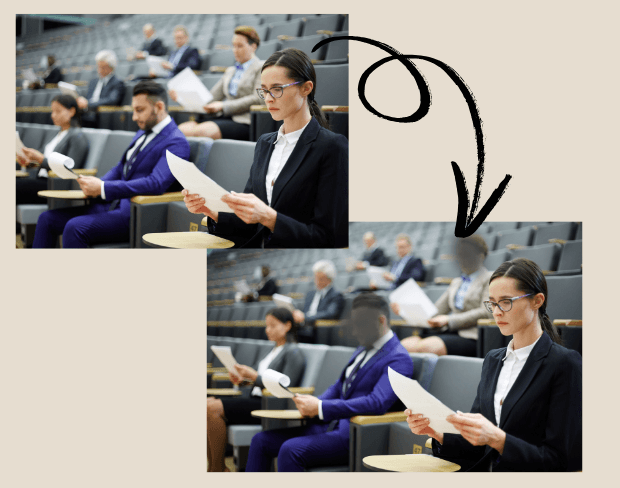
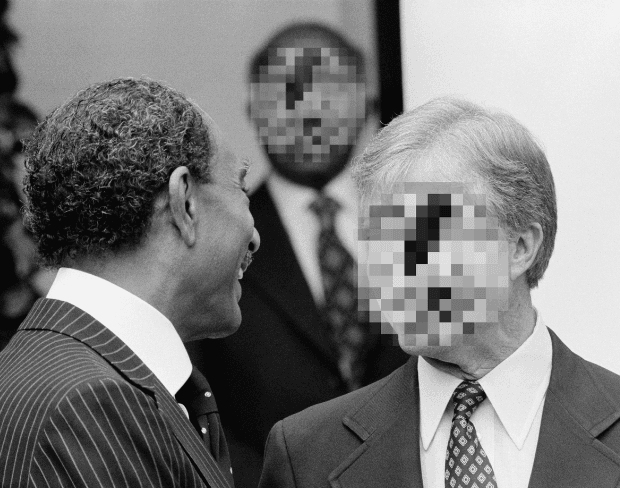
机构经常需要保护镜头前的公民、证人或员工。我们的AI模糊背景工具允许您轻松地在视频中模糊面部或模糊视频的一部分。此功能确保符合隐私法律,同时保持官方镜头清晰、安全且适合公众观看。
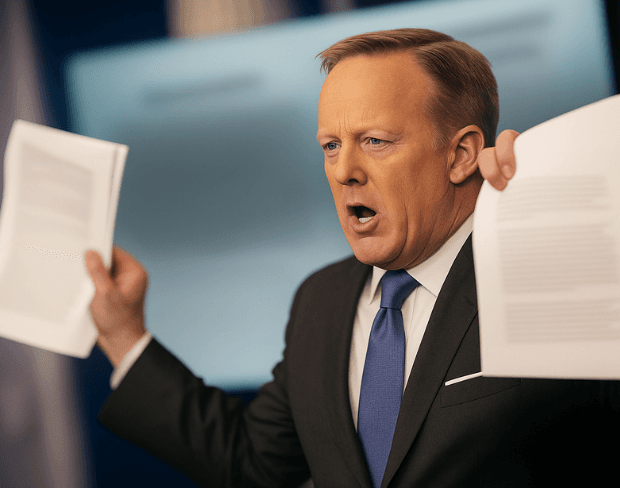
内部培训视频经常包含屏幕、文档或设备上的敏感数据。通过使用背景模糊AI,机构可以模糊视频的一部分并隐藏敏感细节,同时仍然提供清晰的指导。这保持了培训材料的专业性、安全性和可跨部门共享性。
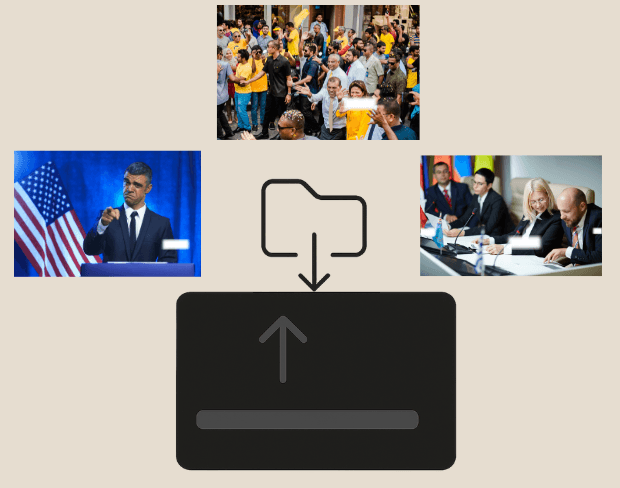
政府机构管理大量视频证据和文档。通过批量处理,您可以一次对多个剪辑应用视频背景模糊,高效地隐藏敏感信息。这确保了一致的结果,同时节省时间,使档案视频素材更安全、更易于使用。
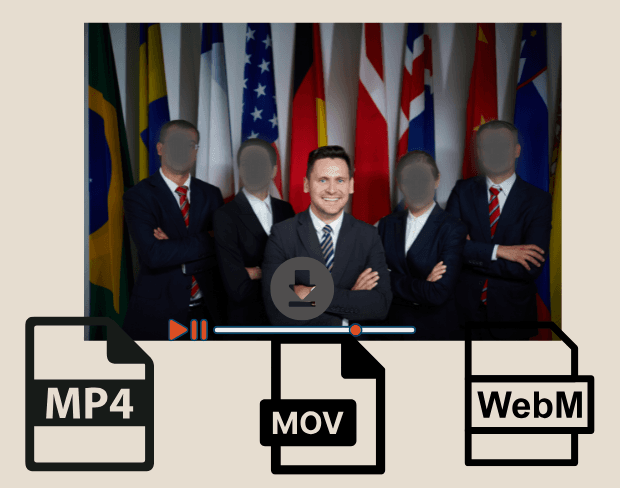
无论是用于法庭陈述、新闻发布会还是内部报告,机构都可以以MP4、MOV或WebM格式导出带有模糊背景的视频。我们的AI背景模糊工具确保HD就绪、平台就绪的内容,既专业又安全,满足政府通信所需的高标准。
Share your experience and help others make informed decisions
Community Score
0.0
/ 5
Based on 0 reviews
Be the first to share your experience!
使用我们免费的AI背景模糊工具立即开始创建安全的政府视频。
Related platforms
Extend your workflow with specialized tools from our ecosystem. Opens in a new tab.