줌 & 팀 회의 개인 정보 보호 blur
Professional video call recordings with blurred backgrounds, participant faces, and sensitive on-screen content for safe sharing.
Recorded Zoom and Teams meetings often contain more than the intended presentation: home offices with family photos, coworkers who didn't consent to external sharing, and screen shares with customer data.
Clean up Zoom and Teams recordings for safe sharing in three steps
Built for corporate comms, HR, and marketing teams who need privacy-safe recordings for external or LMS distribution.
Export your Zoom or Teams recording
Download the MP4 from Zoom cloud or Teams recordings before sharing externally.
Apply background and face blur
Blur participant backgrounds and specific attendee faces to protect privacy in gallery view.
Preview and export
Check gallery layouts across the timeline, then export for LMS, YouTube, or Vimeo hosting.
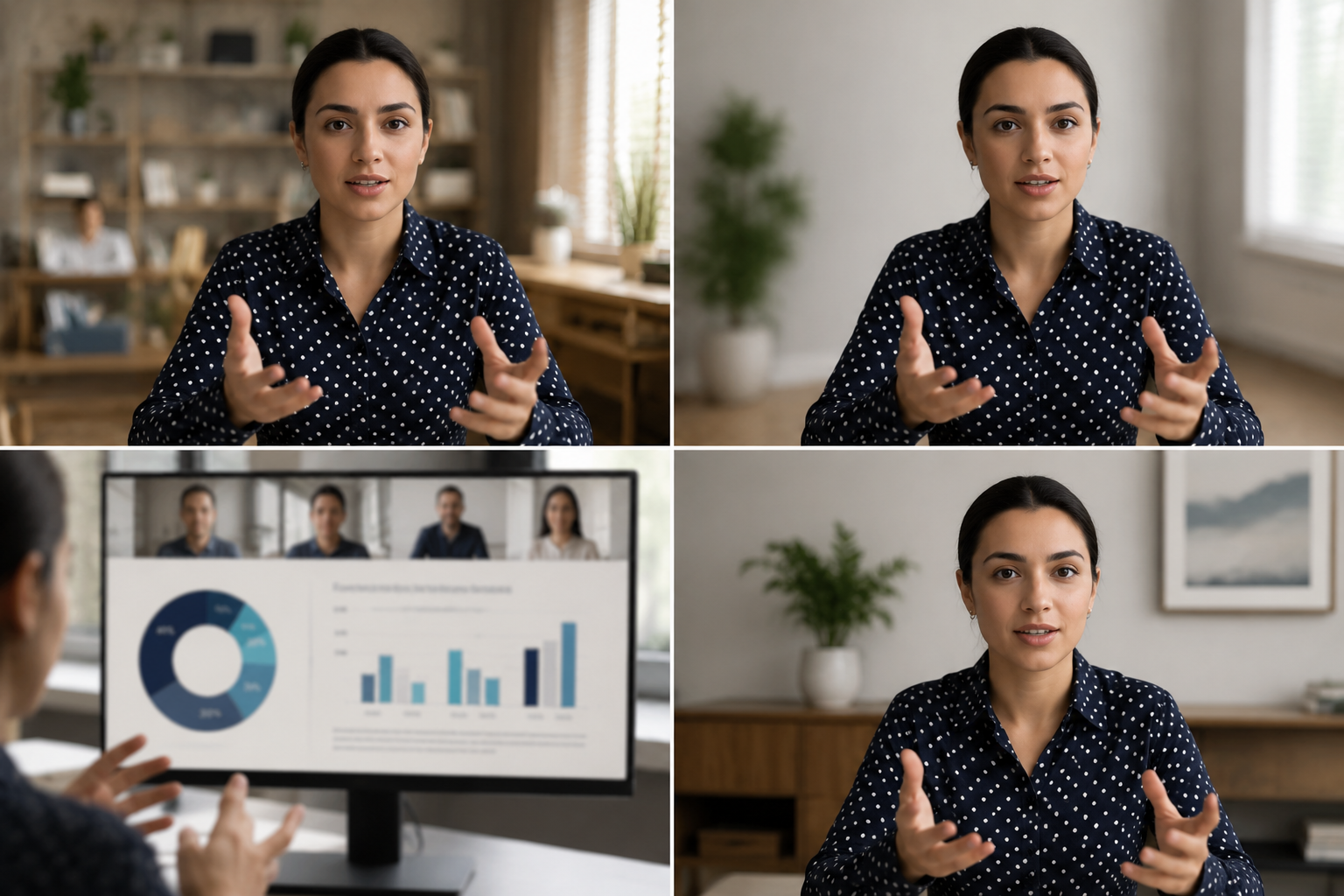
What this example demonstrates
Post-production blur gives you control that real-time virtual backgrounds can't: selectively protect participants, hide screen share content, and clean up backgrounds after the call ends.

Why teams use this pattern
Use this workflow when you need to share all-hands recordings externally, create training clips from client calls, or publish webinar archives with attendee privacy intact.
Common use cases
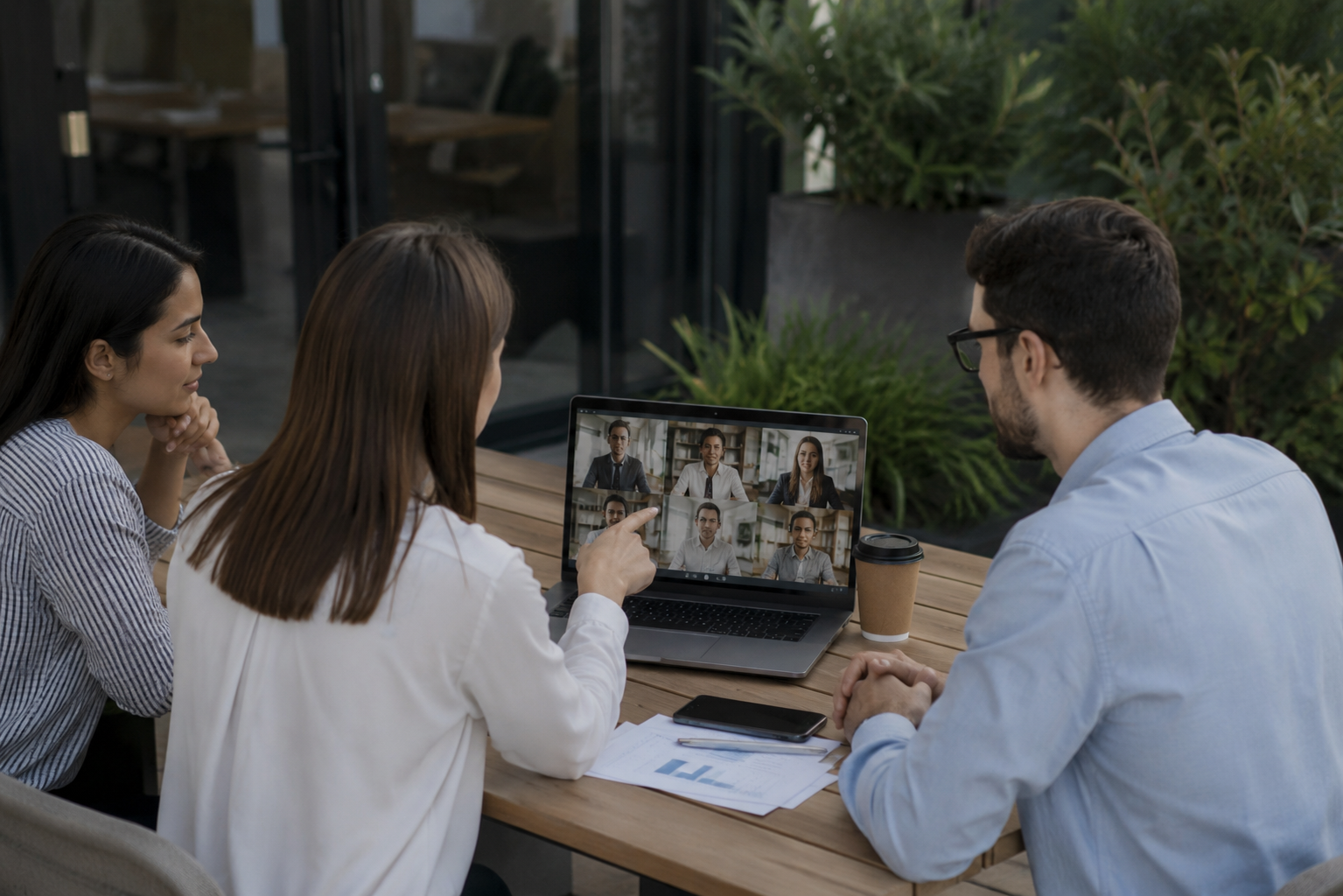
Teams reach for this workflow when all-hands meetings shared with contractors or press; client webinars with internal attendees visible; training recordings from customer success calls; town halls with employee q&a requiring anonymization. BGBlur automates detection so these scenarios stay publishable without days in a timeline.

Built for Corporate communications teams and HR and internal comms
Ideal audiences include Corporate communications teams, HR and internal comms, Marketing and demand gen, Customer education teams. Pair this example with your policy review when footage is sensitive or public-facing.
사용 사례
- 계약자 또는 언론과 공유되는 모든 손 회의
- 내부 참석자와 클라이언트 웹 세미나
- 고객 성공 통화의 훈련 기록
- 직원 Q&A를 가진 도시 강당 익명화
대상 사용자
- 기업 커뮤니케이션 팀
- HR 및 내부 상품
- 마케팅 및 수요 gen
- 고객 교육 팀
기타 비디오 블러 예시
동일한 데모 클립 및 단계별 안내와 함께 유사한 시나리오를 탐색해 보세요.
영화 초점을위한 배경 흐림
Soften 또는 바쁜 배경을 대체하기 때문에 웹 세미나, 리뷰 및 제품 데모가 집에서 촬영됩니다.
얼굴 blur 에 talk-head 비디오
인터뷰, 팟캐스트 및 vlogs-motion-tracked에 대한 자동 얼굴 감지 및 블러드 보호.
안전한 배경을 가진 HR & 훈련 영상
L&D 콘텐츠의 위치를 누출하는 벽, 또는 포스터에 집 사무실 clutter, 환자 도표를 숨깁니다.
튜토리얼 및 데모를 위한 화면 녹화 blur
비밀번호, API 키, 이메일 및 스크린 캡처의 개인 데이터 - 소프트웨어 데모 및 지원 동영상에 대한 필수.
자주 묻는 질문
- 왜 Zoom의 내장 배경 흐림을 사용하지 않습니까?
- Real-time blur는 호출 중에 적용됩니다. 포스트 프로덕션 blur는 공유 컨텍스트를 알 때 녹음 후 개인 정보 보호 결정을 제어 할 수 있습니다.
- 갤러리보기에서 단 하나 참가자 수 있습니까?
- 예 - 선택 얼굴 흐림은 그리드 레이아웃에서 작동하므로 다른 사람들이 볼 수 있도록 특정 참석자를 보호 할 수 있습니다.
- 녹음에서 채팅 및 참가자 이름은 어떻습니까?
- Video blur는 픽셀 만 처리합니다. Zoom/Teams 레코딩 설정에서 부분적인 이름과 채팅 오버레이를 비활성화하거나 포스트에서 UI 요소를 작물 수 있습니다.