"The blur tools are a lifesaver — I can softly blur distracting backgrounds and automatically anonymize license plates in my vlogs."
SJ
Sarah Johnson
Content Creator • YouTube
Get started with our simple 3-step process
Upload your MP4, MOV, or M4V file securely in your browser.
Choose face blur, license plate blur, background blur, or object blur and preview instantly.
Export your privacy-safe video in high quality and publish anywhere.
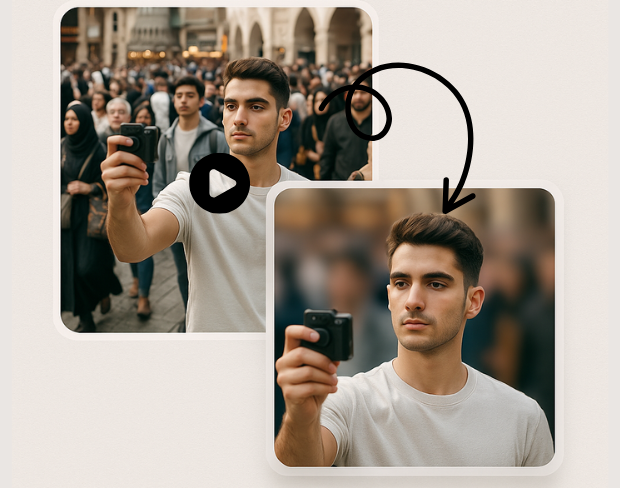
Advanced AI technology automatically detects and blurs specific objects in your videos. Our object detection blur system identifies people, vehicles, text, and custom objects with pixel-perfect precision for targeted anonymization.
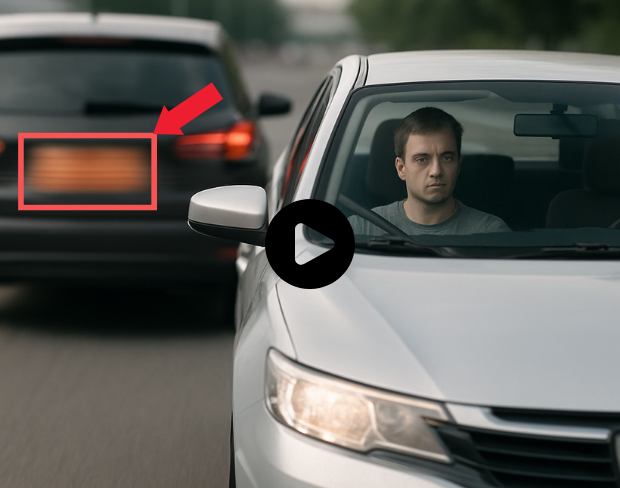
Create custom blur zones for any area in your video. Draw precise regions to blur with our selective video blur tool, perfect for privacy protection and professional video editing with complete control over blur areas.
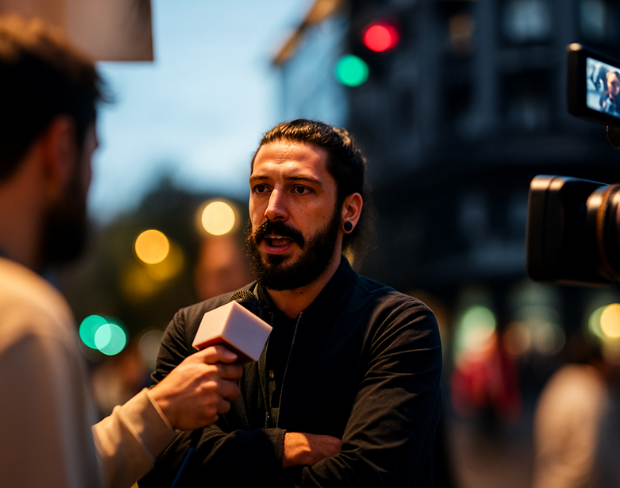
Blur only what you want with our selective anonymization technology. Choose specific objects, regions, or areas to blur while keeping the rest of your video sharp and clear for professional results.
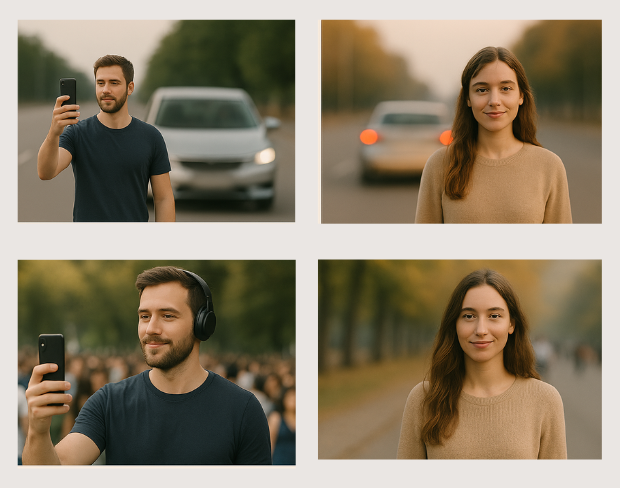
Professional video object masking with AI-powered precision. Our tool creates seamless object masks that follow movement throughout your video, ensuring consistent blur coverage across all frames.
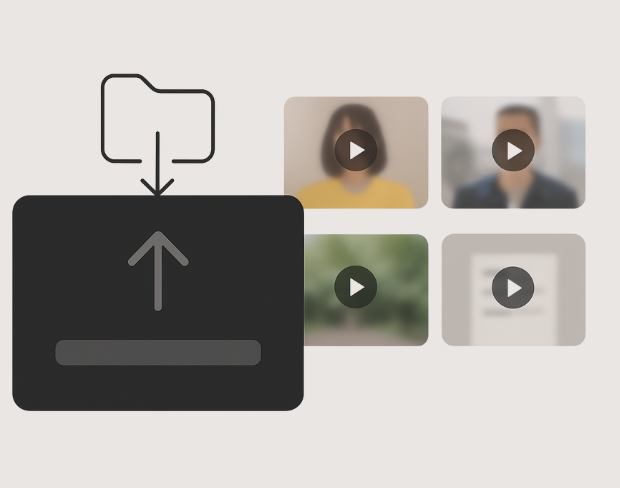
Apply targeted blur effects with surgical precision. Our AI identifies and tracks specific objects throughout your video, maintaining consistent blur coverage while preserving video quality and natural motion.
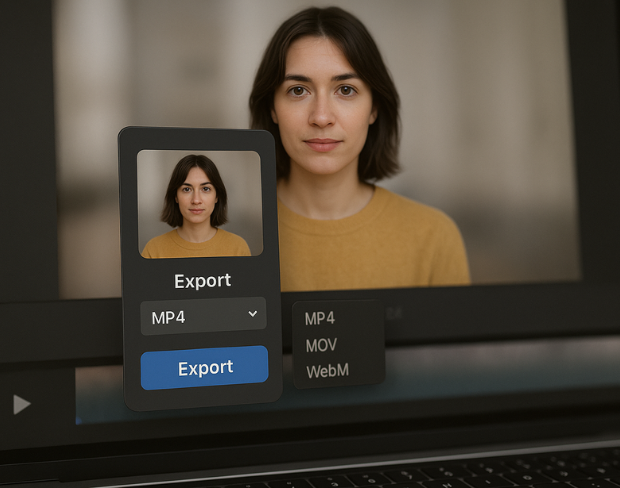
Control blur intensity and coverage for specific areas in your video. Adjust blur strength, feathering, and tracking parameters for each region to achieve professional-grade selective video anonymization.
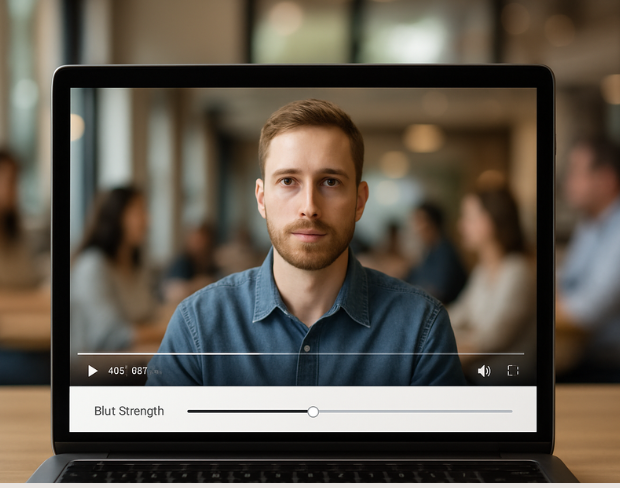
Advanced object tracking maintains consistent blur coverage as objects move through your video. Our AI follows selected objects frame-by-frame, ensuring seamless anonymization throughout the entire video duration.
功能
一个平台,满足每一种模糊需求。点击任意功能即可开始。
影片模糊
自动检测车牌
影片模糊
逐帧跟踪
影片模糊
不需要绿幕
影片模糊
使用提示词或框选需要模糊的内容
隐私
模糊照片里的人脸
隐私
团队级匿名处理
隐私
AI 语音遮蔽
换脸
替换图像中的人脸
换脸
替换影片中的人脸
换脸
通过场景填充移除对象
生态系统
提问并获取 AI 摘要
加入每天信任 bgblur 的数千名创作者和团队。
Blur any selected object or area in videos with AI precision. Free selective blur tool for targeted video anonymization and privacy protection. No signup required.
Blur specific objects in videos for professional anonymization and privacy protection. Perfect for content creators, businesses, and media professionals requiring precise object blur control.
Our advanced AI object detection technology ensures accurate targeting of specific objects and regions, delivering professional-grade selective blur effects with minimal manual intervention.
Process object region blur effects instantly with our optimized AI engine. Get professional selective blur results in seconds while maintaining original video quality.
Select and blur unlimited objects and regions in your videos. Create complex anonymization patterns with multiple blur zones, all processed without watermarks or restrictions.
Join professionals using our AI-powered selective blur tool for precise object anonymization and privacy protection in their video content.
120K+
已遮盖的片段
500K+
隐藏的车牌
"The blur tools are a lifesaver — I can softly blur distracting backgrounds and automatically anonymize license plates in my vlogs."
Sarah Johnson
Content Creator • YouTube
"Perfect for short-form content — selective blur and automatic license-plate hiding keeps posts compliant and on-brand without manual editing."
Emma Rodriguez
Social Media Manager • Digital Agency
"I've used many blur filters, but the adaptive face and plate blur here are the most natural-looking — great for client deliverables where privacy matters."
Lisa Thompson
Freelance Video Editor • Independent
"We rely on the motion-aware blur and plate anonymization for on-the-go product demos. It's fast, consistent, and saves legal review time."
Michael Chen
Marketing Director • TechStart Inc.
"The blur tools are a lifesaver — I can softly blur distracting backgrounds and automatically anonymize license plates in my vlogs."
Sarah Johnson
Content Creator • YouTube
"Perfect for short-form content — selective blur and automatic license-plate hiding keeps posts compliant and on-brand without manual editing."
Emma Rodriguez
Social Media Manager • Digital Agency
"I've used many blur filters, but the adaptive face and plate blur here are the most natural-looking — great for client deliverables where privacy matters."
Lisa Thompson
Freelance Video Editor • Independent
"We rely on the motion-aware blur and plate anonymization for on-the-go product demos. It's fast, consistent, and saves legal review time."
Michael Chen
Marketing Director • TechStart Inc.
我们的AI会分析你的影片,并自动添加模糊效果。
我们支援MP4、MOV和M4V格式。
有的,影片需小于200MB且时长不超过10分钟。
可以。BGBlur 的 AI 能自动追踪移动中的物体、面部和车辆。你不需要逐帧手动加遮罩;运动感应追踪器会在主体移动时,自动维持遮盖锁定。
BGBlur 是一款完全基于网页的工具。你只要上载任何影片或图片,选择“人脸模糊”工具,就能在浏览器里马上应用遮盖或像素化,不用下载任何应用或插件。
当然可以。我们的 AI 针对驾驶画面、行车记录仪和街景影片里的车牌进行过检测与遮盖训练,协助创作者与车队遵守隐私法规。
保护你的隐私是我们的首要任务。BGBlur 运用先进的客户端技术来安全处理影片。你的档案会在浏览器本地处理,从不上载或长期存放到外部伺服器。
可以!BGBlur 采用全响应式设计,并对移动浏览器做了深度优化。你可以直接在 iPhone、iPad 或 Android 手机上轻松把影片背景遮盖,或把面部像素化。
限制会因功能而不同。标准影片模糊工具(例如面部模糊、车牌模糊、背景模糊、任何内容模糊、屏幕模糊、NSFW 模糊以及面部匿名化)在免费计划中支援高达 500MB 和 5 分钟;在付费计划中支援高达 1GB 和 10 分钟。Object Remover 支援高达 1GB 的 MP4 和 MOV 影片,每段剪辑 10 秒。Voice Anon 通过直接上载支援高达 100MB;透过上载/URL 工作流程,则支援高达 500MB,且音频或影片时长不超过 10 分钟。
分享你的使用体验,帮更多人做出更明智的选择
社区评分
0.0
/ 5
基于 0 条评价
成为第一个分享你的体验、并帮别人做出明智选择的人!