
"The blur tools are a lifesaver — I can softly blur distracting backgrounds and automatically anonymize license plates in my vlogs."
SJ
Sarah Johnson
Content Creator • YouTube
Automatically detect and blur faces in videos with advanced AI technology
Get started with our simple 3-step process
Upload your MP4, MOV, or M4V file securely in your browser.
Choose face blur, license plate blur, background blur, or object blur and preview instantly.
Export your privacy-safe video in high quality and publish anywhere.
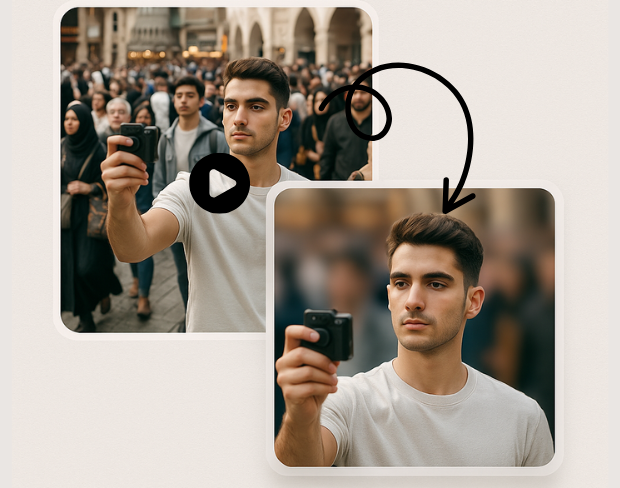
Our cutting-edge AI technology automatically detects faces in video footage with incredible precision. Smart algorithms identify faces at different angles, lighting conditions, and distances, ensuring comprehensive face detection and blur coverage.
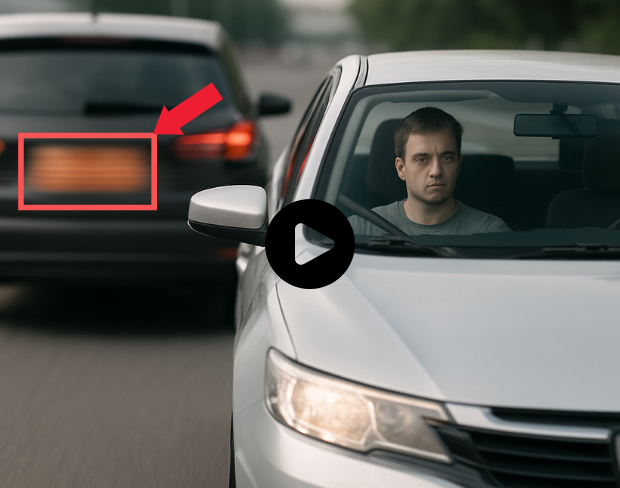
Experience ultra-fast face blur processing powered by optimized AI algorithms. Process videos with multiple faces instantly while maintaining high video quality. Automatic detection and blur application in seconds, not minutes.
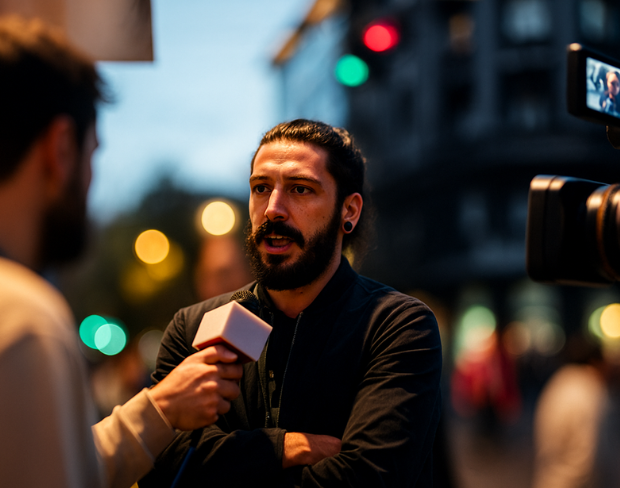
Achieve complete face anonymization with broadcast-quality blur effects. Our professional-grade processing ensures faces are effectively obscured while preserving video clarity and maintaining natural appearance throughout the footage.
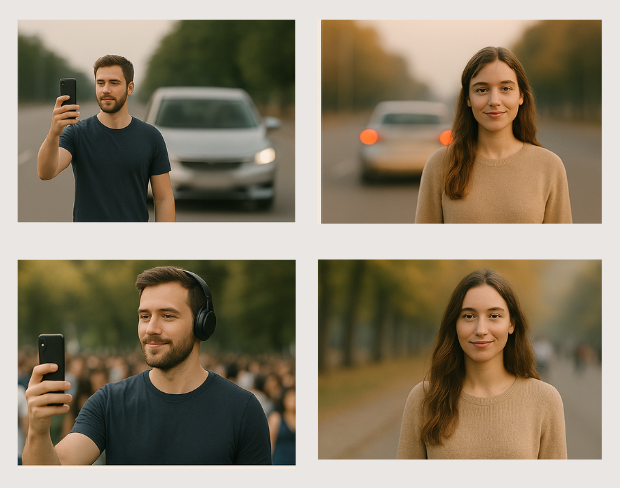
Perfect for content creation, journalism, security footage, social media posts, educational videos, and documentary work. Comply with privacy regulations, protect subject identity, or create anonymous testimonials with reliable face blur technology.
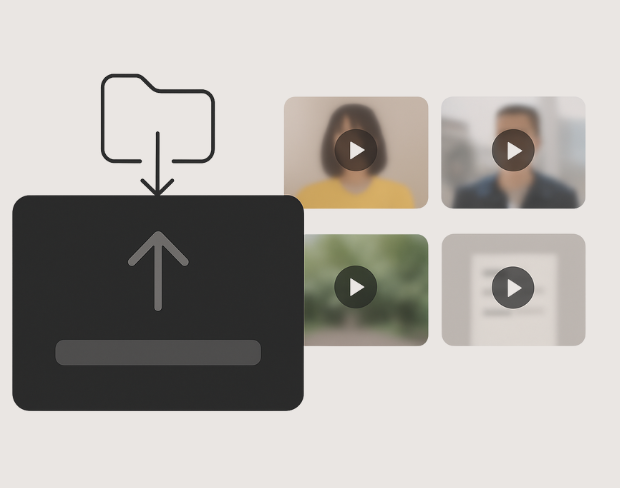
Process multiple videos simultaneously with consistent face blur settings. Save time with bulk face anonymization while maintaining quality across all your video content. Perfect for content creators and professionals handling multiple video files.
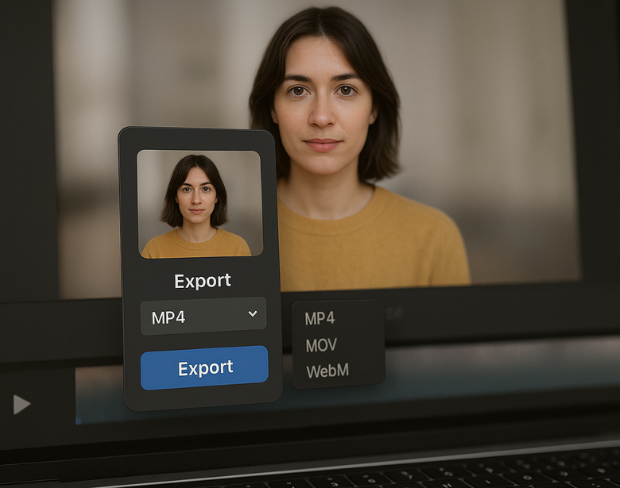
Export your face-blurred videos in various high-quality formats including MP4, MOV, and AVI. Choose from different resolution options and compression settings to match your specific privacy protection needs and platform requirements.
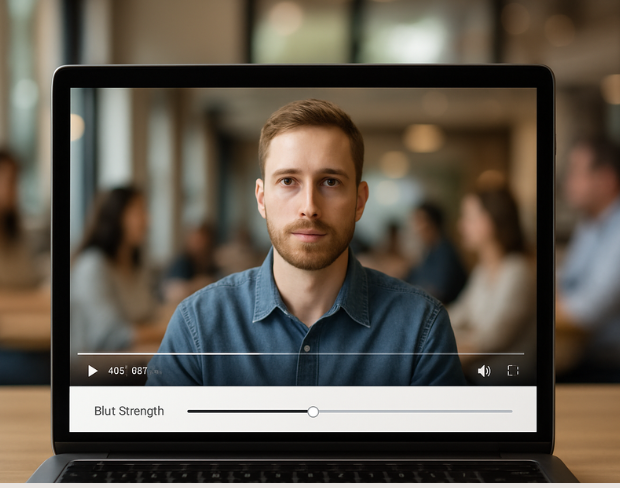
Fine-tune face blur intensity to match your privacy needs. Adjust blur strength, coverage area, and detection sensitivity while previewing results in real-time. Perfect control over face anonymization for your specific requirements.
功能
一个平台,满足每一种模糊需求。点击任意功能即可开始。
视频模糊
自动检测车牌
视频模糊
逐帧跟踪
视频模糊
无需绿幕
视频模糊
使用提示词或框选需要模糊的内容
隐私
模糊照片中的人脸
隐私
团队级匿名处理
隐私
AI 语音遮蔽
换脸
替换图片中的人脸
换脸
替换视频中的人脸
换脸
通过场景填充移除对象
生态系统
提问并获取 AI 摘要
加入每天信任 bgblur 的数千名创作者和团队。
Protect privacy and maintain anonymity with our intelligent face blur tool. Perfect for content creators, journalists, and privacy-conscious users.
Combine face blur with AI background blur and license-plate redaction for publish-ready, privacy-safe video—built for creators, teams, and compliance workflows.
Models locate faces, plates, and backgrounds so blur tracks subjects in motion without manual rotoscoping or green screens.
Process clips quickly with our optimized pipeline—keep foregrounds sharp while sensitive areas and backgrounds fall off with clean blur.
Blur real-world backgrounds from everyday footage—no chroma key—so anyone can get professional-looking privacy protection.
Teams use BGBlur to anonymize faces quickly while keeping the rest of the shot clear and usable.
120K+
已模糊的片段
500K+
隐藏的车牌
"The blur tools are a lifesaver — I can softly blur distracting backgrounds and automatically anonymize license plates in my vlogs."
Sarah Johnson
Content Creator • YouTube
"Perfect for short-form content — selective blur and automatic license-plate hiding keeps posts compliant and on-brand without manual editing."
Emma Rodriguez
Social Media Manager • Digital Agency
"I've used many blur filters, but the adaptive face and plate blur here are the most natural-looking — great for client deliverables where privacy matters."
Lisa Thompson
Freelance Video Editor • Independent
"We rely on the motion-aware blur and plate anonymization for on-the-go product demos. It's fast, consistent, and saves legal review time."
Michael Chen
Marketing Director • TechStart Inc.
"The blur tools are a lifesaver — I can softly blur distracting backgrounds and automatically anonymize license plates in my vlogs."
Sarah Johnson
Content Creator • YouTube
"Perfect for short-form content — selective blur and automatic license-plate hiding keeps posts compliant and on-brand without manual editing."
Emma Rodriguez
Social Media Manager • Digital Agency
"I've used many blur filters, but the adaptive face and plate blur here are the most natural-looking — great for client deliverables where privacy matters."
Lisa Thompson
Freelance Video Editor • Independent
"We rely on the motion-aware blur and plate anonymization for on-the-go product demos. It's fast, consistent, and saves legal review time."
Michael Chen
Marketing Director • TechStart Inc.
我们的AI会分析你的视频并自动添加模糊效果。
我们支持MP4、MOV和M4V格式。
有,视频需小于200MB且时长小于10分钟。
可以,BGBlur 的 AI 能够自动跟踪移动的物体、人脸和车辆。您不需要手动为每一帧应用遮罩,运动感应追踪器会在主体移动时自动保持模糊锁定。
BGBlur 是一款完全基于网页的工具。您只需上传任何视频或图像,选择“人脸模糊”工具,即可在浏览器中立即应用模糊或像素化,无需下载任何应用或插件。
当然可以。我们的 AI 专门针对驾驶画面、行车记录仪和街景视频中的车牌进行过检测和模糊训练,帮助创作者和车队遵守隐私法规。
保护您的隐私是我们的首要任务。BGBlur 利用先进的客户端技术安全地处理视频。您的文件在浏览器本地进行处理,绝不会上传或永久存储在外部服务器上。
可以!BGBlur 采用全响应式设计,并对移动浏览器进行了深度优化。您可以轻松地直接在 iPhone、iPad 或 Android 手机上模糊视频背景或像素化人脸。
限制取决于功能。标准视频模糊工具(例如面部模糊、车牌模糊、背景模糊、任何内容模糊、屏幕模糊、NSFW 模糊和面部匿名化)在免费计划中支持高达 500MB 和 5 分钟,在付费计划中支持高达 1GB 和 10 分钟。 Object Remover 支持高达 1GB 的 MP4 和 MOV 视频,每个剪辑 10 秒。 Voice Anon 直接上传支持高达 100MB,而上传/URL 工作流程支持高达 500MB 且时间不超过 10 分钟的音频或视频文件。
分享您的使用体验,帮助他人做出明智的选择
社区评分
0.0
/ 5
基于 0 条评价
成为第一个分享体验并帮助他人做出明智选择的人!