"The blur tools are a lifesaver — I can softly blur distracting backgrounds and automatically anonymize license plates in my vlogs."
SJ
Sarah Johnson
Content Creator • YouTube
Free Video Blur Tool - Blur Video Backgrounds Instantly with AI
Get started with our simple 3-step process
Upload your MP4, MOV, or M4V file securely in your browser.
Choose face blur, license plate blur, background blur, or object blur and preview instantly.
Export your privacy-safe video in high quality and publish anywhere.
Free video blur tool with pixel-perfect accuracy using our cutting-edge AI algorithms. Our free video blur tool processes each frame individually to ensure consistent, high-quality blur effects throughout your entire video. Perfect for creators who need professional-grade background blur without any cost.
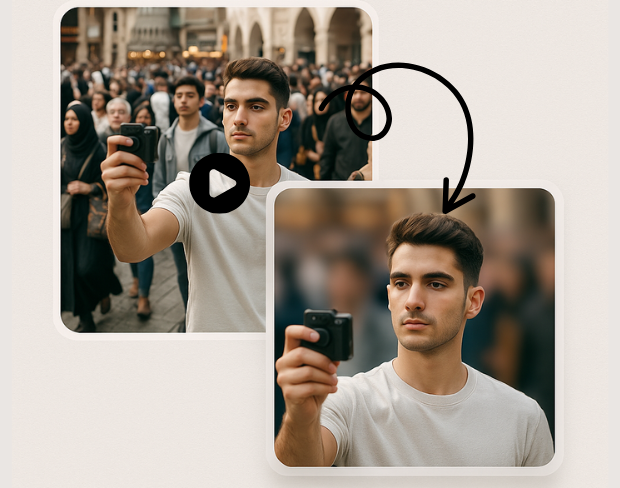
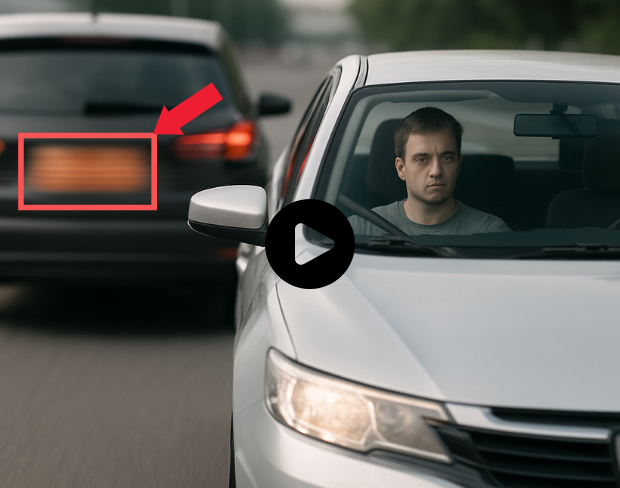
Experience instant free video background blur with our optimized processing engine. Watch as our AI blurs backgrounds from your video in real-time with live preview. Whether you're blurring backgrounds from short clips or longer videos, our free processing ensures you get results quickly.
Transform your videos with professional blur effects completely free. Choose from various blur styles including Gaussian blur, motion blur, and artistic effects. Create cinematic content with ease using our free advanced video blur editor with precise control.
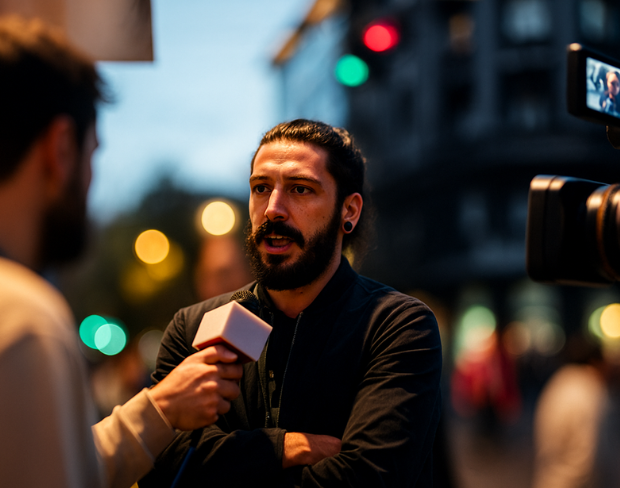
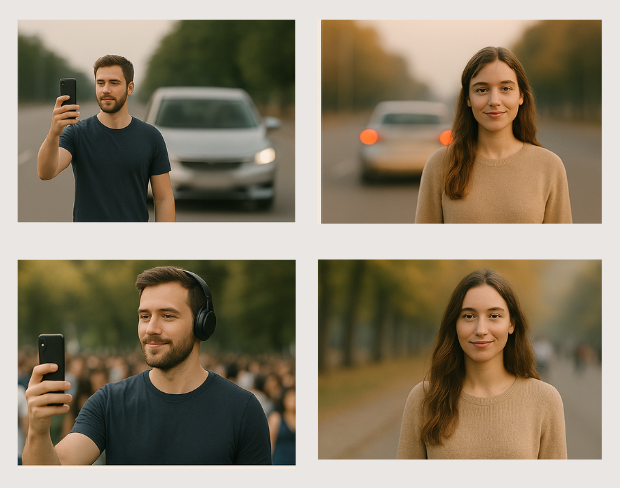
Free video blur tool works with any video format including MP4, MOV, AVI, WebM, and more. Our free video blur tool maintains original video quality while delivering crisp, professional results. Export in multiple formats without any cost.
Process multiple videos simultaneously with our free batch blur processing feature. Blur video backgrounds from files in bulk for free, saving hours of manual editing time. Perfect for content creators who need efficient free video processing.
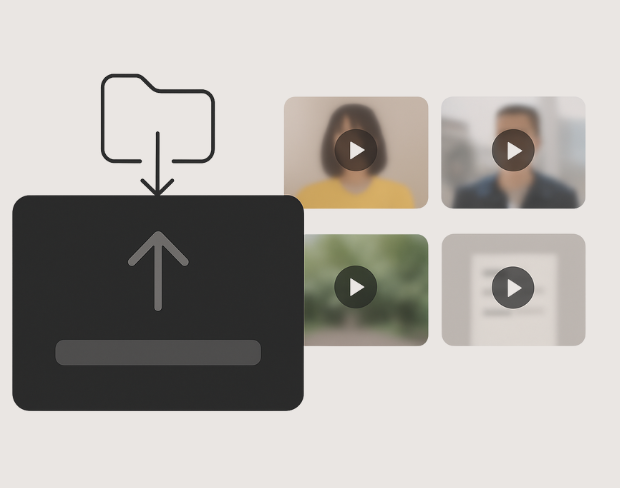
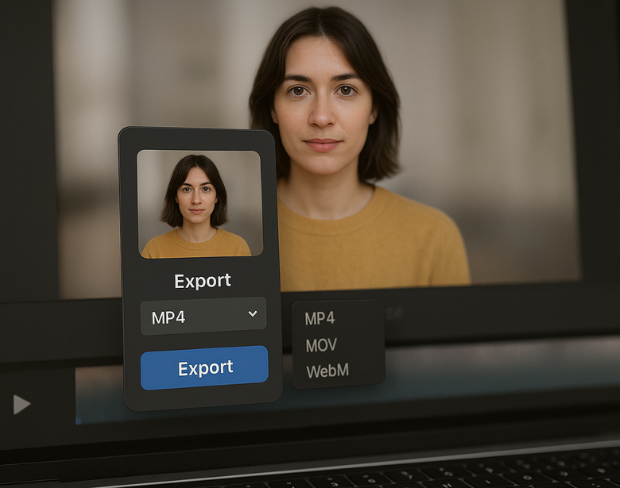
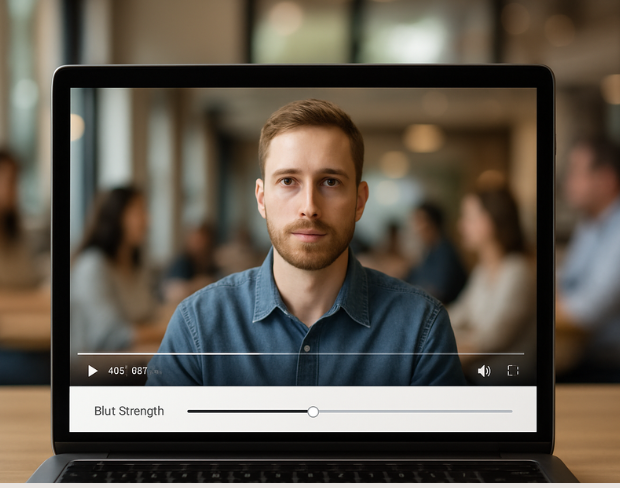
Our advanced AI uses sophisticated subject detection to ensure only backgrounds are blurred while keeping subjects sharp and in focus - all for free. Fine-tune results with our free selective blur tools to handle complex scenarios.
Process your videos securely in the cloud without downloading software - completely free. Your files are encrypted and automatically deleted after processing. Access our free video blur tool from any device with an internet connection.
One platform, every blur need. Click any card to get started.
Free video blur tool to blur video backgrounds instantly online. Add blur effects, background blur, and create professional videos with our AI-powered video editor. No watermark.
Prepare your videos for YouTube, TikTok, Instagram, and more using our free video blur tool. Easily create videos with professional blur effects that enhance your content on any platform - no complex edits needed.
Blur video background effortlessly with our free intuitive interface designed for creators of all skill levels. Whether you're a beginner or professional, our AI-powered tools make video background blur simple and accessible at no cost.
Get professional video blur results in minutes, not hours - completely free. Our optimized AI ensures consistent blur quality across your entire video while maintaining the original resolution and frame rate.
Beyond basic blur, our free tool lets you create artistic blur effects and dynamic content. Perfect for social media, ads, and professional presentations - add eye-catching blur effects that make your videos stand out, all for free.
Join thousands of content creators, marketers, and professionals who use our free AI-powered video blur tool to enhance their video content with professional blur effects at no cost.
120K+
Blurred Clips
500K+
License Plates Hidden
"The blur tools are a lifesaver — I can softly blur distracting backgrounds and automatically anonymize license plates in my vlogs."
Sarah Johnson
Content Creator • YouTube
"Perfect for short-form content — selective blur and automatic license-plate hiding keeps posts compliant and on-brand without manual editing."
Emma Rodriguez
Social Media Manager • Digital Agency
"I've used many blur filters, but the adaptive face and plate blur here are the most natural-looking — great for client deliverables where privacy matters."
Lisa Thompson
Freelance Video Editor • Independent
"We rely on the motion-aware blur and plate anonymization for on-the-go product demos. It's fast, consistent, and saves legal review time."
Michael Chen
Marketing Director • TechStart Inc.
"The blur tools are a lifesaver — I can softly blur distracting backgrounds and automatically anonymize license plates in my vlogs."
Sarah Johnson
Content Creator • YouTube
"Perfect for short-form content — selective blur and automatic license-plate hiding keeps posts compliant and on-brand without manual editing."
Emma Rodriguez
Social Media Manager • Digital Agency
"I've used many blur filters, but the adaptive face and plate blur here are the most natural-looking — great for client deliverables where privacy matters."
Lisa Thompson
Freelance Video Editor • Independent
"We rely on the motion-aware blur and plate anonymization for on-the-go product demos. It's fast, consistent, and saves legal review time."
Michael Chen
Marketing Director • TechStart Inc.
Yes! Our free video blur tool allows you to blur video backgrounds without any cost. You can process videos with professional AI blur effects completely free with no hidden charges.
Our free video blur tool supports all major video formats including MP4, MOV, AVI, WebM, MKV, FLV, and more. Videos up to 8K resolution and 500MB in size are supported for free processing.
Our free tier offers professional blur functionality with some limitations on processing time and file size. Premium features like batch processing and advanced effects are available with our paid plans.
Free video blur processing typically takes 1-5 minutes depending on video length and complexity. You'll see a real-time preview and can download your blurred video immediately after processing.
Absolutely. All videos processed with our free blur tool are encrypted during transfer and storage, and automatically deleted from our servers after processing. Your content is never stored or shared.
Yes! Our free video blur tool offers customizable blur intensity levels and basic blur effects. You can preview different settings before applying them to your final video.
Share your experience and help others make informed decisions
Community Score
0.0
/ 5
Based on 0 reviews
Be the first to share your experience!