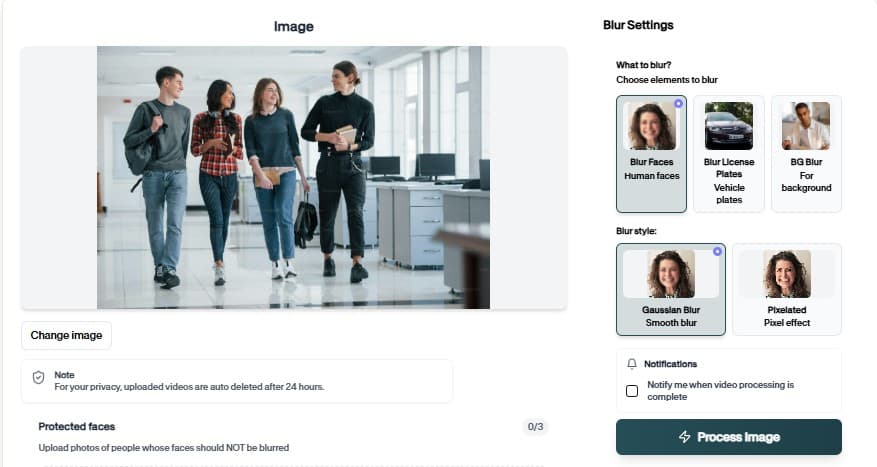
License Plate Blurring with Blur License Plate Image
Blur License Plate Image locates plates at any angle, tracks them through video motion, and exports footage safe for social, news, and client delivery.
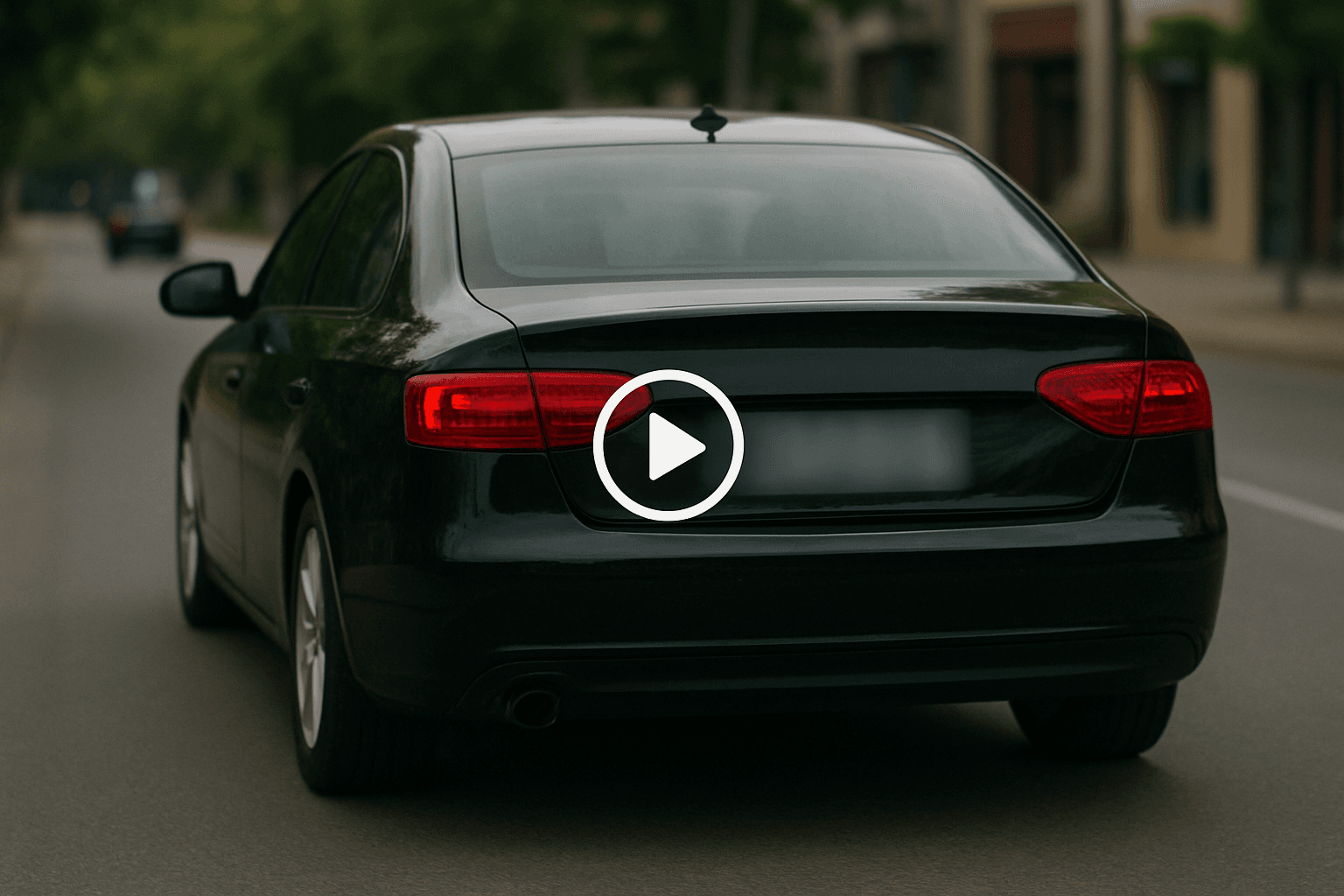
Blur License Plate Image — How It Works
Plate redaction for cars, bikes, and fleet assets.
Why teams use Blur License Plate Image
Blur License Plate Image is built for footage where vehicle identifiers must disappear before publication. Plates are detected on parked and moving cars, blurred consistently, and exported with the scene still usable for insurance, news, or training.
Use Blur License Plate Image when source footage cannot be re-shot but must be shared externally.
Blur plates while leaving vehicle color and damage visible for claims
Track plates on moving vehicles through entire clips
Find license plates at oblique angles and partial occlusion
Combine with other BGBlur tools in the same project flow
Download results without mandatory account creation
Preview AI suggestions before committing export
Where it is used
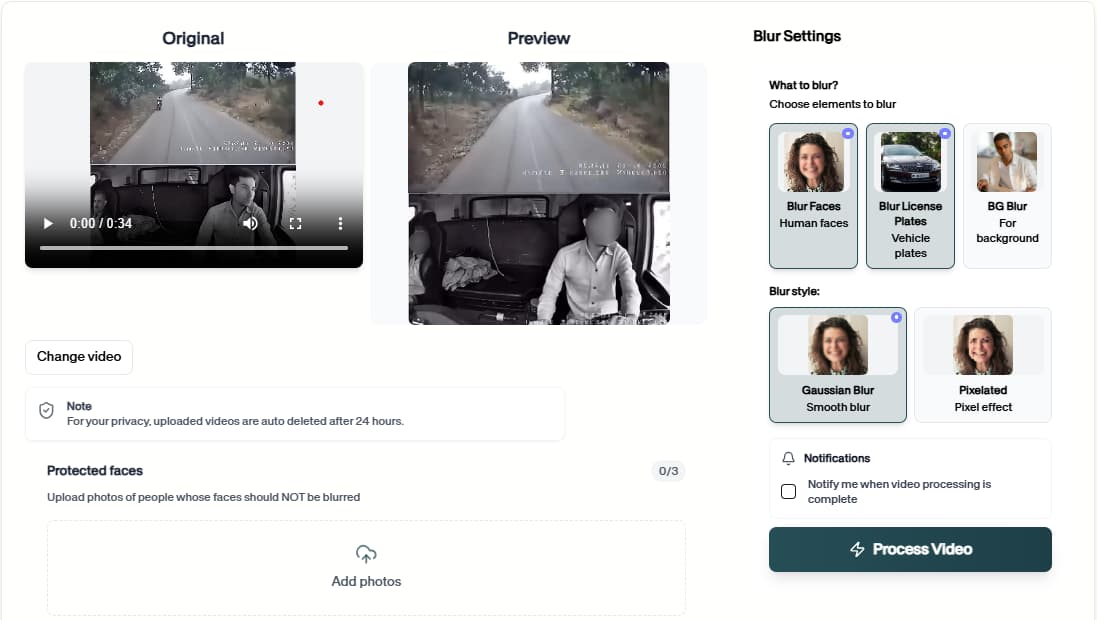
Car reviews
Blur third-party vehicles in B-roll. сохраняет этот рабочий процесс удобным для повторной проверки, очистки конфиденциальности, публикации и передачи команде без необходимости вручную перестраивать каждую маску или настройку.
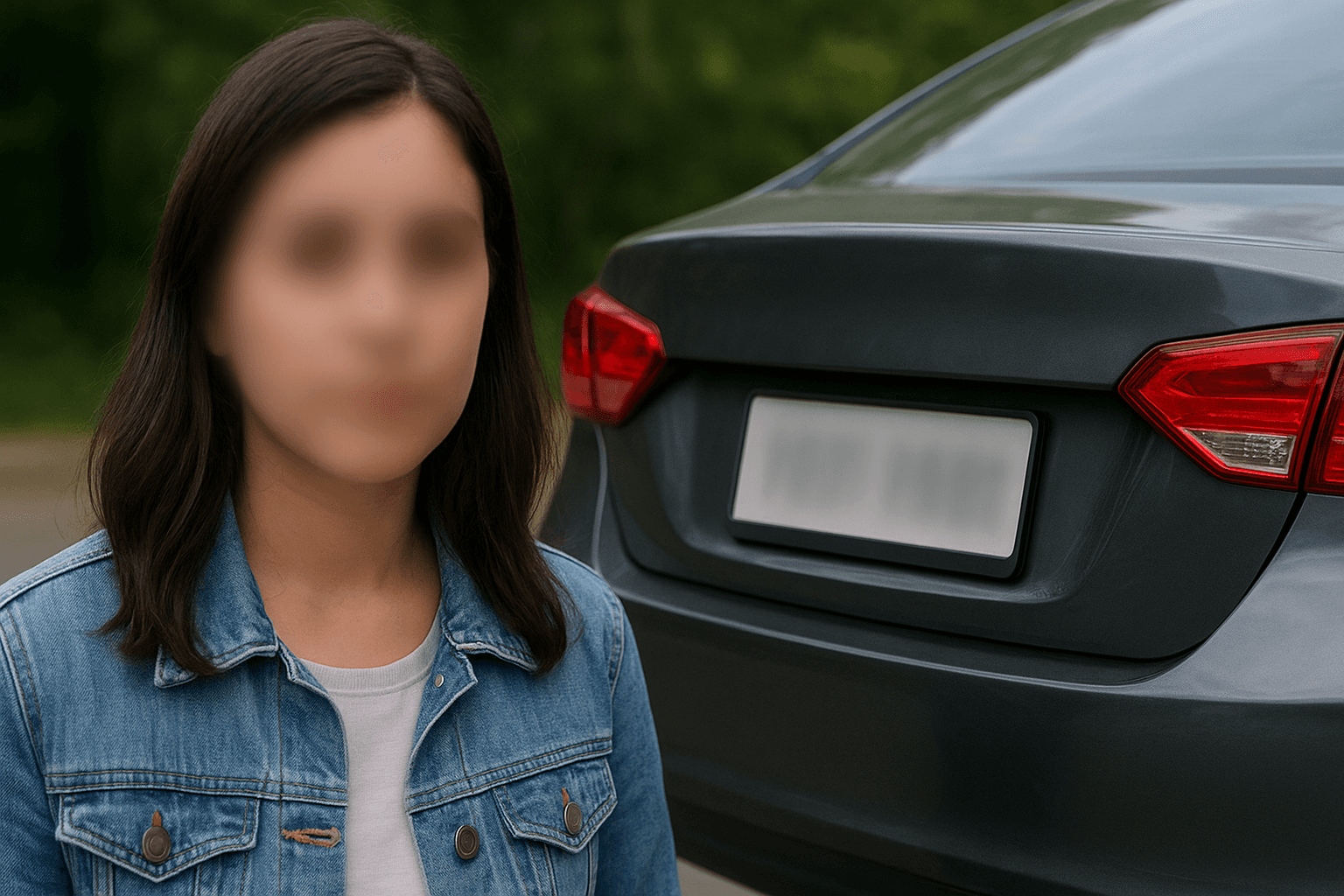
Archive cleanup
Retroactively fix old media libraries. сохраняет этот рабочий процесс удобным для повторной проверки, очистки конфиденциальности, публикации и передачи команде без необходимости вручную перестраивать каждую маску или настройку.
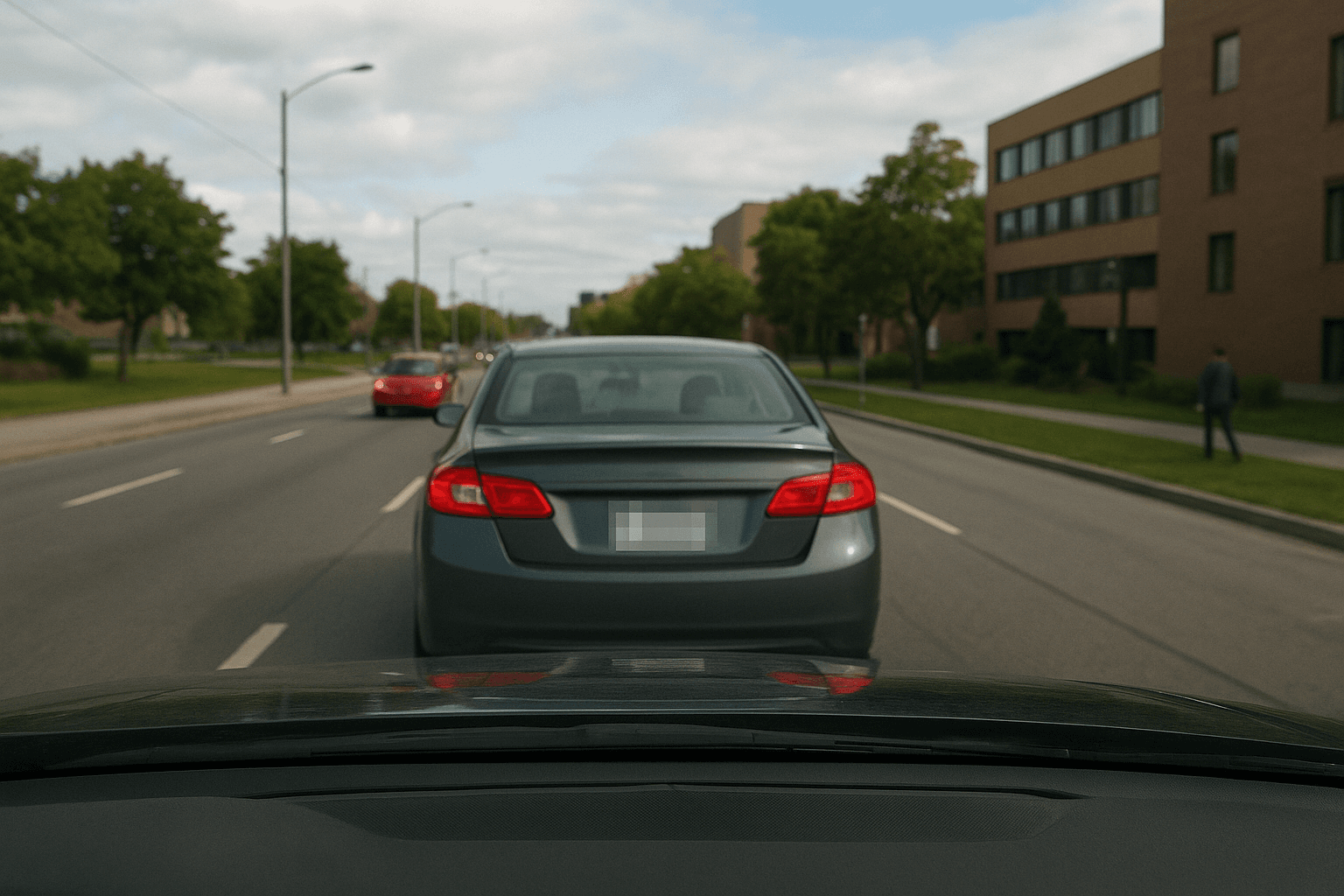
Dashcam YouTube
Publish driving clips without plate leaks. сохраняет этот рабочий процесс удобным для повторной проверки, очистки конфиденциальности, публикации и передачи команде без необходимости вручную перестраивать каждую маску или настройку.
Fleet training
Use real road footage in onboarding. сохраняет этот рабочий процесс удобным для повторной проверки, очистки конфиденциальности, публикации и передачи команде без необходимости вручную перестраивать каждую маску или настройку.
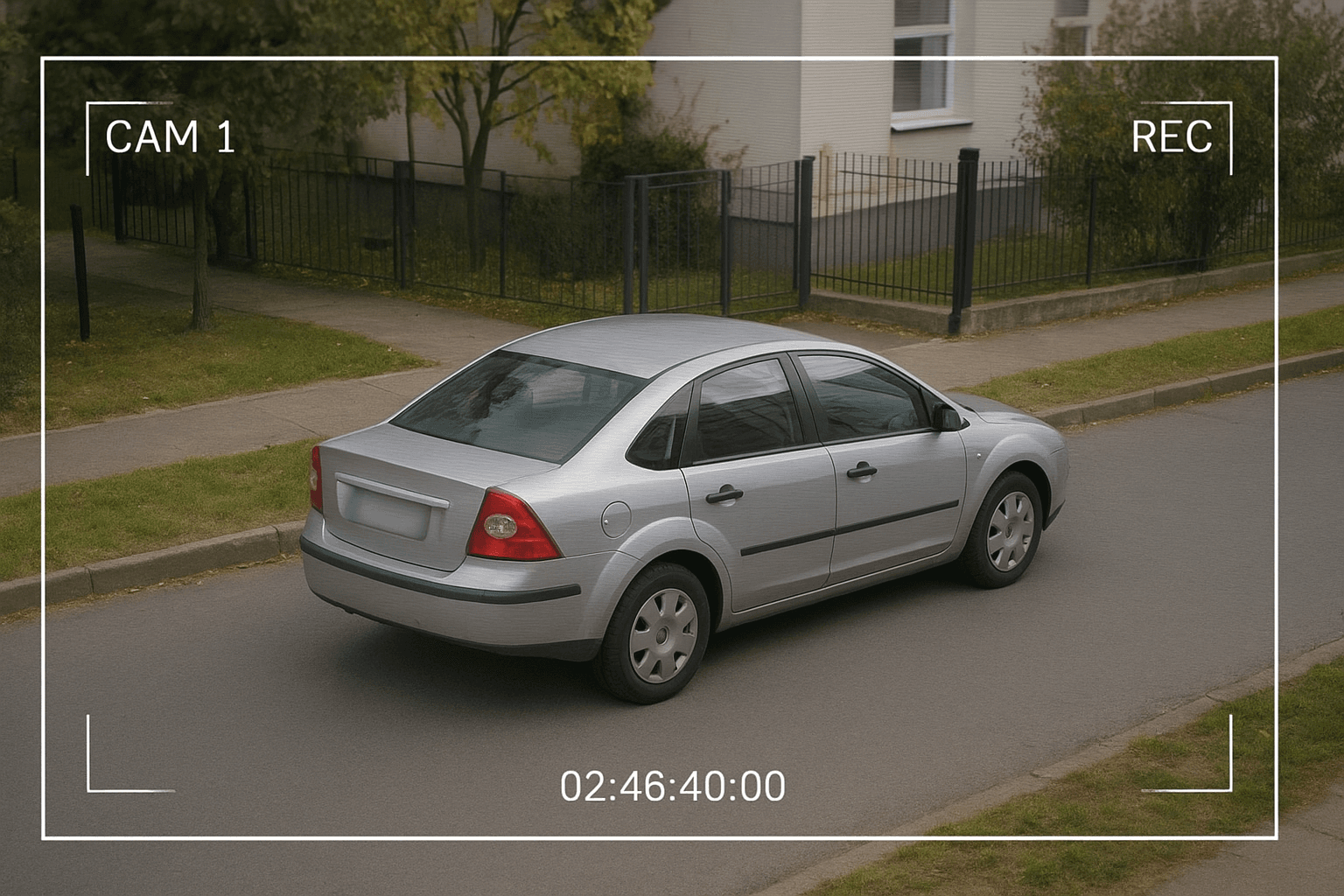
Parking disputes
Release CCTV with plates masked. сохраняет этот рабочий процесс удобным для повторной проверки, очистки конфиденциальности, публикации и передачи команде без необходимости вручную перестраивать каждую маску или настройку.
Client delivery
Send privacy-reviewed exports. сохраняет этот рабочий процесс удобным для повторной проверки, очистки конфиденциальности, публикации и передачи команде без необходимости вручную перестраивать каждую маску или настройку.
Fast browser turnaround
Most projects move from upload to export in minutes because Blur License Plate Image proposes edits automatically instead of starting from a blank timeline.
Try Blur License Plate Image now
Upload a sample file and confirm the preview before you download.
How to use Blur License Plate Image
Upload, verify, download — no timeline editing required.
Upload your video or image
Drag your video or image into Blur License Plate Image. Phone, dashcam, screen capture, and studio sources are all supported in the browser.
Review detections
Plates are highlighted on vehicles in each frame. Verify angled or partial plates on fast-moving traffic before you commit the export.
Download the export
Export when the preview looks correct. The file is ready for upload, client portals, or archive storage.
Editing features
Blur License Plate Image at a glance
What you get when using Blur License Plate Image in real projects.

Detection-first workflow
Blur plates while leaving vehicle color and damage visible for claims
Browser or API delivery
Track plates on moving vehicles through entire clips

Privacy-safe exports
Find license plates at oblique angles and partial occlusion
Teams using similar workflows
How Blur License Plate Image fits day-to-day media and compliance work.
“Blur License Plate Image cut our redaction time from hours to minutes on last week's footage.”
“We shipped client-safe exports the same day instead of waiting on manual masking.”
“Blur License Plate Image is simple enough for producers who do not live inside NLE timelines.”
Blur License Plate Image — FAQ
Common questions about Blur License Plate Image, exports, and privacy handling.
License plates on cars, motorcycles, and trucks, including many angled views.
Yes — core blur workflows are free in the browser. Premium limits apply to very long files or batch needs.
No. Blur License Plate Image runs in the browser — upload, preview, and download without Premiere, DaVinci, or desktop apps.
BGBlur processes files for the editing session with privacy-first handling. Media is not published as permanent public assets.
User Reviews
Share your experience and help others make informed decisions
Write a Review
All Reviews (0)
No reviews yet
Be the first to share your experience and help others discover this tool!
Plate privacy tools
Related tools for license plate and number plate blur
Use these plate masking tools for dashcam video, street footage, car listings, fleet media, and compliance exports.
Vehicle Privacy
License Plate Blurring with Blur License Plate Image
Blur License Plate Image locates plates at any angle, tracks them through video motion, and exports footage safe for social, news, and client delivery.
Plate redaction for cars, bikes, and fleet assets.
Open Blur License Plate Image