
"The blur tools are a lifesaver — I can softly blur distracting backgrounds and automatically anonymize license plates in my vlogs."
SJ
Sarah Johnson
Content Creator • YouTube
Get started with our simple 3-step process
Upload your MP4, MOV, or M4V file securely in your browser.
Choose face blur, license plate blur, background blur, or object blur and preview instantly.
Export your privacy-safe video in high quality and publish anywhere.
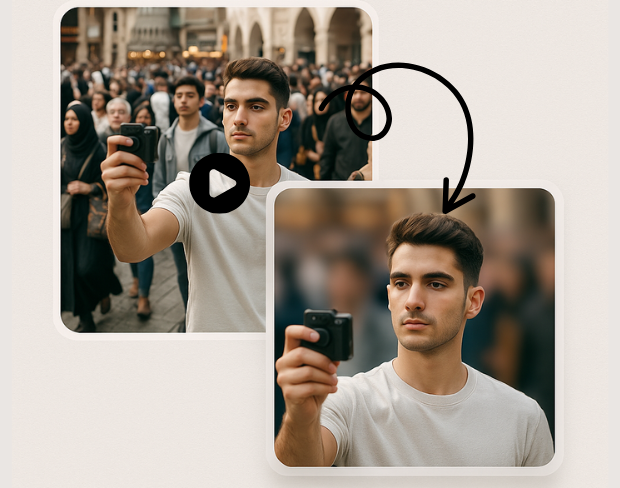
Advanced AI technology automatically detects and blurs specific objects in your videos. Our object detection blur system identifies people, vehicles, text, and custom objects with pixel-perfect precision for targeted anonymization.
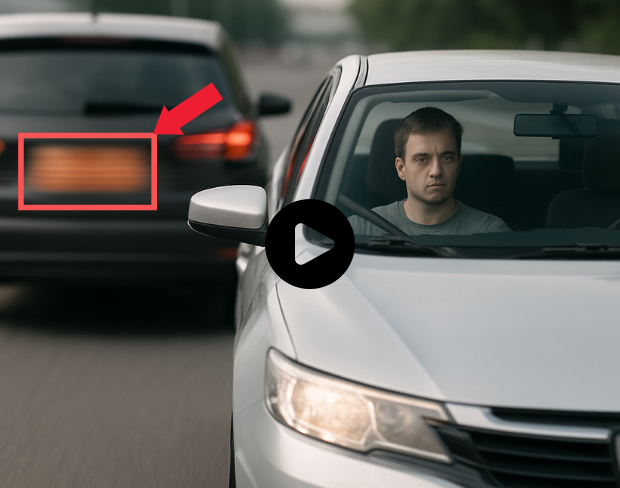
Create custom blur zones for any area in your video. Draw precise regions to blur with our selective video blur tool, perfect for privacy protection and professional video editing with complete control over blur areas.
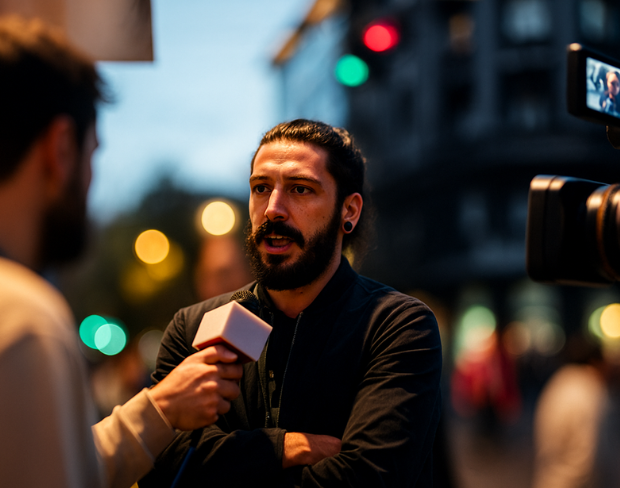
Blur only what you want with our selective anonymization technology. Choose specific objects, regions, or areas to blur while keeping the rest of your video sharp and clear for professional results.
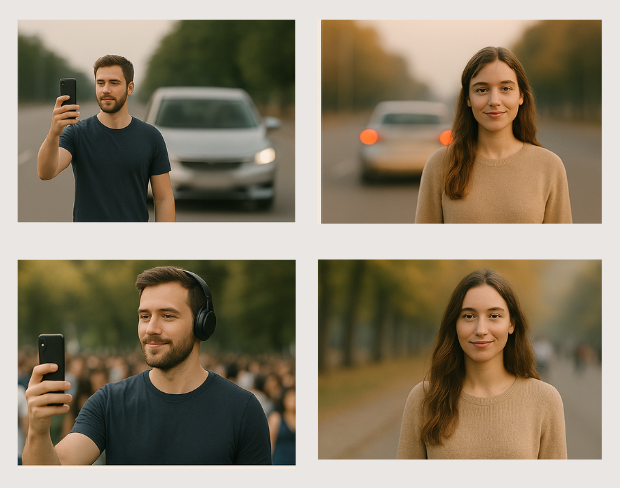
Professional video object masking with AI-powered precision. Our tool creates seamless object masks that follow movement throughout your video, ensuring consistent blur coverage across all frames.
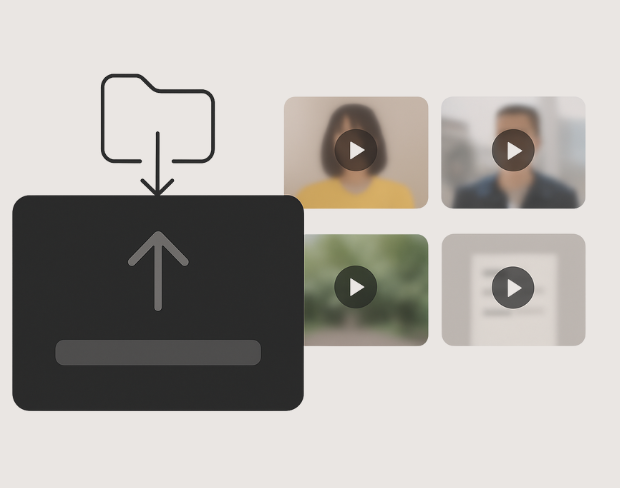
Apply targeted blur effects with surgical precision. Our AI identifies and tracks specific objects throughout your video, maintaining consistent blur coverage while preserving video quality and natural motion.
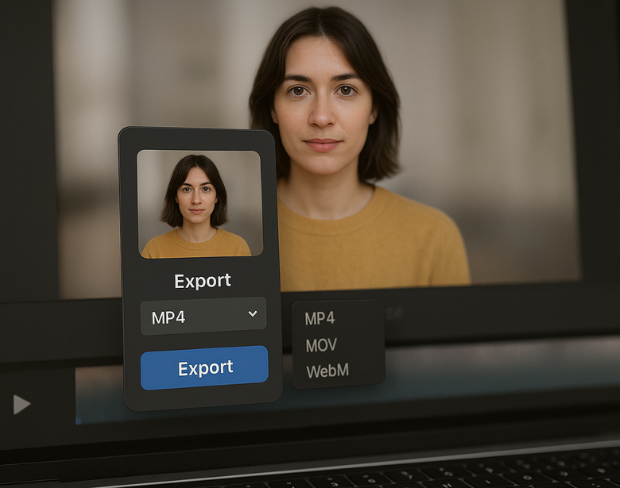
Control blur intensity and coverage for specific areas in your video. Adjust blur strength, feathering, and tracking parameters for each region to achieve professional-grade selective video anonymization.
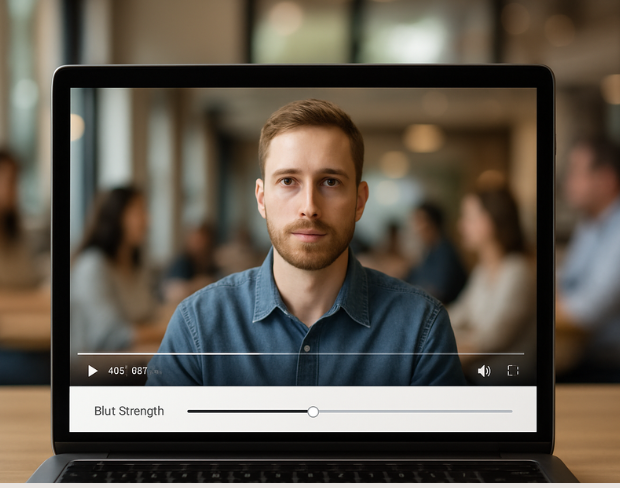
Advanced object tracking maintains consistent blur coverage as objects move through your video. Our AI follows selected objects frame-by-frame, ensuring seamless anonymization throughout the entire video duration.
기능
모든 블러 작업을 위한 하나의 플랫폼입니다. 기능을 클릭하면 시작할 수 있어요.
비디오 블러
번호판 자동 감지
비디오 블러
프레임별 추적
비디오 블러
그린 스크린 필요 없음
비디오 블러
프롬프트를 사용하거나 블러 처리할 영역을 박스로 지정하세요
개인정보 보호
사진 속 얼굴 블러
개인정보 보호
팀용 익명 처리
개인정보 보호
AI 음성 마스킹
얼굴 교체
이미지에서 얼굴 교체
얼굴 교체
영상에서 얼굴 교체
얼굴 교체
장면 채우기로 객체 제거
에코시스템
질문하고 AI 요약 받기
매일 bgblur를 신뢰하는 수천 명의 크리에이터와 팀과 함께하세요.
Blur any selected object or area in videos with AI precision. Free selective blur tool for targeted video anonymization and privacy protection. No signup required.
Blur specific objects in videos for professional anonymization and privacy protection. Perfect for content creators, businesses, and media professionals requiring precise object blur control.
Our advanced AI object detection technology ensures accurate targeting of specific objects and regions, delivering professional-grade selective blur effects with minimal manual intervention.
Process object region blur effects instantly with our optimized AI engine. Get professional selective blur results in seconds while maintaining original video quality.
Select and blur unlimited objects and regions in your videos. Create complex anonymization patterns with multiple blur zones, all processed without watermarks or restrictions.
Join professionals using our AI-powered selective blur tool for precise object anonymization and privacy protection in their video content.
120K+
흐리게 처리된 클립
500K+
숨겨진 번호판
"The blur tools are a lifesaver — I can softly blur distracting backgrounds and automatically anonymize license plates in my vlogs."
Sarah Johnson
Content Creator • YouTube
"Perfect for short-form content — selective blur and automatic license-plate hiding keeps posts compliant and on-brand without manual editing."
Emma Rodriguez
Social Media Manager • Digital Agency
"I've used many blur filters, but the adaptive face and plate blur here are the most natural-looking — great for client deliverables where privacy matters."
Lisa Thompson
Freelance Video Editor • Independent
"We rely on the motion-aware blur and plate anonymization for on-the-go product demos. It's fast, consistent, and saves legal review time."
Michael Chen
Marketing Director • TechStart Inc.
"The blur tools are a lifesaver — I can softly blur distracting backgrounds and automatically anonymize license plates in my vlogs."
Sarah Johnson
Content Creator • YouTube
"Perfect for short-form content — selective blur and automatic license-plate hiding keeps posts compliant and on-brand without manual editing."
Emma Rodriguez
Social Media Manager • Digital Agency
"I've used many blur filters, but the adaptive face and plate blur here are the most natural-looking — great for client deliverables where privacy matters."
Lisa Thompson
Freelance Video Editor • Independent
"We rely on the motion-aware blur and plate anonymization for on-the-go product demos. It's fast, consistent, and saves legal review time."
Michael Chen
Marketing Director • TechStart Inc.
AI가 영상을 분석하여 선택한 배경, 얼굴, 번호판 또는 객체를 자동으로 감지하고 모션 트래킹으로 블러 처리합니다.
MP4, MOV, M4V 포맷을 모든 블러 기능(얼굴 블러, 배경 블러 등)에서 지원합니다.
무료 사용자는 200MB 이하, 10분 미만의 영상만 처리할 수 있습니다. 프로 사용자는 길이가 더 긴 영상과 무제한 처리가 가능합니다.
네, BGBlur의 AI는 움직이는 객체, 얼굴, 차량을 자동으로 추적합니다. 프레임마다 수동으로 마스킹할 필요 없이, 모션 인식 추적기가 피사체가 움직여도 흐림 효과를 고정해 줍니다.
BGBlur는 100% 웹 기반 도구입니다. 비디오나 이미지를 업로드하고 얼굴 흐림 도구를 선택하기만 하면, 앱이나 플러그인 다운로드 없이 브라우저 내에서 즉시 픽셀화 또는 흐림 효과를 적용할 수 있습니다.
물론입니다. 저희 AI는 주행 영상, 블랙박스 및 거리 영상의 번호판을 감지하고 흐리게 처리하도록 특별히 학습되어 개인정보 보호법 준수를 돕습니다.
사용자의 개인정보 보호가 가장 중요합니다. BGBlur는 고도의 클라이언트 측 기술을 활용하여 비디오를 안전하게 처리합니다. 파일은 브라우저에서 로컬로 처리되며 외부 서버에 업로드되거나 영구 저장되지 않습니다.
네! BGBlur는 모바일 브라우저에 최적화된 완벽한 반응형 웹입니다. 아이폰, 아이패드 또는 안드로이드 폰에서 직접 비디오 배경을 흐리게 처리하거나 얼굴을 간편하게 픽셀화할 수 있습니다.
제한은 기능에 따라 다릅니다. 얼굴 흐림, 번호판 흐림, 배경 흐림, 모든 항목 흐림, 화면 흐림, NSFW 흐림, 얼굴 익명화 같은 표준 비디오 흐림 도구는 무료 플랜에서 최대 500MB 및 5분, 유료 플랜에서 최대 1GB 및 10분을 지원합니다. Object Remover는 클립당 최대 1GB, 10초의 MP4 및 MOV 비디오를 지원합니다. Voice Anon 직접 업로드는 최대 100MB를 지원하며, 업로드/URL 워크플로는 최대 500MB 및 10분 미만의 오디오 또는 비디오 파일을 지원합니다.
경험을 공유하여 다른 사람들이 합리적인 결정을 내릴 수 있도록 도와주세요
커뮤니티 점수
0.0
/ 5
0개의 리뷰 기준
가장 먼저 경험을 공유하고 다른 사람들이 합리적인 결정을 내릴 수 있도록 도와주세요!