ズーム&ズーム チーム会議のプライバシーブラー
Professional video call recordings with blurred backgrounds, participant faces, and sensitive on-screen content for safe sharing.
Recorded Zoom and Teams meetings often contain more than the intended presentation: home offices with family photos, coworkers who didn't consent to external sharing, and screen shares with customer data.
Clean up Zoom and Teams recordings for safe sharing in three steps
Built for corporate comms, HR, and marketing teams who need privacy-safe recordings for external or LMS distribution.
Export your Zoom or Teams recording
Download the MP4 from Zoom cloud or Teams recordings before sharing externally.
Apply background and face blur
Blur participant backgrounds and specific attendee faces to protect privacy in gallery view.
Preview and export
Check gallery layouts across the timeline, then export for LMS, YouTube, or Vimeo hosting.
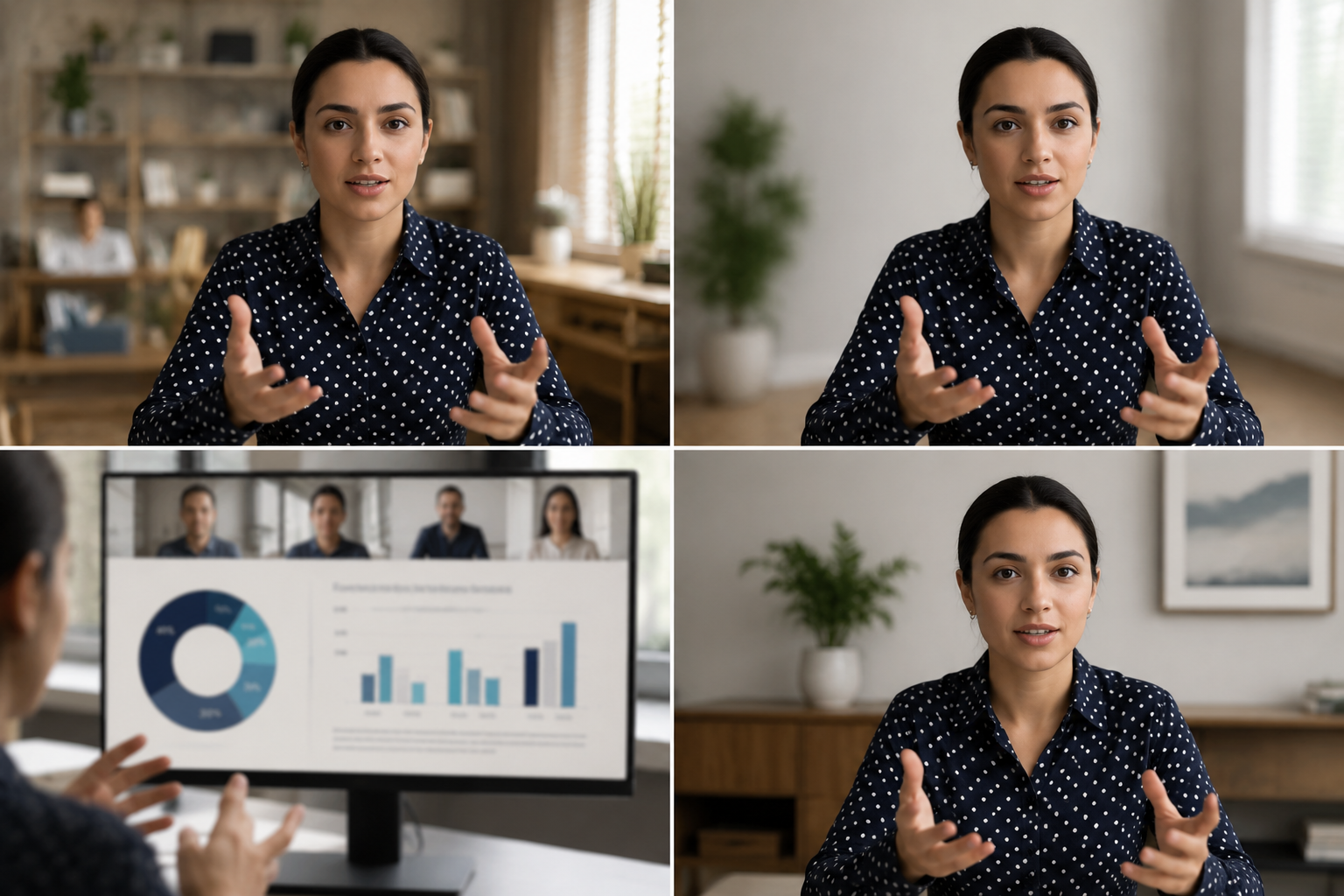
What this example demonstrates
Post-production blur gives you control that real-time virtual backgrounds can't: selectively protect participants, hide screen share content, and clean up backgrounds after the call ends.

Why teams use this pattern
Use this workflow when you need to share all-hands recordings externally, create training clips from client calls, or publish webinar archives with attendee privacy intact.
Common use cases
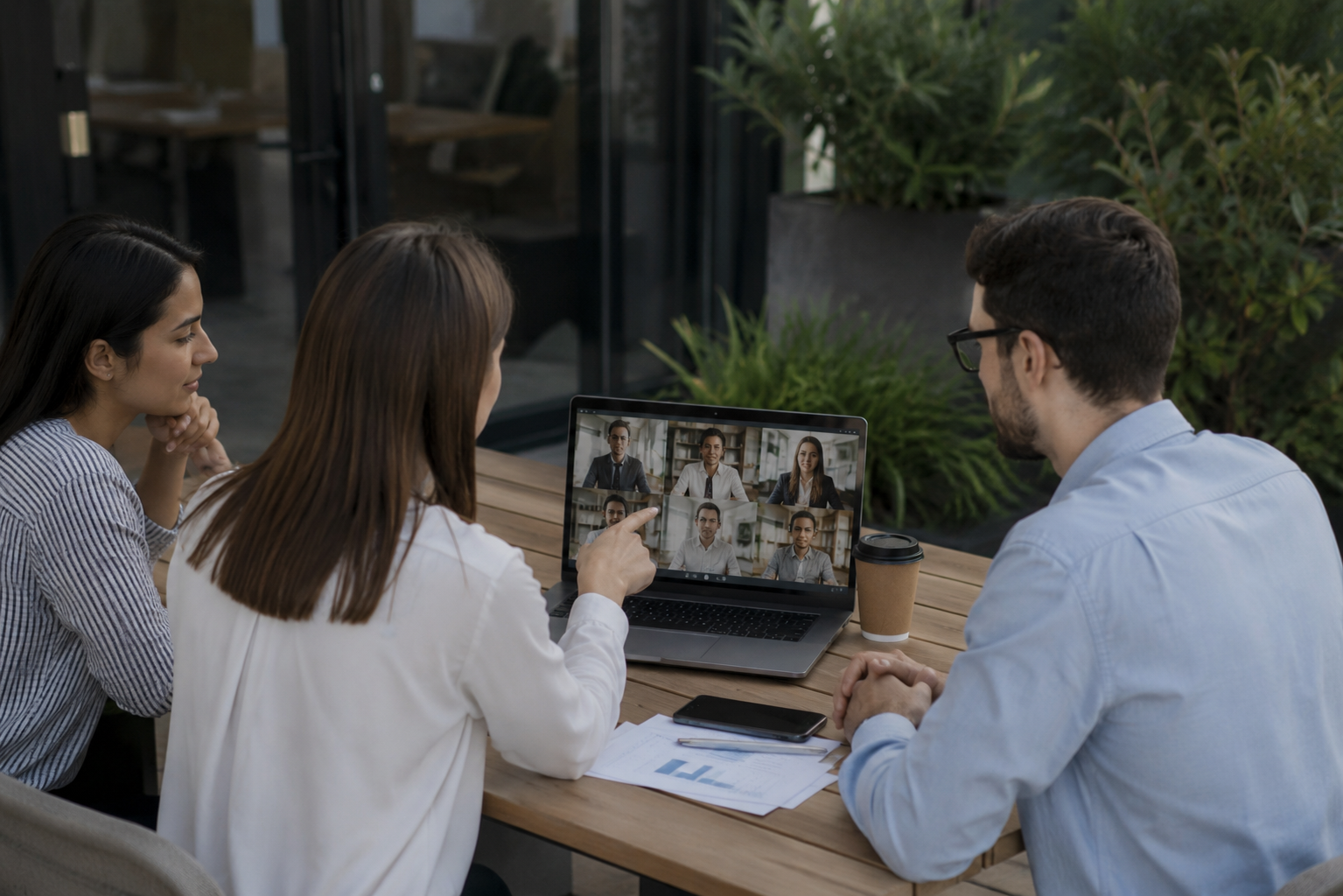
Teams reach for this workflow when all-hands meetings shared with contractors or press; client webinars with internal attendees visible; training recordings from customer success calls; town halls with employee q&a requiring anonymization. BGBlur automates detection so these scenarios stay publishable without days in a timeline.

Built for Corporate communications teams and HR and internal comms
Ideal audiences include Corporate communications teams, HR and internal comms, Marketing and demand gen, Customer education teams. Pair this example with your policy review when footage is sensitive or public-facing.
ユースケース
- 請負業者やプレスと共有する全ての会議
- クライアントのウェビナーと内部の参加者が見える
- 顧客の成功からのトレーニング録音
- 匿名化が必要な従業員Q&Aのタウンホール
対象者
- 企業コミュニケーションチーム
- HRと内部の ms
- マーケティングとデマンド gen
- 顧客教育チーム
他のビデオぼかしサンプル
同じデモクリップとステップバイステップのガイダンスで、同様のシナリオを探索します。
シネマティックフォーカスのための背景ブラー
多忙な背景を柔軟に置き換えるので、被写体が際立っています。ウェビナー、レビュー、製品デモを自宅で撮影しました.
会話ヘッドビデオで顔のぼる
インタビュー、ポッドキャスト、およびブログの自動顔検出とブラー - 感情追跡されたので、アイデンティティは保護されています.
安全な背景を持つHR&トレーニングビデオ
自宅のオフィスのクラッタ、壁上の忍耐強い図、またはL&Dの内容を漏らすポスターを隠して下さい.
チュートリアルとデモ用のスクリーン録画ブラー
画面キャプチャでパスワード、APIキー、メール、および個人データを非表示にし、ソフトウェアのデモやビデオのサポートを必須とします.
よくある質問
- なぜZoomのビルトインバックグラウンドブラーを使用しませんか?
- 通話中にリアルタイムのブラーが適用されます。 ポストプロダクションブラーは、共有コンテキストを知るときに録画後にプライバシーの決定をコントロールできます.
- ギャラリービューで1名だけ参加できますか?
- はい。選択的な顔はグリッドレイアウトで動作しますので、他の人を目に見えるまま特定の参加者を保護することができます.
- 録音中のチャットや参加者名は?
- Video blur はピクセルのみを処理します。Zoom/Teams 録画設定で参加者名とチャットオーバーレイを無効にしたり、投稿中のUI要素をクロップしたりできます.