Redact PDF
Free, permanent PDF redaction
Find sensitive text or draw precise boxes over any part of a PDF, then export a flattened document where the hidden content is permanently removed — not just hidden behind a box.
動画の背景をぼかす方法
Get started with our simple 3-step process
1. リンクを貼り付けるかアップロード
動画をアップロードするかリンクを貼り付けます。
2. 背景をぼかす
動画を選択して背景ぼかしを有効にします。
3. 書き出して共有
動画を書き出して共有します。
Permanent redaction, not a black rectangle on top
Most PDF editors just draw a shape over the text — the words are still underneath and can be copied, searched, or lifted out. BGBlur flattens each page to an image and destroys the pixels under every mask, so redacted content is gone for good.
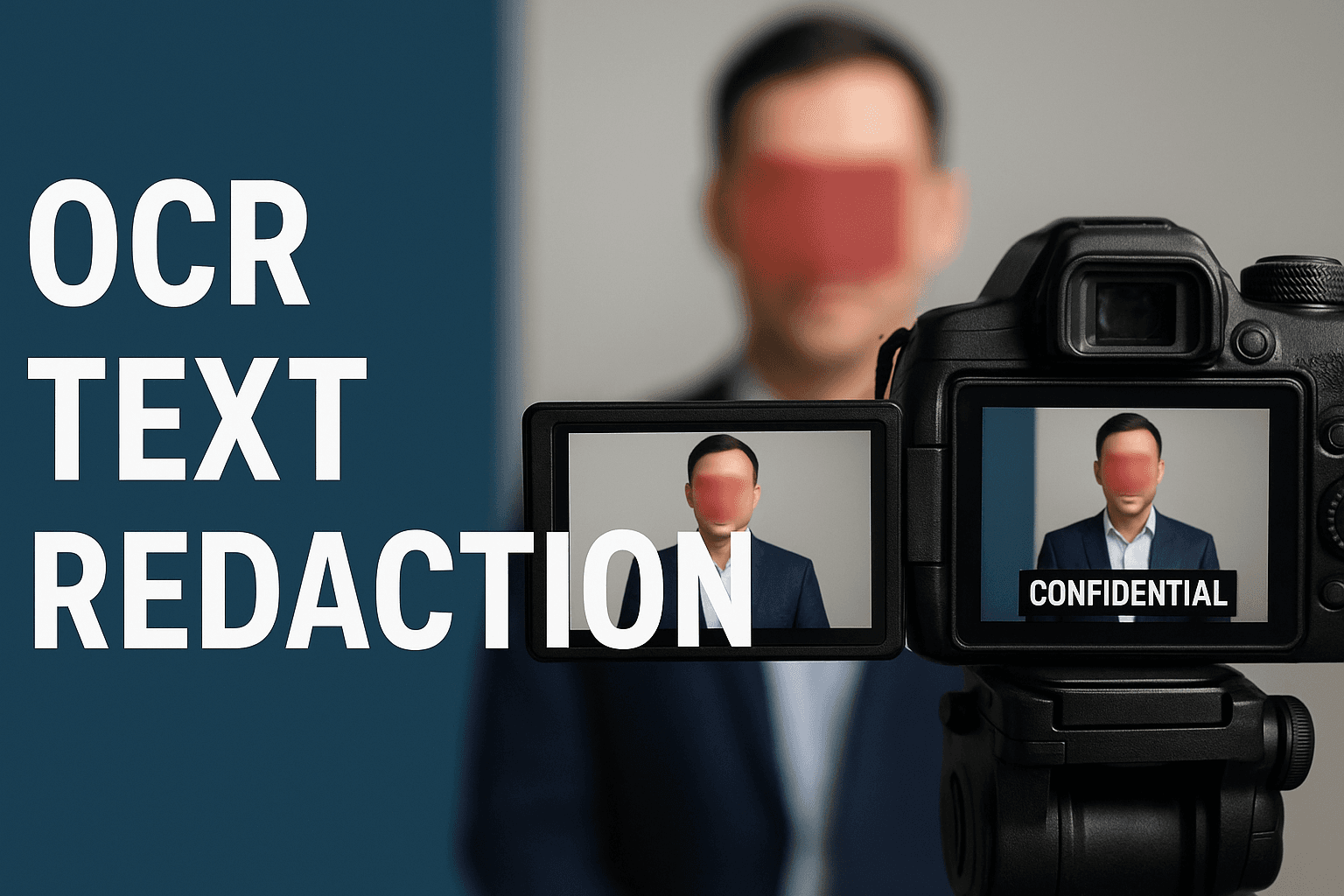
Auto-detect emails, phone numbers, and card numbers
Scan the whole document in one pass. Email addresses, phone numbers, and Luhn-valid credit card numbers each become a redaction area you can review — and it also catches text that was added later as a comment or annotation.
Search any word, or draw exactly where you need
Type a name, account number, or address to redact every match across all pages. Or draw a box directly on the page over a signature, logo, or photo, then move and resize it until it is right.
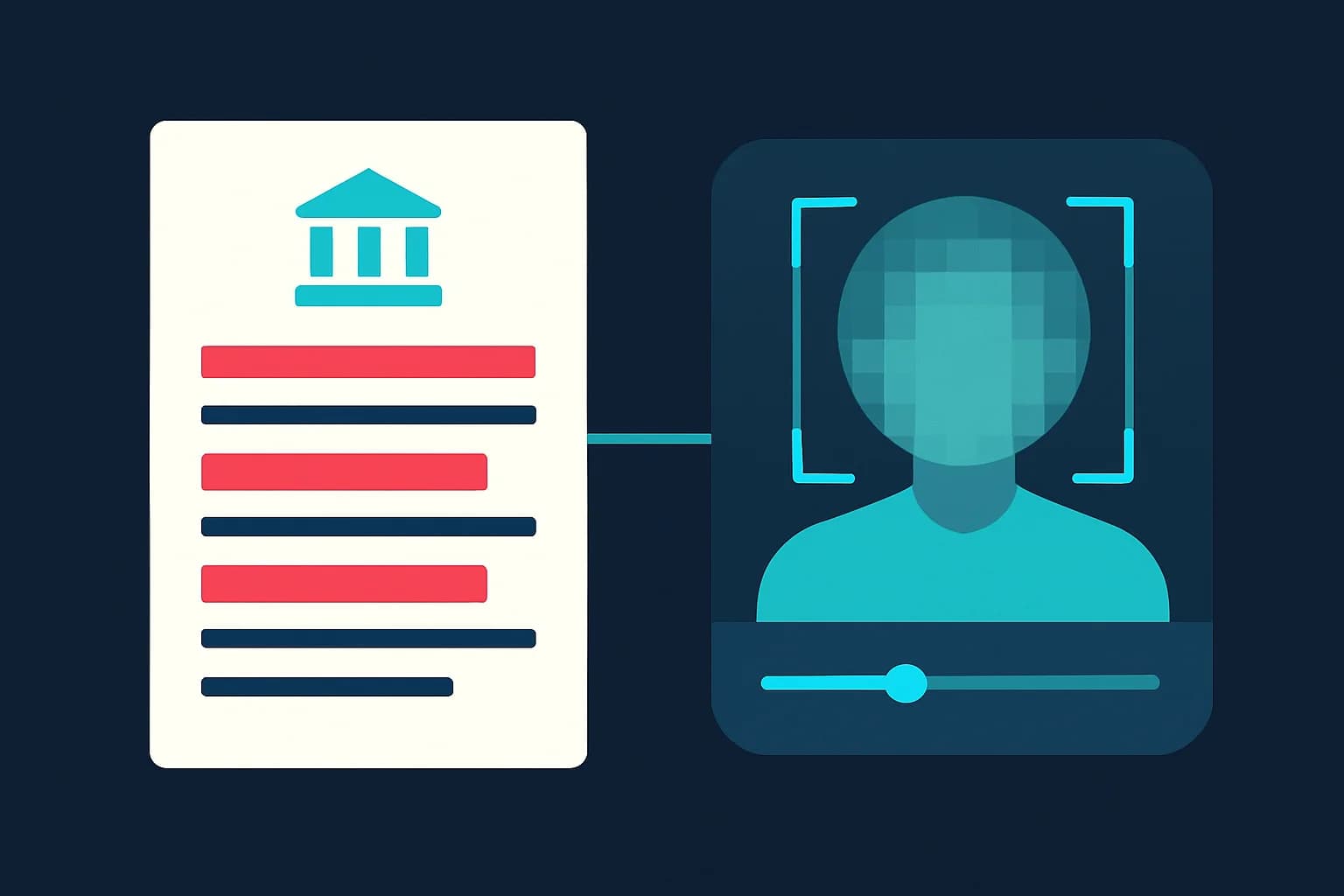
Your files stay private
Your document isn't shared or kept around. Only the finished, flattened copy is saved to your account so it appears in your processing history for you to download again later.
What makes BGBlur's PDF redaction different?
BGBlur is built for redaction you can actually trust: the sensitive content is removed from the file, not hidden behind a shape someone can move or delete.
Truly permanent
Pages are flattened to images and the content under each mask is destroyed — redacted text can't be copied, searched, or recovered.
Works on any PDF
Auto-detection works on any PDF with a text layer; for image-only scans, draw your redaction boxes by hand.
Auto data detection
One pass finds emails, phone numbers, and Luhn-checked card numbers, including text added as annotations.
Full manual control
Search any phrase across every page, or draw, move, and resize black boxes by hand.
Review before export
Every detected and drawn area is listed and shown on the page so you can check it before downloading.
Free and no install
No watermark, no desktop software, works on mobile and desktop. One credit per PDF, up to 100 pages.
Redacting Sensitive PDFs the Permanent Way
BGBlur's PDF redaction tool covers emails, phone numbers, card numbers, names, signatures, and images with a solid black mask and then flattens the page, so the underlying content is permanently removed instead of just hidden behind a shape.
Use it to prepare FOIA and public-records responses, share contracts and invoices, remove personal data before publishing reports, or clean up scanned paperwork. Open the PDF, auto-detect or draw your redactions, review every mask, and export a clean copy — no desktop software, no sign-up hassle.
Powered by BGBlur PDF redaction
PDF Redaction FAQ
Open your PDF in BGBlur's redaction workspace, then either search for the text you want to hide, turn on auto-detection for emails, phone numbers, and card numbers, or draw black boxes on the page by hand. Review every mask in the preview and download the redacted PDF. It's free, with one credit per document.
It's permanent. Unlike PDF editors that draw a black rectangle over the text — leaving the original words selectable underneath — BGBlur flattens each page to an image and destroys the pixels beneath every mask. The redacted content can't be copied, searched, or lifted out of the exported file.
Your document isn't shared or stored. Only the finished, flattened copy is saved to your account so it appears in your processing history and you can download it again later.
Email addresses, phone numbers, and credit card numbers (validated with the Luhn checksum to cut false positives). Auto-detection also scans text that was added to the PDF later as a comment or annotation, not just the original document text.
Yes. Draw a box directly on the page over any signature, photo, stamp, or logo, then move and resize it. When you export, that area is flattened along with the rest of the page.
You can redact PDFs up to 100 pages and 200 MB. Larger files are rejected up front so the tool stays responsive on both desktop and mobile.
You can always draw manual redaction boxes on a scanned PDF. Automatic text detection needs a real text layer, so for image-only scans without OCR, use the draw tool to place your masks.
はい、BGBlurのAIは動くオブジェクト、顔、車両を自動的に追跡します。手動でフレームごとにマスクを描く必要はありません。モーション追跡機能が、動きに合わせて被写体にぼかしをロックし続けます。
BGBlurは完全にウェブベースのツールです。動画や画像をアップロードし、「顔ぼかし」ツールを選択するだけで、アプリやプラグインをダウンロードすることなく、ブラウザ内で即座にモザイクやぼかしを適用できます。
もちろんです。当社のAIは、走行映像、ドライブレコーダー、ストリートビュー動画のナンバープレートを検出してぼかすように特別にトレーニングされており、プライバシー法への準拠を支援します。
お客様のプライバシーは当社の最優先事項です。BGBlurは、高度なクライアントサイド技術を活用して動画を安全に処理します。ファイルはブラウザ内でローカルに処理され、外部サーバーにアップロードされたり、永久に保存されたりすることはありません。
はい!BGBlurは完全にレスポンシブで、モバイルブラウザ向けに最適化されています。iPhone、iPad、またはAndroidスマートフォンから直接、動画の背景をぼかしたり、顔をピクセル化したりできます。
制限は機能によって異なります。顔のぼかし、ナンバープレートのぼかし、背景のぼかし、何でもぼかし、画面のぼかし、NSFW のぼかし、顔の匿名化などの標準的なビデオぼかしツールは、無料プランで最大 500 MB と 5 分、有料プランで最大 1 GB と 10 分をサポートします。 Object Remover は、最大 1GB、クリップあたり 10 秒の MP4 および MOV ビデオをサポートします。 Voice Anon の直接アップロードは最大 100MB をサポートし、アップロード/URL ワークフローは最大 500MB で 10 分未満のオーディオまたはビデオ ファイルをサポートします。
Redact a PDF the permanent way
Search, draw, review, and download a PDF where the sensitive content is removed — not just covered — in a few clicks.
Redact a PDF now