
"The blur tools are a lifesaver — I can softly blur distracting backgrounds and automatically anonymize license plates in my vlogs."
SJ
Sarah Johnson
Content Creator • YouTube
Automatically detect and blur faces in videos with advanced AI technology
Get started with our simple 3-step process
Upload your MP4, MOV, or M4V file securely in your browser.
Choose face blur, license plate blur, background blur, or object blur and preview instantly.
Export your privacy-safe video in high quality and publish anywhere.
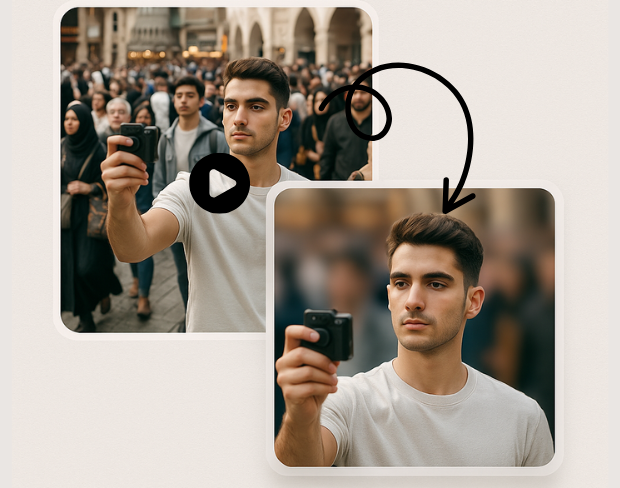
Our cutting-edge AI technology automatically detects faces in video footage with incredible precision. Smart algorithms identify faces at different angles, lighting conditions, and distances, ensuring comprehensive face detection and blur coverage.
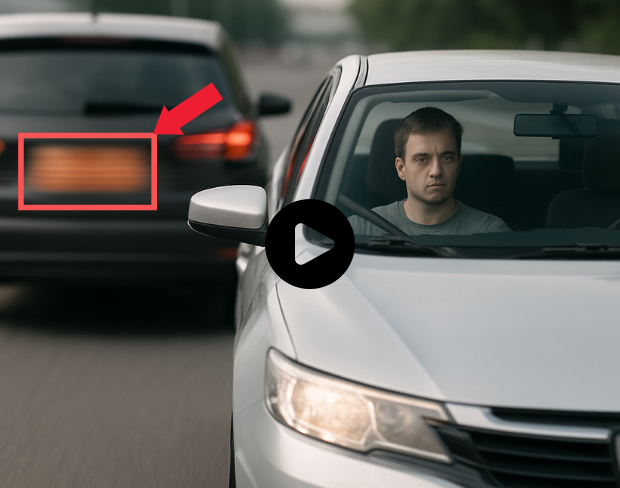
Experience ultra-fast face blur processing powered by optimized AI algorithms. Process videos with multiple faces instantly while maintaining high video quality. Automatic detection and blur application in seconds, not minutes.
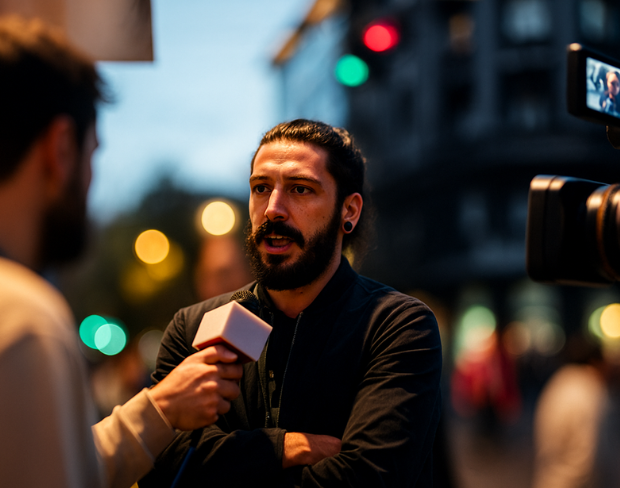
Achieve complete face anonymization with broadcast-quality blur effects. Our professional-grade processing ensures faces are effectively obscured while preserving video clarity and maintaining natural appearance throughout the footage.
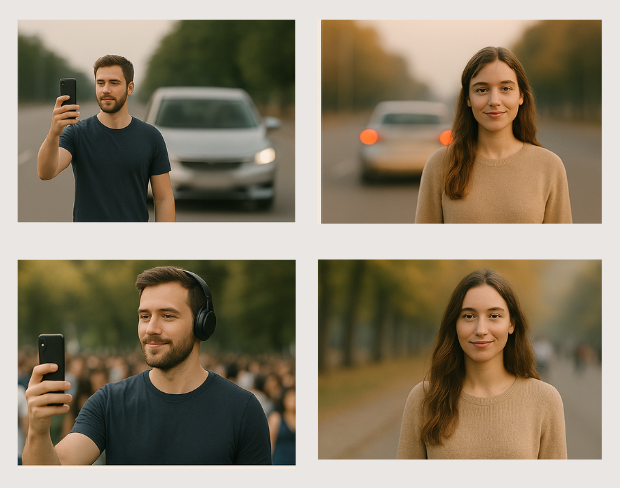
Perfect for content creation, journalism, security footage, social media posts, educational videos, and documentary work. Comply with privacy regulations, protect subject identity, or create anonymous testimonials with reliable face blur technology.
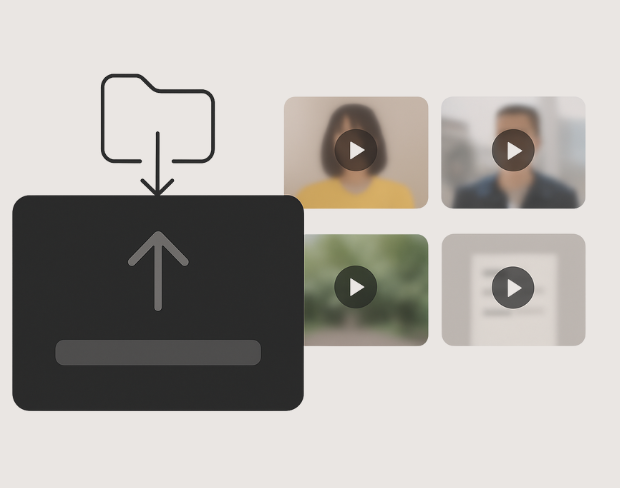
Process multiple videos simultaneously with consistent face blur settings. Save time with bulk face anonymization while maintaining quality across all your video content. Perfect for content creators and professionals handling multiple video files.
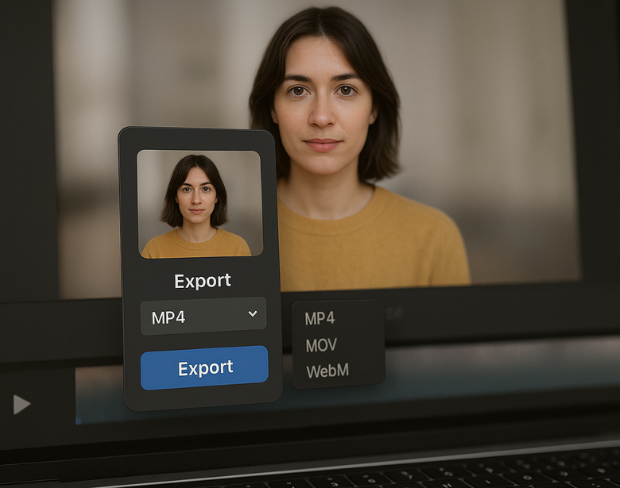
Export your face-blurred videos in various high-quality formats including MP4, MOV, and AVI. Choose from different resolution options and compression settings to match your specific privacy protection needs and platform requirements.
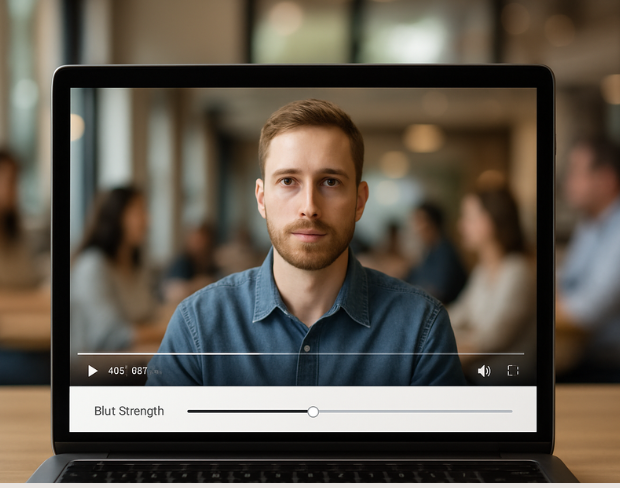
Fine-tune face blur intensity to match your privacy needs. Adjust blur strength, coverage area, and detection sensitivity while previewing results in real-time. Perfect control over face anonymization for your specific requirements.
फीचर्स
एक ही प्लेटफॉर्म, हर ब्लर जरूरत के लिए। शुरू करने के लिए किसी भी फीचर पर क्लिक करें।
वीडियो ब्लर
प्लेट अपने आप पहचानें
वीडियो ब्लर
फ्रेम-दर-फ्रेम ट्रैकिंग
वीडियो ब्लर
ग्रीन स्क्रीन की जरूरत नहीं
वीडियो ब्लर
जिसे ब्लर करना है उसके लिए प्रॉम्प्ट दें या बॉक्स बनाएं
प्राइवेसी
फोटो में चेहरे ब्लर करें
प्राइवेसी
टीम-ग्रेड रेडैक्शन
प्राइवेसी
AI वॉइस मास्किंग
फेस स्वैप
इमेज में चेहरे बदलें
फेस स्वैप
वीडियो में चेहरे बदलें
फेस स्वैप
सीन फिल के साथ ऑब्जेक्ट हटाएं
इकोसिस्टम
सवाल पूछें और AI सारांश पाएं
हजारों क्रिएटर और टीमें हर दिन bgblur पर भरोसा करती हैं।
Protect privacy and maintain anonymity with our intelligent face blur tool. Perfect for content creators, journalists, and privacy-conscious users.
Combine face blur with AI background blur and license-plate redaction for publish-ready, privacy-safe video—built for creators, teams, and compliance workflows.
Models locate faces, plates, and backgrounds so blur tracks subjects in motion without manual rotoscoping or green screens.
Process clips quickly with our optimized pipeline—keep foregrounds sharp while sensitive areas and backgrounds fall off with clean blur.
Blur real-world backgrounds from everyday footage—no chroma key—so anyone can get professional-looking privacy protection.
Teams use BGBlur to anonymize faces quickly while keeping the rest of the shot clear and usable.
120K+
ब्लर किए गए क्लिप्स
500K+
लाइसेंस प्लेट्स छिपाई गईं
"The blur tools are a lifesaver — I can softly blur distracting backgrounds and automatically anonymize license plates in my vlogs."
Sarah Johnson
Content Creator • YouTube
"Perfect for short-form content — selective blur and automatic license-plate hiding keeps posts compliant and on-brand without manual editing."
Emma Rodriguez
Social Media Manager • Digital Agency
"I've used many blur filters, but the adaptive face and plate blur here are the most natural-looking — great for client deliverables where privacy matters."
Lisa Thompson
Freelance Video Editor • Independent
"We rely on the motion-aware blur and plate anonymization for on-the-go product demos. It's fast, consistent, and saves legal review time."
Michael Chen
Marketing Director • TechStart Inc.
"The blur tools are a lifesaver — I can softly blur distracting backgrounds and automatically anonymize license plates in my vlogs."
Sarah Johnson
Content Creator • YouTube
"Perfect for short-form content — selective blur and automatic license-plate hiding keeps posts compliant and on-brand without manual editing."
Emma Rodriguez
Social Media Manager • Digital Agency
"I've used many blur filters, but the adaptive face and plate blur here are the most natural-looking — great for client deliverables where privacy matters."
Lisa Thompson
Freelance Video Editor • Independent
"We rely on the motion-aware blur and plate anonymization for on-the-go product demos. It's fast, consistent, and saves legal review time."
Michael Chen
Marketing Director • TechStart Inc.
हमारा AI आपके वीडियो का विश्लेषण करता है और स्वचालित रूप से बैकग्राउंड, चेहरे, लाइसेंस प्लेट्स या आपके द्वारा चुने गए किसी भी ऑब्जेक्ट को मोशन ट्रैकिंग के साथ पहचानता और ब्लर करता है।
हम फेस ब्लर वीडियो और बैकग्राउंड ब्लर सहित सभी ब्लर फंक्शन्स के लिए MP4, MOV और M4V फॉर्मेट का समर्थन करते हैं।
फ्री यूजर्स 200MB और 10 मिनट से कम के वीडियो ब्लर कर सकते हैं। प्रो यूजर्स को लंबे वीडियो सपोर्ट के साथ अनलिमिटेड ब्लर प्रोसेसिंग मिलती है।
हाँ, BGBlur का AI हिलती हुई वस्तुओं, चेहरों और वाहनों को स्वचालित रूप से ट्रैक करता है। आपको मैन्युअल रूप से हर फ्रेम को मास्क करने की आवश्यकता नहीं है; मोशन-अवेयर ट्रैकर वस्तु के हिलने पर भी ब्लर को उस पर बनाए रखता है।
BGBlur पूरी तरह से एक वेब-आधारित टूल है। आप किसी भी वीडियो या इमेज को अपलोड कर सकते हैं, फेस ब्लर टूल चुन सकते हैं, और बिना किसी ऐप या प्लगइन को डाउनलोड किए तुरंत अपने ब्राउज़र के भीतर पिक्सेलेशन या ब्लर लागू कर सकते हैं।
बिल्कुल। हमारा AI विशेष रूप से ड्राइविंग फुटेज, डैशकैम और स्ट्रीट-व्यू वीडियो में लाइसेंस प्लेटों का पता लगाने और उन्हें ब्लर करने के लिए प्रशिक्षित है। यह गोपनीयता कानूनों के अनुपालन में मदद करता है।
आपकी गोपनीयता हमारी प्राथमिकता है। BGBlur वीडियो को सुरक्षित रूप से प्रोसेस करने के लिए उन्नत क्लाइंट-साइड तकनीकों का लाभ उठाता है। आपकी फाइलें आपके ब्राउज़र में स्थानीय रूप से प्रोसेस की जाती हैं और बाहरी सर्वर पर कभी भी अपलोड या स्टोर नहीं की जाती हैं।
हाँ! BGBlur पूरी तरह से रिस्पॉन्सिव है और मोबाइल ब्राउज़रों के लिए अनुकूलित है। आप अपने iPhone, iPad या Android फोन पर सीधे वीडियो बैकग्राउंड को आसानी से ब्लर कर सकते हैं या चेहरों को पिक्सेलेट कर सकते हैं।
सीमाएँ विशेषता पर निर्भर करती हैं। मानक वीडियो ब्लर टूल जैसे फेस ब्लर, लाइसेंस प्लेट ब्लर, बैकग्राउंड ब्लर, कुछ भी ब्लर करना, स्क्रीन ब्लर, एनएसएफडब्ल्यू ब्लर और फेस एनोनिमाइजेशन फ्री प्लान पर 500 एमबी और 5 मिनट तक या पेड प्लान पर 1 जीबी और 10 मिनट तक सपोर्ट करते हैं। ऑब्जेक्ट रिमूवर 1GB तक MP4 और MOV वीडियो और प्रति क्लिप 10 सेकंड का समर्थन करता है। वॉयस एनॉन डायरेक्ट अपलोड 100 एमबी तक का समर्थन करता है, जबकि अपलोड/यूआरएल वर्कफ़्लो 500 एमबी तक और 10 मिनट से कम समय की ऑडियो या वीडियो फ़ाइलों का समर्थन करता है।
अपना अनुभव साझा करें और दूसरों को सही निर्णय लेने में मदद करें
सामुदायिक स्कोर
0.0
/ 5
0 समीक्षाओं पर आधारित
अपना अनुभव साझा करने और दूसरों को सही निर्णय लेने में मदद करने वाले पहले व्यक्ति बनें!