Desenfoque para Instagram Reels y YouTube Shorts
Vertical video blur optimized for short-form content: hide faces, logos, and backgrounds in TikTok, Reels, and Shorts for viral-safe uploads.
Short-form vertical video dominates 2026 social media, but rapid shooting in public spaces means you'll capture bystanders, license plates, branded signage, and personal details you can't legally or ethically share.
Blur vertical short-form video for safe publishing in three steps
Built for TikTok, Reels, and Shorts creators who need fast privacy turnaround before trending content goes live.
Upload vertical footage
Drop 9:16 MP4 or MOV files into BGBlur—no desktop software or Creative Cloud seat required.
Apply face, background, or selective blur
Choose blur modes for bystander faces, background clutter, or specific regions as needed.
Preview and export
Check portrait orientation across the timeline, then export for direct upload to Reels, Shorts, or TikTok.
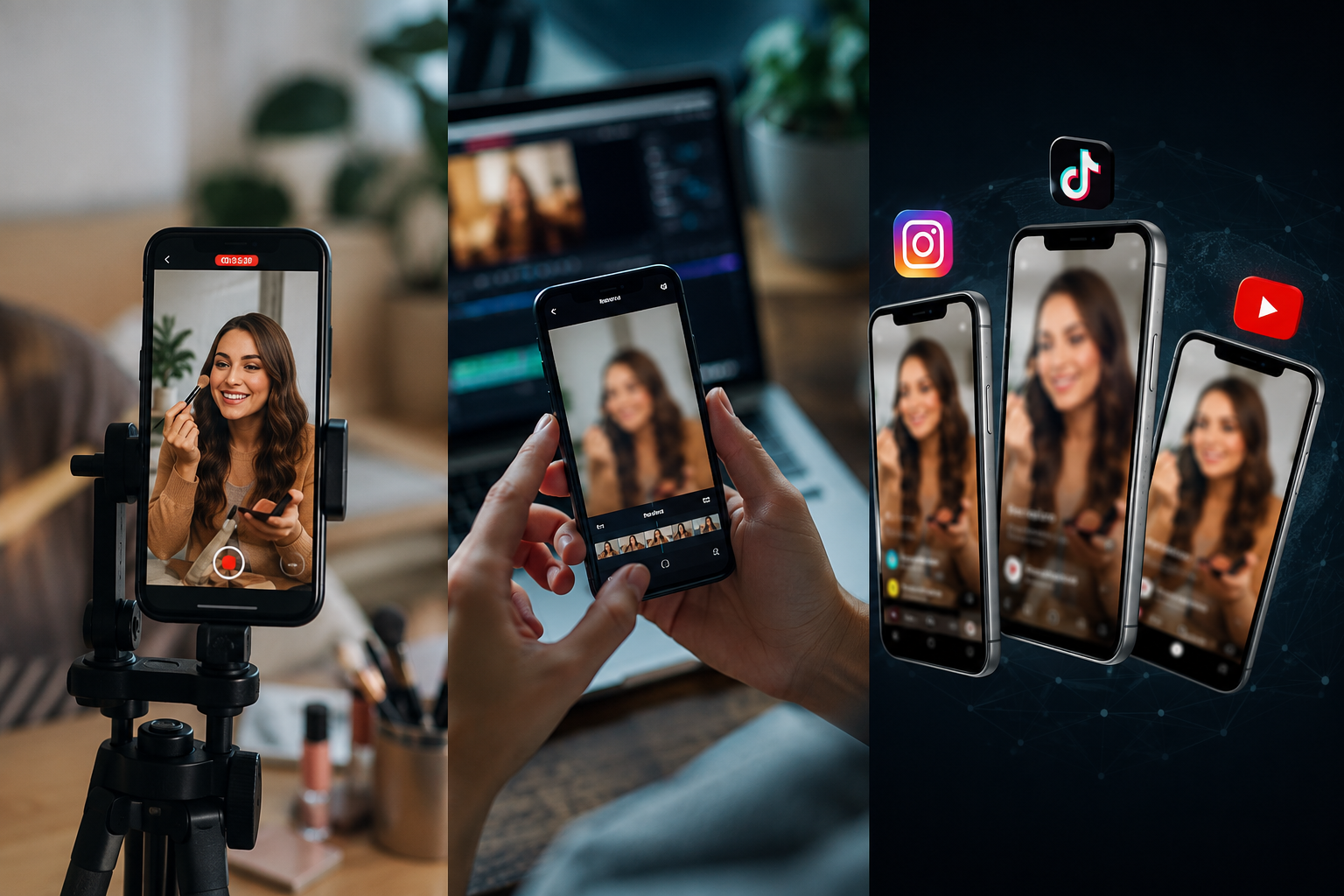
What this example demonstrates
Vertical formats (9:16) put faces and identifiable details front and center with nowhere to hide. Fast-turnaround blur workflows let you publish trending content within hours while staying platform-compliant.

Why teams use this pattern
Use blur both defensively (privacy compliance) and creatively (focus effects, face reveals, teaser content) to stand out in crowded feeds.
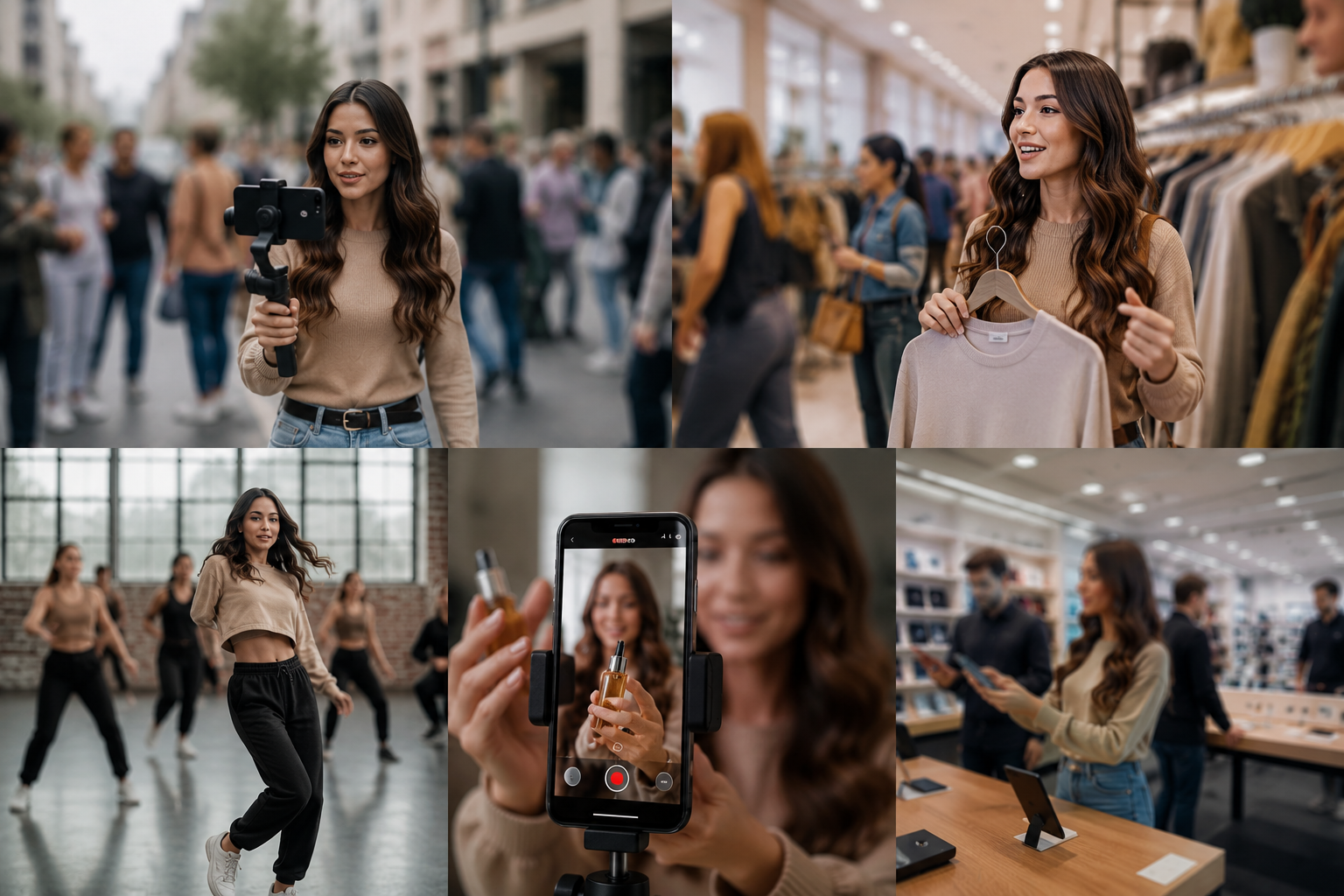
Common use cases
Teams reach for this workflow when street content with incidental bystander faces; store or venue tours with visible customer faces; dance challenges and public performances; product demos with background clutter or branding. BGBlur automates detection so these scenarios stay publishable without days in a timeline.

Built for TikTok and Reels creators and Influencers and content creators
Ideal audiences include TikTok and Reels creators, Influencers and content creators, Social media managers, Mobile-first video producers. Pair this example with your policy review when footage is sensitive or public-facing.
Casos de uso
- Contenido callejero con caras incidentales de espectador
- Visitas de tiendas o locales con caras de clientes visibles
- Desafíos de baile y actuaciones públicas
- Demos de producto con desorden de fondo o marca
Para quién es
- TikTok y Reels creadores
- Influenciadores y creadores de contenidos
- Administradores de redes sociales
- Productores de vídeo móviles
Más ejemplos de desenfoque de video
Explore escenarios similares con los mismos clips de demostración y orientación paso a paso.
Desenfoque de rostros en video talking-head
Detección automática de rostros y desenfoque con seguimiento de movimiento para entrevistas, podcasts y vlogs, manteniendo identidades protegidas.
Privacidad para vloggers y entrevistas callejeras
Mantén fuera del encuadre rostros de transeúntes y personas sin consentimiento de forma legal y ética, optimizado para ediciones rápidas.
Desenfoque de fondo para enfoque cinematográfico
Suaviza o reemplaza fondos cargados para que el sujeto destaque, perfecto para webinars, reseñas y demos grabadas en casa.
Desenfoca cualquier cosa: logos, texto y áreas personalizadas
Selecciona zonas concretas como logos, direcciones en pantalla o señalización con precisión asistida por IA.
Explorar características de BGBlur
Preguntas frecuentes
- ¿Funciona el video vertical de forma diferente que horizontal?
- Los mismos algoritmos borrosos se aplican a cualquier relación de aspecto; los formatos verticales sólo concentran sujetos identificables en un marco más estrecho que requiere una revisión más cuidadosa.
- ¿Puedo añadir borrón como efecto creativo en lugar de privacidad?
- Sí-muchos creadores usan borrón selectivo para el enfoque estético, la cara revela transiciones intermedias o dramáticas; no todo el borrón es basado en el cumplimiento.
- ¿El borrón afectará mi alcance del algoritmo?
- El Blur no impacta en sí mismo; sin embargo, la eliminación del contenido que viola las políticas (menores reconocibles, caras no consensuadas) impide despojos que matan la distribución.
¿Listo para probar esto en tu metraje?
Sube MP4, MOV o M4V y aplica los mismos modos de desenfoque que se muestran en este ejemplo.
Prueba BGBlur gratis