Redact PDF
Free, permanent PDF redaction
Find sensitive text or draw precise boxes over any part of a PDF, then export a flattened document where the hidden content is permanently removed — not just hidden behind a box.
CÓMO DESENFOCAR EL FONDO DE UN VIDEO
Get started with our simple 3-step process
1. Pega un enlace o sube un archivo
Sube tu video o pega un enlace para comenzar.
2. Desenfoca el fondo
Selecciona el video y activa la opción de desenfoque de fondo.
3. Exporta y comparte
Exporta el video y compártelo o descárgalo.
Permanent redaction, not a black rectangle on top
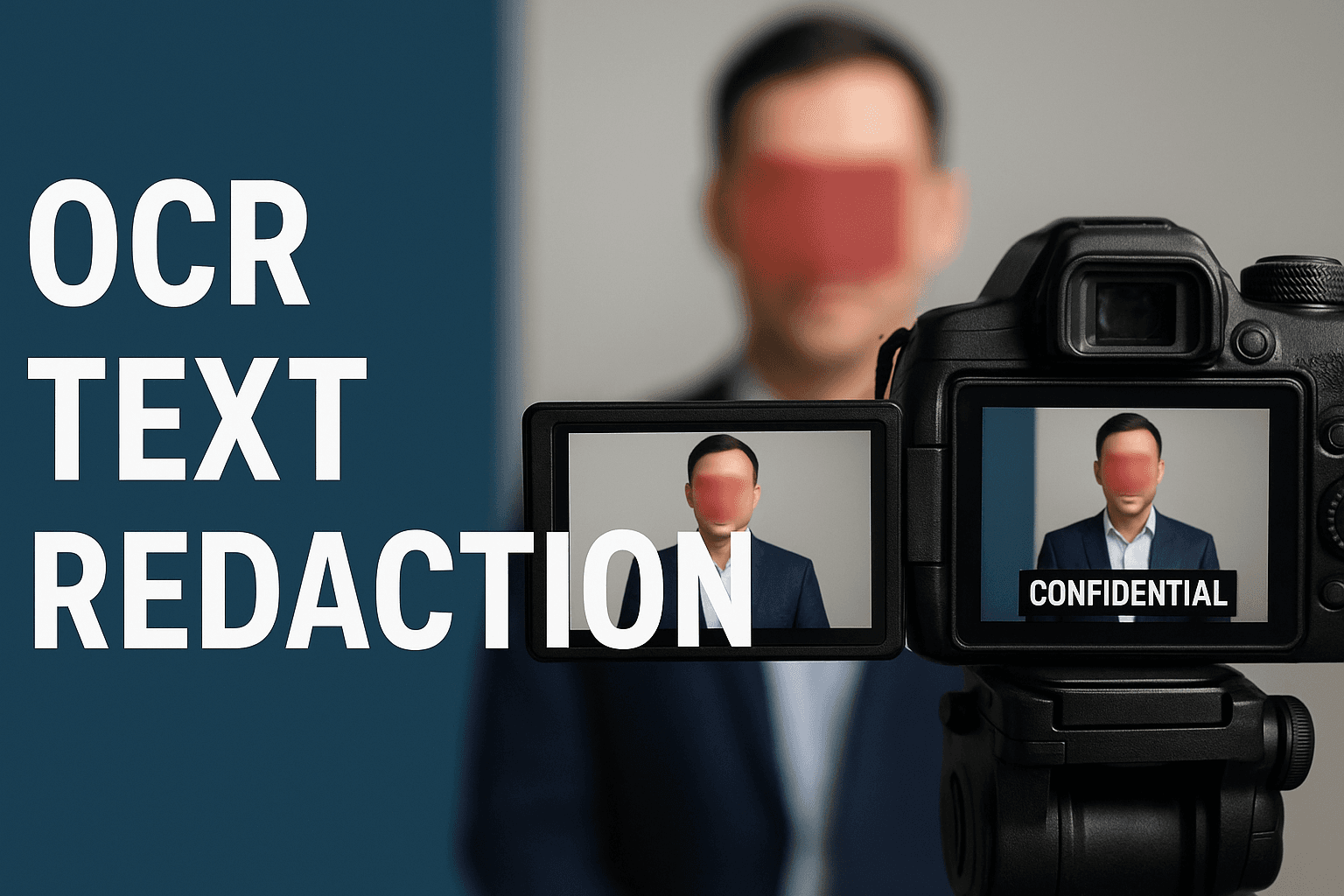
Most PDF editors just draw a shape over the text — the words are still underneath and can be copied, searched, or lifted out. BGBlur flattens each page to an image and destroys the pixels under every mask, so redacted content is gone for good.
Auto-detect emails, phone numbers, and card numbers
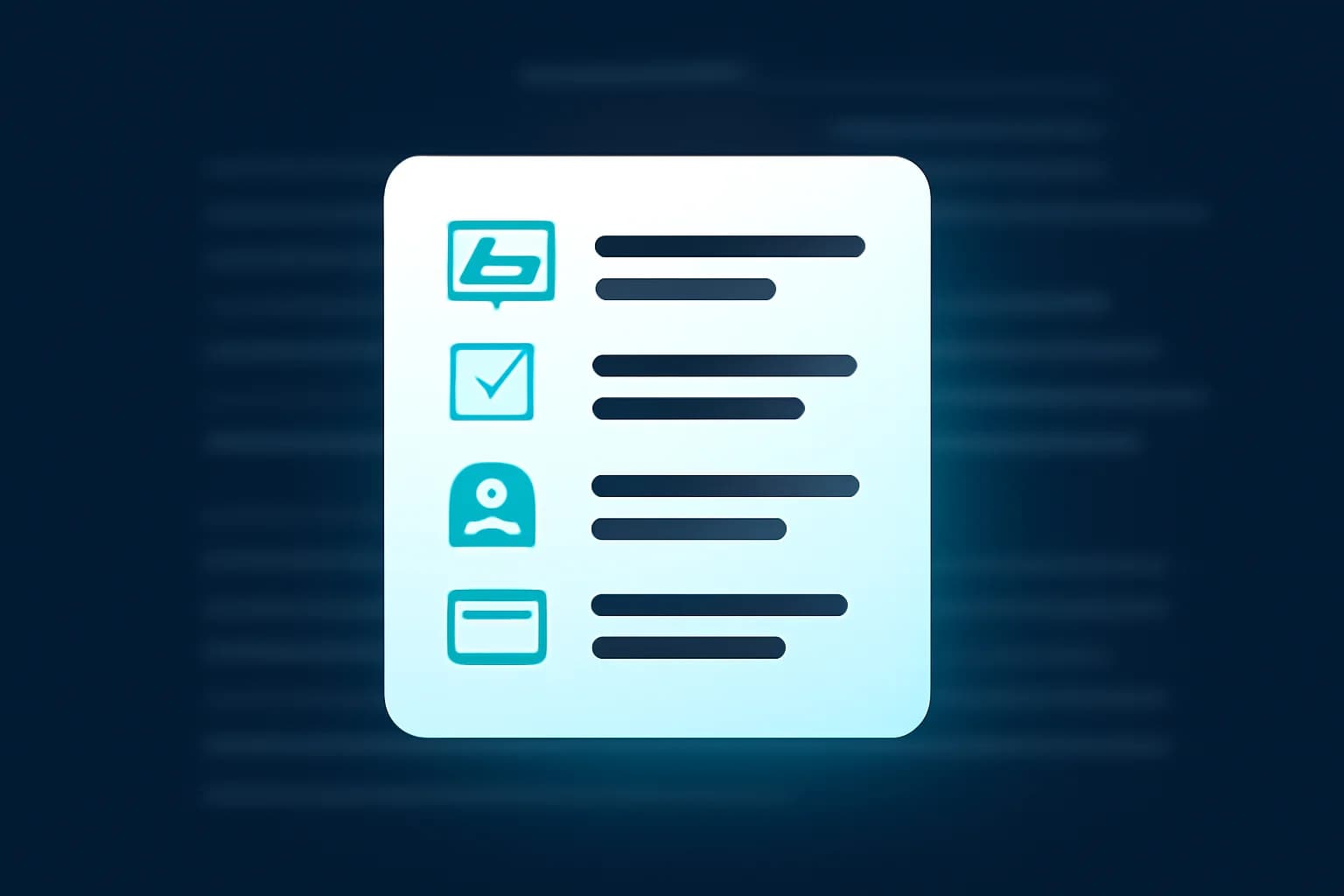
Scan the whole document in one pass. Email addresses, phone numbers, and Luhn-valid credit card numbers each become a redaction area you can review — and it also catches text that was added later as a comment or annotation.
Search any word, or draw exactly where you need
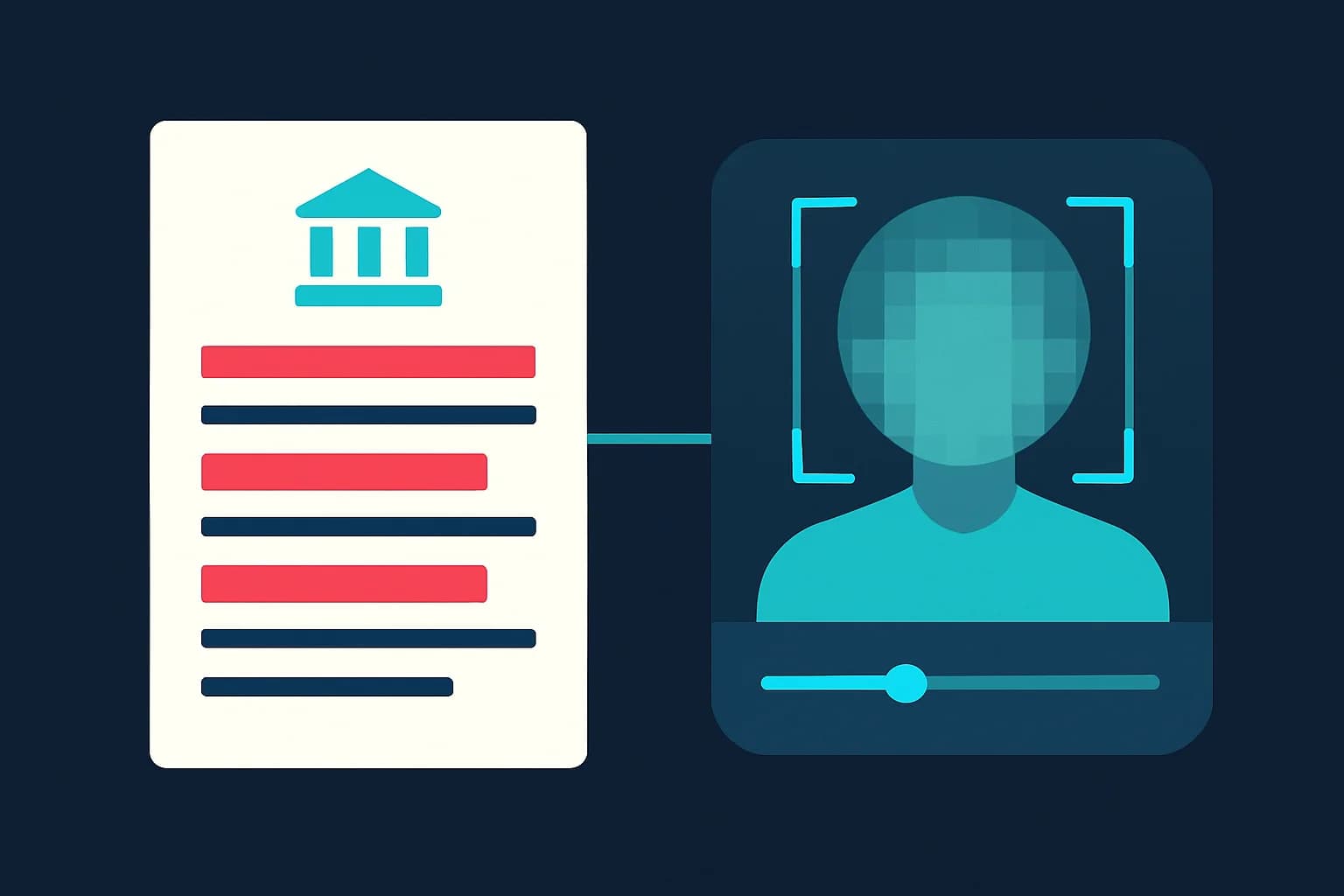
Type a name, account number, or address to redact every match across all pages. Or draw a box directly on the page over a signature, logo, or photo, then move and resize it until it is right.
Your files stay private
Your document isn't shared or kept around. Only the finished, flattened copy is saved to your account so it appears in your processing history for you to download again later.
What makes BGBlur's PDF redaction different?
BGBlur is built for redaction you can actually trust: the sensitive content is removed from the file, not hidden behind a shape someone can move or delete.
Truly permanent
Pages are flattened to images and the content under each mask is destroyed — redacted text can't be copied, searched, or recovered.
Works on any PDF
Auto-detection works on any PDF with a text layer; for image-only scans, draw your redaction boxes by hand.
Auto data detection
One pass finds emails, phone numbers, and Luhn-checked card numbers, including text added as annotations.
Full manual control
Search any phrase across every page, or draw, move, and resize black boxes by hand.
Review before export
Every detected and drawn area is listed and shown on the page so you can check it before downloading.
Free and no install
No watermark, no desktop software, works on mobile and desktop. One credit per PDF, up to 100 pages.
Redacting Sensitive PDFs the Permanent Way
BGBlur's PDF redaction tool covers emails, phone numbers, card numbers, names, signatures, and images with a solid black mask and then flattens the page, so the underlying content is permanently removed instead of just hidden behind a shape.
Use it to prepare FOIA and public-records responses, share contracts and invoices, remove personal data before publishing reports, or clean up scanned paperwork. Open the PDF, auto-detect or draw your redactions, review every mask, and export a clean copy — no desktop software, no sign-up hassle.
Powered by BGBlur PDF redaction
PDF Redaction FAQ
Open your PDF in BGBlur's redaction workspace, then either search for the text you want to hide, turn on auto-detection for emails, phone numbers, and card numbers, or draw black boxes on the page by hand. Review every mask in the preview and download the redacted PDF. It's free, with one credit per document.
It's permanent. Unlike PDF editors that draw a black rectangle over the text — leaving the original words selectable underneath — BGBlur flattens each page to an image and destroys the pixels beneath every mask. The redacted content can't be copied, searched, or lifted out of the exported file.
Your document isn't shared or stored. Only the finished, flattened copy is saved to your account so it appears in your processing history and you can download it again later.
Email addresses, phone numbers, and credit card numbers (validated with the Luhn checksum to cut false positives). Auto-detection also scans text that was added to the PDF later as a comment or annotation, not just the original document text.
Yes. Draw a box directly on the page over any signature, photo, stamp, or logo, then move and resize it. When you export, that area is flattened along with the rest of the page.
You can redact PDFs up to 100 pages and 200 MB. Larger files are rejected up front so the tool stays responsive on both desktop and mobile.
You can always draw manual redaction boxes on a scanned PDF. Automatic text detection needs a real text layer, so for image-only scans without OCR, use the draw tool to place your masks.
Sí, la IA de BGBlur rastrea automáticamente objetos, rostros y vehículos en movimiento. No es necesario enmascarar manualmente cada fotograma; el rastreador adaptado al movimiento mantiene el desenfoque fijo en el sujeto mientras se mueve.
BGBlur es una herramienta completamente basada en la web. Puede cargar cualquier video o imagen, seleccionar la herramienta de desenfoque de rostros y aplicar la pixelación o el desenfoque instantáneamente dentro de su navegador sin descargar aplicaciones ni complementos.
Absolutamente. Nuestra IA está entrenada específicamente para detectar y desenfocar matrículas en videos de conducción, dashcams y videos de vista de calle, ayudando a cumplir con las leyes de privacidad.
Su privacidad es nuestra prioridad. BGBlur aprovecha tecnologías avanzadas del lado del cliente para procesar videos de manera segura. Sus archivos se procesan localmente en su navegador y nunca se cargan ni se almacenan permanentemente en servidores externos.
¡Sí! BGBlur es completamente responsivo y está optimizado para navegadores móviles. Puede desenfocar fácilmente el fondo de un video o pixelar rostros directamente en su teléfono iPhone, iPad o Android.
Los límites dependen de la característica. Las herramientas de desenfoque de video estándar, como desenfoque de rostro, desenfoque de matrícula, desenfoque de fondo, desenfoque de cualquier cosa, desenfoque de pantalla, desenfoque NSFW y anonimización de rostros, admiten hasta 500 MB y 5 minutos en el plan gratuito, o hasta 1 GB y 10 minutos en los planes pagos. Object Remover admite videos MP4 y MOV de hasta 1 GB y 10 segundos por clip. Las cargas directas de Voice Anon admiten hasta 100 MB, mientras que el flujo de trabajo de carga/URL admite archivos de audio o vídeo de hasta 500 MB y menos de 10 minutos.
Redact a PDF the permanent way
Search, draw, review, and download a PDF where the sensitive content is removed — not just covered — in a few clicks.
Redact a PDF now