Desenfoque con seguimiento de movimiento IA
Automatic blur tracking for people, vehicles, and objects in motion—no manual keyframing required for dynamic footage.
Manual frame-by-frame masking is the traditional nightmare of video privacy: every camera movement, subject turn, or lighting change requires new keyframes and hours of roto work.
Track and blur moving subjects in video in three steps
Built for video editors, action sports creators, and documentary teams working with dynamic, fast-moving footage.
Upload video with moving subjects
Drop footage containing faces, vehicles, or objects that need blur coverage through motion.
Enable AI tracking
Select faces, vehicles, or custom objects—AI tracks each independently through the timeline.
Scrub and export
Verify tracking accuracy across the timeline, then export with motion-locked blur.

What this example demonstrates
AI motion tracking eliminates 90% of that labor: detect a face, plate, or object once and the system tracks it across time—even through occlusions, lighting changes, and fast motion.

Why teams use this pattern
Use motion-tracked blur for any scenario where subjects won't stand still: sports footage, dashcam recordings, crowd scenes, and handheld documentary work.

Common use cases
Teams reach for this workflow when sports footage with player anonymization; dashcam and action camera recordings; crowd event coverage with moving attendees; documentary street scenes with pedestrian flow. BGBlur automates detection so these scenarios stay publishable without days in a timeline.
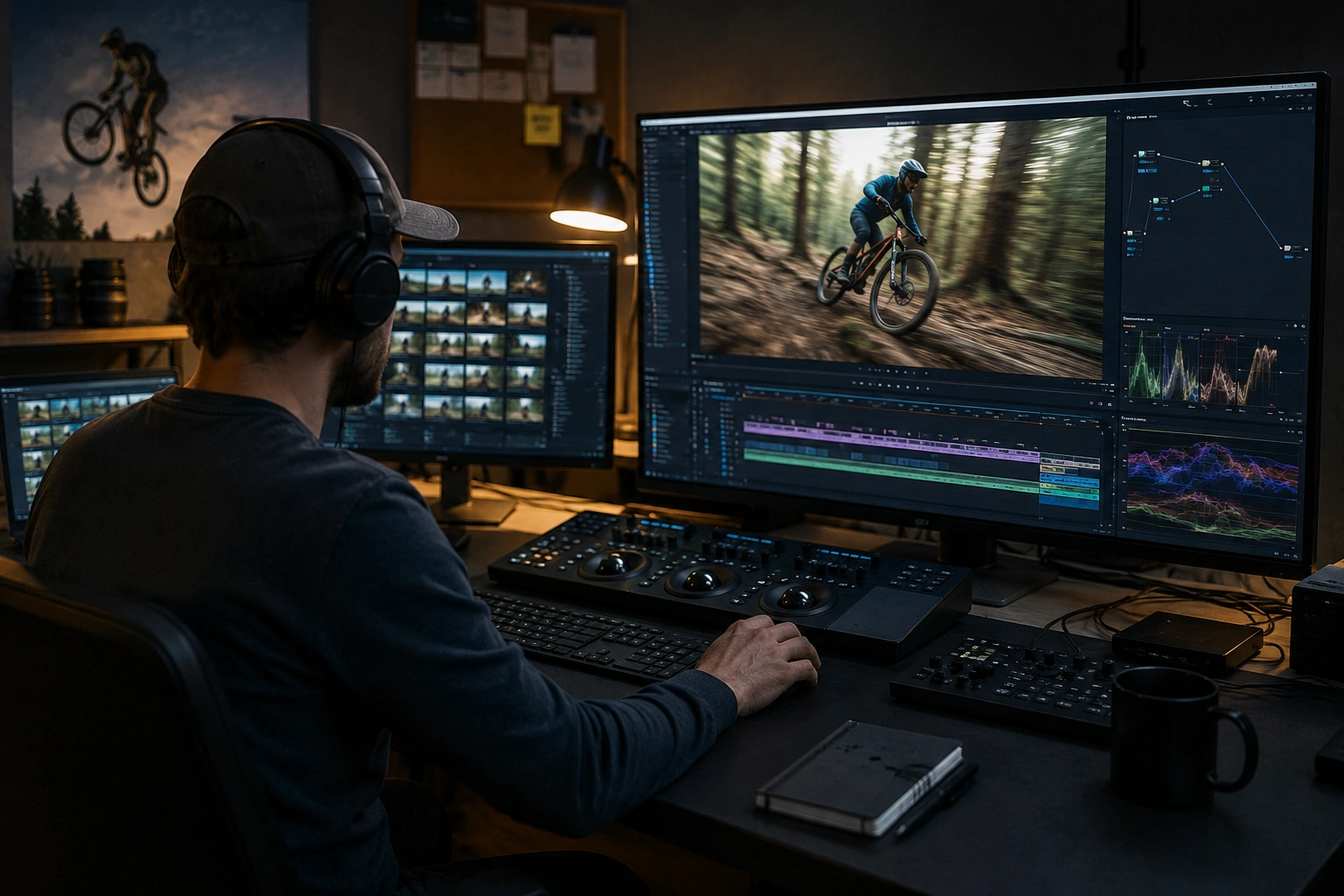
Built for Video editors and post-production teams and Action sports creators
Ideal audiences include Video editors and post-production teams, Action sports creators, Documentary filmmakers, Surveillance and security teams. Pair this example with your policy review when footage is sensitive or public-facing.
Casos de uso
- Grabación deportiva con anonimato de jugador
- Grabaciones de cámara Dashcam y acción
- Cobertura de eventos con asistentes móviles
- Escenas de calle documentales con flujo peatonal
Para quién es
- Editores de vídeo y equipos de postproducción
- Creadores de deportes de acción
- Filmadores documentales
- Equipos de vigilancia y seguridad
Más ejemplos de desenfoque de video
Explore escenarios similares con los mismos clips de demostración y orientación paso a paso.
Desenfoque de rostros en video talking-head
Detección automática de rostros y desenfoque con seguimiento de movimiento para entrevistas, podcasts y vlogs, manteniendo identidades protegidas.
Desenfoque de matrículas en calle y dashcam
Oculta matrículas legibles en tráfico, estacionamientos y grabaciones en ruta, ideal para motovlogs y tomas de ubicación.
Desenfoque de cumplimiento para flotas y dashcam
Reduce datos personales incidentales en grabaciones de conducción, útil para compartir clips internamente o en marketing.
Privacidad para vloggers y entrevistas callejeras
Mantén fuera del encuadre rostros de transeúntes y personas sin consentimiento de forma legal y ética, optimizado para ediciones rápidas.
Explorar características de BGBlur
Preguntas frecuentes
- ¿Cuán exacto es el seguimiento de movimiento de IA?
- El seguimiento funciona mejor con iluminación estable y visibilidad clara del sujeto; movimiento rápido, occlusiones y ángulos extremos pueden requerir ajustes de comprobación de puntos.
- ¿Puedo rastrear varios objetos a la vez?
- Sí —aplicar borroso a múltiples caras, placas o regiones simultáneamente; cada uno obtiene un seguimiento independiente a través del cronograma.
- ¿Qué pasa si el seguimiento pierde el tema?
- Las herramientas de revisión le permiten detectar el seguimiento fallido y ajustar o reiniciar manualmente para segmentos de problemas; siempre QC antes de la exportación final.
¿Listo para probar esto en tu metraje?
Sube MP4, MOV o M4V y aplica los mismos modos de desenfoque que se muestran en este ejemplo.
Prueba BGBlur gratis