
"The blur tools are a lifesaver — I can softly blur distracting backgrounds and automatically anonymize license plates in my vlogs."
SJ
Sarah Johnson
Content Creator • YouTube
AI Video Background Blur — Green-Screen-Free, Built for Privacy
Get started with our simple 3-step process
Upload your MP4, MOV, or M4V file securely in your browser.
Choose face blur, license plate blur, background blur, or object blur and preview instantly.
Export your privacy-safe video in high quality and publish anywhere.
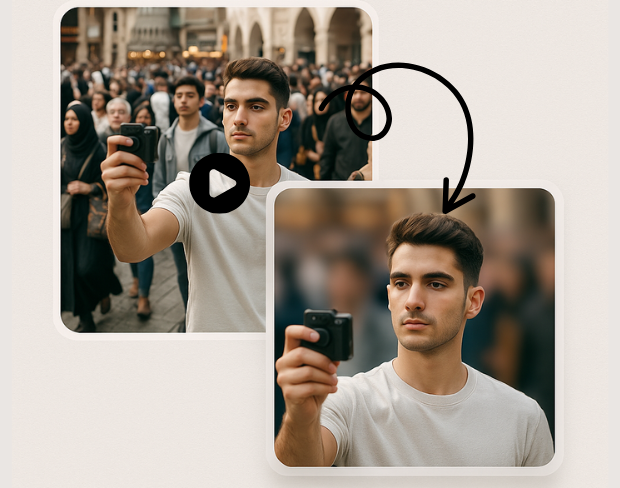
Create a bokeh-style background without a physical green screen. Subjects stay sharp while environments fall off—ideal for calls, vlogs, and compliance-friendly sharing.
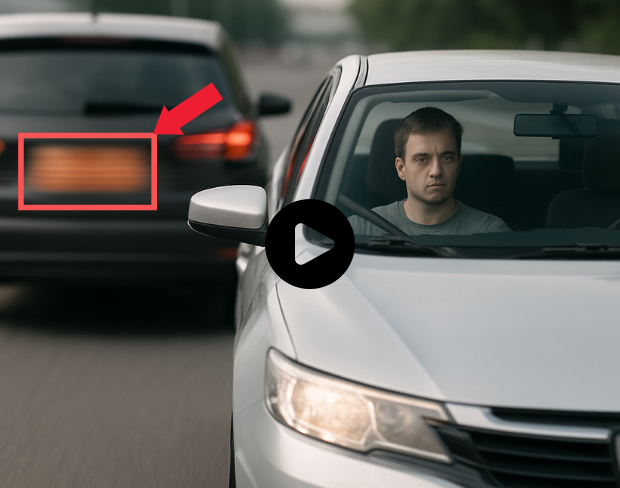
Our models handle natural lighting, motion, and busy scenes. You get consistent blur across frames without manual rotoscoping.
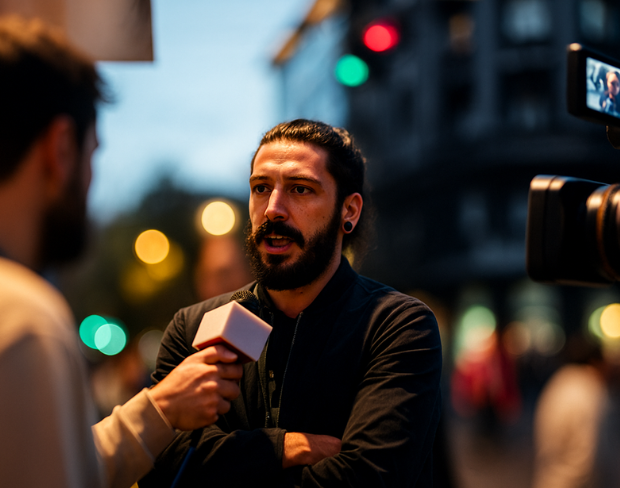
Blur sensitive areas automatically so you can publish faster. Pair background blur with face and plate tools when one effect is not enough.
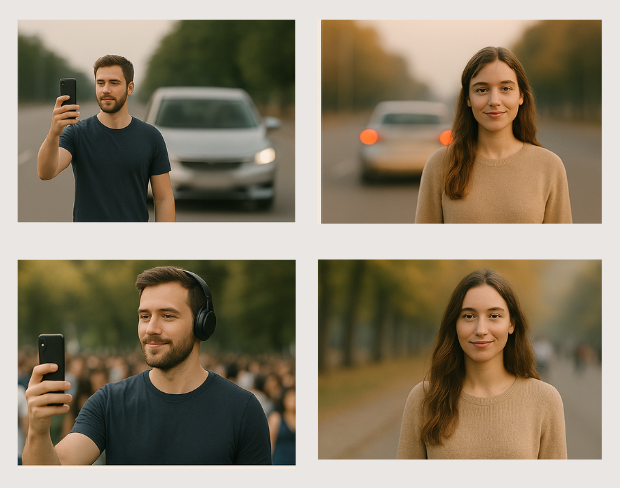
Batch-friendly processing and presets help agencies, journalists, and operators move from raw footage to redacted masters quickly.
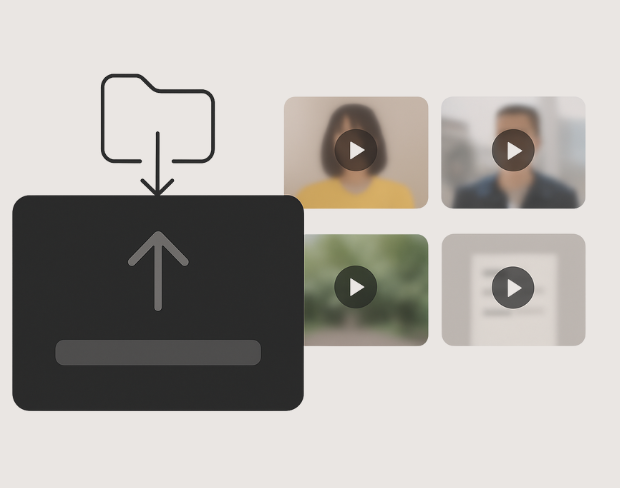
Detection tracks people and plates through the timeline so effects stay locked to subjects—even with handheld cameras.
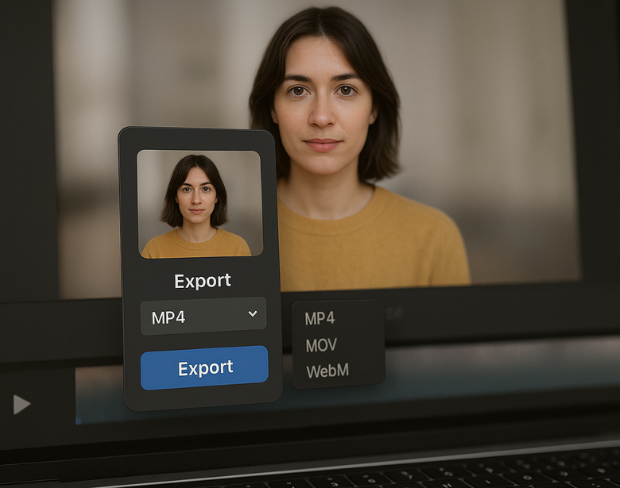
Export high-quality MP4/MOV/WebM outputs with the blur baked in, ready for YouTube, TikTok, internal archives, or legal review packets.
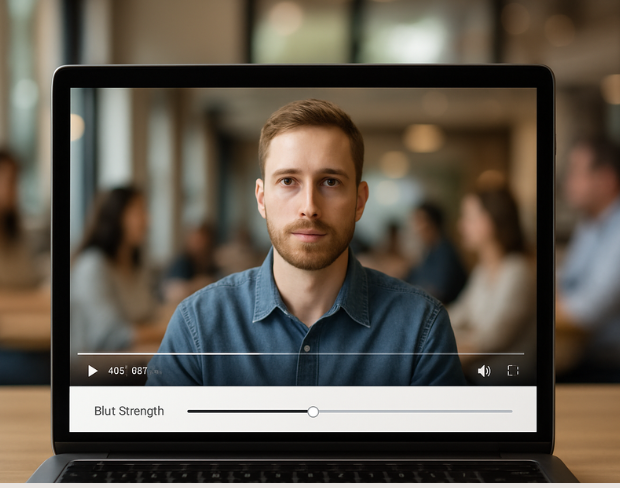
Visit our examples and docs for sample settings, or combine tools: many teams stack background blur with face anonymization on the same render.
الميزات
منصة واحدة لكل احتياجات التمويه. انقر على أي ميزة للبدء.
تمويه الفيديو
اكتشاف اللوحات تلقائياً
تمويه الفيديو
تتبّع إطاراً بإطار
تمويه الفيديو
لا حاجة لشاشة خضراء
تمويه الفيديو
استخدم وصفاً أو ارسم مربعاً حول ما تريد طمسه
الخصوصية
طمس الوجوه في الصور
الخصوصية
تنقيح بمستوى فرق العمل
الخصوصية
إخفاء الصوت بالذكاء الاصطناعي
تبديل الوجه
تبديل الوجوه في الصور
تبديل الوجه
تبديل الوجوه في الفيديو
تبديل الوجه
إزالة العناصر مع ملء المشهد
النظام البيئي
اطرح الأسئلة واحصل على ملخصات بالذكاء الاصطناعي
انضم إلى آلاف المبدعين والفرق الذين يثقون بـ bgblur كل يوم.
Soften or hide video backgrounds, blur faces, and redact license plates with AI. BGBlur focuses on privacy-safe exports—not transparent background cutouts.
Combine background blur, face blur, and plate redaction for publish-ready clips—built for creators, teams, and compliance workflows.
Models locate subjects and sensitive regions so blur tracks motion without chroma keys or frame-by-frame touch-ups.
Optimized pipelines keep foreground detail crisp while backgrounds and plates receive clean, adjustable blur.
Shoot anywhere; BGBlur works on everyday environments so you can protect privacy without a production-grade setup.
Teams trust BGBlur to anonymize footage while keeping storytelling intact—especially for street scenes, interviews, and ops video.
120K+
المقاطع المغبشة
500K+
لوحات السيارات المخفية
"The blur tools are a lifesaver — I can softly blur distracting backgrounds and automatically anonymize license plates in my vlogs."
Sarah Johnson
Content Creator • YouTube
"Perfect for short-form content — selective blur and automatic license-plate hiding keeps posts compliant and on-brand without manual editing."
Emma Rodriguez
Social Media Manager • Digital Agency
"I've used many blur filters, but the adaptive face and plate blur here are the most natural-looking — great for client deliverables where privacy matters."
Lisa Thompson
Freelance Video Editor • Independent
"We rely on the motion-aware blur and plate anonymization for on-the-go product demos. It's fast, consistent, and saves legal review time."
Michael Chen
Marketing Director • TechStart Inc.
"The blur tools are a lifesaver — I can softly blur distracting backgrounds and automatically anonymize license plates in my vlogs."
Sarah Johnson
Content Creator • YouTube
"Perfect for short-form content — selective blur and automatic license-plate hiding keeps posts compliant and on-brand without manual editing."
Emma Rodriguez
Social Media Manager • Digital Agency
"I've used many blur filters, but the adaptive face and plate blur here are the most natural-looking — great for client deliverables where privacy matters."
Lisa Thompson
Freelance Video Editor • Independent
"We rely on the motion-aware blur and plate anonymization for on-the-go product demos. It's fast, consistent, and saves legal review time."
Michael Chen
Marketing Director • TechStart Inc.
ذكاءنا الاصطناعي يحلل الفيديو ويكتشف ويشوش الخلفيات والوجوه ولوحات الترخيص أو أي كائنات تختارها تلقائياً مع تتبع الحركة.
ندعم صيغ MP4, MOV, وM4V لجميع وظائف التشويش بما في ذلك تشويش وجه الفيديو وتشويش الخلفية.
المستخدمون المجانيون يمكنهم تشويش فيديوهات أقل من 200 ميجابايت و10 دقائق. مستخدمو Pro يحصلون على معالجة تشويش غير محدودة مع دعم فيديوهات أطول.
نعم، يقوم الذكاء الاصطناعي لـ BGBlur بتتبع العناصر المتحركة والوجوه والمركبات تلقائيًا. لا تحتاج إلى تحديد كل إطار يدويًا؛ حيث يحافظ متتبع الحركة على بقاء التعتيم مغلقًا على العنصر أثناء حركته.
BGBlur هي أداة قائمة بالكامل على الويب. يمكنك تحميل أي فيديو أو صورة، واختيار أداة تعتيم الوجه، وتطبيق التشويش أو التعتيم على الفور داخل متصفحك دون تنزيل أي تطبيقات أو إضافات.
بالتأكيد. تم تدريب الذكاء الاصطناعي لدينا خصيصًا لاكتشاف وتعتيم لوحات الترخيص في لقطات القيادة، وكاميرات لوحة القيادة، وفيديوهات عرض الشوارع، مما يساعد على الامتثال لقوانين الخصوصية.
خصوصيتك هي أولويتنا. يستفيد BGBlur من التقنيات المتقدمة من جانب العميل لمعالجة الفيديوهات بشكل آمن. يتم معالجة ملفاتك محليًا في متصفحك ولا يتم تحميلها أو تخزينها بشكل دائم على خوادم خارجية.
نعم! BGBlur متوافق بالكامل ومحسّن لمتصفحات الأجهزة المحمولة. يمكنك بسهولة تعتيم خلفية الفيديو أو تشويش الوجوه مباشرة على هاتف iPhone أو iPad أو Android الخاص بك.
تعتمد الحدود على الميزة. أدوات تمويه الفيديو القياسية مثل تمويه الوجه، وتمويه لوحة الترخيص، وتمويه الخلفية، وتمويه أي شيء، وتمويه الشاشة، وتمويه NSFW، ودعم إخفاء الهوية بما يصل إلى 500 ميجابايت و5 دقائق على الخطة المجانية، أو ما يصل إلى 1 جيجابايت و10 دقائق على الخطط المدفوعة. يدعم Object Remover مقاطع فيديو MP4 وMOV يصل حجمها إلى 1 جيجابايت و10 ثوانٍ لكل مقطع. تدعم التحميلات المباشرة لـ Voice Anon ما يصل إلى 100 ميجابايت، بينما يدعم سير عمل التحميل/عنوان URL ملفات الصوت أو الفيديو التي يصل حجمها إلى 500 ميجابايت وأقل من 10 دقائق.
شارك تجربتك وساعد الآخرين في اتخاذ قرارات مدروسة
درجة المجتمع
0.0
/ 5
بناءً على 0 تقييم
كن أول من يشارك تجربته ويساعد الآخرين في اتخاذ قرارات مدروسة!