Instagram Reels & YouTube Shorts blur
Vertical video blur optimized for short-form content: hide faces, logos, and backgrounds in TikTok, Reels, and Shorts for viral-safe uploads.
Short-form vertical video dominates 2026 social media, but rapid shooting in public spaces means you'll capture bystanders, license plates, branded signage, and personal details you can't legally or ethically share.
Blur vertical short-form video for safe publishing in three steps
Built for TikTok, Reels, and Shorts creators who need fast privacy turnaround before trending content goes live.
Upload vertical footage
Drop 9:16 MP4 or MOV files into BGBlur—no desktop software or Creative Cloud seat required.
Apply face, background, or selective blur
Choose blur modes for bystander faces, background clutter, or specific regions as needed.
Preview and export
Check portrait orientation across the timeline, then export for direct upload to Reels, Shorts, or TikTok.
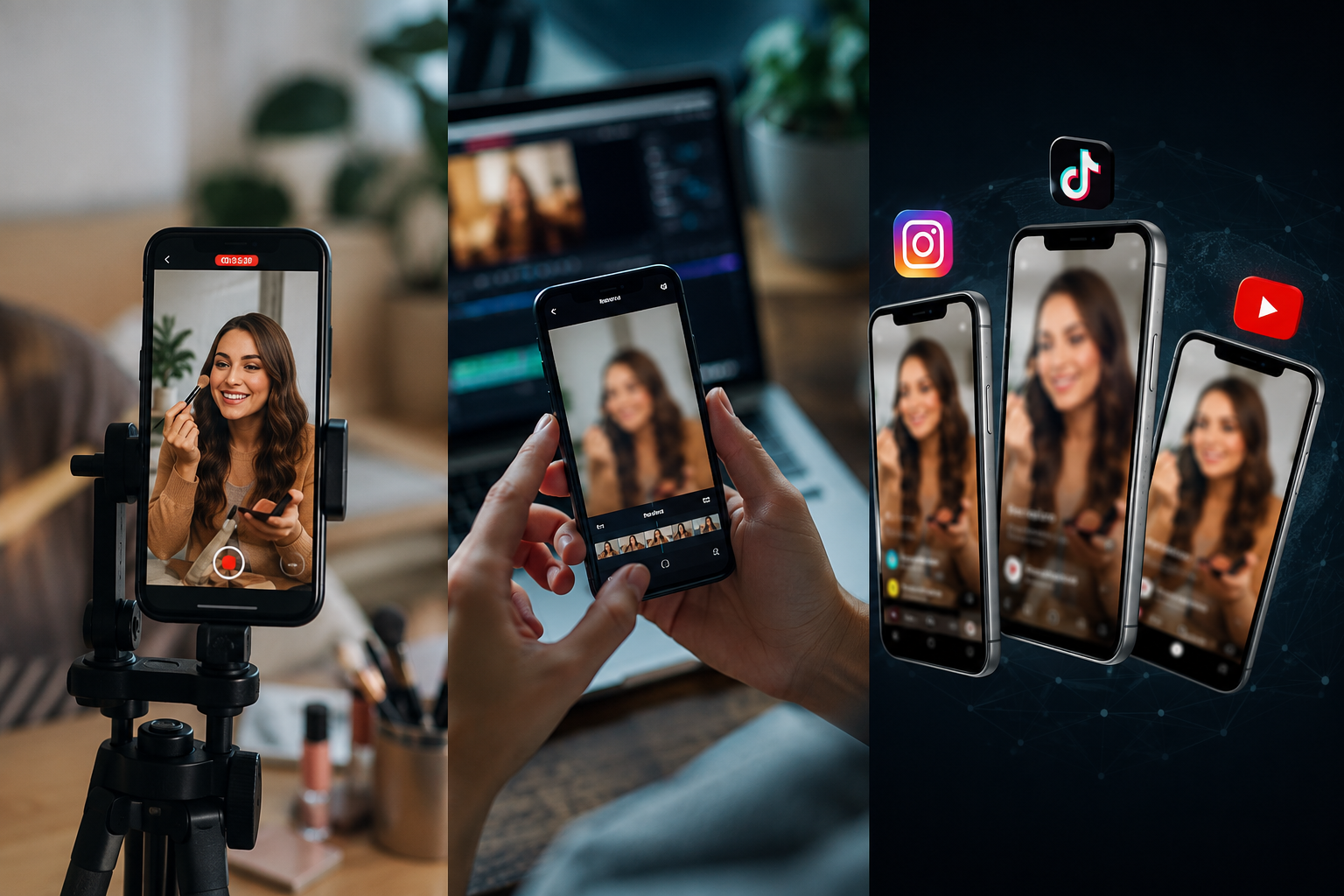
What this example demonstrates
Vertical formats (9:16) put faces and identifiable details front and center with nowhere to hide. Fast-turnaround blur workflows let you publish trending content within hours while staying platform-compliant.

Why teams use this pattern
Use blur both defensively (privacy compliance) and creatively (focus effects, face reveals, teaser content) to stand out in crowded feeds.
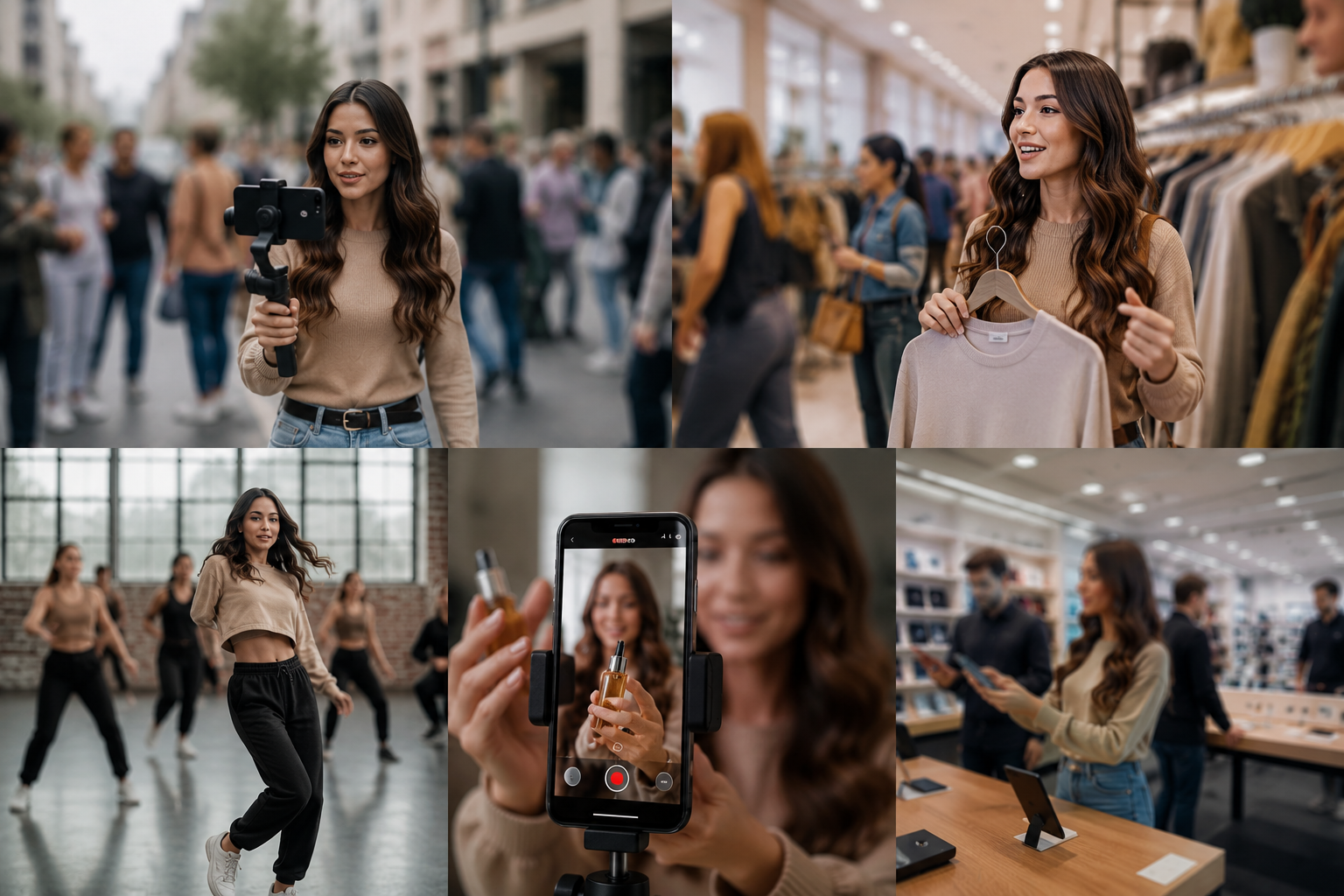
Common use cases
Teams reach for this workflow when street content with incidental bystander faces; store or venue tours with visible customer faces; dance challenges and public performances; product demos with background clutter or branding. BGBlur automates detection so these scenarios stay publishable without days in a timeline.

Built for TikTok and Reels creators and Influencers and content creators
Ideal audiences include TikTok and Reels creators, Influencers and content creators, Social media managers, Mobile-first video producers. Pair this example with your policy review when footage is sensitive or public-facing.
Casi d'uso
- Contenuto di strada con facce di bystander accidentali
- Negozi o visite guidate con le facce dei clienti visibili
- Sfide di danza e performance pubbliche
- Demo del prodotto con lo sfondo o il branding
A chi è rivolto
- TikTok e Reels creatori
- Influencers e creatori di contenuti
- Social media manager
- Produttori di video mobili
Altri esempi di sfocatura video
Esplora scenari simili con le stesse clip demo e una guida passo-passo.
Arrossire di faccia nel video parlante
Rilevamento automatico del viso e sfocatura per interviste, podcast e vlogs—motion-tracked in modo che le identità rimangano protette.
Vlogger & street intervista privacy
Tenere gli spettatori e i volti non sensibili fuori dal frame legalmente ed eticamente - ottimizzati per le modifiche veloci.
Blur sfondo per la messa a fuoco cinematografica
Ammorbidire o sostituire sfondi occupati in modo che i soggetti si distinguono—grande per webinar, recensioni e demo di prodotto filmati a casa.
Blur nulla: loghi, testi e regioni personalizzate
Aree arbitrarie di destinazione—loghi su felpe, indirizzi sullo schermo, segnaletica—con una precisa selezione assistita da AI.
Esplora le funzionalità di BGBlur
Domande frequenti
- Il video verticale blur funziona in modo diverso da orizzontale?
- Gli stessi algoritmi di sfocatura si applicano a qualsiasi rapporto di aspetto; i formati verticali si concentrano solo soggetti identificabili in una cornice più stretta che richiedono una revisione più accurata.
- Posso aggiungere blur come effetto creativo invece della privacy?
- Si—molti creatori utilizzano sfocatura selettiva per la messa a fuoco estetica, il viso rivela mid-clip, o transizioni drammatiche; non tutto il blur è conforme-driven.
- Arrossirà il mio algoritmo raggiungere?
- La stessa sfocatura non influisce sulla portata; tuttavia, rimuovendo i contenuti che violano le politiche (riconsapevoli minori, volti non sensibili) impedisce i takedown che uccidono la distribuzione.
Pronto a provare sul tuo filmato?
Carica MP4, MOV o M4V e applica le stesse modalità di sfocatura mostrate in questo esempio.
Prova BGBlur gratuitamente