
"The blur tools are a lifesaver — I can softly blur distracting backgrounds and automatically anonymize license plates in my vlogs."
SJ
Sarah Johnson
Content Creator • YouTube
Turn Home Videos into Pay-Per-View Content - Blur Faces Easily
Get started with our simple 3-step process
Upload your MP4, MOV, or M4V file securely in your browser.
Choose face blur, license plate blur, background blur, or object blur and preview instantly.
Export your privacy-safe video in high quality and publish anywhere.
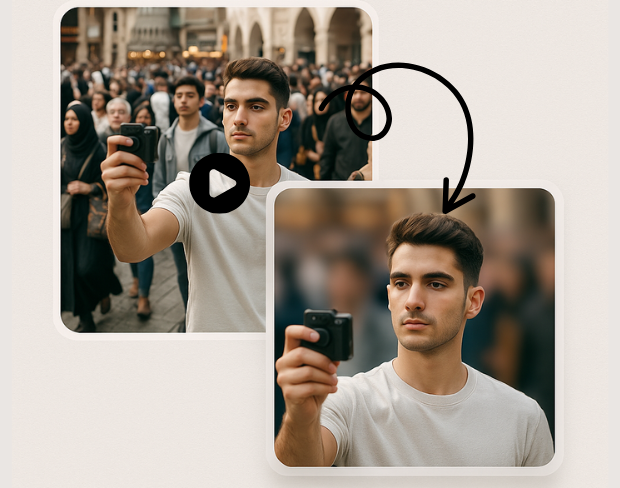
No need to buy Adobe After Effects ($20/month) or struggle with complex software like Magix Movie Edit Pro. Our simple solution handles face blurring automatically - perfect for creators who just want results.
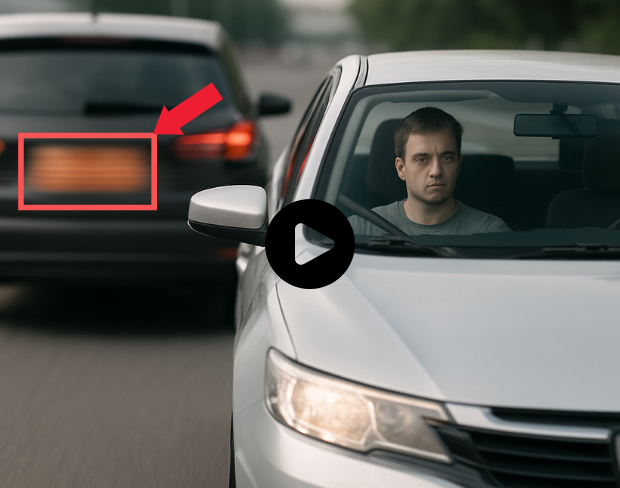
Can't find editors on Fiverr willing to work with adult content? Our automated system handles your videos professionally without human judgment or refusals - available 24/7.
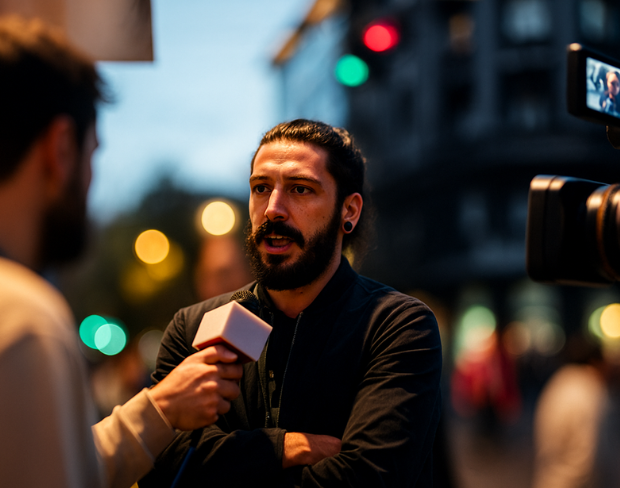
Ideal for creators uploading to AdultWork, OnlyFans, ManyVids, or any platform requiring participant consent and anonymity. Turn your home videos into professional monetizable content.
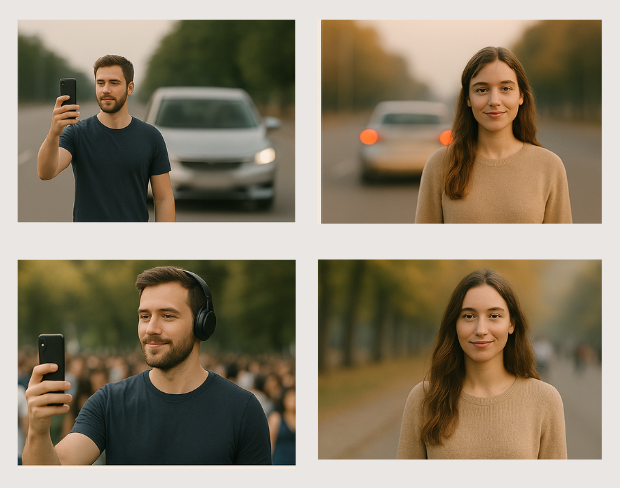
Professional face blurring that maintains your original video quality and resolution. Your content stays crisp and professional while ensuring participant privacy and consent compliance.
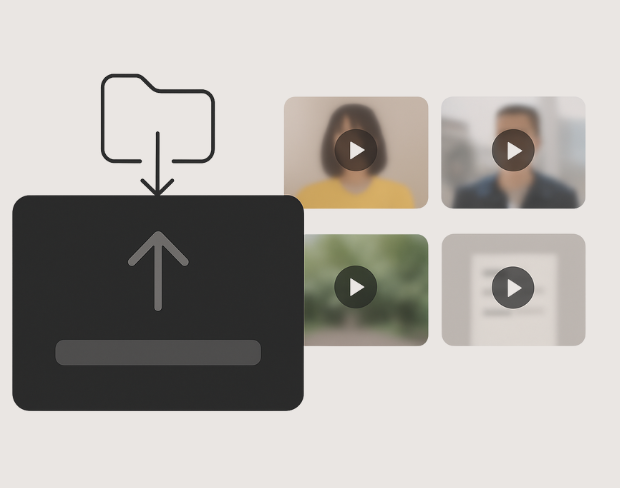
Advanced AI detects faces from any angle, lighting condition, or video quality. No manual work required - just upload and let our system handle the technical details automatically.
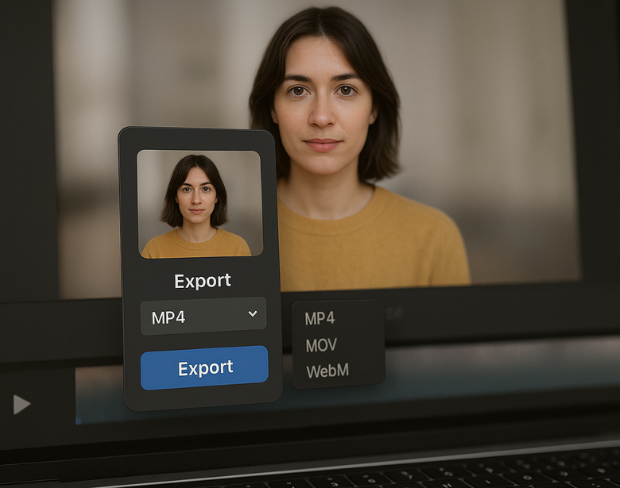
Whether your video has one person or multiple participants, our system automatically detects and blurs all faces. Perfect for group content or scenes with multiple people.
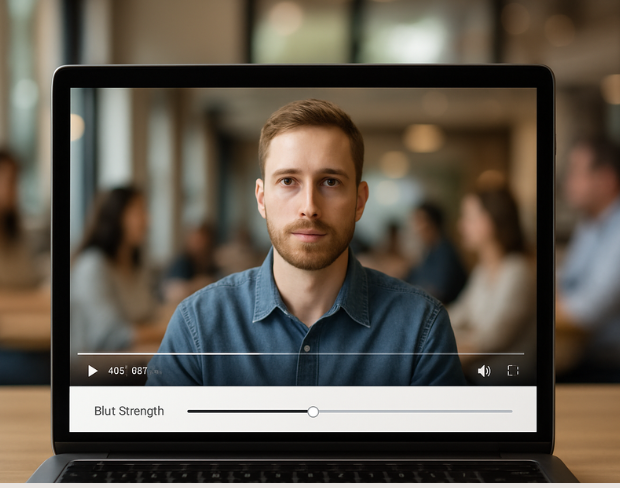
Get your blurred videos ready for platform upload in minutes. Perfect for creators who want to monetize their content quickly without waiting days for manual editing.
Funciones
Una plataforma para cada necesidad de desenfoque. Haga clic en cualquier función para empezar.
Desenfoque de video
Detecta matrículas automáticamente
Desenfoque de video
Seguimiento fotograma a fotograma
Desenfoque de video
Sin pantalla verde
Desenfoque de video
Usa un prompt o dibuja un cuadro alrededor de lo que quieras desenfocar
Privacidad
Desenfoca rostros en fotos
Privacidad
Redacción para equipos
Privacidad
Enmascaramiento de voz con IA
Cambio de cara
Cambia rostros en imágenes
Cambio de cara
Cambia rostros en video
Cambio de cara
Elimina objetos con relleno de escena
Ecosistema
Haz preguntas y recibe resúmenes con IA
Únete a miles de creadores y equipos que confían en bgblur cada día.
Made home videos but need to blur faces before uploading to pay-per-view platforms? Our AI makes it simple - no expensive software or complex editing needed.
Specifically designed for creators who make home videos and need professional face anonymization for monetization on adult platforms and pay-per-view sites.
Simple upload, automatic processing, download results. No need to learn complex video editing or spend hours manually tracking faces in your videos.
We understand the sensitive nature of your content. All videos are processed securely and automatically deleted after processing - your privacy is guaranteed.
Much cheaper than monthly software subscriptions or hiring video editors. One-time processing fees instead of ongoing monthly costs for software you rarely use.
Trusted by creators who make home videos and need professional face anonymization for platform monetization and participant privacy.
120K+
Clips desenfocados
500K+
Matrículas ocultadas
"The blur tools are a lifesaver — I can softly blur distracting backgrounds and automatically anonymize license plates in my vlogs."
Sarah Johnson
Content Creator • YouTube
"Perfect for short-form content — selective blur and automatic license-plate hiding keeps posts compliant and on-brand without manual editing."
Emma Rodriguez
Social Media Manager • Digital Agency
"I've used many blur filters, but the adaptive face and plate blur here are the most natural-looking — great for client deliverables where privacy matters."
Lisa Thompson
Freelance Video Editor • Independent
"We rely on the motion-aware blur and plate anonymization for on-the-go product demos. It's fast, consistent, and saves legal review time."
Michael Chen
Marketing Director • TechStart Inc.
"The blur tools are a lifesaver — I can softly blur distracting backgrounds and automatically anonymize license plates in my vlogs."
Sarah Johnson
Content Creator • YouTube
"Perfect for short-form content — selective blur and automatic license-plate hiding keeps posts compliant and on-brand without manual editing."
Emma Rodriguez
Social Media Manager • Digital Agency
"I've used many blur filters, but the adaptive face and plate blur here are the most natural-looking — great for client deliverables where privacy matters."
Lisa Thompson
Freelance Video Editor • Independent
"We rely on the motion-aware blur and plate anonymization for on-the-go product demos. It's fast, consistent, and saves legal review time."
Michael Chen
Marketing Director • TechStart Inc.
Nuestra IA analiza tu video y automáticamente detecta y difumina fondos, caras, placas de matrícula o cualquier objeto que selecciones con seguimiento de movimiento.
Soportamos formatos MP4, MOV y M4V para todas las funciones de difuminado incluyendo difuminado de cara en video y difuminado de fondo.
Los usuarios gratuitos pueden difuminar videos de menos de 200MB y 10 minutos. Los usuarios Pro obtienen procesamiento de difuminado ilimitado con soporte de video más largo.
Sí, la IA de BGBlur rastrea automáticamente objetos, rostros y vehículos en movimiento. No es necesario enmascarar manualmente cada fotograma; el rastreador adaptado al movimiento mantiene el desenfoque fijo en el sujeto mientras se mueve.
BGBlur es una herramienta completamente basada en la web. Puede cargar cualquier video o imagen, seleccionar la herramienta de desenfoque de rostros y aplicar la pixelación o el desenfoque instantáneamente dentro de su navegador sin descargar aplicaciones ni complementos.
Absolutamente. Nuestra IA está entrenada específicamente para detectar y desenfocar matrículas en videos de conducción, dashcams y videos de vista de calle, ayudando a cumplir con las leyes de privacidad.
Su privacidad es nuestra prioridad. BGBlur aprovecha tecnologías avanzadas del lado del cliente para procesar videos de manera segura. Sus archivos se procesan localmente en su navegador y nunca se cargan ni se almacenan permanentemente en servidores externos.
¡Sí! BGBlur es completamente responsivo y está optimizado para navegadores móviles. Puede desenfocar fácilmente el fondo de un video o pixelar rostros directamente en su teléfono iPhone, iPad o Android.
Los límites dependen de la característica. Las herramientas de desenfoque de video estándar, como desenfoque de rostro, desenfoque de matrícula, desenfoque de fondo, desenfoque de cualquier cosa, desenfoque de pantalla, desenfoque NSFW y anonimización de rostros, admiten hasta 500 MB y 5 minutos en el plan gratuito, o hasta 1 GB y 10 minutos en los planes pagos. Object Remover admite videos MP4 y MOV de hasta 1 GB y 10 segundos por clip. Las cargas directas de Voice Anon admiten hasta 100 MB, mientras que el flujo de trabajo de carga/URL admite archivos de audio o vídeo de hasta 500 MB y menos de 10 minutos.
Comparte tu experiencia y ayuda a otros a tomar decisiones informadas
Puntuación de la Comunidad
0.0
/ 5
Basado en 0 reseñas
¡Sé el primero en compartir tu experiencia y ayudar a otros a tomar decisiones informadas!