Difuminar Rostro en Videos e Imágenes
Difumina rostros en videos e imágenes en línea con IA para proteger la privacidad y crear contenido limpio y profesional en segundos.
CÓMO DESENFOCAR EL FONDO DE UN VIDEO
Get started with our simple 3-step process
1. Pega un enlace o sube un archivo
Sube tu video o pega un enlace para comenzar.
2. Desenfoca el fondo
Selecciona el video y activa la opción de desenfoque de fondo.
3. Exporta y comparte
Exporta el video y compártelo o descárgalo.
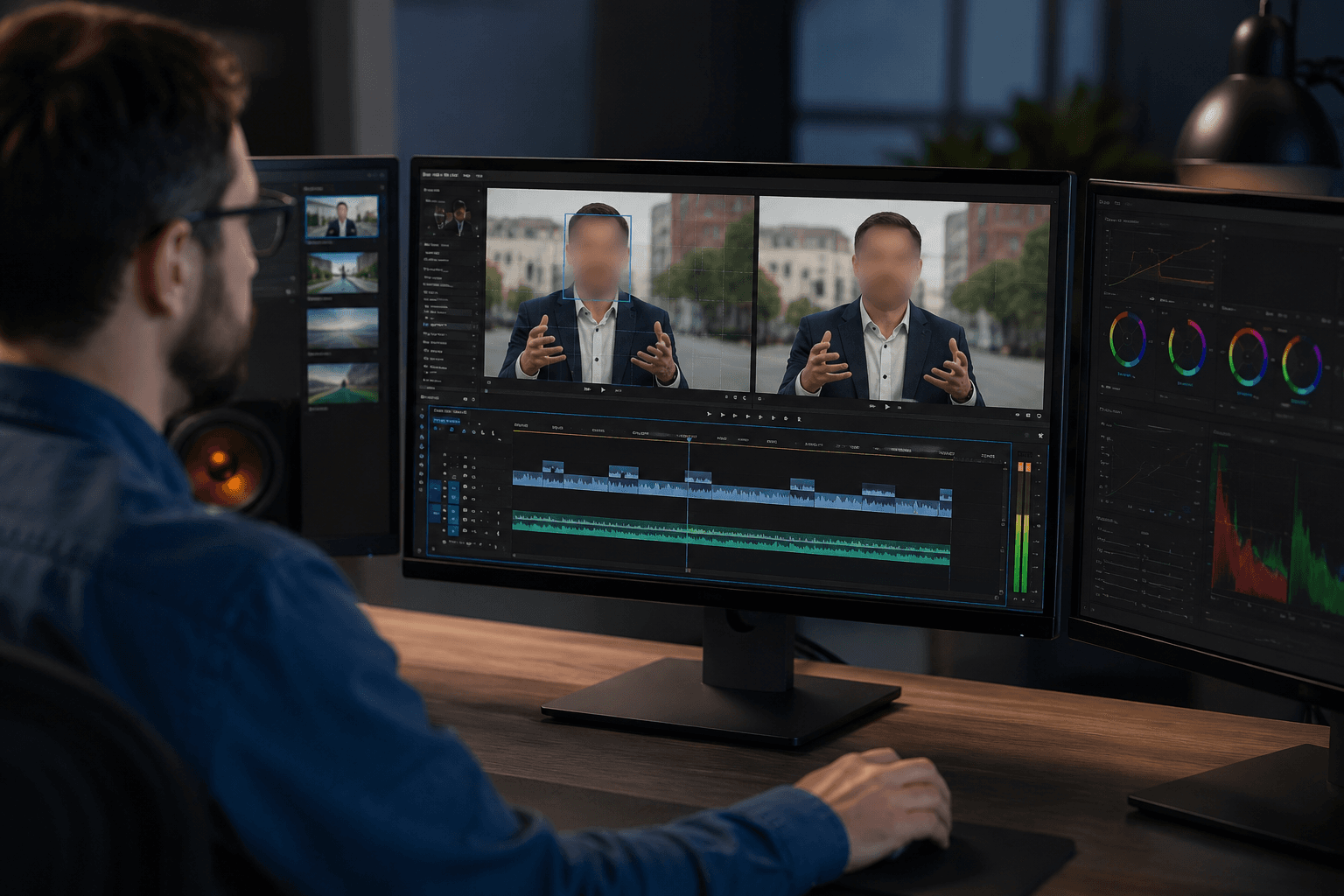
Difuminar Rostro en Video Automáticamente
Difumina rostros en video fácilmente usando detección facial avanzada con IA que identifica y sigue automáticamente los rostros durante todo el video. El desenfoque permanece fijo en el rostro incluso con movimiento, cambios de cámara o variaciones de luz. Es ideal para entrevistas, grabaciones públicas, vlogs y videos para redes sociales donde se requiere una protección de privacidad constante de principio a fin.
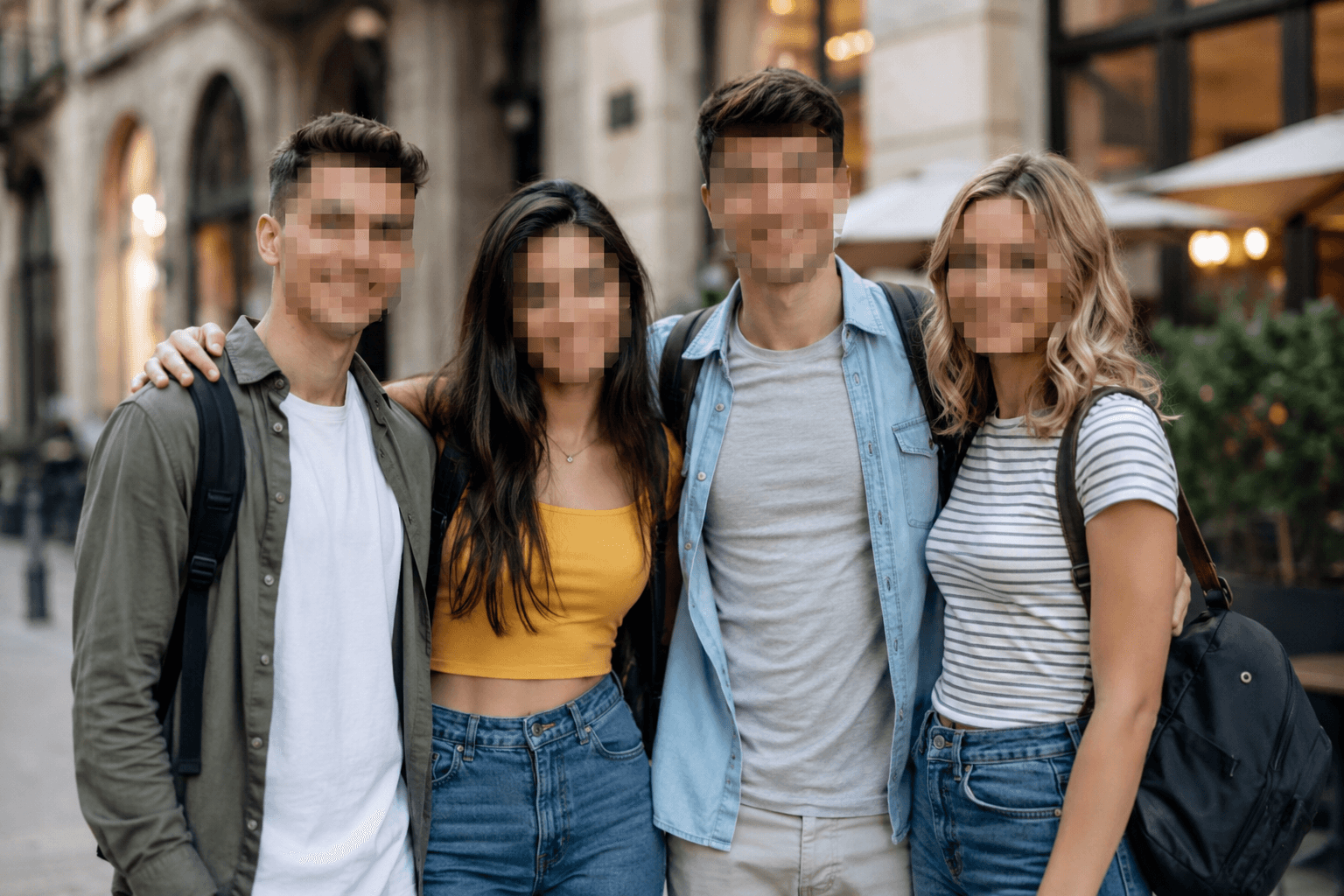
Difuminar Rostro en Imágenes en Línea
Difumina rostros en fotos e imágenes rápidamente con solo subir tu archivo. La herramienta aplica un desenfoque facial limpio y natural o un efecto de pixelado para ocultar identidades manteniendo la claridad general de la imagen. Es perfecta para fotos de perfil, documentos, miniaturas y publicaciones sociales, ofreciendo una forma rápida y confiable de difuminar imágenes en línea sin software de edición.
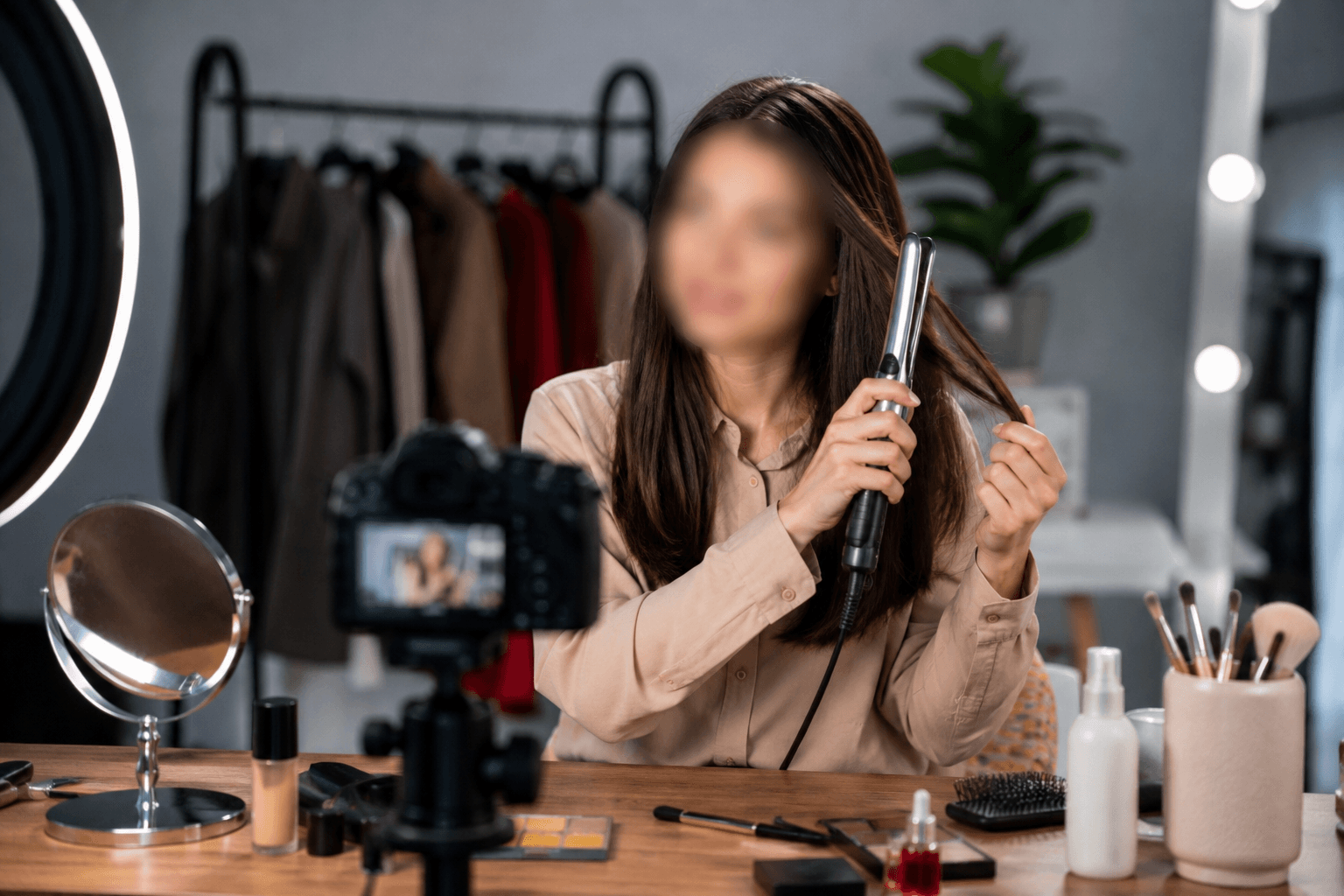
Herramienta Enfocada en la Privacidad para la Creación de Contenido
Diseñada con la privacidad como prioridad, esta herramienta ayuda a los creadores a publicar contenido de forma segura sin exponer identidades. Puedes usar el difuminado de rostro en video y en imágenes para noticias y medios, enseñanza en línea y tutoriales, demostraciones de peinados y belleza, vlogs, entrevistas, reels y contenido público o con multitudes. Al aplicar un efecto de rostro difuminado natural, cumples con estándares de privacidad y mantienes un aspecto profesional en todas las plataformas.
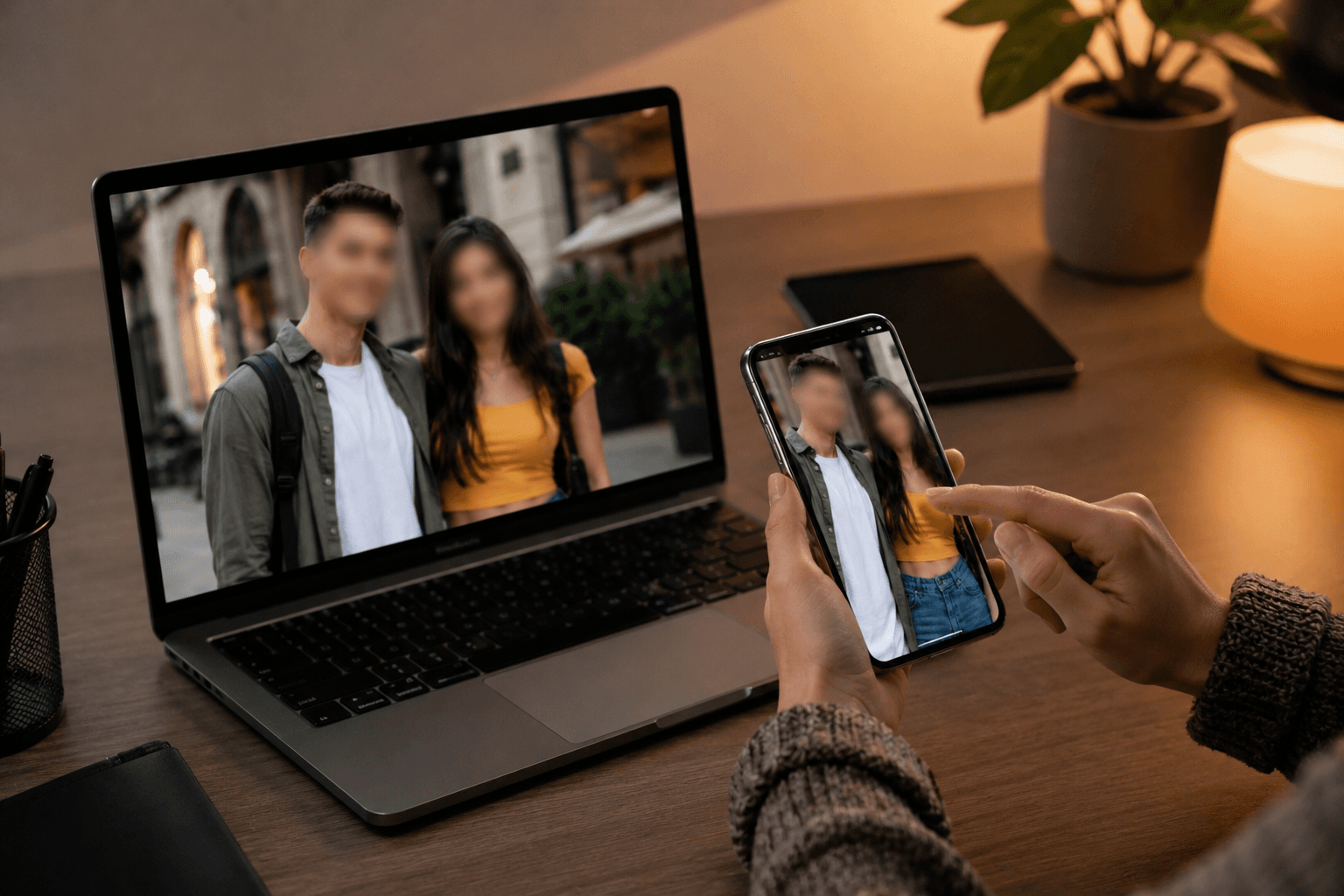
Funciona en Móvil y Escritorio — Sin App Necesaria
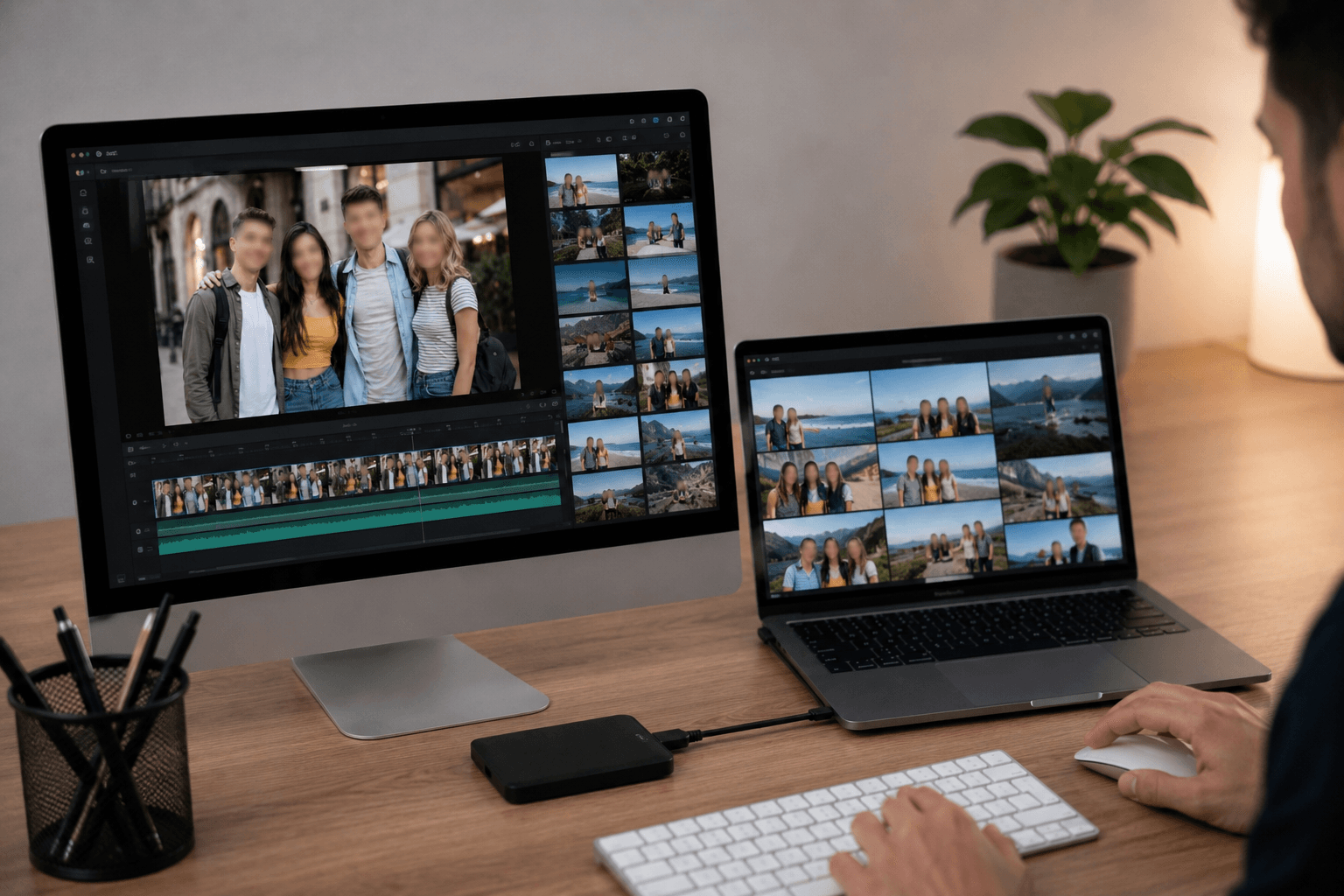
Este editor de difuminado facial basado en la web está optimizado para teléfonos móviles, tablets, laptops y computadoras de escritorio. Puedes difuminar rostros en videos o imágenes directamente desde el navegador, lo que facilita la edición en cualquier momento y lugar. Sin descargas, sin actualizaciones y sin ocupar espacio de almacenamiento.
Compatible con Formatos Populares de Video e Imagen
BGBlur admite una amplia variedad de formatos comunes para garantizar cargas y exportaciones fluidas. Puedes editar videos MP4 y MOV, además de imágenes en formatos PNG, JPG, JPEG, GIF y WebP. Esta flexibilidad te permite aplicar el difuminado facial en distintos tipos de contenido y plataformas sin problemas de compatibilidad.
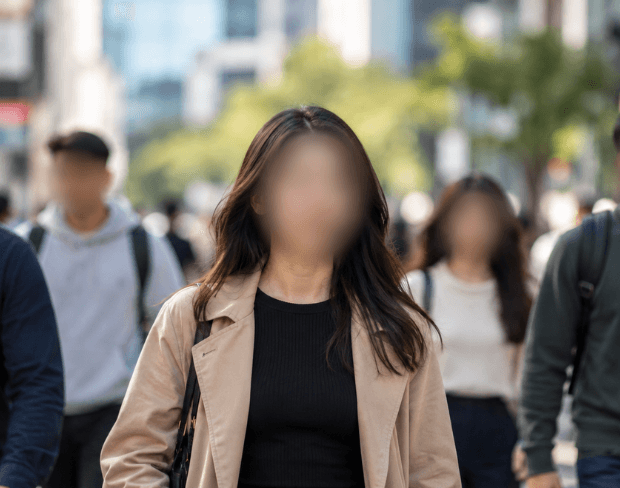
Difuminado Automático de Rostros para Cualquier Video
El difuminado automático de rostros en video significa que nunca tienes que rastrear una cara manualmente fotograma a fotograma. Sube el video una vez y la IA aplica el difuminado de forma continua, incluso cuando las personas se mueven, entran o salen del encuadre, o la cámara se desplaza. Así se difuminan rostros en entrevistas, multitudes y grabaciones de cámaras corporales, dashcams y CCTV sin tocar un solo fotograma a mano.
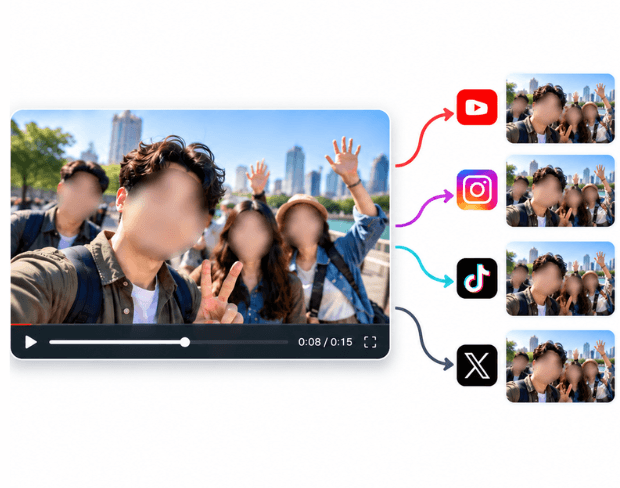
Censura u Oculta Rostros en Video para Cualquier Plataforma
Ya sea que necesites censurar un rostro para una noticia, ocultar una cara antes de publicar en TikTok, Instagram o YouTube, o difuminar rostros para una exportación legal o de cumplimiento, la misma detección automática lo resuelve. Cubre todo el rango de flujos de cómo difuminar rostros en un video: una sola subida, cada rostro encontrado y difuminado, listo para descargar o compartir.
¿Qué diferencia el BGBlur?
BGBlur se construye para la edición de vídeo AI basada en el navegador: subir un clip, elegir qué ocultar o suavizar, y exportar imágenes de privacidad lista sin aprender software de cronología.
Difuminado de vídeo AI
Los flujos de trabajo de vídeo automáticos reducen el enmascaramiento manual para caras, placas, fondos, pantallas y objetos sensibles.
Navegador
Editar vídeo en línea desde el escritorio o el móvil sin instalar software de edición de vídeo profesional.
Privacidad enfocada
BGBlur está diseñado para una publicación más segura, una reacción, una anonimato y un video compartido.
Control selectivo
Elija borrón blanco, desenfoque de fondo, anonimato de cara, o desenfoque de objetos basado en las imágenes.
Flujo de trabajo rápido
Los sencillos pasos de carga, vista previa, procesamiento y exportación ayudan a los creadores y equipos a terminar las ediciones rápidamente.
Múltiples formatos
Utilice BGBlur a través de flujos de trabajo de video e imagen comunes para contenido social, legal, de formación y creador.
Blurring Video Backgrounds Automáticamente
BGBlur está dedicado a hacer que la privacidad de vídeo y la mejora sea accesible para todos. Nuestras herramientas utilizan AI avanzada para ayudarle a desenfocar caras, placas de licencia, objetos, pantallas y fondos de forma rápida y segura en su navegador.
Las características incluyen el desenfoque automático de la cara, el desenfoque de la placa, el desenfoque de fondo, el desenfoque de objetos y el anonimato asistido por AI. Subir el vídeo, elegir el efecto de privacidad que necesita, previsualizar el resultado y exportar sin descargas o software avanzado.
Powered by BGBlur
Preguntas Frecuentes
Nuestra IA analiza tu video y automáticamente detecta y difumina fondos, caras, placas de matrícula o cualquier objeto que selecciones con seguimiento de movimiento.
Soportamos formatos MP4, MOV y M4V para todas las funciones de difuminado incluyendo difuminado de cara en video y difuminado de fondo.
Los usuarios gratuitos pueden difuminar videos de menos de 200MB y 10 minutos. Los usuarios Pro obtienen procesamiento de difuminado ilimitado con soporte de video más largo.
Sí, la IA de BGBlur rastrea automáticamente objetos, rostros y vehículos en movimiento. No es necesario enmascarar manualmente cada fotograma; el rastreador adaptado al movimiento mantiene el desenfoque fijo en el sujeto mientras se mueve.
BGBlur es una herramienta completamente basada en la web. Puede cargar cualquier video o imagen, seleccionar la herramienta de desenfoque de rostros y aplicar la pixelación o el desenfoque instantáneamente dentro de su navegador sin descargar aplicaciones ni complementos.
Absolutamente. Nuestra IA está entrenada específicamente para detectar y desenfocar matrículas en videos de conducción, dashcams y videos de vista de calle, ayudando a cumplir con las leyes de privacidad.
Su privacidad es nuestra prioridad. BGBlur aprovecha tecnologías avanzadas del lado del cliente para procesar videos de manera segura. Sus archivos se procesan localmente en su navegador y nunca se cargan ni se almacenan permanentemente en servidores externos.
¡Sí! BGBlur es completamente responsivo y está optimizado para navegadores móviles. Puede desenfocar fácilmente el fondo de un video o pixelar rostros directamente en su teléfono iPhone, iPad o Android.
Los límites dependen de la característica. Las herramientas de desenfoque de video estándar, como desenfoque de rostro, desenfoque de matrícula, desenfoque de fondo, desenfoque de cualquier cosa, desenfoque de pantalla, desenfoque NSFW y anonimización de rostros, admiten hasta 500 MB y 5 minutos en el plan gratuito, o hasta 1 GB y 10 minutos en los planes pagos. Object Remover admite videos MP4 y MOV de hasta 1 GB y 10 segundos por clip. Las cargas directas de Voice Anon admiten hasta 100 MB, mientras que el flujo de trabajo de carga/URL admite archivos de audio o vídeo de hasta 500 MB y menos de 10 minutos.
User Reviews
Share your experience and help others make informed decisions
Write a Review
Community Score
0.0
/ 5
Based on 0 reviews
All Reviews (0)
No reviews yet
Be the first to share your experience and help others make informed decisions!
¿Listo para difuminar tu contenido de video?
Comienza a proteger la privacidad y crear efectos de difuminado de video profesionales hoy con nuestra herramienta impulsada por IA. No se requieren descargas - difumina directamente en tu navegador.
Comenzar a Difuminar AhoraTrusted by thousands of creators
Perfect for privacy
BGBlur makes it incredibly easy to blur faces in my videos. The AI detection is spot-on and saves me hours of manual work. Perfect for content creators who need to protect identities.
Sarah M.
Best face blur tool
I've tried many face blur tools and this is by far the best. The automatic detection works great even with multiple faces and the blur quality is professional.
David K.
Game changer for my workflow
As a journalist, protecting sources is crucial. This tool has become essential for my video editing workflow. Fast, reliable, and easy to use.
Emma T.