
"The blur tools are a lifesaver — I can softly blur distracting backgrounds and automatically anonymize license plates in my vlogs."
SJ
Sarah Johnson
Content Creator • YouTube
Blur Faces in Videos - Professional Privacy Protection
Get started with our simple 3-step process
Upload your MP4, MOV, or M4V file securely in your browser.
Choose face blur, license plate blur, background blur, or object blur and preview instantly.
Export your privacy-safe video in high quality and publish anywhere.
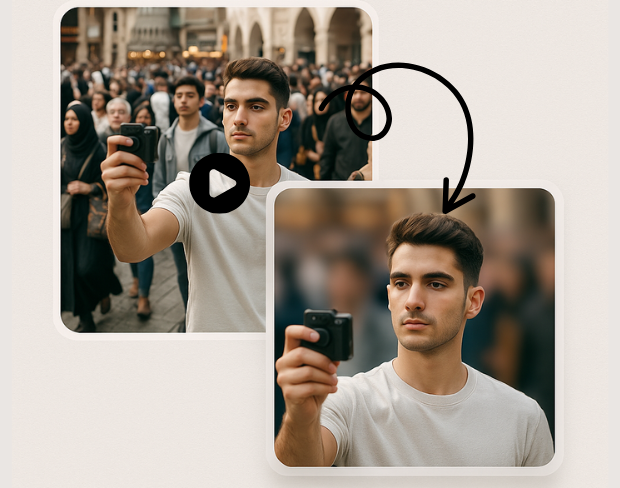
State-of-the-art AI technology that accurately detects faces from any angle, lighting condition, or video quality. Perfect for adult content creators who need reliable face anonymization for privacy compliance and content monetization.
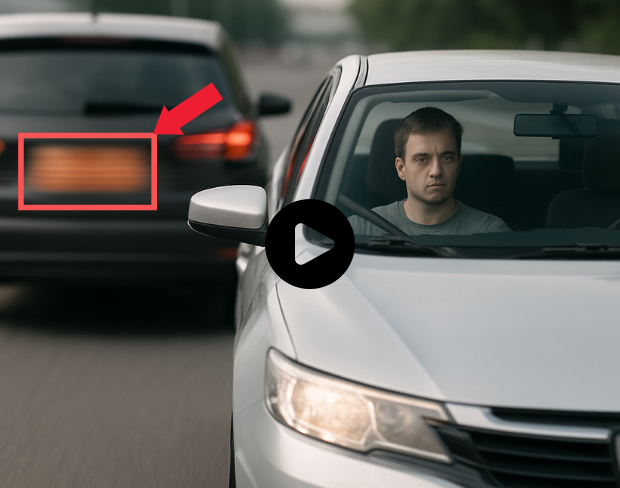
High-quality face blurring that maintains video resolution while ensuring complete anonymity. Ideal for content creators on platforms like AdultWork, OnlyFans, or any adult platform requiring face privacy protection.
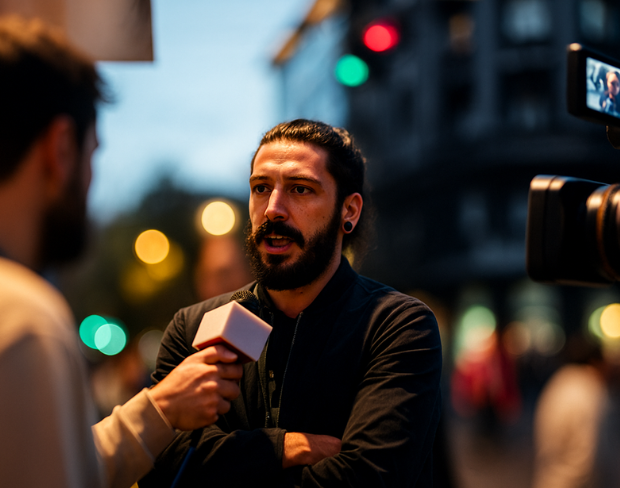
Automatically detects and blurs multiple faces in a single video. Perfect for group content or scenes with multiple people where privacy protection is essential for all participants.
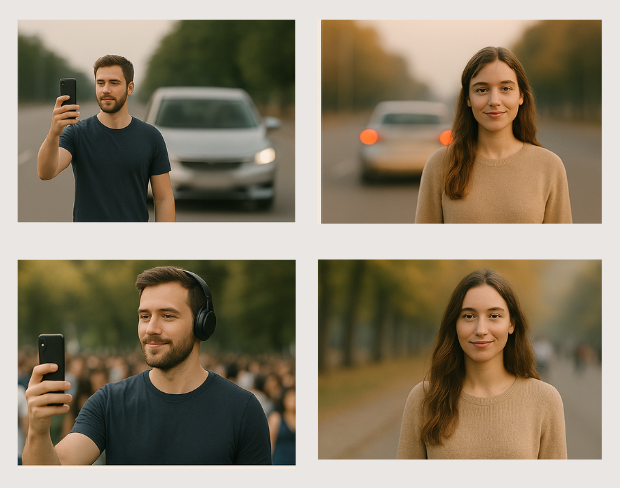
Control the level of face blurring from subtle privacy protection to complete anonymization. Choose the perfect balance between privacy and video quality for your specific content needs.
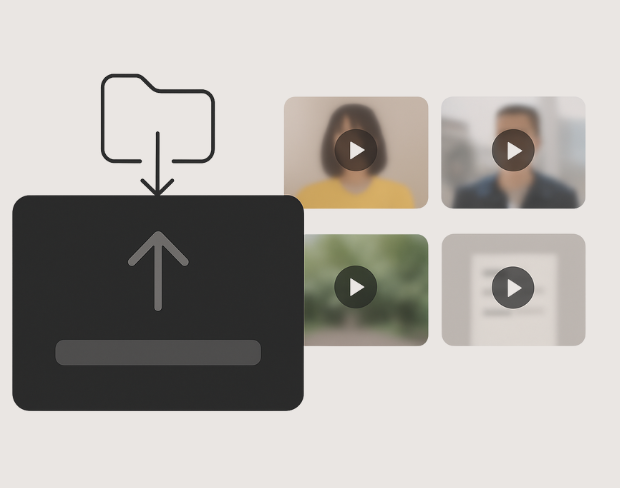
Export your privacy-protected videos without any watermarks, logos, or branding. Perfect for adult content creators who need clean, professional results for commercial use and platform uploads.
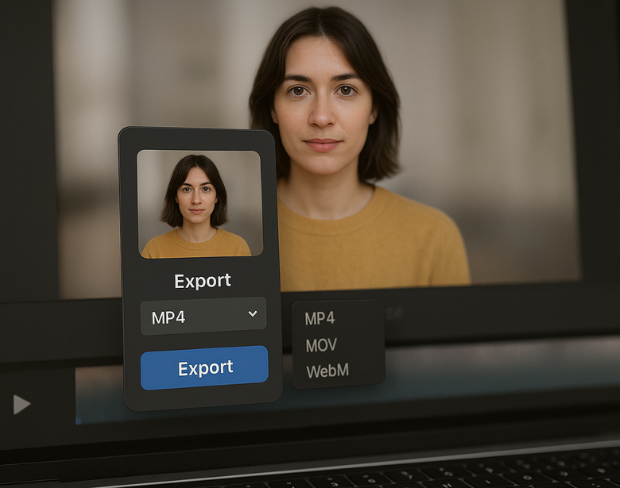
Quick face blurring processing with multiple export formats including MP4, MOV, and WebM. Get your privacy-protected content ready for upload in minutes, not hours.
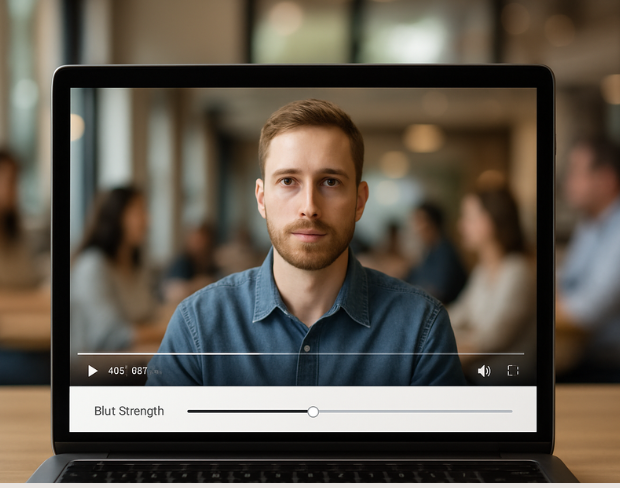
Your videos are processed securely with automatic deletion after processing. We understand the sensitive nature of adult content and prioritize complete privacy and discretion.
Funciones
Una plataforma para cada necesidad de desenfoque. Haga clic en cualquier función para empezar.
Desenfoque de video
Detecta matrículas automáticamente
Desenfoque de video
Seguimiento fotograma a fotograma
Desenfoque de video
Sin pantalla verde
Desenfoque de video
Usa un prompt o dibuja un cuadro alrededor de lo que quieras desenfocar
Privacidad
Desenfoca rostros en fotos
Privacidad
Redacción para equipos
Privacidad
Enmascaramiento de voz con IA
Cambio de cara
Cambia rostros en imágenes
Cambio de cara
Cambia rostros en video
Cambio de cara
Elimina objetos con relleno de escena
Ecosistema
Haz preguntas y recibe resúmenes con IA
Únete a miles de creadores y equipos que confían en bgblur cada día.
Protect identity and privacy in your videos with AI-powered face blurring. Perfect for adult content creators, privacy-focused content, and professional video production requiring anonymity.
Designed specifically for creators on AdultWork, OnlyFans, ManyVids, and other adult platforms. Ensure compliance with privacy requirements while maintaining professional video quality.
Advanced machine learning algorithms ensure no face goes undetected, providing complete anonymity and peace of mind for sensitive content creation.
Transform your content from identifiable to anonymous in minutes. Perfect for creators who need quick turnaround times for content publication.
Meets professional video production standards for adult entertainment, journalism, and any content requiring participant anonymity and privacy protection.
Join thousands of creators who trust our face blurring technology to protect privacy while maintaining professional video quality for their content platforms.
120K+
Clips desenfocados
500K+
Matrículas ocultadas
"The blur tools are a lifesaver — I can softly blur distracting backgrounds and automatically anonymize license plates in my vlogs."
Sarah Johnson
Content Creator • YouTube
"Perfect for short-form content — selective blur and automatic license-plate hiding keeps posts compliant and on-brand without manual editing."
Emma Rodriguez
Social Media Manager • Digital Agency
"I've used many blur filters, but the adaptive face and plate blur here are the most natural-looking — great for client deliverables where privacy matters."
Lisa Thompson
Freelance Video Editor • Independent
"We rely on the motion-aware blur and plate anonymization for on-the-go product demos. It's fast, consistent, and saves legal review time."
Michael Chen
Marketing Director • TechStart Inc.
"The blur tools are a lifesaver — I can softly blur distracting backgrounds and automatically anonymize license plates in my vlogs."
Sarah Johnson
Content Creator • YouTube
"Perfect for short-form content — selective blur and automatic license-plate hiding keeps posts compliant and on-brand without manual editing."
Emma Rodriguez
Social Media Manager • Digital Agency
"I've used many blur filters, but the adaptive face and plate blur here are the most natural-looking — great for client deliverables where privacy matters."
Lisa Thompson
Freelance Video Editor • Independent
"We rely on the motion-aware blur and plate anonymization for on-the-go product demos. It's fast, consistent, and saves legal review time."
Michael Chen
Marketing Director • TechStart Inc.
Nuestra IA analiza tu video y automáticamente detecta y difumina fondos, caras, placas de matrícula o cualquier objeto que selecciones con seguimiento de movimiento.
Soportamos formatos MP4, MOV y M4V para todas las funciones de difuminado incluyendo difuminado de cara en video y difuminado de fondo.
Los usuarios gratuitos pueden difuminar videos de menos de 200MB y 10 minutos. Los usuarios Pro obtienen procesamiento de difuminado ilimitado con soporte de video más largo.
Sí, la IA de BGBlur rastrea automáticamente objetos, rostros y vehículos en movimiento. No es necesario enmascarar manualmente cada fotograma; el rastreador adaptado al movimiento mantiene el desenfoque fijo en el sujeto mientras se mueve.
BGBlur es una herramienta completamente basada en la web. Puede cargar cualquier video o imagen, seleccionar la herramienta de desenfoque de rostros y aplicar la pixelación o el desenfoque instantáneamente dentro de su navegador sin descargar aplicaciones ni complementos.
Absolutamente. Nuestra IA está entrenada específicamente para detectar y desenfocar matrículas en videos de conducción, dashcams y videos de vista de calle, ayudando a cumplir con las leyes de privacidad.
Su privacidad es nuestra prioridad. BGBlur aprovecha tecnologías avanzadas del lado del cliente para procesar videos de manera segura. Sus archivos se procesan localmente en su navegador y nunca se cargan ni se almacenan permanentemente en servidores externos.
¡Sí! BGBlur es completamente responsivo y está optimizado para navegadores móviles. Puede desenfocar fácilmente el fondo de un video o pixelar rostros directamente en su teléfono iPhone, iPad o Android.
Los límites dependen de la característica. Las herramientas de desenfoque de video estándar, como desenfoque de rostro, desenfoque de matrícula, desenfoque de fondo, desenfoque de cualquier cosa, desenfoque de pantalla, desenfoque NSFW y anonimización de rostros, admiten hasta 500 MB y 5 minutos en el plan gratuito, o hasta 1 GB y 10 minutos en los planes pagos. Object Remover admite videos MP4 y MOV de hasta 1 GB y 10 segundos por clip. Las cargas directas de Voice Anon admiten hasta 100 MB, mientras que el flujo de trabajo de carga/URL admite archivos de audio o vídeo de hasta 500 MB y menos de 10 minutos.
Comparte tu experiencia y ayuda a otros a tomar decisiones informadas
Puntuación de la Comunidad
0.0
/ 5
Basado en 0 reseñas
¡Sé el primero en compartir tu experiencia y ayudar a otros a tomar decisiones informadas!