Zoom & Teams treffen Datenschutz
Professional video call recordings with blurred backgrounds, participant faces, and sensitive on-screen content for safe sharing.
Recorded Zoom and Teams meetings often contain more than the intended presentation: home offices with family photos, coworkers who didn't consent to external sharing, and screen shares with customer data.
Clean up Zoom and Teams recordings for safe sharing in three steps
Built for corporate comms, HR, and marketing teams who need privacy-safe recordings for external or LMS distribution.
Export your Zoom or Teams recording
Download the MP4 from Zoom cloud or Teams recordings before sharing externally.
Apply background and face blur
Blur participant backgrounds and specific attendee faces to protect privacy in gallery view.
Preview and export
Check gallery layouts across the timeline, then export for LMS, YouTube, or Vimeo hosting.
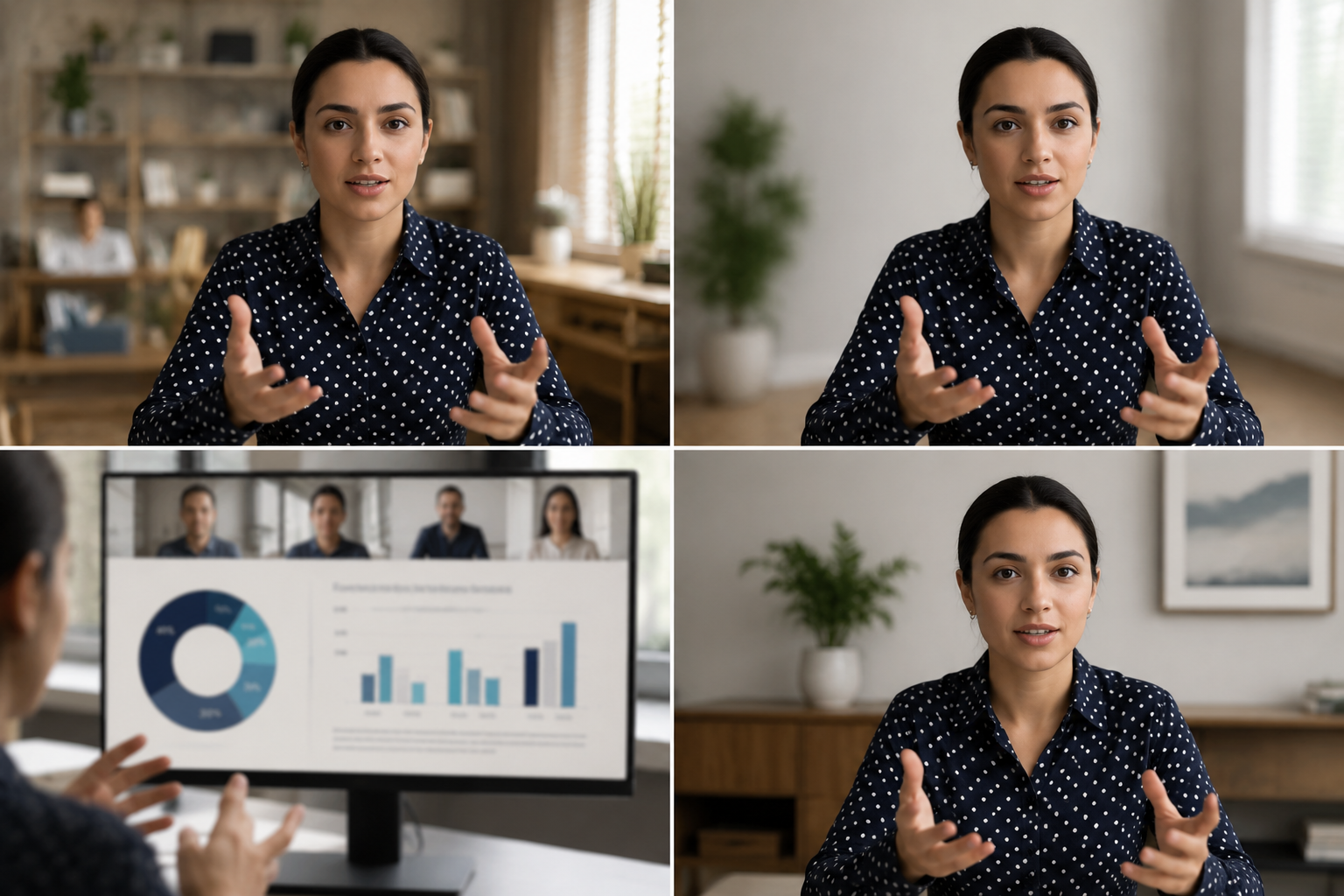
What this example demonstrates
Post-production blur gives you control that real-time virtual backgrounds can't: selectively protect participants, hide screen share content, and clean up backgrounds after the call ends.

Why teams use this pattern
Use this workflow when you need to share all-hands recordings externally, create training clips from client calls, or publish webinar archives with attendee privacy intact.
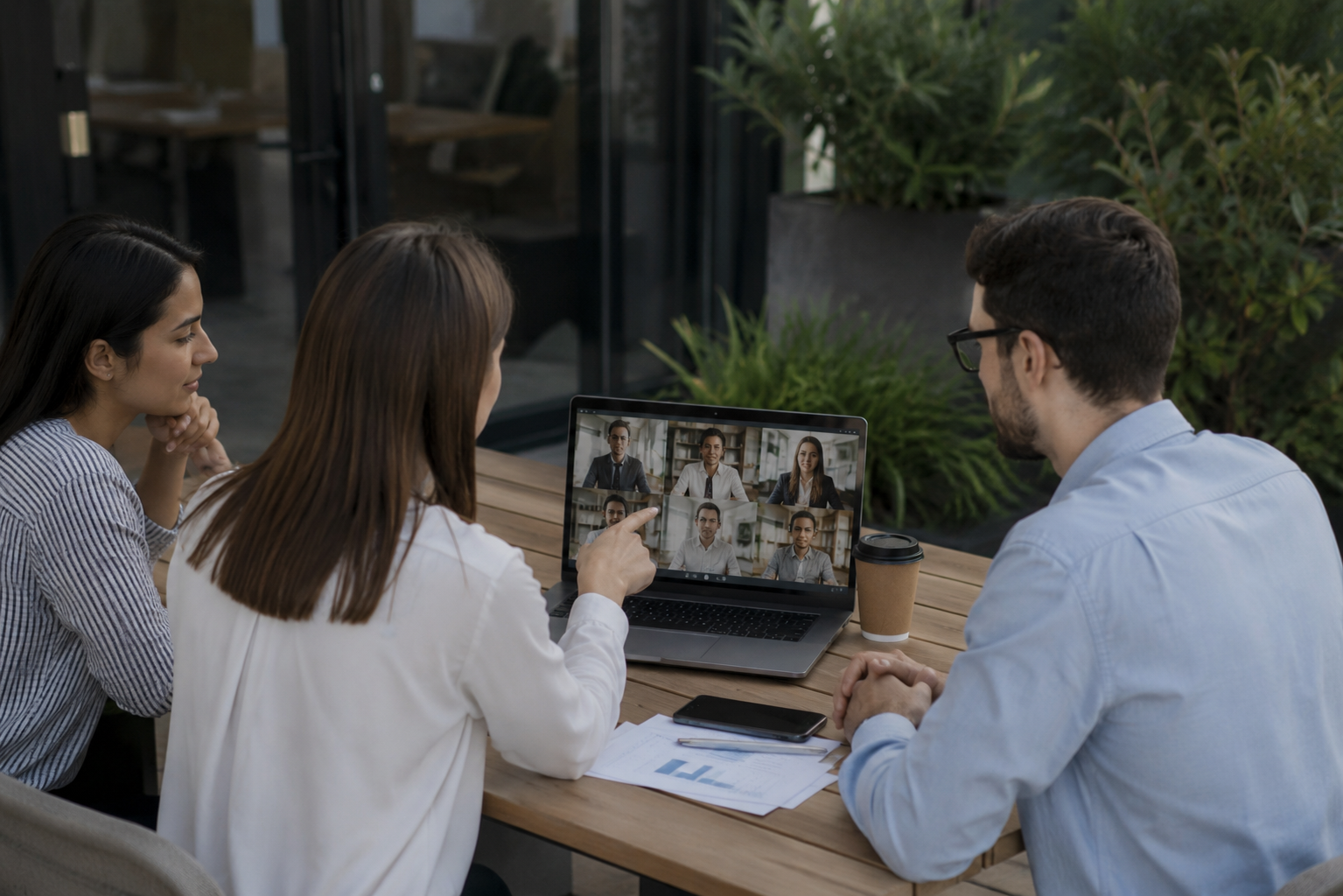
Common use cases
Teams reach for this workflow when all-hands meetings shared with contractors or press; client webinars with internal attendees visible; training recordings from customer success calls; town halls with employee q&a requiring anonymization. BGBlur automates detection so these scenarios stay publishable without days in a timeline.

Built for Corporate communications teams and HR and internal comms
Ideal audiences include Corporate communications teams, HR and internal comms, Marketing and demand gen, Customer education teams. Pair this example with your policy review when footage is sensitive or public-facing.
Anwendungsfälle
- Allhand-Meetings mit Vertragspartnern oder Presse
- Client Webinare mit internen Teilnehmern sichtbar
- Schulungsaufnahmen von Kundenerfolgsgesprächen
- Rathaus mit Mitarbeiter Q&A, die Anonymisierung
Für wen es gedacht ist
- Unternehmenskommunikationsteams
- HR und interne Kommunikation
- Marketing und Nachfrage gen
- Kundenschulungsteams
Weitere Video-Weichzeichner-Beispiele
Erkunden Sie ähnliche Szenarien mit denselben Demo-Clips und Schritt-für-Schritt-Anleitungen.
Hintergrundverwischung für filmische Fokussierung
Weichen oder ersetzen beschäftigte Hintergründe, so stehen Themen heraus – für Webinare, Bewertungen und Produktdemos zu Hause gefilmt.
Gesicht verschwimmt im Sprechkopf Video
Automatische Gesichtserkennung und Blendung für Interviews, Podcasts und Vlogs – bewegte sich so, dass Identitäten geschützt bleiben.
HR & Trainingsvideos mit sichererem Hintergrund
Verstecken Sie Haus-Büro-Cutter, Patienten-Charts an Wänden oder Plakate, die die Stelle in L&D-Inhalte.
Bildschirmaufzeichnung blau für Tutorials & Demos
Verstecken Sie Passwörter, API-Tasten, E-Mails und persönliche Daten in Bildschirmerfassungen – relevant für Software-Demos und Support-Videos.
Häufig gestellte Fragen
- Warum nicht Zooms eingebauter Hintergrund verschwimmen?
- Echtzeit-Blut wird während des Anrufs angewendet; Post-Produktions-Blut ermöglicht es Ihnen, die Privatsphäre Entscheidungen nach der Aufnahme zu kontrollieren, wenn Sie den Austausch Kontext kennen.
- Kann ich nur einen Teilnehmer in der Galerieansicht verwischen?
- Ja-selektives Gesicht verschwimmt in Gitter-Layouts, so dass Sie bestimmte Teilnehmer schützen können, während Sie andere sichtbar halten.
- Was ist mit Chat- und Teilnehmernamen in der Aufnahme?
- Video Blur behandelt nur Pixel; deaktivieren Sie die Teilnehmernamen und Chat-Overlays in Zoom/Teams Aufnahmeeinstellungen oder pflanzen Sie diese UI-Elemente in Post.
Bereit, dies mit Ihren eigenen Aufnahmen zu versuchen?
Laden Sie MP4, MOV oder M4V hoch und wenden Sie dieselben Weichzeichnungsmodi wie in diesem Beispiel an.
BGBlur kostenlos testen