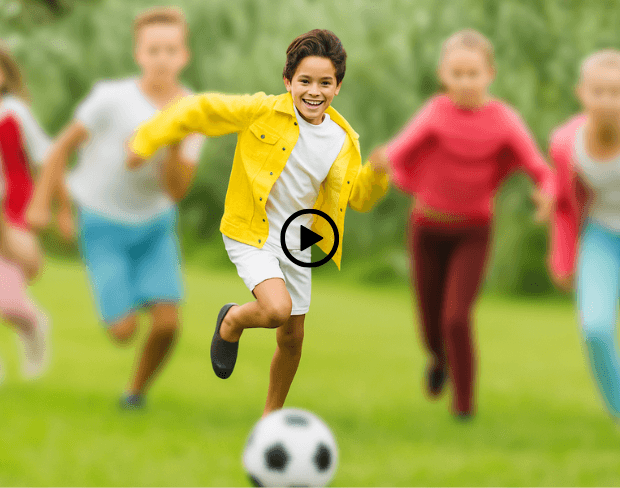
動画編集者はAI背景ぼかしを使って動画背景を素早くぼかし、主要被写体にフォーカスを保持。編集速度アップと複雑な手動効果無しでの洗練された映像制作を実現。
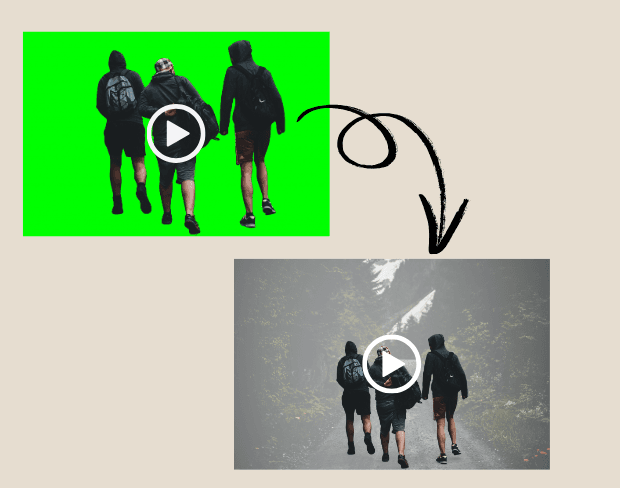
グリーンスクリーンや進んだセットアップ不要。AIぼかしツールで動画背景をぼかし、プロフェッショナルでシネマティックな映像を実現。
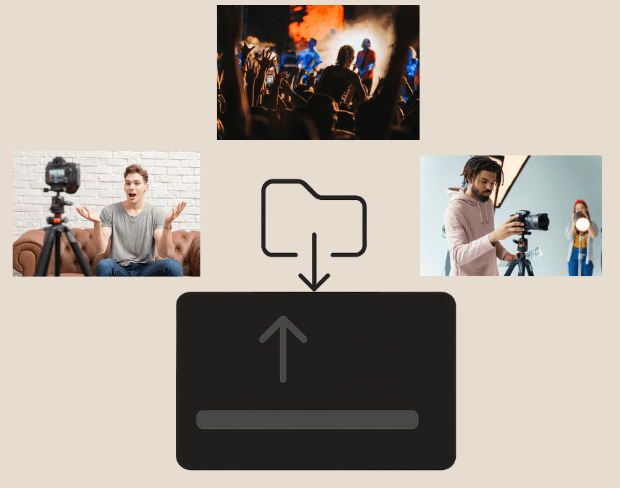

複数の動画ファイルを一度に処理したいですか?当ツールはバッチ処理をサポートし、複数クリップで動画の一部または背景全体をぼかすことができます。
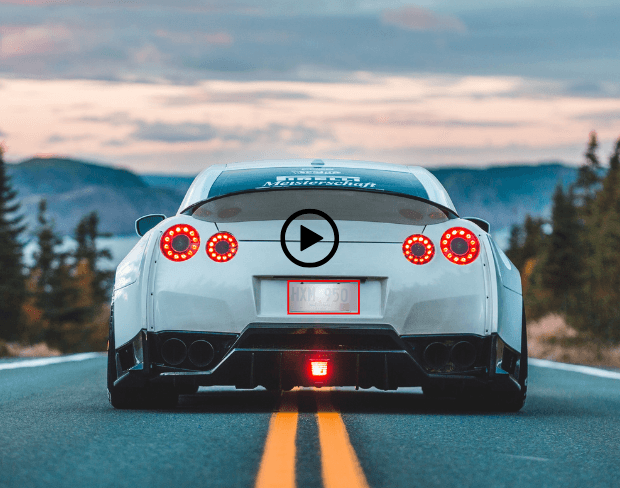
AI背景ぼかしでプライバシーを保護。動画内の顔やライセンスプレート、通行人、書類などの敏感な詳細をぼかします。
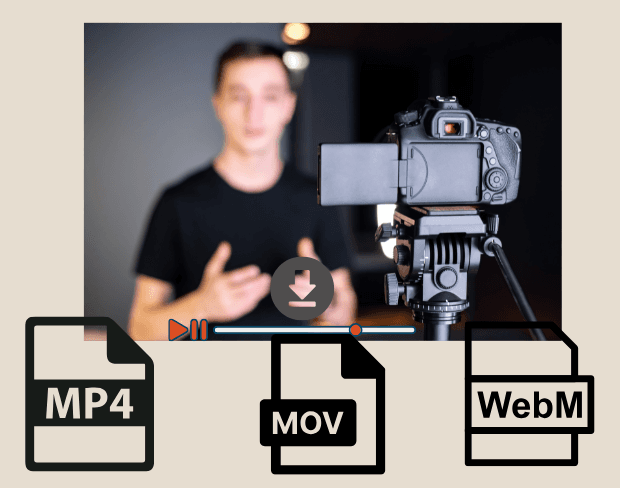

編集後、MP4、MOV、WebMでぼかし背景の動画をエクスポート。YouTube、Instagram、クライアント納品に最適なHD準備済み出力。
Share your experience and help others make informed decisions
Community Score
0.0
/ 5
Based on 0 reviews
Be the first to share your experience and help others discover this feature!
BGBlur uses AI to automatically detect and blur faces, license plates, backgrounds, and other objects in your videos and images. Simply upload your media, choose what to blur, and export the result.
BGBlur offers free processing for many use cases. Upload your video or image to get started with AI-powered blur tools without signup or watermarks.
BGBlur supports all major video formats (MP4, MOV, AVI, MKV) and image formats (JPG, PNG, JPEG, HEIC) for blur processing.
Yes. BGBlur can detect and blur multiple faces, license plates, or custom objects simultaneously in the same video or image.
Yes. Your uploads are processed securely and are not stored permanently. BGBlur is designed with privacy in mind for both you and the subjects in your media.
Great app, easy to use. Helps our small business save time and money to create different marketing materials professionally. Thank you.
Shaelyn D.
I need a good blur tool for my work and I've been through them all. This one is the best by far. It's so easy to use and the results always look amazing.
Kira H.
It's amazingly easy and gives the perfect results for my bags and accessories. It looks like it was done by a professional photographer.
Mary J.
Related platforms
Extend your workflow with specialized tools from our ecosystem. Opens in a new tab.