無料AI政府機関動画背景ぼかし

瞬時に背景をぼかして安全な政府動画を作成。機密な場所と身元を保護しながら、公式コミュニケーションのプロフェッショナル基準を維持。

政府動画背景を今すぐぼかし
フィールドレポートで機密場所を保護

フィールドレポートで機密場所を保護

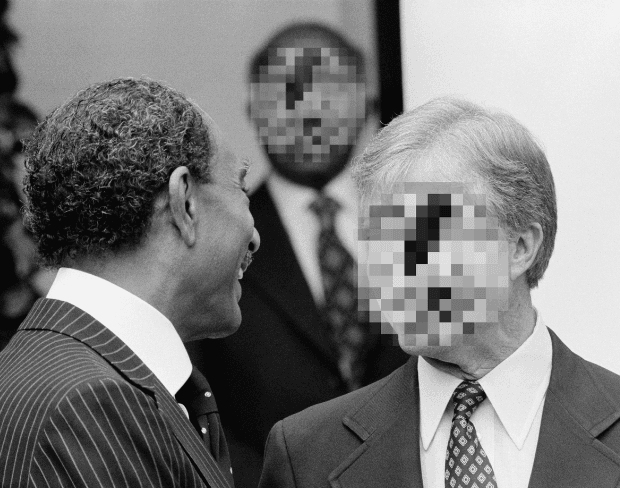
政府機関はしばしば制限区域や機密エリアで動画を記録します。AI背景ぼかしにより、機密環境を隠すために動画背景を瞬時にぼかすことができます。
身元保護のために顔をぼかす

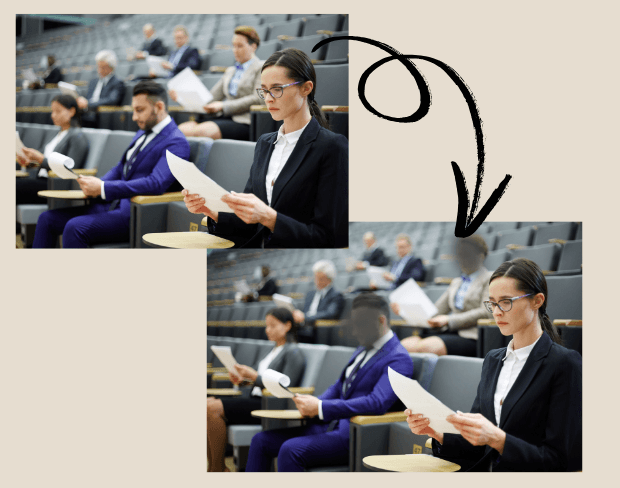
機関は頻繁にカメラに映る市民、証人、職員を保護する必要があります。私たちのAIぼかしツールにより、動画内の顔や動画の一部を簡単にぼかすことができます。
身元保護のために顔をぼかす
安全な訓練と内部コミュニケーション

安全な訓練と内部コミュニケーション

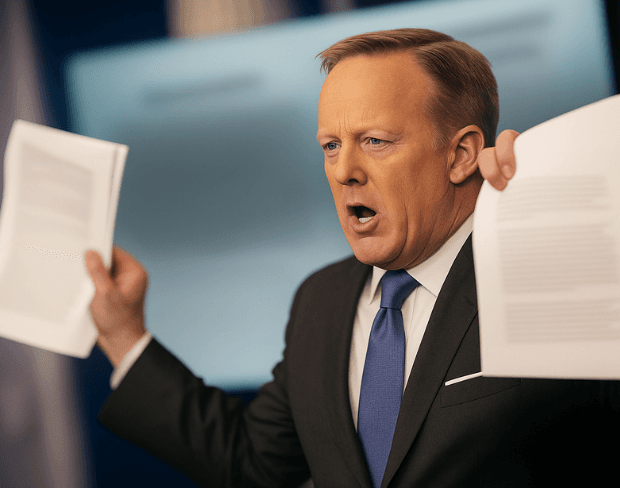
内部訓練動画にはしばしばスクリーン、文書、機器に機密データが含まれます。背景ぼかしAIを使用して、機関は動画の一部をぼかし、機密詳細を隠すことができます。
ケースファイルとアーカイブのバッチぼかし

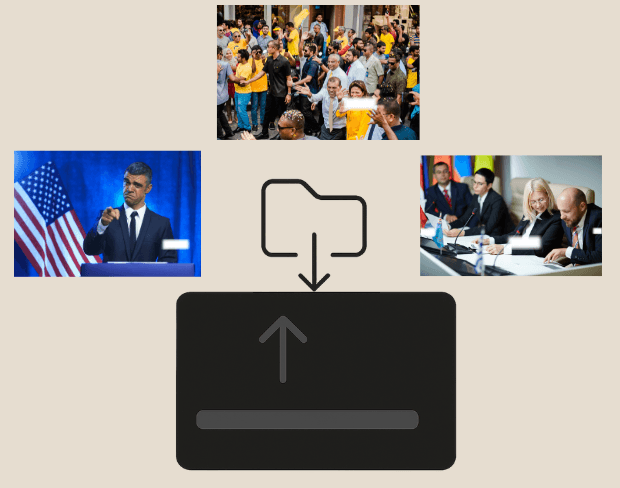
政府機関は大量の動画証拠と文書を管理しています。バッチ処理により、一度に複数クリップに動画背景ぼかしを適用できます。
ケースファイルとアーカイブのバッチぼかし
複数フォーマットで安全な動画をエクスポート

複数フォーマットで安全な動画をエクスポート

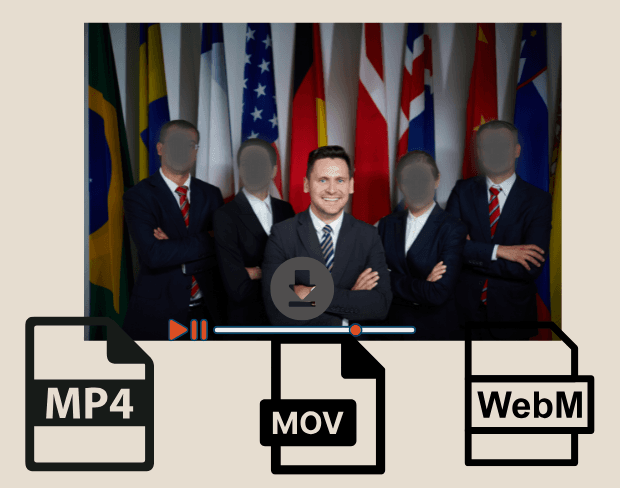
法廷プレゼンテーション、記者会見、内部報告のいずれでも、機関はMP4、MOV、WebMでぼかし背景付き動画をエクスポートできます。

User Reviews

Share your experience and help others make informed decisions

Write a Review

5 stars

Community Score

0.0

/ 5

Based on 0 reviews

All Reviews (0)

No reviews yet

Be the first to share your experience and help others discover this feature!

Frequently Asked Questions

How does BGBlur work?

BGBlur uses AI to automatically detect and blur faces, license plates, backgrounds, and other objects in your videos and images. Simply upload your media, choose what to blur, and export the result.

Is BGBlur free to use?

BGBlur offers free processing for many use cases. Upload your video or image to get started with AI-powered blur tools without signup or watermarks.

What file formats are supported?

BGBlur supports all major video formats (MP4, MOV, AVI, MKV) and image formats (JPG, PNG, JPEG, HEIC) for blur processing.

Can I blur multiple objects in one video?

Yes. BGBlur can detect and blur multiple faces, license plates, or custom objects simultaneously in the same video or image.

Is my data secure?

Yes. Your uploads are processed securely and are not stored permanently. BGBlur is designed with privacy in mind for both you and the subjects in your media.

今すぐ政府動画を保護

無料のAI背景ぼかしツールで安全な政府動画の作成を即座に開始。

政府動画背景を今すぐぼかし

Trusted by thousands of creators

My favorite video tool

Great app, easy to use. Helps our small business save time and money to create different marketing materials professionally. Thank you.

Shaelyn D.

Best blur tool out there

I need a good blur tool for my work and I've been through them all. This one is the best by far. It's so easy to use and the results always look amazing.

Kira H.

Love it

It's amazingly easy and gives the perfect results for my bags and accessories. It looks like it was done by a professional photographer.

Mary J.

Related platforms

Video intelligence & background removal

Extend your workflow with specialized tools from our ecosystem. Opens in a new tab.