
"The blur tools are a lifesaver — I can softly blur distracting backgrounds and automatically anonymize license plates in my vlogs."
SJ
Sarah Johnson
Content Creator • YouTube
AI Video Background Blur — Green-Screen-Free, Built for Privacy
Get started with our simple 3-step process
Upload your MP4, MOV, or M4V file securely in your browser.
Choose face blur, license plate blur, background blur, or object blur and preview instantly.
Export your privacy-safe video in high quality and publish anywhere.
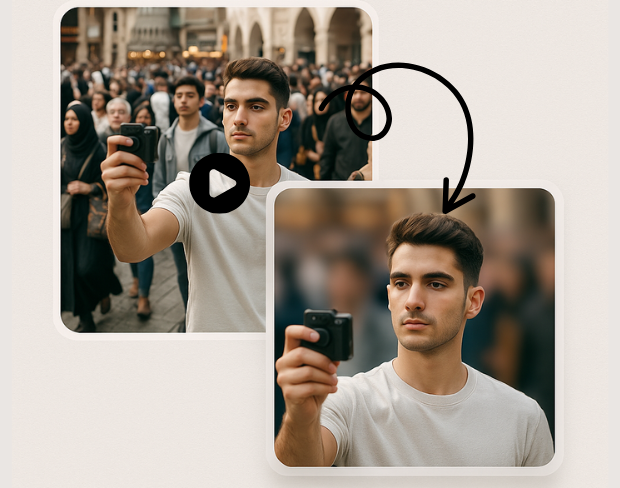
Create a bokeh-style background without a physical green screen. Subjects stay sharp while environments fall off—ideal for calls, vlogs, and compliance-friendly sharing.
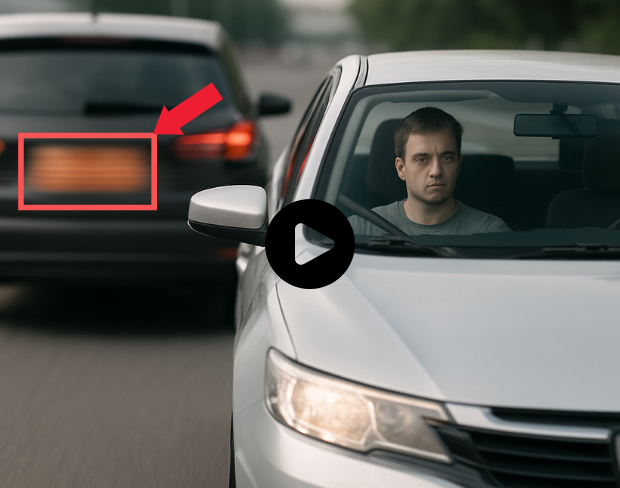
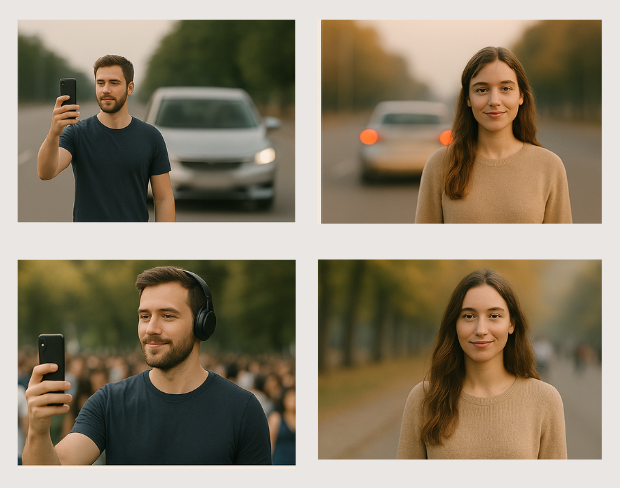
Our models handle natural lighting, motion, and busy scenes. You get consistent blur across frames without manual rotoscoping.
Blur sensitive areas automatically so you can publish faster. Pair background blur with face and plate tools when one effect is not enough.
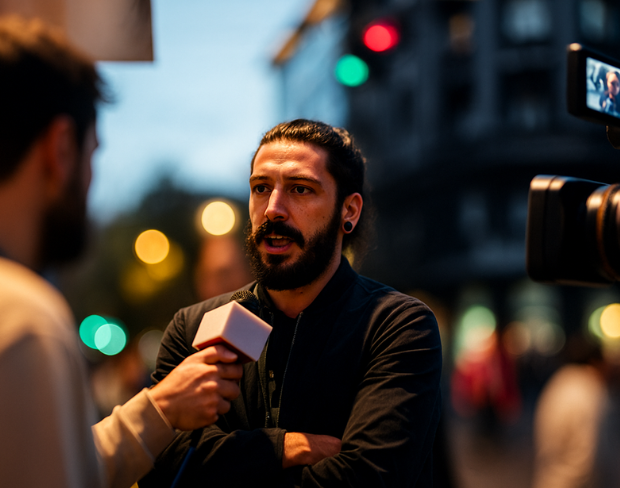
Batch-friendly processing and presets help agencies, journalists, and operators move from raw footage to redacted masters quickly.
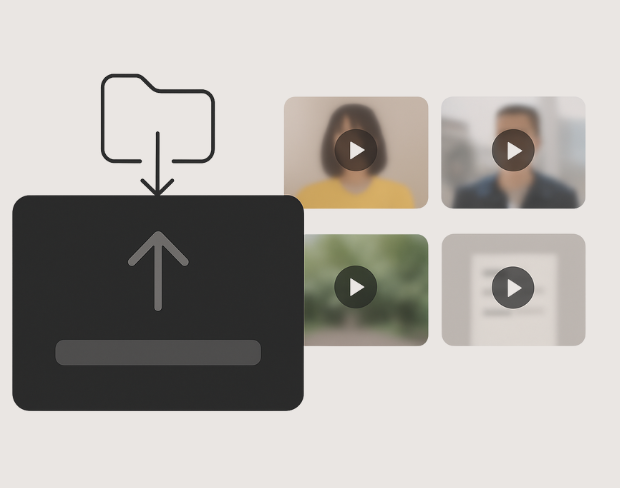
Detection tracks people and plates through the timeline so effects stay locked to subjects—even with handheld cameras.
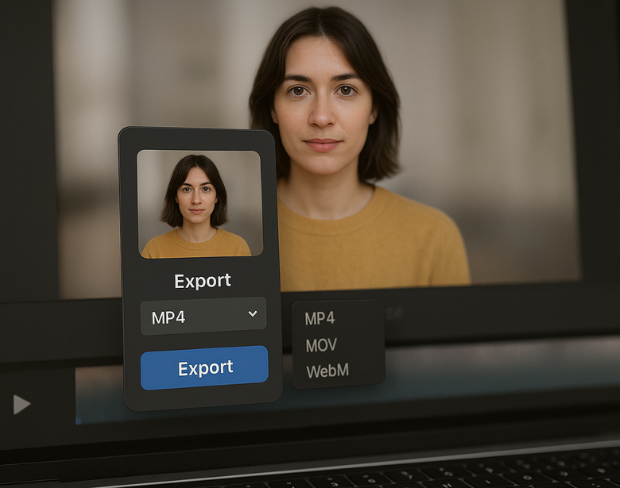
Export high-quality MP4/MOV/WebM outputs with the blur baked in, ready for YouTube, TikTok, internal archives, or legal review packets.
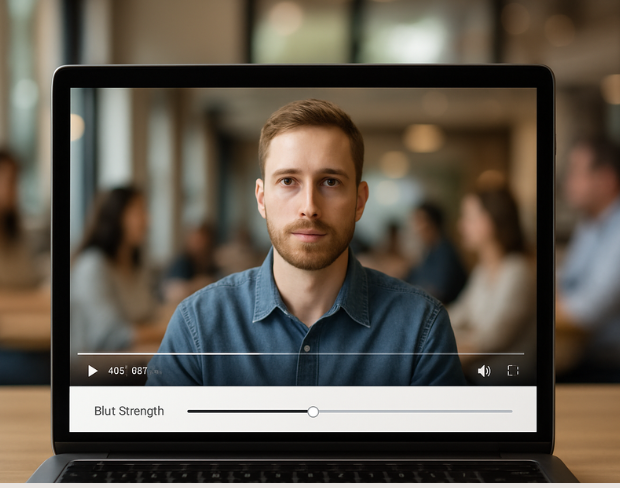
Visit our examples and docs for sample settings, or combine tools: many teams stack background blur with face anonymization on the same render.
機能
あらゆるぼかしニーズに対応する1つのプラットフォーム。機能をクリックして開始できます。
動画ぼかし
ナンバープレートを自動検出
動画ぼかし
フレーム単位で追跡
動画ぼかし
グリーンスクリーン不要
動画ぼかし
プロンプトを使うか、ぼかす範囲を囲んで指定
プライバシー
写真内の顔をぼかす
プライバシー
チーム向けの匿名化処理
プライバシー
AI音声マスキング
顔交換
画像内の顔を交換
顔交換
動画内の顔を交換
顔交換
シーン補完でオブジェクトを削除
エコシステム
質問してAI要約を取得
Soften or hide video backgrounds, blur faces, and redact license plates with AI. BGBlur focuses on privacy-safe exports—not transparent background cutouts.
Combine background blur, face blur, and plate redaction for publish-ready clips—built for creators, teams, and compliance workflows.
Models locate subjects and sensitive regions so blur tracks motion without chroma keys or frame-by-frame touch-ups.
Optimized pipelines keep foreground detail crisp while backgrounds and plates receive clean, adjustable blur.
Shoot anywhere; BGBlur works on everyday environments so you can protect privacy without a production-grade setup.
Teams trust BGBlur to anonymize footage while keeping storytelling intact—especially for street scenes, interviews, and ops video.
120K+
ぼかされた動画
500K+
非表示にされたプレート
"The blur tools are a lifesaver — I can softly blur distracting backgrounds and automatically anonymize license plates in my vlogs."
Sarah Johnson
Content Creator • YouTube
"Perfect for short-form content — selective blur and automatic license-plate hiding keeps posts compliant and on-brand without manual editing."
Emma Rodriguez
Social Media Manager • Digital Agency
"I've used many blur filters, but the adaptive face and plate blur here are the most natural-looking — great for client deliverables where privacy matters."
Lisa Thompson
Freelance Video Editor • Independent
"We rely on the motion-aware blur and plate anonymization for on-the-go product demos. It's fast, consistent, and saves legal review time."
Michael Chen
Marketing Director • TechStart Inc.
"The blur tools are a lifesaver — I can softly blur distracting backgrounds and automatically anonymize license plates in my vlogs."
Sarah Johnson
Content Creator • YouTube
"Perfect for short-form content — selective blur and automatic license-plate hiding keeps posts compliant and on-brand without manual editing."
Emma Rodriguez
Social Media Manager • Digital Agency
"I've used many blur filters, but the adaptive face and plate blur here are the most natural-looking — great for client deliverables where privacy matters."
Lisa Thompson
Freelance Video Editor • Independent
"We rely on the motion-aware blur and plate anonymization for on-the-go product demos. It's fast, consistent, and saves legal review time."
Michael Chen
Marketing Director • TechStart Inc.
当社のAIは動画を分析し、モーショントラッキングで選択した背景、顔、ナンバープレート、またはあらゆるオブジェクトを自動的に検出・ぼかしします。
顔ぼかし動画や背景ぼかしを含むすべてのぼかし機能でMP4、MOV、M4V形式をサポートしています。
無料ユーザーは200MB未満、10分未満の動画をぼかしできます。プロユーザーは長い動画サポート付きの無制限ぼかし処理を取得。
はい、BGBlurのAIは動くオブジェクト、顔、車両を自動的に追跡します。手動でフレームごとにマスクを描く必要はありません。モーション追跡機能が、動きに合わせて被写体にぼかしをロックし続けます。
BGBlurは完全にウェブベースのツールです。動画や画像をアップロードし、「顔ぼかし」ツールを選択するだけで、アプリやプラグインをダウンロードすることなく、ブラウザ内で即座にモザイクやぼかしを適用できます。
もちろんです。当社のAIは、走行映像、ドライブレコーダー、ストリートビュー動画のナンバープレートを検出してぼかすように特別にトレーニングされており、プライバシー法への準拠を支援します。
お客様のプライバシーは当社の最優先事項です。BGBlurは、高度なクライアントサイド技術を活用して動画を安全に処理します。ファイルはブラウザ内でローカルに処理され、外部サーバーにアップロードされたり、永久に保存されたりすることはありません。
はい!BGBlurは完全にレスポンシブで、モバイルブラウザ向けに最適化されています。iPhone、iPad、またはAndroidスマートフォンから直接、動画の背景をぼかしたり、顔をピクセル化したりできます。
制限は機能によって異なります。顔のぼかし、ナンバープレートのぼかし、背景のぼかし、何でもぼかし、画面のぼかし、NSFW のぼかし、顔の匿名化などの標準的なビデオぼかしツールは、無料プランで最大 500 MB と 5 分、有料プランで最大 1 GB と 10 分をサポートします。 Object Remover は、最大 1GB、クリップあたり 10 秒の MP4 および MOV ビデオをサポートします。 Voice Anon の直接アップロードは最大 100MB をサポートし、アップロード/URL ワークフローは最大 500MB で 10 分未満のオーディオまたはビデオ ファイルをサポートします。
あなたの体験を共有して、他の人が賢明な決定を下せるよう手助けしましょう
コミュニティスコア
0.0
/ 5
0件のレビューに基づく
あなたの体験を共有して、他の人が賢明な決定を下せるよう、最初のレビューを書きましょう!