
"The blur tools are a lifesaver — I can softly blur distracting backgrounds and automatically anonymize license plates in my vlogs."
SJ
Sarah Johnson
Content Creator • YouTube
Get started with our simple 3-step process
Upload your MP4, MOV, or M4V file securely in your browser.
Choose face blur, license plate blur, background blur, or object blur and preview instantly.
Export your privacy-safe video in high quality and publish anywhere.
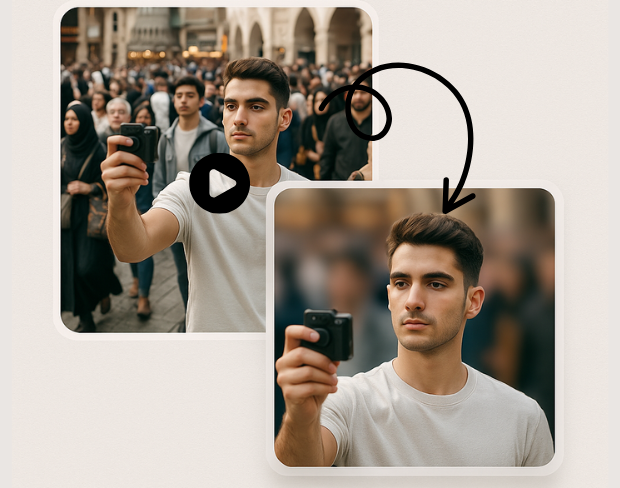
Advanced AI technology automatically detects and blurs specific objects in your videos. Our object detection blur system identifies people, vehicles, text, and custom objects with pixel-perfect precision for targeted anonymization.
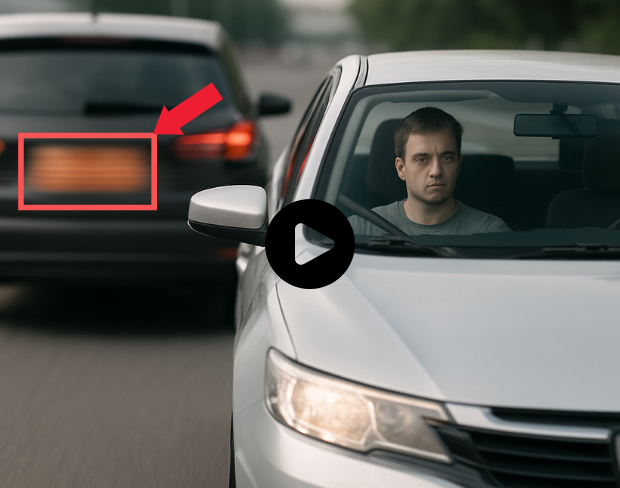
Create custom blur zones for any area in your video. Draw precise regions to blur with our selective video blur tool, perfect for privacy protection and professional video editing with complete control over blur areas.
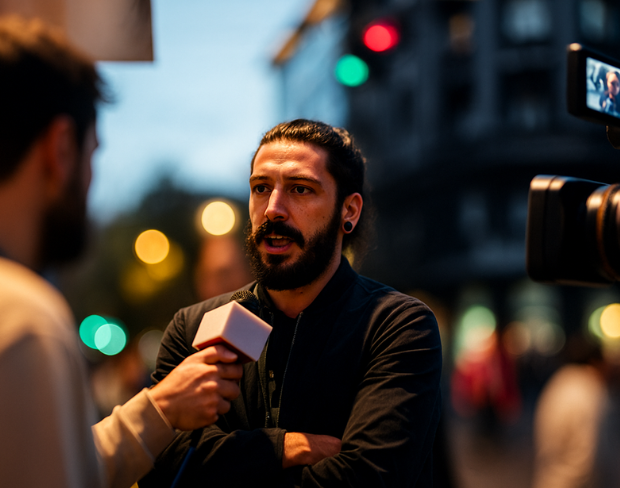
Blur only what you want with our selective anonymization technology. Choose specific objects, regions, or areas to blur while keeping the rest of your video sharp and clear for professional results.
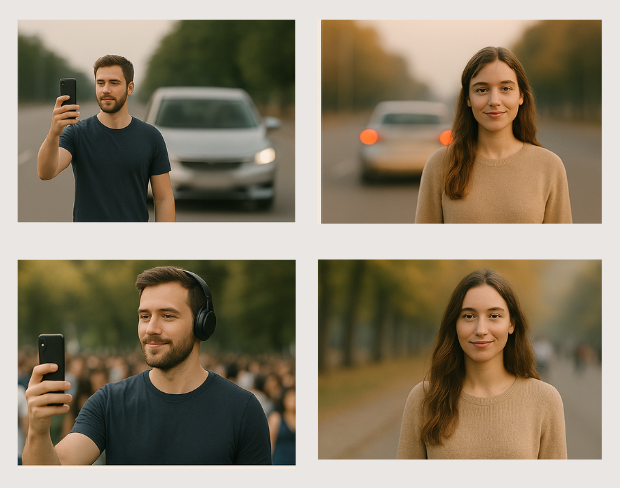
Professional video object masking with AI-powered precision. Our tool creates seamless object masks that follow movement throughout your video, ensuring consistent blur coverage across all frames.
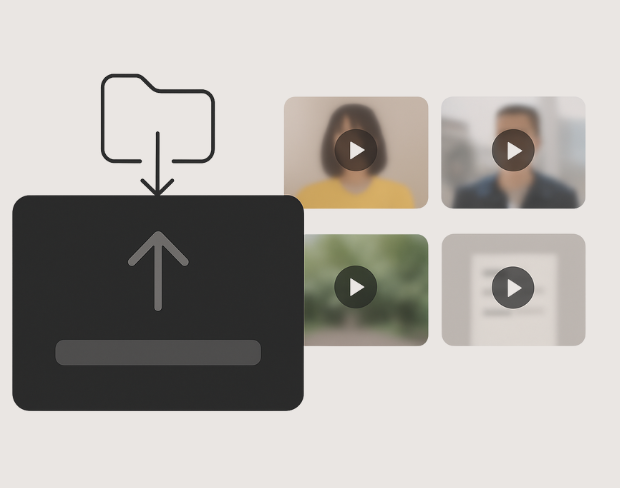
Apply targeted blur effects with surgical precision. Our AI identifies and tracks specific objects throughout your video, maintaining consistent blur coverage while preserving video quality and natural motion.
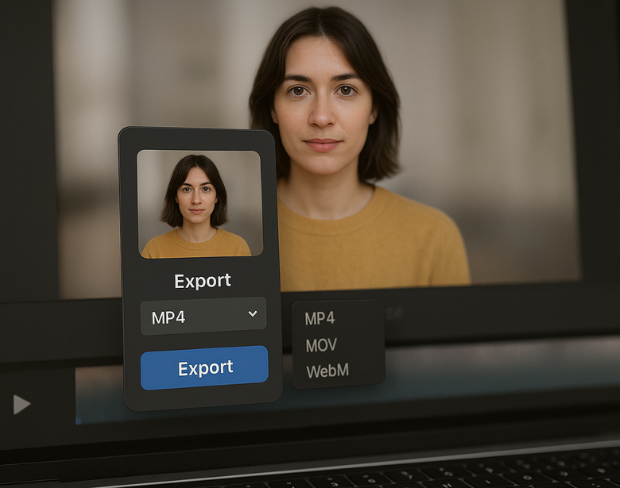
Control blur intensity and coverage for specific areas in your video. Adjust blur strength, feathering, and tracking parameters for each region to achieve professional-grade selective video anonymization.
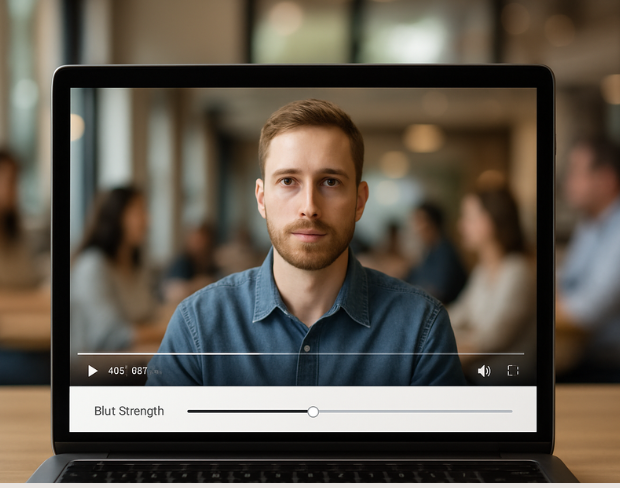
Advanced object tracking maintains consistent blur coverage as objects move through your video. Our AI follows selected objects frame-by-frame, ensuring seamless anonymization throughout the entire video duration.
Funzionalità
Una piattaforma per ogni esigenza di sfocatura. Fai clic su una funzione per iniziare.
Sfocatura video
Rileva targhe automaticamente
Sfocatura video
Tracciamento fotogramma per fotogramma
Sfocatura video
Nessun green screen necessario
Sfocatura video
Usa un prompt o disegna un riquadro intorno a ciò che vuoi sfocare
Privacy
Sfoca i volti nelle foto
Privacy
Redazione per team
Privacy
Mascheramento vocale AI
Scambio viso
Scambia volti nelle immagini
Scambio viso
Scambia volti nei video
Scambio viso
Rimuovi oggetti con riempimento scena
Ecosistema
Fai domande e ottieni riepiloghi AI
Unisciti a migliaia di creator e team che si affidano a bgblur ogni giorno.
Blur any selected object or area in videos with AI precision. Free selective blur tool for targeted video anonymization and privacy protection. No signup required.
Blur specific objects in videos for professional anonymization and privacy protection. Perfect for content creators, businesses, and media professionals requiring precise object blur control.
Our advanced AI object detection technology ensures accurate targeting of specific objects and regions, delivering professional-grade selective blur effects with minimal manual intervention.
Process object region blur effects instantly with our optimized AI engine. Get professional selective blur results in seconds while maintaining original video quality.
Select and blur unlimited objects and regions in your videos. Create complex anonymization patterns with multiple blur zones, all processed without watermarks or restrictions.
Join professionals using our AI-powered selective blur tool for precise object anonymization and privacy protection in their video content.
120K+
Clip sfocate
500K+
Targhe nascoste
"The blur tools are a lifesaver — I can softly blur distracting backgrounds and automatically anonymize license plates in my vlogs."
Sarah Johnson
Content Creator • YouTube
"Perfect for short-form content — selective blur and automatic license-plate hiding keeps posts compliant and on-brand without manual editing."
Emma Rodriguez
Social Media Manager • Digital Agency
"I've used many blur filters, but the adaptive face and plate blur here are the most natural-looking — great for client deliverables where privacy matters."
Lisa Thompson
Freelance Video Editor • Independent
"We rely on the motion-aware blur and plate anonymization for on-the-go product demos. It's fast, consistent, and saves legal review time."
Michael Chen
Marketing Director • TechStart Inc.
"The blur tools are a lifesaver — I can softly blur distracting backgrounds and automatically anonymize license plates in my vlogs."
Sarah Johnson
Content Creator • YouTube
"Perfect for short-form content — selective blur and automatic license-plate hiding keeps posts compliant and on-brand without manual editing."
Emma Rodriguez
Social Media Manager • Digital Agency
"I've used many blur filters, but the adaptive face and plate blur here are the most natural-looking — great for client deliverables where privacy matters."
Lisa Thompson
Freelance Video Editor • Independent
"We rely on the motion-aware blur and plate anonymization for on-the-go product demos. It's fast, consistent, and saves legal review time."
Michael Chen
Marketing Director • TechStart Inc.
La nostra IA analizza il tuo video e rileva e sfoca automaticamente sfondi, volti, targhe o qualsiasi oggetto tu selezioni con tracciamento del movimento.
Supportiamo formati MP4, MOV e M4V per tutte le funzioni di sfocatura inclusa la sfocatura volto video e sfocatura sfondo.
Gli utenti gratuiti possono sfocare video sotto 200MB e 10 minuti. Gli utenti Pro ottengono elaborazione di sfocatura illimitata con supporto video più lungo.
Sì, l'IA di BGBlur traccia automaticamente oggetti, volti e veicoli in movimento. Non è necessario mascherare manualmente ogni fotogramma; il tracciatore intelligente mantiene la sfocatura bloccata sul soggetto durante il movimento.
BGBlur è uno strumento completamente basato sul web. Puoi caricare qualsiasi video o immagine, selezionare lo strumento di sfocatura volto e applicare la pixelazione o la sfocatura istantaneamente nel tuo browser senza scaricare app o plugin.
Assolutamente. La nostra IA è addestrata specificamente per rilevare e sfocare le targhe nei filmati di guida, dashcam e video stradali, aiutando a rispettare le leggi sulla privacy.
La tua privacy è la nostra priorità. BGBlur sfrutta tecnologie avanzate lato client per elaborare i video in modo sicuro. I tuoi file vengono elaborati localmente nel tuo browser e non vengono mai caricati o memorizzati in modo permanente su server esterni.
Sì! BGBlur è completamente reattivo e ottimizzato per i browser mobili. Puoi sfocare facilmente lo sfondo di un video o pixelare i volti direttamente sul tuo iPhone, iPad o telefono Android.
I limiti dipendono dalla funzionalità. Gli strumenti di sfocatura video standard come sfocatura del volto, sfocatura della targa, sfocatura dello sfondo, sfocatura di qualsiasi cosa, sfocatura dello schermo, sfocatura NSFW e anonimizzazione del volto supportano fino a 500 MB e 5 minuti sul piano gratuito o fino a 1 GB e 10 minuti sui piani a pagamento. Object Remover supporta video MP4 e MOV fino a 1 GB e 10 secondi per clip. I caricamenti diretti di Voice Anon supportano fino a 100 MB, mentre il flusso di lavoro di caricamento/URL supporta file audio o video fino a 500 MB e meno di 10 minuti.
Condividi la tua esperienza e aiuta gli altri a prendere decisioni informate
Punteggio della Community
0.0
/ 5
Basato su 0 recensioni
Sii il primo a condividere la tua esperienza e ad aiutare gli altri a prendere decisioni informate!