Sfocatura Sfondo Video Regista AI Gratuita

Crea capolavori cinematografici con effetti di sfocatura dello sfondo istantanei. Ottieni profondità di campo professionale e trasforma qualsiasi location in un set cinematografico con immagini qualità studio!

Sfoca sfondo film ora
Crea Profondità Cinematografica Istantaneamente

Crea Profondità Cinematografica Istantaneamente

I registi possono utilizzare la sfocatura sfondo AI per ottenere un effetto di profondità di campo cinematografica senza obiettivi costosi. La sfocatura dello sfondo evidenzia attori e immagini chiave, dando a film indipendenti, progetti brevi o promo un aspetto raffinato da grande schermo.
Trasforma Qualsiasi Location in un Set Cinematografico

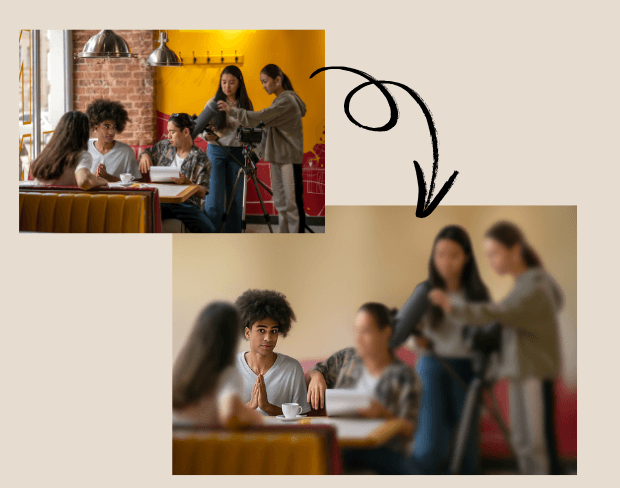
Non servono set elaborati. Con la sfocatura sfondo AI, i registi possono rimuovere distrazioni da location del mondo reale. L'effetto sfocatura consente ai registi di trasformare spazi quotidiani in ambienti controllati tipo studio.
Trasforma Qualsiasi Location in un Set Cinematografico
Sfocatura Batch di Più Scene Efficacemente

Sfocatura Batch di Più Scene Efficacemente

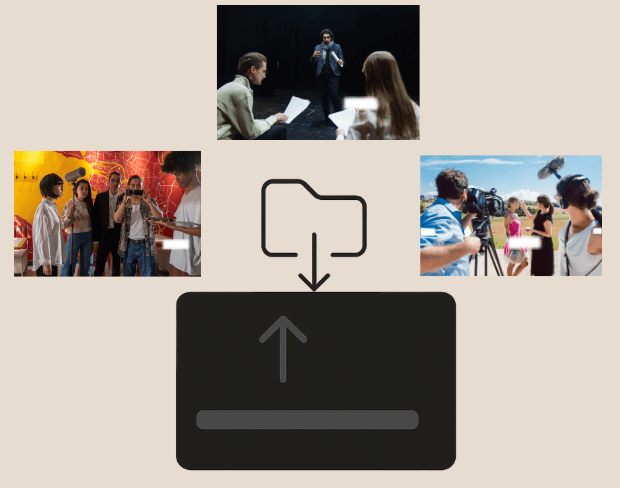
I progetti cinematografici spesso coinvolgono dozzine di clip. La nostra funzione di sfocatura video batch permette agli editor di sfocare parti del video o scene intere su più file contemporaneamente.

Proteggi Identità e Riprese Sensibili

Quando si filma in pubblico, spesso è necessario nascondere volti, documenti o veicoli. I registi possono sfocare volti nel video o sezioni del video in sicurezza con sfocatura sfondo AI.
Proteggi Identità e Riprese Sensibili
Esporta Film Sfocati in Formati Multipli

Esporta Film Sfocati in Formati Multipli

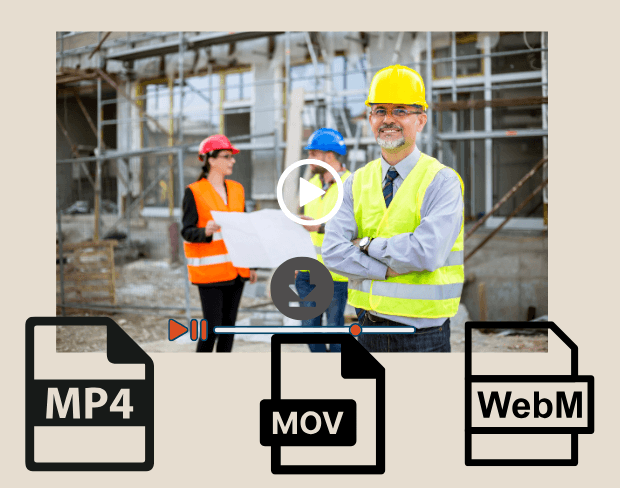
Dopo la modifica, esporta scene cinematografiche con sfondi sfocati in MP4, MOV o WebM. Il nostro strumento AI assicura riprese pronte per HD per festival, piattaforme streaming o proiezioni clienti.

User Reviews

Share your experience and help others make informed decisions

Write a Review

5 stars

Community Score

0.0

/ 5

Based on 0 reviews

All Reviews (0)

No reviews yet

Be the first to share your experience and help others discover this feature!

Frequently Asked Questions

How does BGBlur work?

BGBlur uses AI to automatically detect and blur faces, license plates, backgrounds, and other objects in your videos and images. Simply upload your media, choose what to blur, and export the result.

Is BGBlur free to use?

BGBlur offers free processing for many use cases. Upload your video or image to get started with AI-powered blur tools without signup or watermarks.

What file formats are supported?

BGBlur supports all major video formats (MP4, MOV, AVI, MKV) and image formats (JPG, PNG, JPEG, HEIC) for blur processing.

Can I blur multiple objects in one video?

Yes. BGBlur can detect and blur multiple faces, license plates, or custom objects simultaneously in the same video or image.

Is my data secure?

Yes. Your uploads are processed securely and are not stored permanently. BGBlur is designed with privacy in mind for both you and the subjects in your media.

Sfoca Ora gli Sfondi dei Tuoi Film

Inizia a creare capolavori cinematografici istantaneamente con il nostro strumento gratuito di sfocatura sfondo AI.

Sfoca sfondo film ora

Trusted by thousands of creators

My favorite video tool

Great app, easy to use. Helps our small business save time and money to create different marketing materials professionally. Thank you.

Shaelyn D.

Best blur tool out there

I need a good blur tool for my work and I've been through them all. This one is the best by far. It's so easy to use and the results always look amazing.

Kira H.

Love it

It's amazingly easy and gives the perfect results for my bags and accessories. It looks like it was done by a professional photographer.

Mary J.

Related platforms

Video intelligence & background removal

Extend your workflow with specialized tools from our ecosystem. Opens in a new tab.