
"The blur tools are a lifesaver — I can softly blur distracting backgrounds and automatically anonymize license plates in my vlogs."
SJ
Sarah Johnson
Content Creator • YouTube
AI Video Background Blur — Green-Screen-Free, Built for Privacy
Get started with our simple 3-step process
Upload your MP4, MOV, or M4V file securely in your browser.
Choose face blur, license plate blur, background blur, or object blur and preview instantly.
Export your privacy-safe video in high quality and publish anywhere.
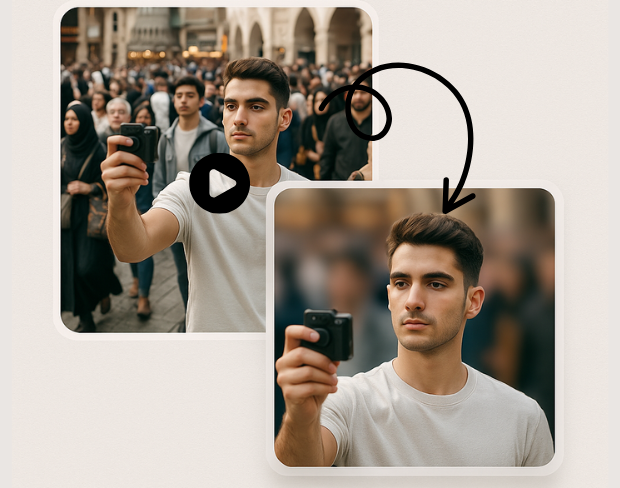
Create a bokeh-style background without a physical green screen. Subjects stay sharp while environments fall off—ideal for calls, vlogs, and compliance-friendly sharing.
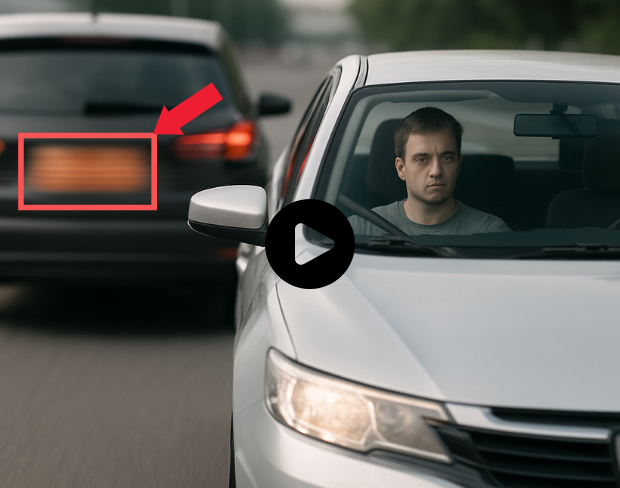
Our models handle natural lighting, motion, and busy scenes. You get consistent blur across frames without manual rotoscoping.
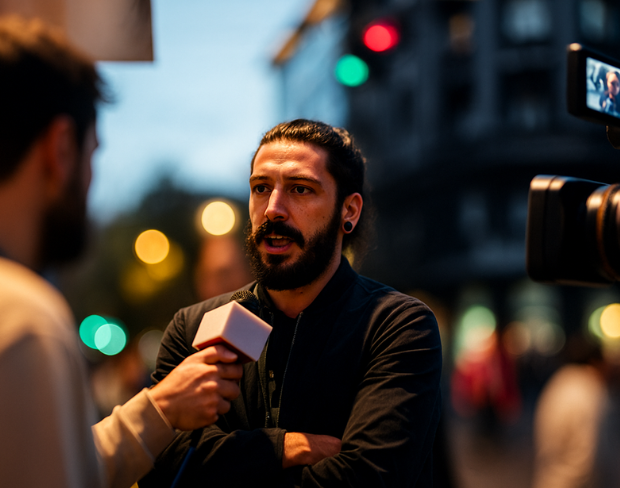
Blur sensitive areas automatically so you can publish faster. Pair background blur with face and plate tools when one effect is not enough.
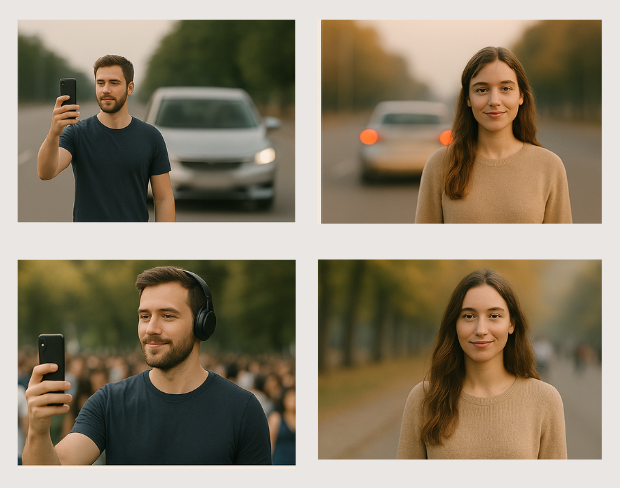
Batch-friendly processing and presets help agencies, journalists, and operators move from raw footage to redacted masters quickly.
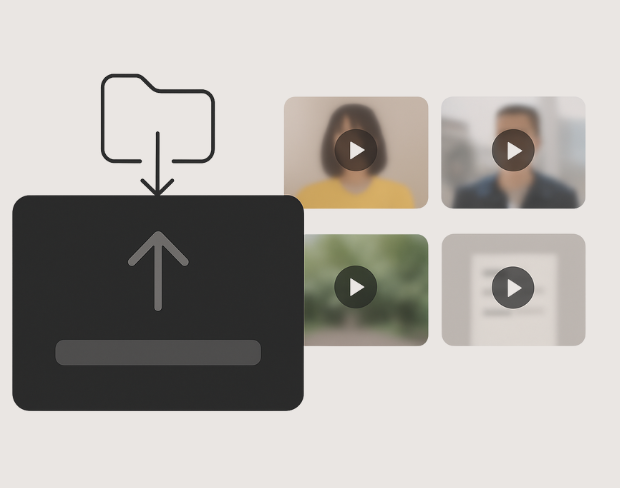
Detection tracks people and plates through the timeline so effects stay locked to subjects—even with handheld cameras.
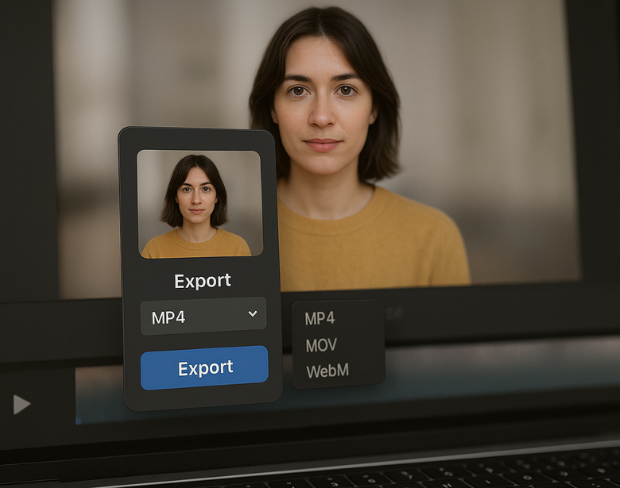
Export high-quality MP4/MOV/WebM outputs with the blur baked in, ready for YouTube, TikTok, internal archives, or legal review packets.
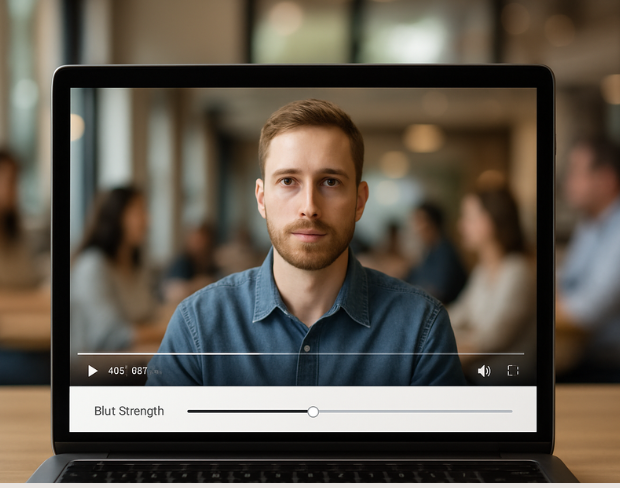
Visit our examples and docs for sample settings, or combine tools: many teams stack background blur with face anonymization on the same render.
Funzionalità
Una piattaforma per ogni esigenza di sfocatura. Fai clic su una funzione per iniziare.
Sfocatura video
Rileva targhe automaticamente
Sfocatura video
Tracciamento fotogramma per fotogramma
Sfocatura video
Nessun green screen necessario
Sfocatura video
Usa un prompt o disegna un riquadro intorno a ciò che vuoi sfocare
Privacy
Sfoca i volti nelle foto
Privacy
Redazione per team
Privacy
Mascheramento vocale AI
Scambio viso
Scambia volti nelle immagini
Scambio viso
Scambia volti nei video
Scambio viso
Rimuovi oggetti con riempimento scena
Ecosistema
Fai domande e ottieni riepiloghi AI
Unisciti a migliaia di creator e team che si affidano a bgblur ogni giorno.
Soften or hide video backgrounds, blur faces, and redact license plates with AI. BGBlur focuses on privacy-safe exports—not transparent background cutouts.
Combine background blur, face blur, and plate redaction for publish-ready clips—built for creators, teams, and compliance workflows.
Models locate subjects and sensitive regions so blur tracks motion without chroma keys or frame-by-frame touch-ups.
Optimized pipelines keep foreground detail crisp while backgrounds and plates receive clean, adjustable blur.
Shoot anywhere; BGBlur works on everyday environments so you can protect privacy without a production-grade setup.
Teams trust BGBlur to anonymize footage while keeping storytelling intact—especially for street scenes, interviews, and ops video.
120K+
Clip sfocate
500K+
Targhe nascoste
"The blur tools are a lifesaver — I can softly blur distracting backgrounds and automatically anonymize license plates in my vlogs."
Sarah Johnson
Content Creator • YouTube
"Perfect for short-form content — selective blur and automatic license-plate hiding keeps posts compliant and on-brand without manual editing."
Emma Rodriguez
Social Media Manager • Digital Agency
"I've used many blur filters, but the adaptive face and plate blur here are the most natural-looking — great for client deliverables where privacy matters."
Lisa Thompson
Freelance Video Editor • Independent
"We rely on the motion-aware blur and plate anonymization for on-the-go product demos. It's fast, consistent, and saves legal review time."
Michael Chen
Marketing Director • TechStart Inc.
"The blur tools are a lifesaver — I can softly blur distracting backgrounds and automatically anonymize license plates in my vlogs."
Sarah Johnson
Content Creator • YouTube
"Perfect for short-form content — selective blur and automatic license-plate hiding keeps posts compliant and on-brand without manual editing."
Emma Rodriguez
Social Media Manager • Digital Agency
"I've used many blur filters, but the adaptive face and plate blur here are the most natural-looking — great for client deliverables where privacy matters."
Lisa Thompson
Freelance Video Editor • Independent
"We rely on the motion-aware blur and plate anonymization for on-the-go product demos. It's fast, consistent, and saves legal review time."
Michael Chen
Marketing Director • TechStart Inc.
La nostra IA analizza il tuo video e rileva e sfoca automaticamente sfondi, volti, targhe o qualsiasi oggetto tu selezioni con tracciamento del movimento.
Supportiamo formati MP4, MOV e M4V per tutte le funzioni di sfocatura inclusa la sfocatura volto video e sfocatura sfondo.
Gli utenti gratuiti possono sfocare video sotto 200MB e 10 minuti. Gli utenti Pro ottengono elaborazione di sfocatura illimitata con supporto video più lungo.
Sì, l'IA di BGBlur traccia automaticamente oggetti, volti e veicoli in movimento. Non è necessario mascherare manualmente ogni fotogramma; il tracciatore intelligente mantiene la sfocatura bloccata sul soggetto durante il movimento.
BGBlur è uno strumento completamente basato sul web. Puoi caricare qualsiasi video o immagine, selezionare lo strumento di sfocatura volto e applicare la pixelazione o la sfocatura istantaneamente nel tuo browser senza scaricare app o plugin.
Assolutamente. La nostra IA è addestrata specificamente per rilevare e sfocare le targhe nei filmati di guida, dashcam e video stradali, aiutando a rispettare le leggi sulla privacy.
La tua privacy è la nostra priorità. BGBlur sfrutta tecnologie avanzate lato client per elaborare i video in modo sicuro. I tuoi file vengono elaborati localmente nel tuo browser e non vengono mai caricati o memorizzati in modo permanente su server esterni.
Sì! BGBlur è completamente reattivo e ottimizzato per i browser mobili. Puoi sfocare facilmente lo sfondo di un video o pixelare i volti direttamente sul tuo iPhone, iPad o telefono Android.
I limiti dipendono dalla funzionalità. Gli strumenti di sfocatura video standard come sfocatura del volto, sfocatura della targa, sfocatura dello sfondo, sfocatura di qualsiasi cosa, sfocatura dello schermo, sfocatura NSFW e anonimizzazione del volto supportano fino a 500 MB e 5 minuti sul piano gratuito o fino a 1 GB e 10 minuti sui piani a pagamento. Object Remover supporta video MP4 e MOV fino a 1 GB e 10 secondi per clip. I caricamenti diretti di Voice Anon supportano fino a 100 MB, mentre il flusso di lavoro di caricamento/URL supporta file audio o video fino a 500 MB e meno di 10 minuti.
Condividi la tua esperienza e aiuta gli altri a prendere decisioni informate
Punteggio della Community
0.0
/ 5
Basato su 0 recensioni
Sii il primo a condividere la tua esperienza e ad aiutare gli altri a prendere decisioni informate!