"The blur tools are a lifesaver — I can softly blur distracting backgrounds and automatically anonymize license plates in my vlogs."
SJ
Sarah Johnson
Content Creator • YouTube
AI Video Background Blur — Green-Screen-Free, Built for Privacy
Get started with our simple 3-step process
Upload your MP4, MOV, or M4V file securely in your browser.
Choose face blur, license plate blur, background blur, or object blur and preview instantly.
Export your privacy-safe video in high quality and publish anywhere.
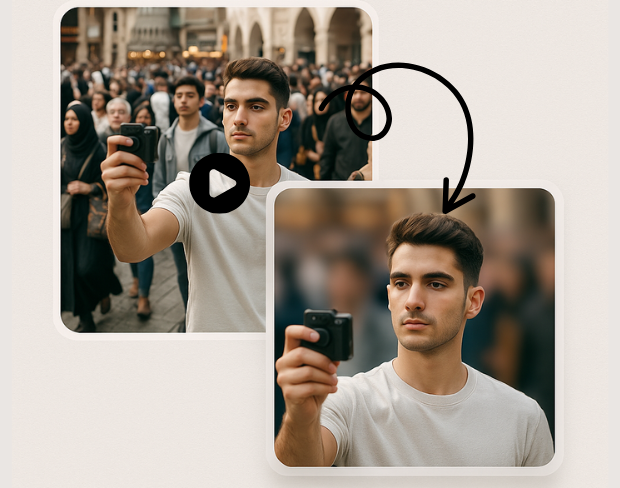
Create a bokeh-style background without a physical green screen. Subjects stay sharp while environments fall off—ideal for calls, vlogs, and compliance-friendly sharing.
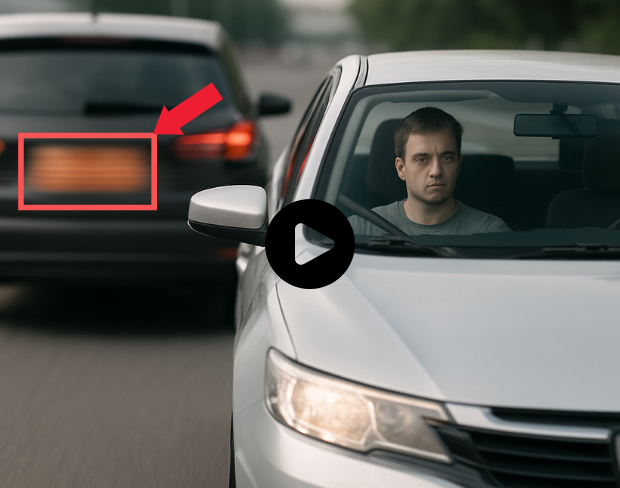
Our models handle natural lighting, motion, and busy scenes. You get consistent blur across frames without manual rotoscoping.
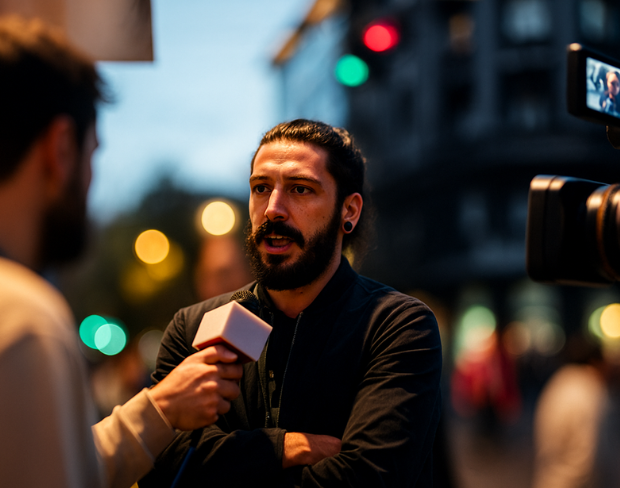
Blur sensitive areas automatically so you can publish faster. Pair background blur with face and plate tools when one effect is not enough.
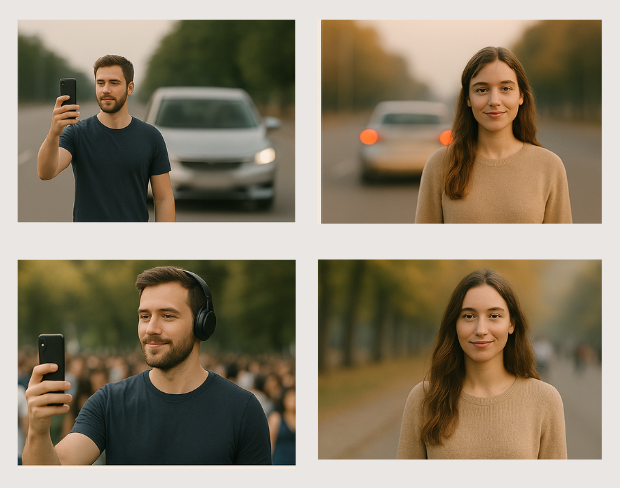
Batch-friendly processing and presets help agencies, journalists, and operators move from raw footage to redacted masters quickly.
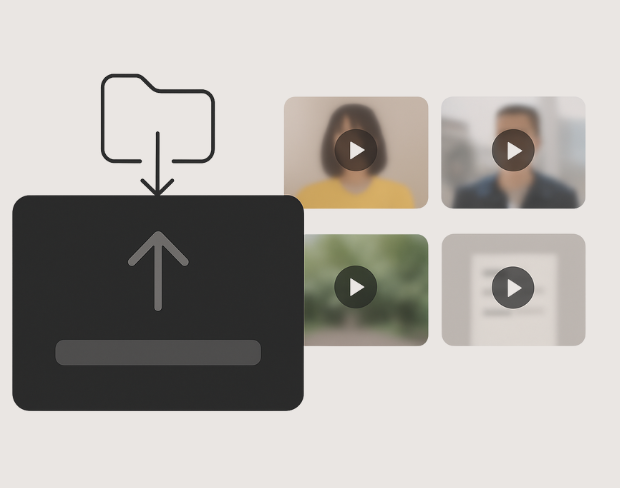
Detection tracks people and plates through the timeline so effects stay locked to subjects—even with handheld cameras.
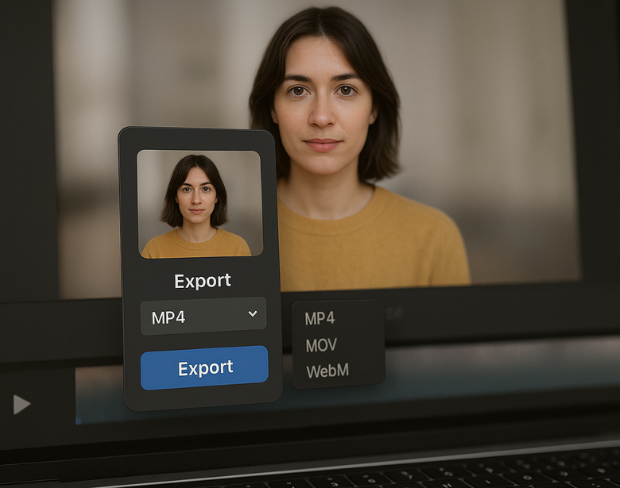
Export high-quality MP4/MOV/WebM outputs with the blur baked in, ready for YouTube, TikTok, internal archives, or legal review packets.
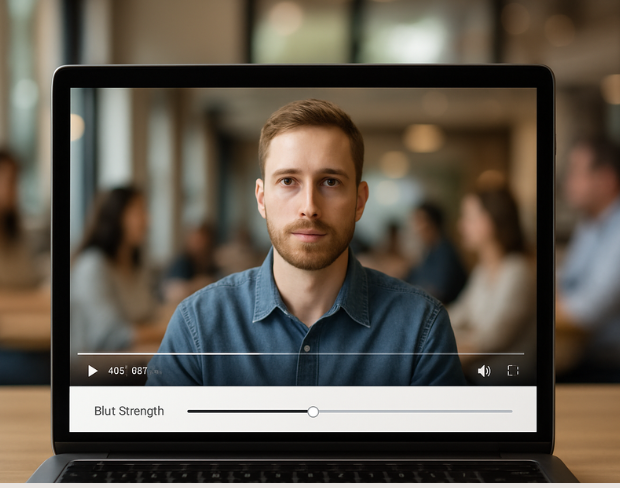
Visit our examples and docs for sample settings, or combine tools: many teams stack background blur with face anonymization on the same render.
Funktionen
Eine Plattform für jeden Weichzeichnungsbedarf. Klicken Sie auf eine Funktion, um zu starten.
Video-Weichzeichnung
Kennzeichen automatisch erkennen
Video-Weichzeichnung
Framegenaues Tracking
Video-Weichzeichnung
Kein Greenscreen nötig
Video-Weichzeichnung
Nutzen Sie einen Prompt oder markieren Sie den Bereich zum Weichzeichnen
Datenschutz
Gesichter in Fotos weichzeichnen
Datenschutz
Redaktion für Teams
Datenschutz
KI-Stimmenmaskierung
Gesichtstausch
Gesichter in Bildern tauschen
Gesichtstausch
Gesichter in Videos tauschen
Gesichtstausch
Objekte mit Szenenfüllung entfernen
Ökosystem
Fragen stellen und KI-Zusammenfassungen erhalten
Schließen Sie sich Tausenden von Creators und Teams an, die bgblur täglich vertrauen.
Soften or hide video backgrounds, blur faces, and redact license plates with AI. BGBlur focuses on privacy-safe exports—not transparent background cutouts.
Combine background blur, face blur, and plate redaction for publish-ready clips—built for creators, teams, and compliance workflows.
Models locate subjects and sensitive regions so blur tracks motion without chroma keys or frame-by-frame touch-ups.
Optimized pipelines keep foreground detail crisp while backgrounds and plates receive clean, adjustable blur.
Shoot anywhere; BGBlur works on everyday environments so you can protect privacy without a production-grade setup.
Teams trust BGBlur to anonymize footage while keeping storytelling intact—especially for street scenes, interviews, and ops video.
120K+
Weichgezeichnete Clips
500K+
Ausgeblendete Kennzeichen
"The blur tools are a lifesaver — I can softly blur distracting backgrounds and automatically anonymize license plates in my vlogs."
Sarah Johnson
Content Creator • YouTube
"Perfect for short-form content — selective blur and automatic license-plate hiding keeps posts compliant and on-brand without manual editing."
Emma Rodriguez
Social Media Manager • Digital Agency
"I've used many blur filters, but the adaptive face and plate blur here are the most natural-looking — great for client deliverables where privacy matters."
Lisa Thompson
Freelance Video Editor • Independent
"We rely on the motion-aware blur and plate anonymization for on-the-go product demos. It's fast, consistent, and saves legal review time."
Michael Chen
Marketing Director • TechStart Inc.
"The blur tools are a lifesaver — I can softly blur distracting backgrounds and automatically anonymize license plates in my vlogs."
Sarah Johnson
Content Creator • YouTube
"Perfect for short-form content — selective blur and automatic license-plate hiding keeps posts compliant and on-brand without manual editing."
Emma Rodriguez
Social Media Manager • Digital Agency
"I've used many blur filters, but the adaptive face and plate blur here are the most natural-looking — great for client deliverables where privacy matters."
Lisa Thompson
Freelance Video Editor • Independent
"We rely on the motion-aware blur and plate anonymization for on-the-go product demos. It's fast, consistent, and saves legal review time."
Michael Chen
Marketing Director • TechStart Inc.
Unsere KI analysiert Ihr Video und erkennt und verwischt automatisch Hintergründe, Gesichter, Kennzeichen oder alle Objekte, die Sie mit Bewegungsverfolgung auswählen.
Wir unterstützen MP4-, MOV- und M4V-Formate für alle Verwischungsfunktionen einschließlich Gesicht-Verwischungs-Video und Hintergrundverwischung.
Kostenlose Benutzer können Videos unter 200MB und 10 Minuten verwischen. Pro-Benutzer erhalten unbegrenzte Verwischungsverarbeitung mit längerer Video-Unterstützung.
Ja, die KI von BGBlur verfolgt sich bewegende Objekte, Gesichter und Fahrzeuge automatisch. Sie müssen nicht jedes Bild manuell maskieren; der bewegungsadaptive Tracker hält die Weichzeichnung auf dem Motiv fixiert.
BGBlur ist ein vollständig webbasiertes Tool. Sie können jedes Video oder Bild hochladen, das Gesicht-weichzeichnen-Tool auswählen und die Verpixelung oder Weichzeichnung sofort in Ihrem Browser anwenden, ohne Apps oder Plugins herunterzuladen.
Absolut. Unsere KI ist speziell darauf trainiert, Nummernschilder in Fahraufnahmen, Dashcams und Straßenansichts-Videos zu erkennen und weichzuzeichnen, um die Einhaltung von Datenschutzgesetzen zu erleichtern.
Ihre Privatsphäre ist unsere Priorität. BGBlur nutzt fortschrittliche clientseitige Technologien, um Videos sicher zu verarbeiten. Ihre Dateien werden lokal in Ihrem Browser verarbeitet und niemals auf externe Server hochgeladen oder dort dauerhaft gespeichert.
Ja! BGBlur ist vollständig responsiv und für mobile Browser optimiert. Sie können einen Videohintergrund ganz einfach weichzeichnen oder Gesichter direkt auf Ihrem iPhone, iPad oder Android-Handy verpixeln.
Die Grenzen hängen von der Funktion ab. Standard-Videounschärfetools wie Gesichtsunschärfe, Nummernschildunschärfe, Hintergrundunschärfe, Alles verwischen, Bildschirmunschärfe, NSFW-Unschärfe und Gesichtsanonymisierung unterstützen bis zu 500 MB und 5 Minuten im kostenlosen Plan oder bis zu 1 GB und 10 Minuten bei kostenpflichtigen Plänen. Object Remover unterstützt MP4- und MOV-Videos mit bis zu 1 GB und 10 Sekunden pro Clip. Direkte Uploads von Voice Anon unterstützen bis zu 100 MB, während der Upload-/URL-Workflow Audio- oder Videodateien bis zu 500 MB und weniger als 10 Minuten unterstützt.
Teilen Sie Ihre Erfahrungen und helfen Sie anderen, fundierte Entscheidungen zu treffen
Community-Bewertung
0.0
/ 5
Basiert auf 0 Bewertungen
Teilen Sie als Erster Ihre Erfahrung und helfen Sie anderen, fundierte Entscheidungen zu treffen!