Kostenlose KI-Hintergrund-Unschärfe für Bilder - Professionelle Fotobearbeitung

Verwandeln Sie jedes Foto in ein professionelles Kunstwerk mit KI-gestützter Hintergrundunschärfe. Verbessern Sie den Fokus, schützen Sie die Privatsphäre und erstellen Sie atemberaubende Bilder in Sekunden - keine Bearbeitungserfahrung erforderlich!

Bild-Hintergrund kostenlos unscharf machen
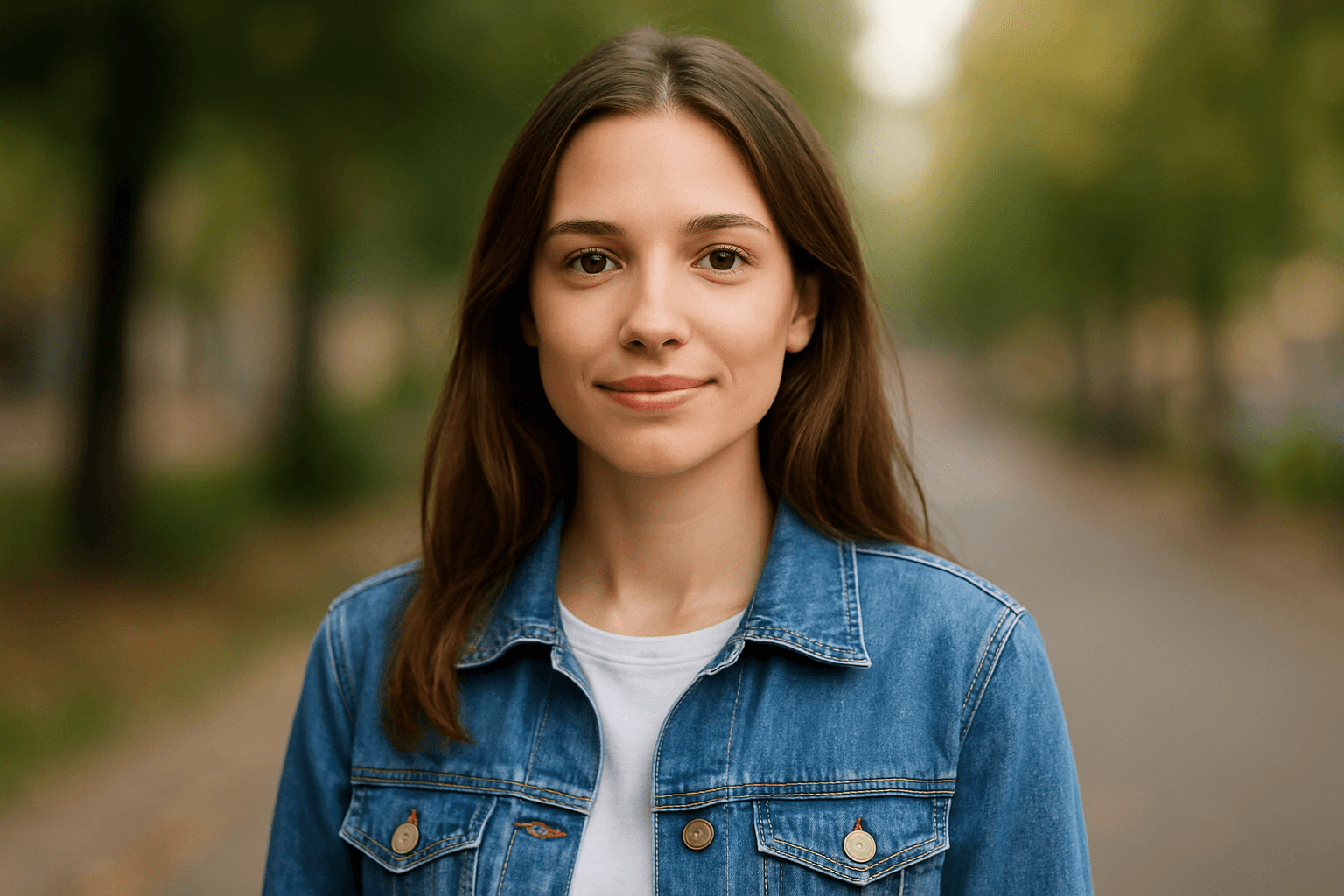
Intelligente Gesichtsunschärfe für Datenschutz

Intelligente Gesichtsunschärfe für Datenschutz

Schützen Sie Identitäten in Ihren Bildern mit präziser Gesichtsunschärfe-Technologie. BGBlur erkennt automatisch Gesichter und wendet sanfte Gaußsche Unschärfe oder Pixel-Unschärfe an, um persönliche Details zu verbergen und dabei die Bildqualität zu erhalten.
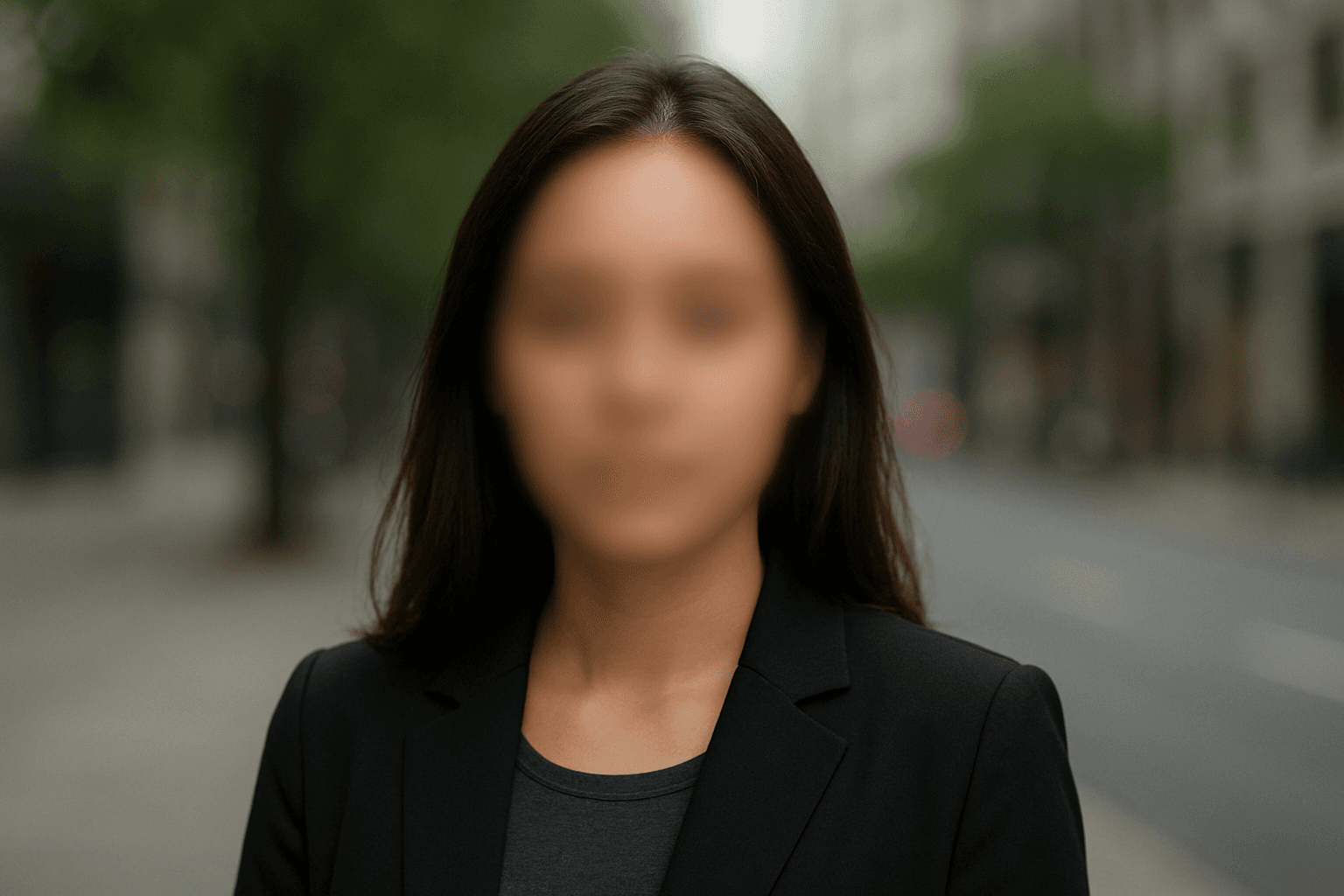
Professionelle Kennzeichen-Unschärfe für visuellen Fokus

Schützen Sie sensible Informationen in Sekunden mit erweiterten Kennzeichen-Unschärfe-Funktionen. BGBlur erkennt und verbirgt automatisch Kennzeichen mit KI-gestützten Pixel-Unschärfe- oder Gaußschen Unschärfe-Effekten.

Professionelle Kennzeichen-Unschärfe für visuellen Fokus
Bild-Hintergrund-Unschärfe für Content-Ersteller

Bild-Hintergrund-Unschärfe für Content-Ersteller

Steigern Sie Engagement und Stil mit BGBlurs KI-gestütztem Hintergrund-Unschärfe-Tool. Perfekt für Social-Media-Inhalte, Produktpräsentationen oder Markenbilder, die einen klaren Fokuspunkt und ein Premium-Finish benötigen.
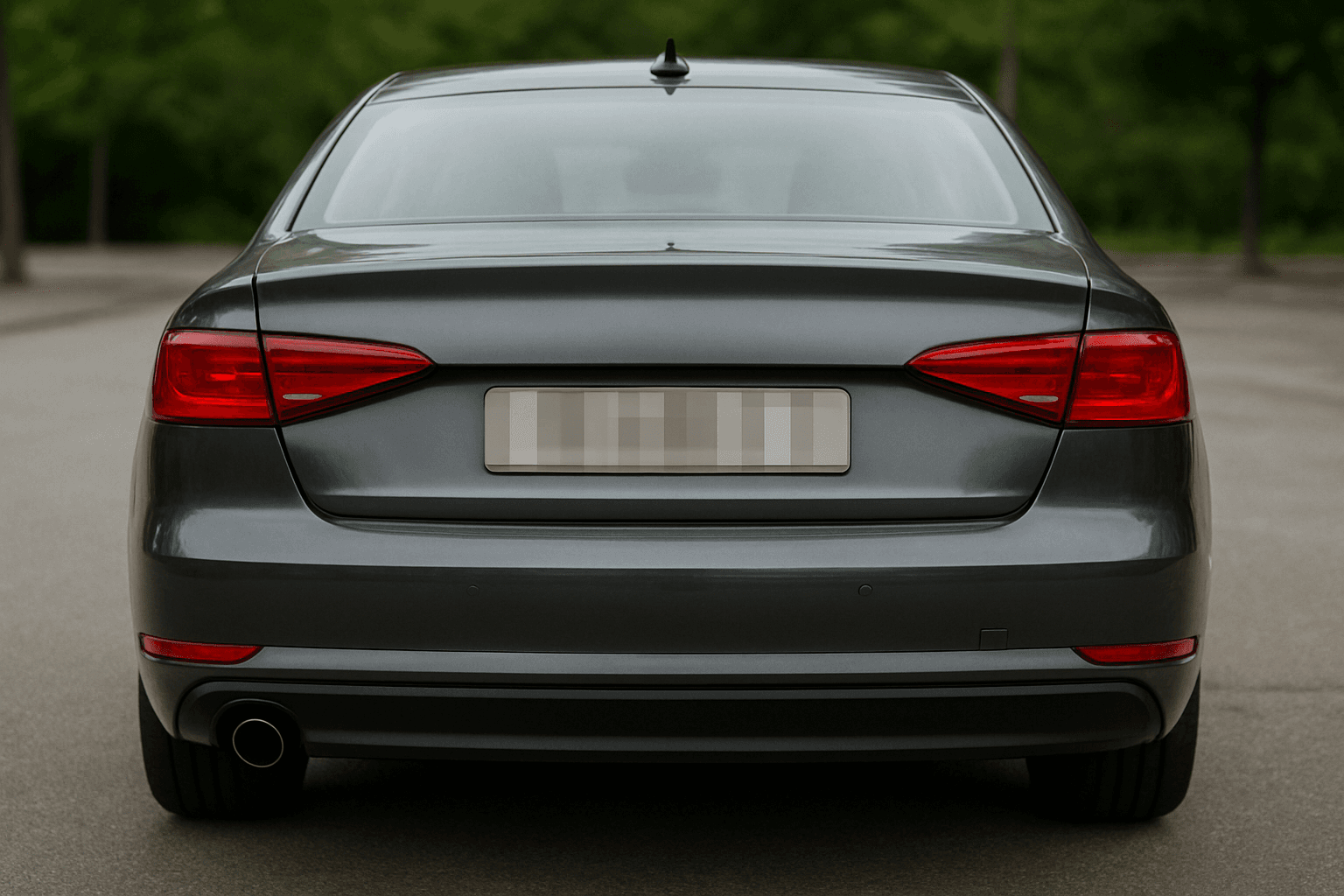
Universelle Format-Unterstützung vereinfacht

BGBlur unterstützt alle wichtigen Bilddateitypen und macht es mühelos, Hintergrundunschärfe auf jedes Foto anzuwenden, ohne Konvertierungs-Probleme. Laden Sie JPG, PNG, JPEG und mehr für sofortige Verarbeitung hoch.
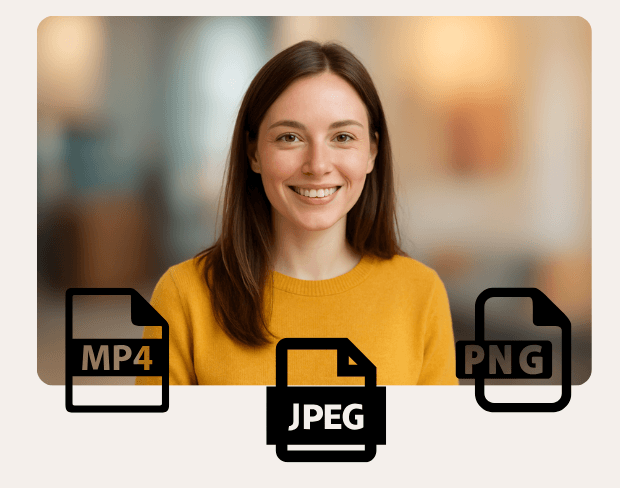
Universelle Format-Unterstützung vereinfacht
Professionelle Ergebnisse in Sekunden

Professionelle Ergebnisse in Sekunden

Bringen Sie den Fokus auf das, was wirklich wichtig ist, mit professioneller Hintergrundunschärfe, die von KI-Präzision angetrieben wird. Verschwimmen Sie mühelos Bildhintergründe, verbessern Sie die Subjektklarheit und erstellen Sie sofort ästhetische Bilder.

User Reviews

Share your experience and help others make informed decisions

Write a Review

5 stars

Community Score

0.0

/ 5

Based on 0 reviews

All Reviews (0)

No reviews yet

Be the first to share your experience and help others discover this feature!

Frequently Asked Questions

How does BGBlur work?

BGBlur uses AI to automatically detect and blur faces, license plates, backgrounds, and other objects in your videos and images. Simply upload your media, choose what to blur, and export the result.

Is BGBlur free to use?

BGBlur offers free processing for many use cases. Upload your video or image to get started with AI-powered blur tools without signup or watermarks.

What file formats are supported?

BGBlur supports all major video formats (MP4, MOV, AVI, MKV) and image formats (JPG, PNG, JPEG, HEIC) for blur processing.

Can I blur multiple objects in one video?

Yes. BGBlur can detect and blur multiple faces, license plates, or custom objects simultaneously in the same video or image.

Is my data secure?

Yes. Your uploads are processed securely and are not stored permanently. BGBlur is designed with privacy in mind for both you and the subjects in your media.

Beginnen Sie jetzt mit der Unschärfe Ihrer Fotos

Erstellen Sie professionelle Bilder mit KI-gestützter Hintergrundunschärfe. Perfekt für Datenschutz, Content-Erstellung und künstlerische Verbesserung.

Bild-Hintergrund kostenlos unscharf machen

Trusted by thousands of creators

Professional bokeh effect

The background blur gives my videos that professional cinematic look. It's like having a DSLR bokeh effect but for any video. Love it!

Jennifer L.

Clean professional videos

I use this for my product videos. The background blur keeps the focus on my products while hiding my messy studio. Results look amazing.

Chris W.

Amazing for content creation

As a YouTuber, this tool has elevated my video quality. The AI precisely separates subject from background - no green screen needed!

Lisa H.

Related platforms

Video intelligence & background removal

Extend your workflow with specialized tools from our ecosystem. Opens in a new tab.