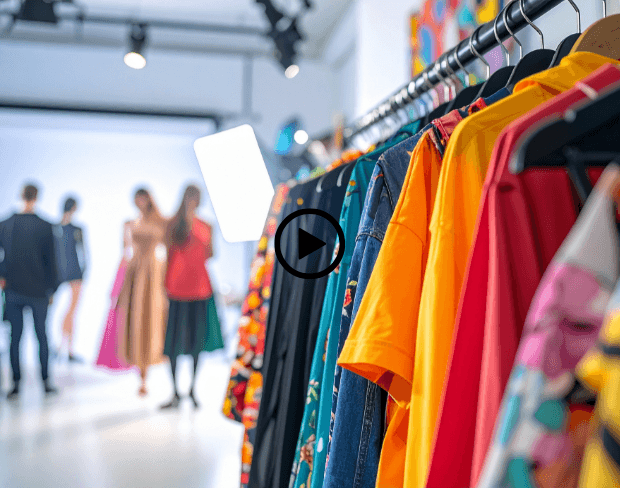
Kostenloser AI Fashion Video Hintergrund-Unschärfe

Erstellen Sie atemberaubende Modevideos mit sofortigen Hintergrund-Unschärfe-Effekten. Heben Sie Ihre Models und Outfits mit professionellen, Runway-Qualität Visuals hervor, die jedes Stück zum Strahlen bringen!

Fashion-Video-Hintergrund jetzt verwischen
Models und Outfits sofort hervorheben

Models und Outfits sofort hervorheben

Fashion-Kreative können KI-Hintergrundunschärfe verwenden, um den Videohintergrund zu verwischen und sicherzustellen, dass die volle Aufmerksamkeit auf dem Model und der Kleidung bleibt. Hintergrundunschärfe versteckt unordentliche Sets und hinterlässt saubere Visuals, die Outfits wunderschön hervorheben.
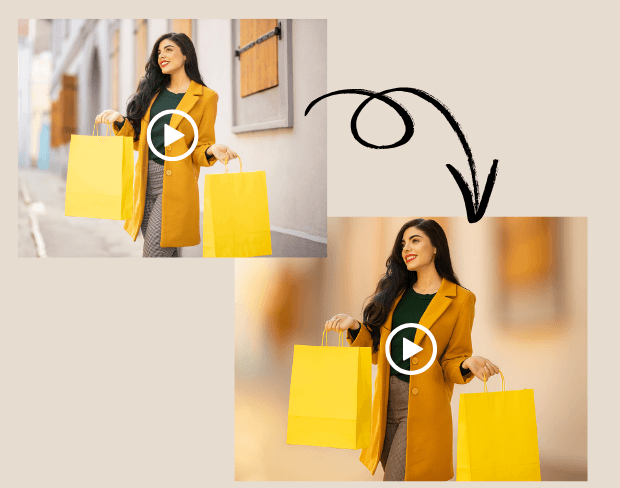
Studio-Qualität Shootings überall erreichen

Keine kostspieligen Studio-Setups nötig. Mit KI-Hintergrundunschärfe können Stylisten und Fotografen professionelle Runway-Stil-Effekte erstellen. Unschärfeeffekt fügt Tiefe und Eleganz hinzu, selbst bei Outdoor-Aufnahmen oder in kleinen Räumen.
Studio-Qualität Shootings überall erreichen
Mehrere Fashion-Clips mühelos stapelweise verwischen

Mehrere Fashion-Clips mühelos stapelweise verwischen

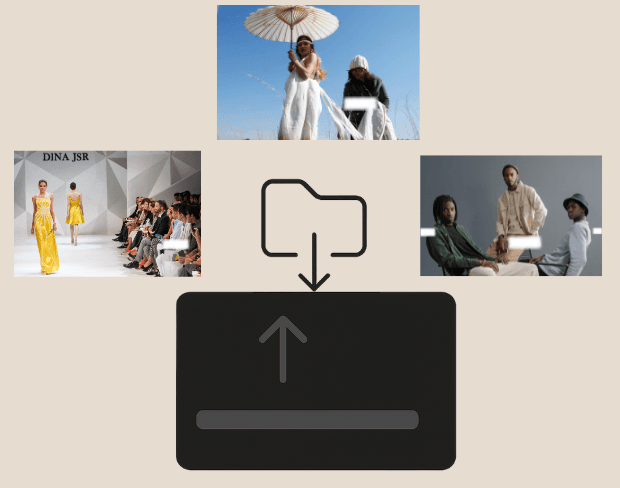
Marken drehen oft Dutzende von Clips für Kampagnen. Unser Stapel-Video-Unschärfe-Tool ermöglicht es, Teile des Videos oder ganze Hintergründe über mehrere Dateien gleichzeitig zu verwischen.
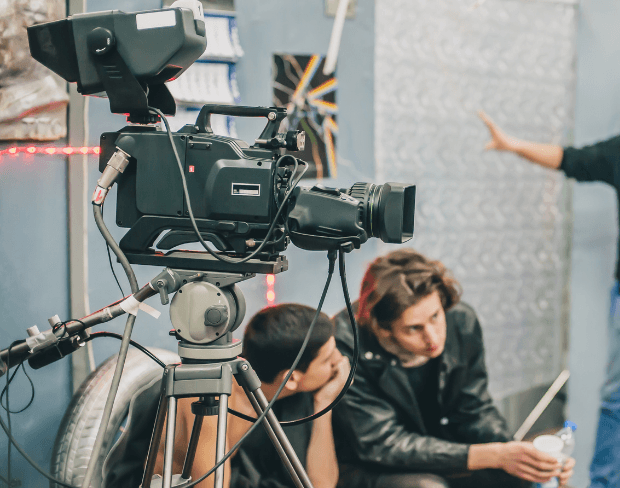
Gesichter verwischen und Behind-the-Scenes schützen

Halten Sie den Scheinwerfer auf Ihren Designs, indem Sie Crew, Assistenten oder Hintergrundunordnung verbergen. Verwischen Sie Gesichter im Video oder einen Videobereich sofort mit Hintergrundunschärfe-KI.
Gesichter verwischen und Behind-the-Scenes schützen
Fashion-Videos in mehreren Formaten exportieren

Fashion-Videos in mehreren Formaten exportieren

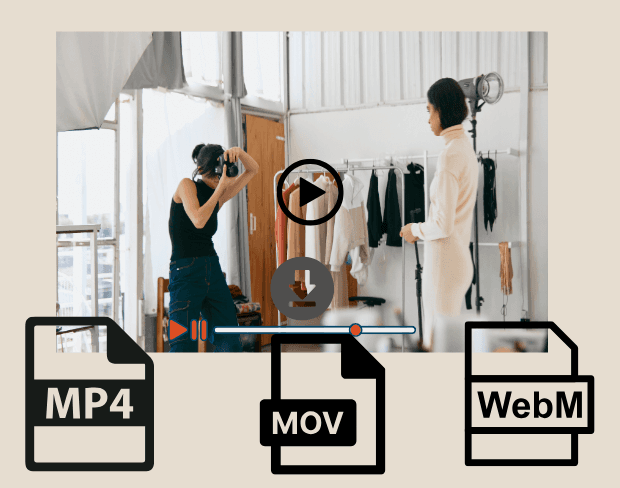
Nach der Bearbeitung exportieren Sie Ihre Fashion-Videos mit verwischten Hintergründen in MP4, MOV oder WebM. Perfekt für Instagram Reels, TikTok-Kampagnen oder E-Commerce-Stores.

User Reviews

Share your experience and help others make informed decisions

Write a Review

5 stars

Community Score

0.0

/ 5

Based on 0 reviews

All Reviews (0)

No reviews yet

Be the first to share your experience and help others discover this feature!

Frequently Asked Questions

How does BGBlur work?

BGBlur uses AI to automatically detect and blur faces, license plates, backgrounds, and other objects in your videos and images. Simply upload your media, choose what to blur, and export the result.

Is BGBlur free to use?

BGBlur offers free processing for many use cases. Upload your video or image to get started with AI-powered blur tools without signup or watermarks.

What file formats are supported?

BGBlur supports all major video formats (MP4, MOV, AVI, MKV) and image formats (JPG, PNG, JPEG, HEIC) for blur processing.

Can I blur multiple objects in one video?

Yes. BGBlur can detect and blur multiple faces, license plates, or custom objects simultaneously in the same video or image.

Is my data secure?

Yes. Your uploads are processed securely and are not stored permanently. BGBlur is designed with privacy in mind for both you and the subjects in your media.

Verwischen Sie jetzt Ihre Fashion-Video-Hintergründe

Beginnen Sie sofort mit der Erstellung professioneller Fashion-Inhalte mit unserem kostenlosen KI-Hintergrundunschärfe-Tool.

Fashion-Video-Hintergrund jetzt verwischen

Trusted by thousands of creators

My favorite video tool

Great app, easy to use. Helps our small business save time and money to create different marketing materials professionally. Thank you.

Shaelyn D.

Best blur tool out there

I need a good blur tool for my work and I've been through them all. This one is the best by far. It's so easy to use and the results always look amazing.

Kira H.

Love it

It's amazingly easy and gives the perfect results for my bags and accessories. It looks like it was done by a professional photographer.

Mary J.

Related platforms

Video intelligence & background removal

Extend your workflow with specialized tools from our ecosystem. Opens in a new tab.