How to Blur Faces in Video Quickly with BGBlur AI [2026]
When someone in your footage asks to have their face blurred, manual frame-by-frame editing can take hours. This guide covers what to do when someone wants their face blurred in your video, including a fast AI-powered workflow and the GDPR and CCPA compliance considerations behind the request.
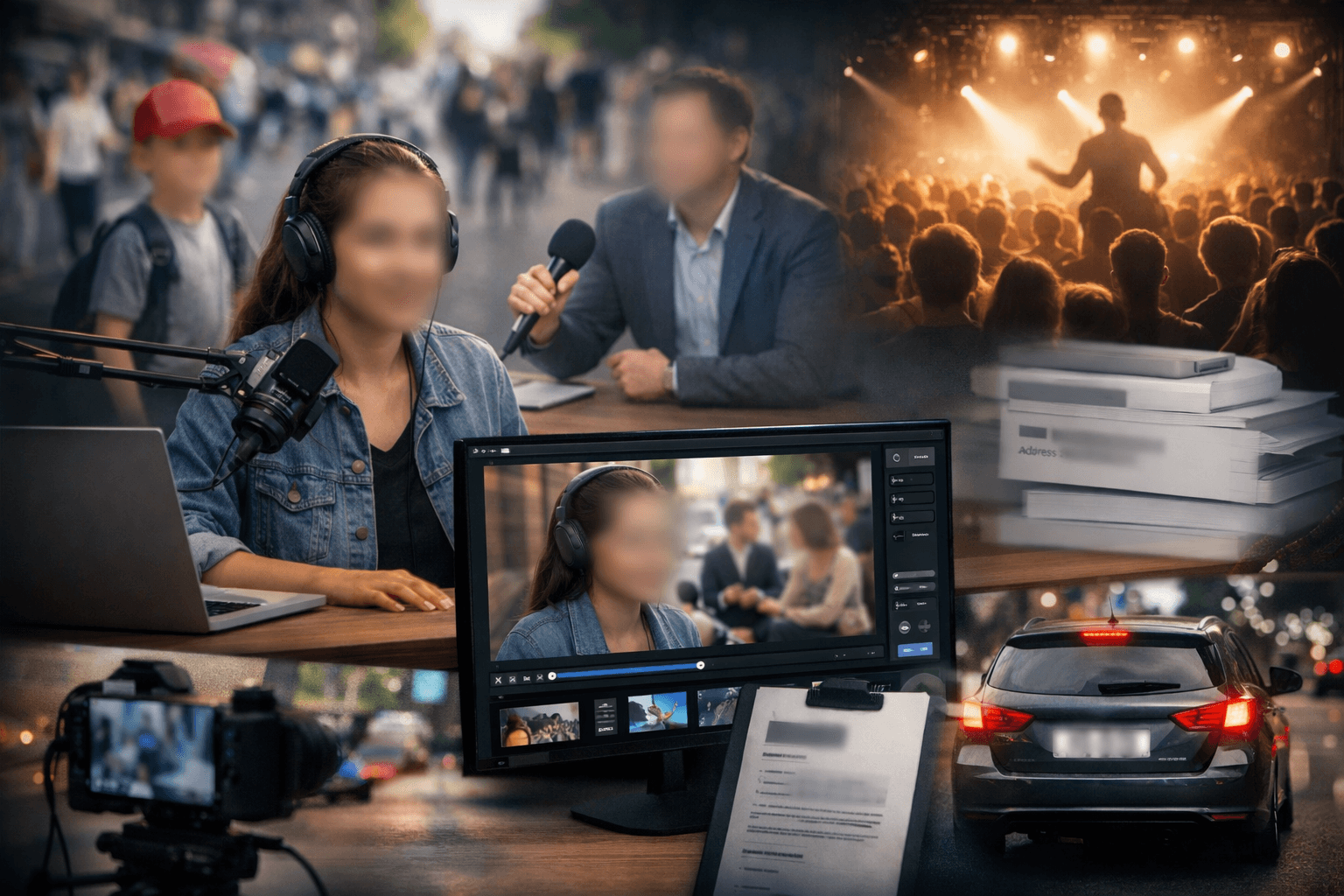
You've captured the perfect footage for your vlog, documentary, or social media content—but there's a problem. Someone in the background wants their face blurred, or you've accidentally filmed sensitive information like license plates or private signage. Maybe you're dealing with GDPR compliance requirements, or a participant has withdrawn consent after filming.
This isn't just an inconvenience—it's a privacy concern that could have legal implications. Manually blurring faces frame-by-frame in traditional editing software can take hours, especially if the person is moving. So what do you do when someone requests privacy protection in your blur face on video content? For the full step-by-step process, see our guide on how to blur faces in photo and video with AI.
The Privacy Challenge in Video Content
Content creators, vloggers, and businesses face a growing dilemma: balancing creative freedom with privacy rights. Whether you're filming street interviews, dashcam footage, or public events, you're likely capturing people who haven't given explicit consent. In many regions, publishing identifiable faces without permission violates privacy laws.
The challenge of managing face blur video requests has become more common as audiences become increasingly aware of their privacy rights. Content creators need efficient solutions that don't compromise their publication schedules or video quality.
Common scenarios where you might need to blur face on video include bystanders appearing in your vlogs or YouTube content, interview subjects who change their mind about appearing on camera, children or minors inadvertently captured in public spaces, license plates visible in dashcam or travel videos, and sensitive background information that could compromise security.
Traditional video editing requires technical skills, expensive software subscriptions, and significant time investment. The manual blur tracking process often produces inconsistent results, with blurs that slip or fail to follow moving subjects. This is where modern AI face blur video technology transforms the workflow.
How to Blur Face on Video: The Modern Solution
Understanding how to blur face on video efficiently requires knowledge of AI-powered tools that automate the detection and tracking process. These advanced platforms use machine learning algorithms to identify faces, track their movement across frames, and apply consistent blur effects without manual intervention.
The process of creating professional face blur video content has been revolutionized by artificial intelligence. What once required frame-by-frame manual editing now happens automatically, saving content creators countless hours while delivering superior results.
Quick Privacy Protection Process
When someone requests their face be blurred in your content, you need a fast, reliable solution. Modern AI face blur video tools can process requests in minutes rather than hours, allowing you to maintain your content schedule while honoring privacy requests.
The first step involves uploading your video file to a specialized blur face on video platform. These browser-based tools accept common formats like MP4, MOV, and M4V, eliminating the need for software downloads or complex installations. The simplicity of access means you can address privacy concerns immediately, regardless of your editing experience.
Next, you'll select blur targets within the interface. Advanced face blur video technology automatically detects faces using computer vision algorithms. The system analyzes each frame, identifying facial features and tracking movement throughout the video duration. You can adjust blur intensity to match your privacy requirements—from subtle obscuring to complete anonymization.
The motion tracking capability in modern AI face blur video systems represents a significant advancement over traditional methods. The blur effect follows subjects as they move, turn, or change position within the frame. This automatic tracking eliminates the manual keyframing that made video anonymization so time-consuming in traditional editing workflows.
Finally, you'll export your processed video in high-definition formats. The blur face on video tool maintains original quality while protecting privacy, ensuring your content remains professional and watchable. The processed video is ready for immediate upload to any social platform, YouTube channel, or website.
Beyond Face Blur: Comprehensive Privacy Features
While face blur video represents the most common use case, comprehensive privacy protection often requires multiple blur capabilities. Modern AI-powered platforms offer diverse anonymization options that address various privacy scenarios content creators encounter.
AI face blur video technology automatically identifies and obscures all faces in your footage, making it perfect for crowd scenes or public events where obtaining individual consent would be impractical. The system distinguishes between faces and other objects, applying blur selectively to protect human subjects while preserving background detail.
License plate blurring functionality handles dashcam footage, parking lot scenes, or street content where vehicle identification must be protected. This feature is particularly valuable for travel vloggers, transportation content creators, and anyone filming in urban environments where vehicles appear frequently.
Background blur capabilities create cinematic depth-of-field effects while simultaneously removing identifiable environmental details. This serves both aesthetic and privacy purposes, allowing you to maintain visual interest while protecting location information or sensitive background elements.
Custom object blur allows selective anonymization of any sensitive element—logos, documents, addresses, or proprietary information that shouldn't appear in published content. This flexibility makes blur face on video platforms versatile tools for various content types, from business training videos to journalistic documentaries.
The batch processing capability transforms efficiency for businesses and agencies handling multiple videos. Rather than processing each file individually, you can upload entire content libraries, apply consistent face blur video settings across all files, and download the processed versions in a single workflow.
Privacy Compliance Made Simple
For content creators operating under GDPR, CCPA, or other data protection regulations, AI face blur video tools provide essential compliance mechanisms. These platforms enable you to honor takedown requests quickly by re-publishing blurred versions, protecting your channel from legal challenges while maintaining your content library. See our GDPR video privacy compliance guide and CCPA California video privacy guide for jurisdiction-specific requirements.
Automatic minor protection represents another critical compliance feature. Many jurisdictions have strict regulations about publishing identifiable images of children without parental consent. Face blur video technology can identify and blur young faces automatically, helping creators comply with child protection laws.
The ability to anonymize interview subjects who request confidentiality expands content opportunities in sensitive fields. Healthcare professionals, legal experts, whistleblowers, and vulnerable populations can contribute to your content while protecting their identities through blur face on video technology.
Creating compliant content for sensitive topics becomes straightforward with automated anonymization. Whether discussing medical conditions, legal proceedings, or personal struggles, you can include real people and genuine testimonials while protecting their privacy through AI face blur video processing.
Maintaining your content schedule without legal delays represents a significant advantage. Traditional methods of addressing privacy concerns often require taking content offline, manual editing, and re-uploading—a process that could take days. Modern face blur video tools reduce this timeline to hours, minimizing disruption to your publication schedule and audience engagement.
Professional Results Without Professional Skills
Traditional blur face on video methods often require extensive tutorial-watching and trial-and-error learning. Modern AI-powered platforms eliminate this technical barrier, delivering professional results regardless of your editing experience or technical background.
The motion tracking technology in advanced face blur video systems automatically adjusts blur position and size as subjects move through the frame. This solves the most difficult aspect of video anonymization—maintaining consistent coverage as people walk, turn, or change position within the shot.
Whether someone walks across the entire frame, turns their head multiple times, or moves between foreground and background, the blur follows seamlessly. This automatic tracking quality matches or exceeds what experienced editors could achieve manually, but requires no specialized skills or frame-by-frame adjustment.
Adjustable blur strength in AI face blur video platforms lets you balance privacy with watchability. Heavy blur provides complete anonymization, removing all identifying features for maximum privacy protection. This setting is ideal when subjects require full identity protection or when complying with strict privacy regulations.
Subtle blur options obscure identity while maintaining human presence in the scene. This approach works well for background subjects who haven't consented to filming but don't require complete anonymization. The viewer understands people are present without being able to identify specific individuals.
Medium blur settings offer the most versatile option, providing clear privacy protection while keeping the video natural and watchable. This balance works for most content scenarios, from vlogs to business videos, where privacy matters but the human element enhances the story.
When to Use Video Blur Tools
Beyond consent issues, blur face on video capabilities serve creative and professional purposes across diverse content types and industries. Understanding when these tools provide maximum value helps content creators work more efficiently while protecting privacy.
Content creators benefit significantly from face blur video technology when sharing personal content. You can protect your family's privacy in home vlogs while still sharing your life with your audience. Blur faces of children who shouldn't appear publicly, obscure backgrounds containing personal information like addresses or family photos, or anonymize neighbors who prefer not to appear in your content.
The ability to maintain authentic home-based content while protecting privacy represents a significant advantage for lifestyle creators. You can film in your actual living spaces, share genuine moments, and build authentic connections with your audience—all while ensuring family members maintain their preferred level of privacy through AI face blur video processing.
Businesses leverage blur face on video tools for various professional applications. Training videos often feature employees or customers who require confidentiality. Rather than hiring actors or using stock footage, companies can create authentic training materials featuring real scenarios while protecting participant identities.
Testimonials and case studies become more accessible when subjects can maintain anonymity. Healthcare, legal, financial services, and other sensitive industries can showcase real client experiences and outcomes without compromising privacy. This authenticity enhances credibility while respecting confidentiality requirements through professional face blur video implementation.
Journalists and documentarians particularly benefit from advanced AI face blur video capabilities. Protecting source identities is fundamental to investigative journalism, allowing vulnerable individuals to share important stories without risking personal safety. Automated face blurring makes this protection consistent and reliable across long-form content.
Blurring witnesses in sensitive stories protects vulnerable populations while enabling important reporting. Whether covering social issues, legal proceedings, or community concerns, journalists can amplify important voices while safeguarding the people behind them through strategic blur face on video application.
Anonymizing locations for security reasons extends beyond faces to background elements. When reporting from conflict zones, documenting sensitive locations, or protecting community spaces, comprehensive blur capabilities allow thorough privacy protection throughout your footage.
Dashcam users represent another significant user group for face blur video technology. Sharing traffic incidents, interesting road footage, or driving experiences often captures other vehicles and drivers. Blurring license plates and driver faces allows you to share content while respecting others' privacy and complying with local regulations — see our guide to blurring faces and license plates in dashcam videos for a device-specific walkthrough.
Event organizers can publish promotional content from conferences, concerts, or gatherings while respecting attendees who didn't opt into filming. Rather than avoiding crowd shots or limiting documentation, you can capture the full atmosphere and energy of events while using AI face blur video tools to protect individual privacy where requested.
The Future of Privacy-Conscious Content
As privacy regulations strengthen globally and audiences become more aware of their rights, the ability to blur face on video efficiently will shift from convenience to necessity. Content creators who master privacy protection tools now will be better positioned for future regulatory landscapes and audience expectations.
AI-powered tools like specialized face blur video platforms represent the future of responsible content creation—where privacy protection doesn't mean sacrificing content quality or publication speed. The technology continues advancing, with improved detection accuracy, faster processing times, and more sophisticated blur options emerging regularly.
The platform's comprehensive approach to privacy means you're prepared for any scenario, from last-minute consent withdrawals to proactive compliance measures. Having AI face blur video capabilities in your workflow toolkit provides peace of mind and operational flexibility as privacy concerns become increasingly central to content creation.
Understanding how to blur face on video content effectively positions you as a responsible creator who values audience trust and legal compliance. This reputation advantage becomes increasingly valuable as privacy-conscious audiences gravitate toward creators who demonstrate respect for personal information and identity protection.
Getting Started with Privacy Protection
When someone wants their face blurred in your video, you now have multiple options for addressing the request professionally and efficiently. Modern face blur video tools have transformed what used to take hours of manual editing into minutes of automated processing.
The shift toward AI-powered blur face on video solutions democratizes privacy protection, making professional-grade anonymization accessible to creators at all skill levels. Whether you're a solo content creator managing privacy requests or a business producing compliant training materials, these tools provide the capabilities you need without requiring extensive technical knowledge.
For content creators serious about building sustainable, privacy-compliant workflows, exploring advanced AI face blur video platforms represents a smart investment. These tools pay for themselves through time savings, legal risk reduction, and the ability to create more diverse content without privacy constraints.
If you're looking to enhance your overall social media strategy while managing video content, you might find value in learning how to automate Instagram comments without sounding spammy or discovering strategies for improving Instagram brand visibility without paid ads.
Protect privacy, maintain compliance, and keep creating—all with AI-powered blur face on video tools designed for the modern content landscape. When someone requests anonymization, you're ready with professional solutions that respect their rights while preserving your content quality and publication schedule.