视频和图片人脸模糊处理
使用人工智能在线对视频和图片中的人脸进行模糊处理,保护个人隐私,并在数秒内生成干净、专业的内容。
如何模糊视频背景
Get started with our simple 3-step process
1. 上传文件或粘贴链接
上传视频或粘贴链接即可开始。
2. 模糊背景
选择视频并启用背景模糊效果。
3. 导出并分享
导出视频并分享或下载。
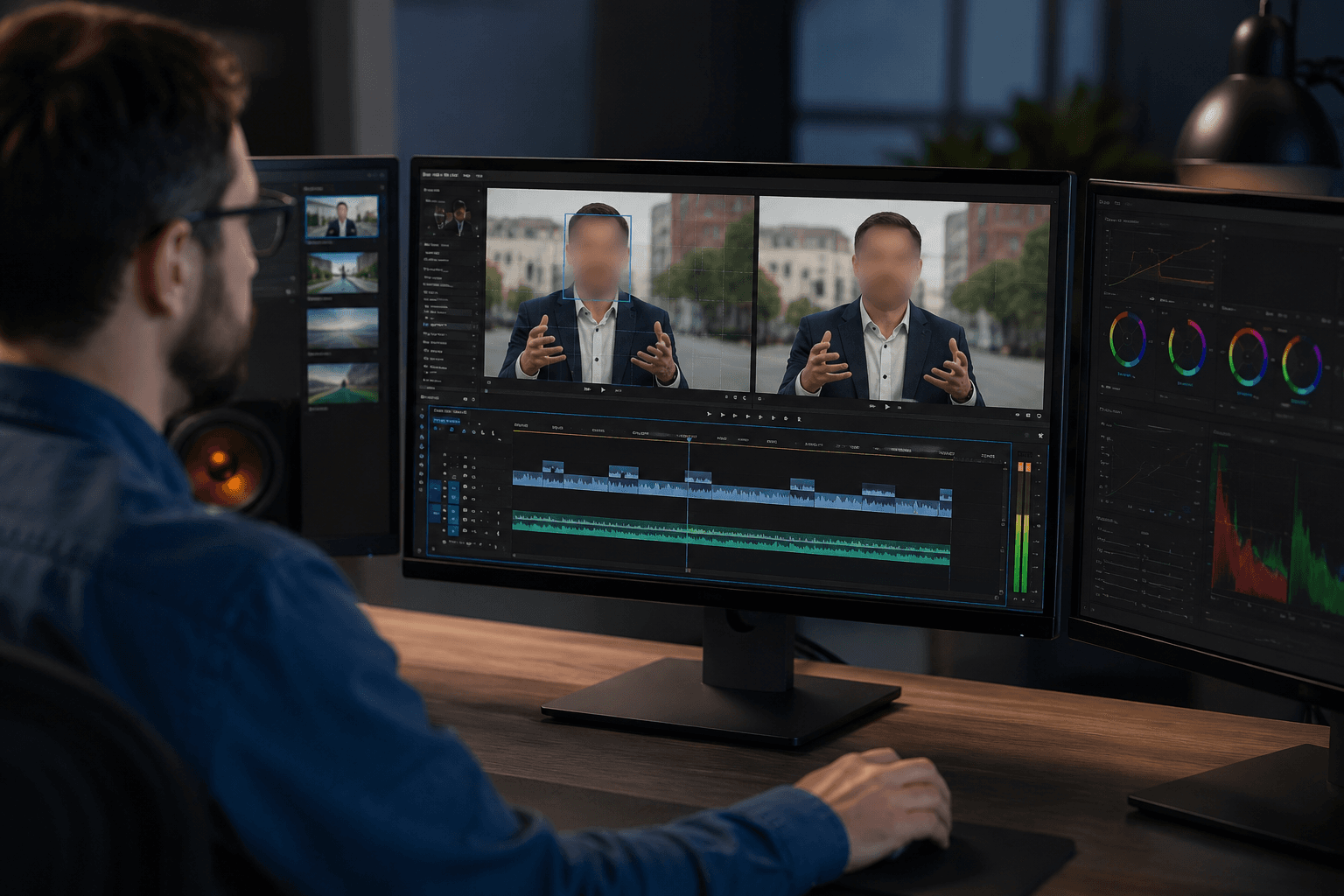
视频人脸自动模糊
借助先进的人工智能人脸识别技术,系统可自动识别并在整个视频过程中持续跟踪人脸。即使人物移动、镜头角度变化或光线发生改变,模糊效果也能稳定锁定在人脸位置。非常适合采访、公共场所拍摄、视频日志以及社交平台内容,满足全程隐私保护需求。
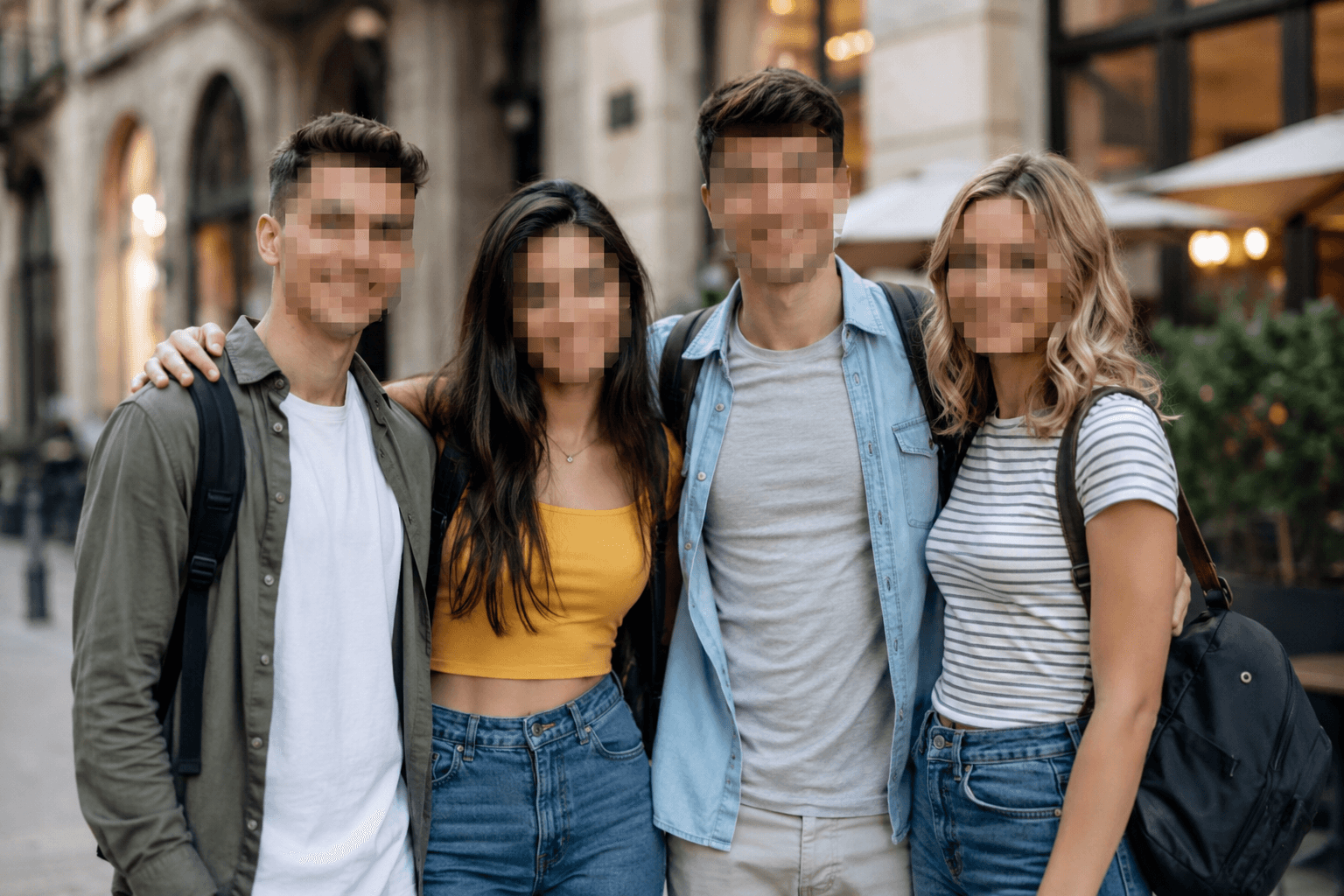
在线图片人脸模糊
只需上传文件,即可快速对照片和图片中的人脸进行模糊处理。工具可应用自然模糊或马赛克效果,在隐藏身份的同时保持整体画面清晰。适用于头像、证件、缩略图以及社交平台发布,无需任何图像编辑软件。
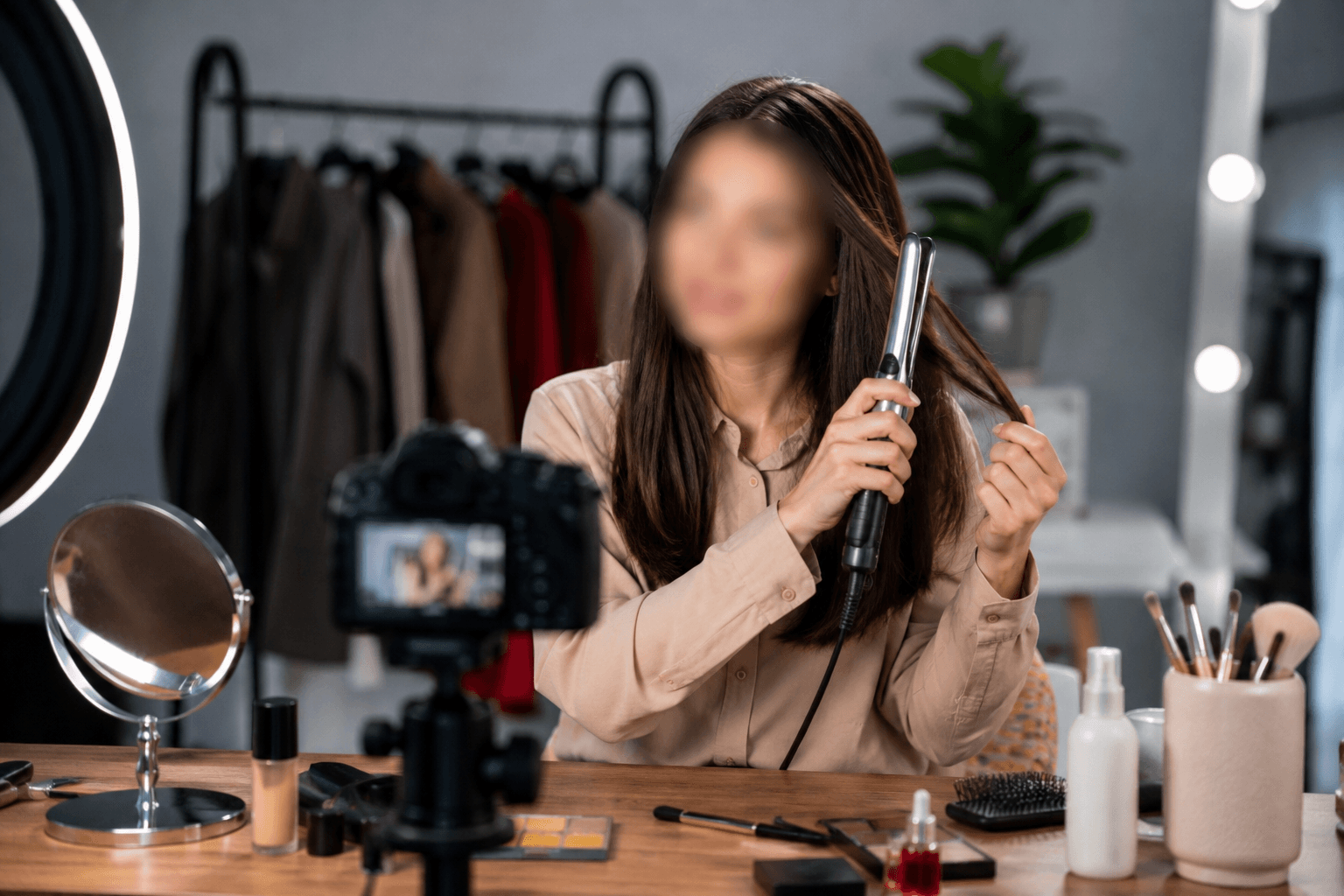
以隐私为核心的内容创作工具
该工具以隐私保护为首要目标,帮助创作者在不暴露个人身份的情况下安全发布内容。可用于新闻报道、在线教学与教程、美妆与发型演示、视频日志、访谈、短视频以及公共或人群密集场景内容。自然的人脸模糊效果既符合隐私规范,又能在各类平台保持专业视觉呈现。
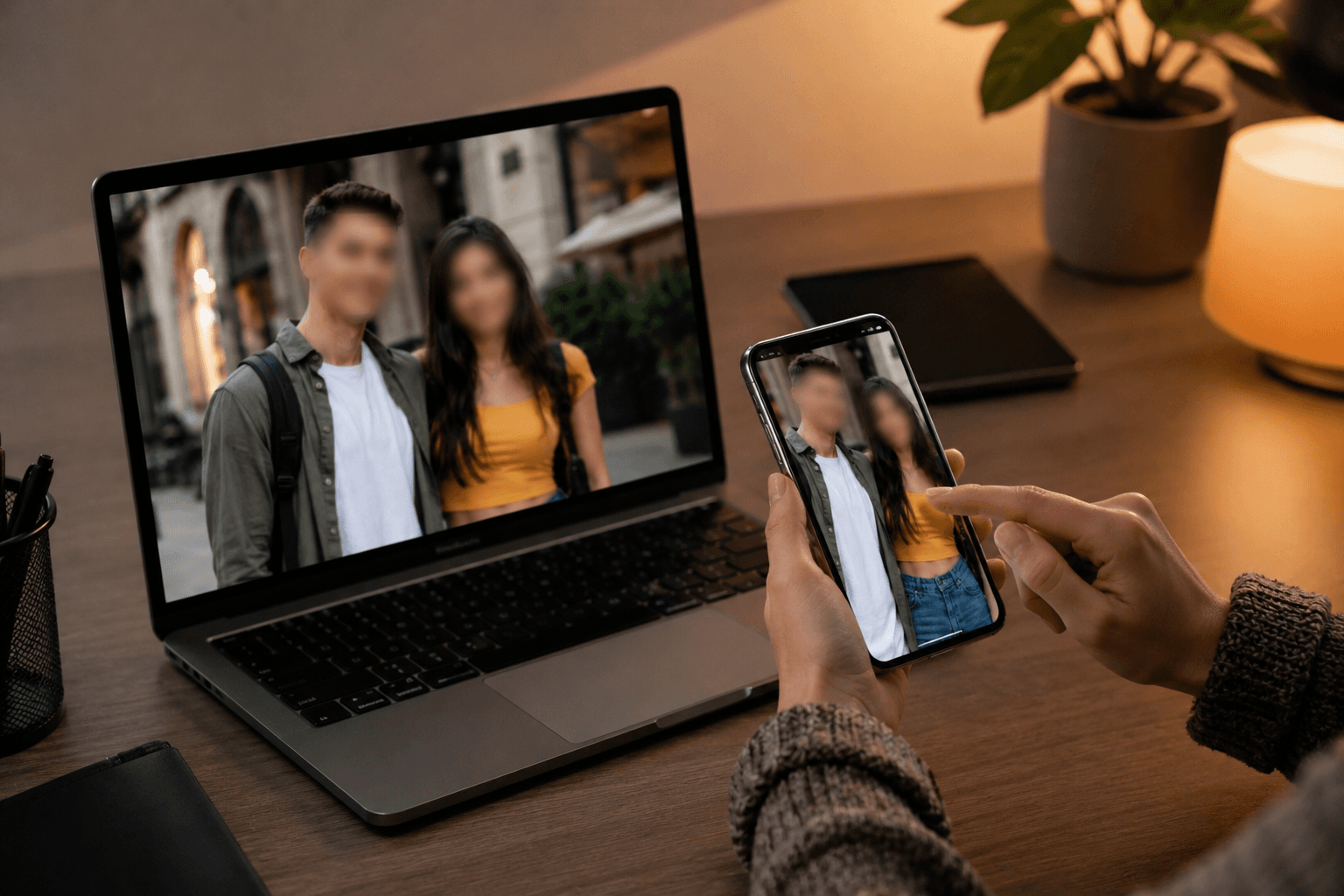
支持移动设备与电脑 — 无需安装应用
这款基于网页的人脸模糊编辑工具适配手机、平板、笔记本电脑和台式电脑。可随时随地通过浏览器直接处理视频或图片中的人脸,无需下载、无需更新,也不占用存储空间。
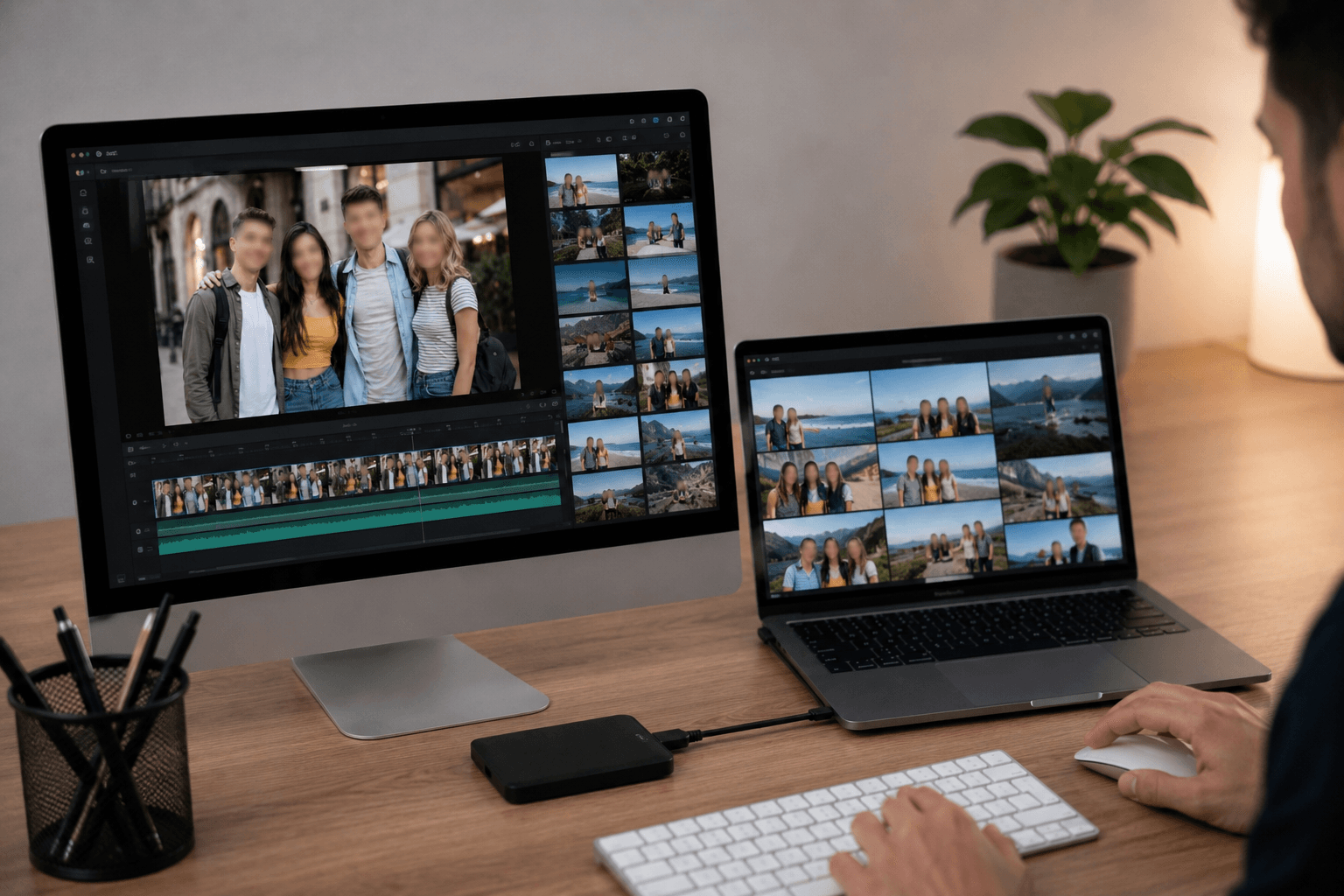
支持常见视频和图片格式
支持多种常见视频和图片格式,确保文件上传和导出顺畅。可在不同类型的视频和图片上进行人脸模糊处理,适用于多种内容和平台,无需担心兼容性问题。
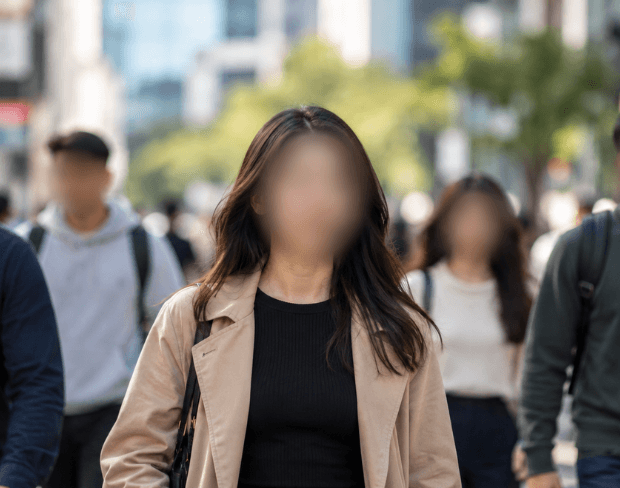
任何视频的自动人脸模糊
自动人脸模糊视频处理意味着您再也不需要逐帧手动跟踪人脸。只需上传一次,AI 就会持续应用模糊效果——即使人物移动、进出画面,或摄像机镜头转动。同样的方法适用于采访、人群画面,以及执法随身摄像头、行车记录仪和监控录像中的人脸模糊,无需手动处理任何一帧。
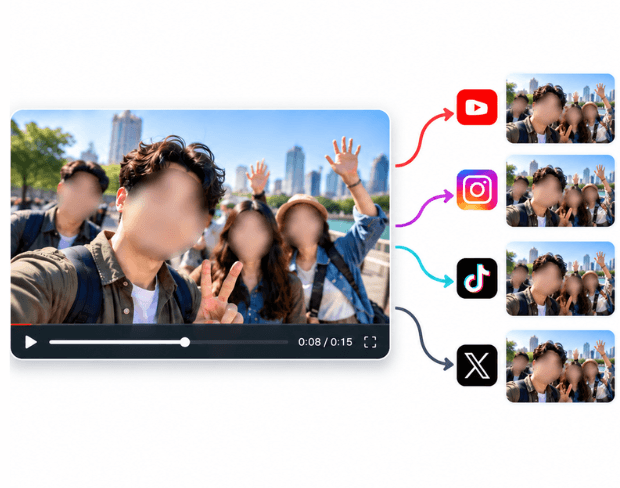
在任何平台上审查或隐藏视频中的人脸
无论您是需要为新闻素材审查人脸、在发布到抖音、Instagram 或 YouTube 之前隐藏人脸,还是为法律或合规导出模糊人脸,同样的自动检测都能处理。这涵盖了如何在视频中模糊人脸的所有需求——只需上传一次,找到的每一张人脸都会被模糊处理,随时可以下载或分享。
是什么让BGBlur不同?
BGBlur是为基于浏览器的AI视频编辑而构建的:上传一个剪辑,选择隐藏或软化的内容,并在没有学习时间表软件的情况下导出隐私准备的镜头.
AI 视频模糊
自动视频模糊的工作流程减少人工遮掩面部,板块,背景,屏幕,以及敏感对象.
基于浏览器
从桌面或移动方式在线编辑视频,而不安装专业视频编辑软件.
注重隐私
BGBlur的设计是为了更安全的出版,编辑,匿名化,以及符合规定的视频共享.
选择性控制
选择目标模糊,背景模糊,面部匿名,或者根据镜头选择对象模糊.
快速工作流程
简单的上传,预览,处理和导出步骤帮助创建者和团队快速完成编辑.
多种格式
使用BGBlur跨越常见的视频和图像工作流程进行社会,法律,培训和创作内容.
自动模糊视频背景
BGBlur致力于让视频隐私和增强向所有人开放. 我们的工具使用高级AI来帮助你模糊面孔,车牌,物品,屏幕,以及您的浏览器中迅速和安全的背景.
特征包括自动面部模糊,车牌模糊,背景模糊,物体模糊,以及AI辅助匿名. 上传您的视频,选择您需要的隐私效果,预览结果,并导出不下载或高级软件.
由BGBlur提供动力
常见问题
我们的AI会分析你的视频并自动添加模糊效果。
我们支持MP4、MOV和M4V格式。
有,视频需小于200MB且时长小于10分钟。
可以,BGBlur 的 AI 能够自动跟踪移动的物体、人脸和车辆。您不需要手动为每一帧应用遮罩,运动感应追踪器会在主体移动时自动保持模糊锁定。
BGBlur 是一款完全基于网页的工具。您只需上传任何视频或图像,选择“人脸模糊”工具,即可在浏览器中立即应用模糊或像素化,无需下载任何应用或插件。
当然可以。我们的 AI 专门针对驾驶画面、行车记录仪和街景视频中的车牌进行过检测和模糊训练,帮助创作者和车队遵守隐私法规。
保护您的隐私是我们的首要任务。BGBlur 利用先进的客户端技术安全地处理视频。您的文件在浏览器本地进行处理,绝不会上传或永久存储在外部服务器上。
可以!BGBlur 采用全响应式设计,并对移动浏览器进行了深度优化。您可以轻松地直接在 iPhone、iPad 或 Android 手机上模糊视频背景或像素化人脸。
限制取决于功能。标准视频模糊工具(例如面部模糊、车牌模糊、背景模糊、任何内容模糊、屏幕模糊、NSFW 模糊和面部匿名化)在免费计划中支持高达 500MB 和 5 分钟,在付费计划中支持高达 1GB 和 10 分钟。 Object Remover 支持高达 1GB 的 MP4 和 MOV 视频,每个剪辑 10 秒。 Voice Anon 直接上传支持高达 100MB,而上传/URL 工作流程支持高达 500MB 且时间不超过 10 分钟的音频或视频文件。
User Reviews
Share your experience and help others make informed decisions
Write a Review
Community Score
0.0
/ 5
Based on 0 reviews
All Reviews (0)
No reviews yet
Be the first to share your experience and help others make informed decisions!
Trusted by thousands of creators
Perfect for privacy
BGBlur makes it incredibly easy to blur faces in my videos. The AI detection is spot-on and saves me hours of manual work. Perfect for content creators who need to protect identities.
Sarah M.
Best face blur tool
I've tried many face blur tools and this is by far the best. The automatic detection works great even with multiple faces and the blur quality is professional.
David K.
Game changer for my workflow
As a journalist, protecting sources is crucial. This tool has become essential for my video editing workflow. Fast, reliable, and easy to use.
Emma T.