Zoom и другие Команды, встречающие размытие конфиденциальности
Professional video call recordings with blurred backgrounds, participant faces, and sensitive on-screen content for safe sharing.
Recorded Zoom and Teams meetings often contain more than the intended presentation: home offices with family photos, coworkers who didn't consent to external sharing, and screen shares with customer data.
Clean up Zoom and Teams recordings for safe sharing in three steps
Built for corporate comms, HR, and marketing teams who need privacy-safe recordings for external or LMS distribution.
Export your Zoom or Teams recording
Download the MP4 from Zoom cloud or Teams recordings before sharing externally.
Apply background and face blur
Blur participant backgrounds and specific attendee faces to protect privacy in gallery view.
Preview and export
Check gallery layouts across the timeline, then export for LMS, YouTube, or Vimeo hosting.
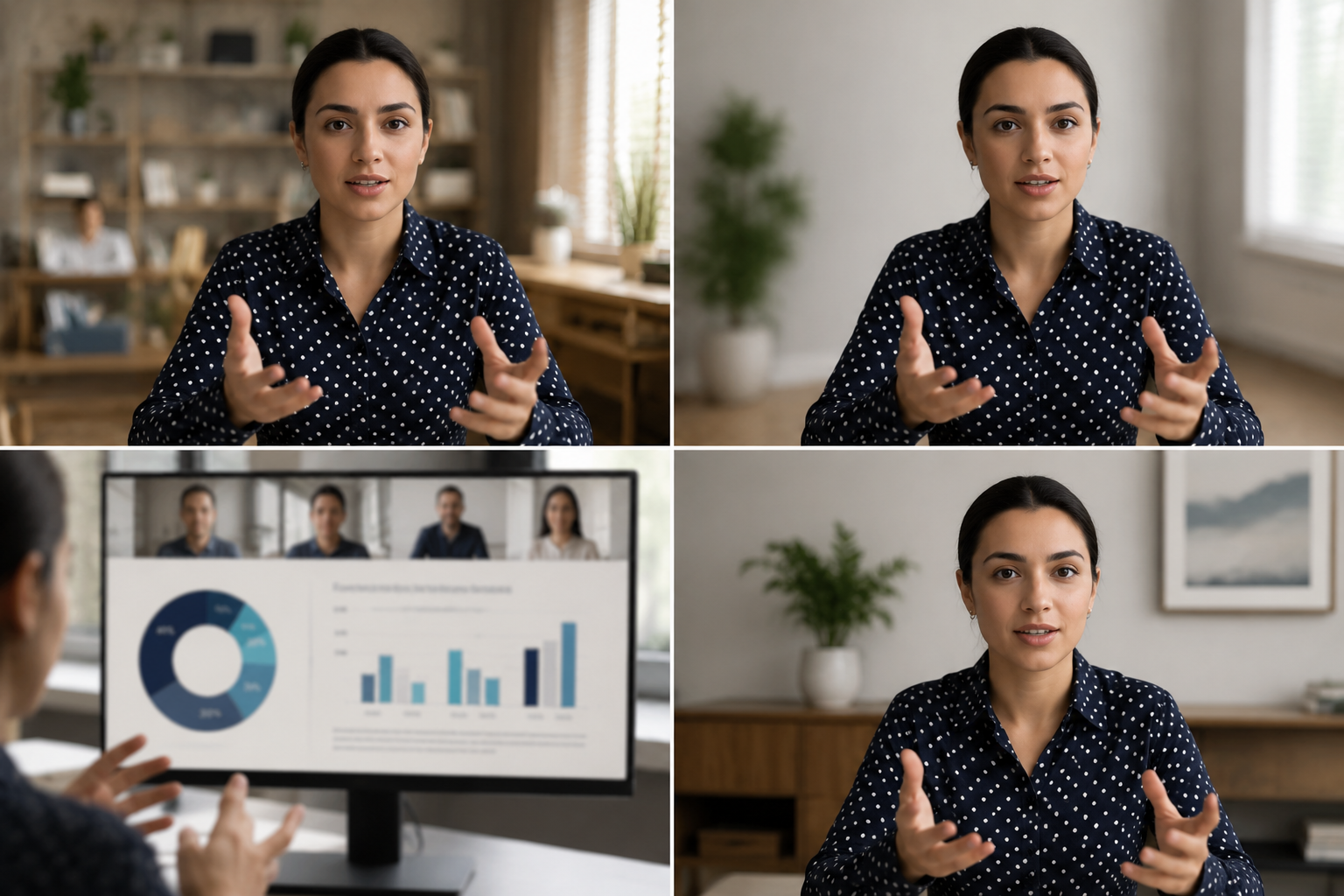
What this example demonstrates
Post-production blur gives you control that real-time virtual backgrounds can't: selectively protect participants, hide screen share content, and clean up backgrounds after the call ends.

Why teams use this pattern
Use this workflow when you need to share all-hands recordings externally, create training clips from client calls, or publish webinar archives with attendee privacy intact.
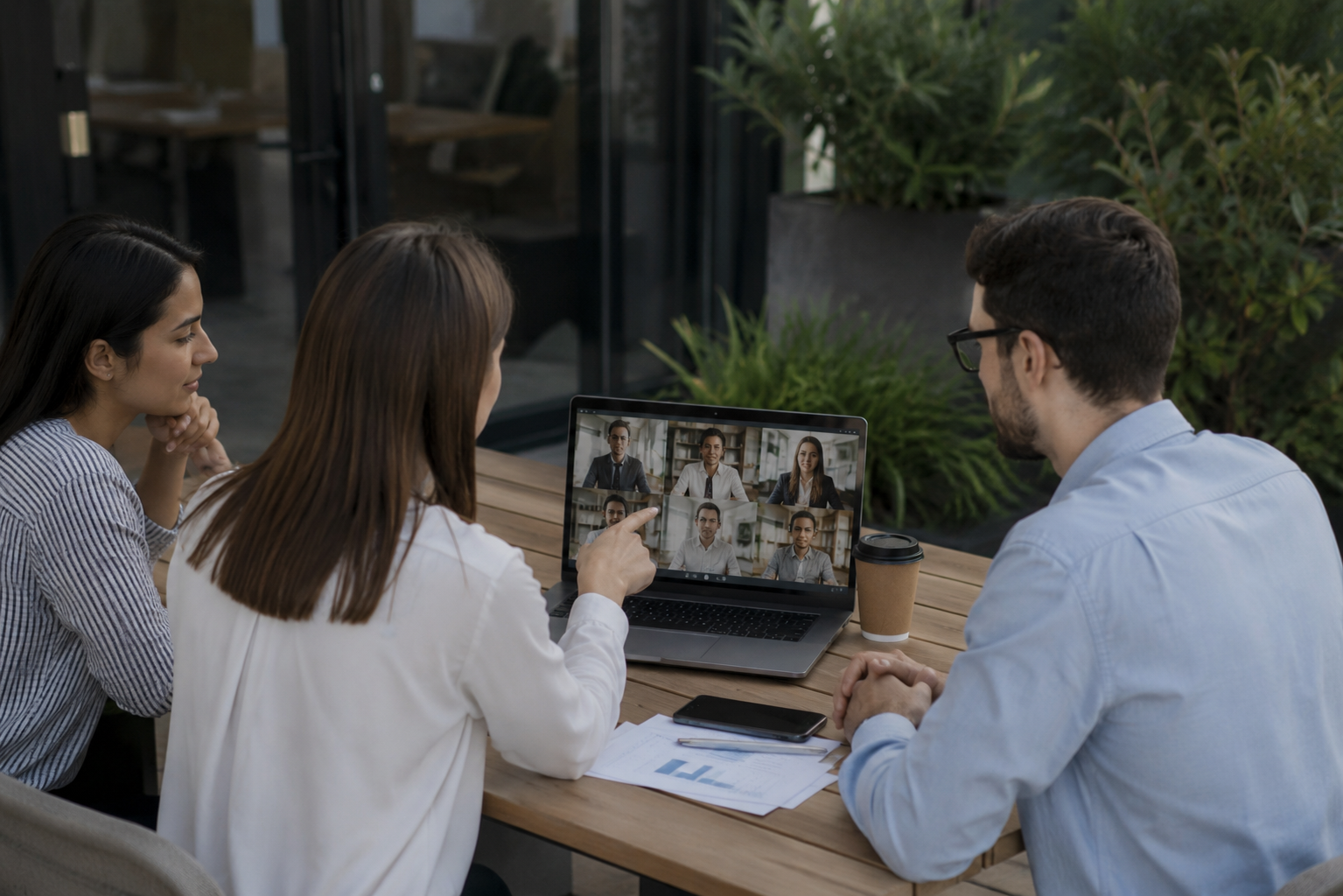
Common use cases
Teams reach for this workflow when all-hands meetings shared with contractors or press; client webinars with internal attendees visible; training recordings from customer success calls; town halls with employee q&a requiring anonymization. BGBlur automates detection so these scenarios stay publishable without days in a timeline.

Built for Corporate communications teams and HR and internal comms
Ideal audiences include Corporate communications teams, HR and internal comms, Marketing and demand gen, Customer education teams. Pair this example with your policy review when footage is sensitive or public-facing.
Варианты использования
- Всесторонние встречи с подрядчиками или прессой
- Вебинары клиентов с внутренними посетителями
- Тренировочные записи из звонков об успехе клиентов
- Ратуши с сотрудниками Q&A, требующими анонимизации
Для кого это
- Корпоративные коммуникационные команды
- HR и внутренние коммуникации
- Маркетинг и спрос Ген
- Команды по обучению клиентов
Другие примеры размытия видео
Изучите аналогичные сценарии с теми же демо-клипами и пошаговым руководством.
Фоновое размытие для кинематографического фокуса
Смягчить или заменить занятые фоны, чтобы предметы выделялись - отлично подходит для вебинаров, обзоров и демонстраций продуктов, снятых дома.
Лицо размыто в видео с говорящей головой
Автоматическое обнаружение лица и размытие для интервью, подкастов и влогов — отслеживание движения, поэтому идентификаторы остаются защищенными.
HR и обучающие видео с более безопасным фоном
Скрыть беспорядок в домашнем офисе, карты пациентов на стенах или плакаты, которые пропускают местоположение в контенте L & D.
Запись с экрана размыта для учебных пособий и демонстраций
Скрыть пароли, ключи API, электронные письма и личные данные в захватах экрана — это необходимо для демонстрации программного обеспечения и поддержки видео.
Часто задаваемые вопросы
- Почему бы не использовать встроенное размытие фона Zoom?
- Размытие в реальном времени применяется во время звонка; размытие после производства позволяет вам контролировать решения о конфиденциальности после записи, когда вы знаете контекст обмена.
- Могу ли я размыть только одного участника галереи?
- Да, селективное размытие лица работает в макетах сетки, поэтому вы можете защитить конкретных участников, сохраняя при этом других видимыми.
- А как же чат и имена участников записи?
- Video blur обрабатывает только пиксели; отключайте имена участников и наложения чата в настройках записи Zoom / Teams или обрезайте эти элементы пользовательского интерфейса в посте.
Готовы попробовать это на своем видео?
Загрузите MP4, MOV или M4V и примените те же режимы размытия, что и в этом примере.
Попробовать BGBlur бесплатно