AI Motion-tracked Blur для движущихся объектов
Automatic blur tracking for people, vehicles, and objects in motion—no manual keyframing required for dynamic footage.
Manual frame-by-frame masking is the traditional nightmare of video privacy: every camera movement, subject turn, or lighting change requires new keyframes and hours of roto work.
Track and blur moving subjects in video in three steps
Built for video editors, action sports creators, and documentary teams working with dynamic, fast-moving footage.
Upload video with moving subjects
Drop footage containing faces, vehicles, or objects that need blur coverage through motion.
Enable AI tracking
Select faces, vehicles, or custom objects—AI tracks each independently through the timeline.
Scrub and export
Verify tracking accuracy across the timeline, then export with motion-locked blur.

What this example demonstrates
AI motion tracking eliminates 90% of that labor: detect a face, plate, or object once and the system tracks it across time—even through occlusions, lighting changes, and fast motion.

Why teams use this pattern
Use motion-tracked blur for any scenario where subjects won't stand still: sports footage, dashcam recordings, crowd scenes, and handheld documentary work.

Common use cases
Teams reach for this workflow when sports footage with player anonymization; dashcam and action camera recordings; crowd event coverage with moving attendees; documentary street scenes with pedestrian flow. BGBlur automates detection so these scenarios stay publishable without days in a timeline.
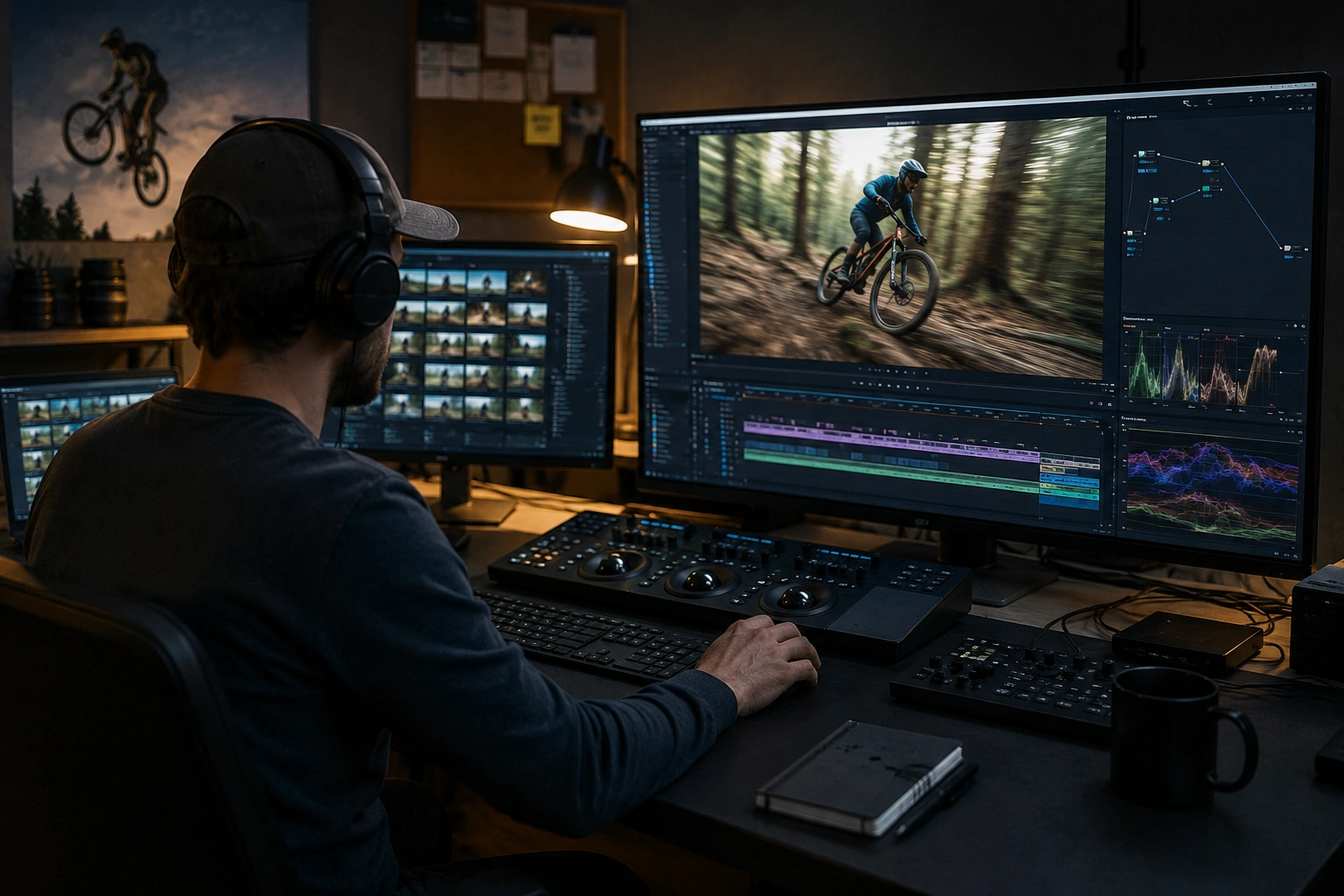
Built for Video editors and post-production teams and Action sports creators
Ideal audiences include Video editors and post-production teams, Action sports creators, Documentary filmmakers, Surveillance and security teams. Pair this example with your policy review when footage is sensitive or public-facing.
Варианты использования
- Спортивные кадры с анонимизацией игроков
- Записи Dashcam и экшн-камер
- Покрытие толпы с движущимися участниками
- Документальные уличные сцены с пешеходным потоком
Для кого это
- Видеоредакторы и пост-продакшн команды
- Создатели Action Sports
- Документальные кинорежиссеры
- Группы наблюдения и безопасности
Другие примеры размытия видео
Изучите аналогичные сценарии с теми же демо-клипами и пошаговым руководством.
Лицо размыто в видео с говорящей головой
Автоматическое обнаружение лица и размытие для интервью, подкастов и влогов — отслеживание движения, поэтому идентификаторы остаются защищенными.
Лицензионные номера размыты на улицах и камерах
Скрыть читаемые тарелки в пробке, парковке и видеозаписи - идеально подходит для мотовлогов и съемок местоположения.
Флот и Dashcam в стиле комплаенс
Уменьшите случайные личные данные в кадрах водителя, полезные для обмена клипами внутри или в маркетинге.
Vlogger & Street интервью конфиденциальность
Держите прохожих и несогласных лиц вне рамки юридически и этически - оптимизированы для быстрого редактирования поворота.
Часто задаваемые вопросы
- Насколько точным является отслеживание движения ИИ?
- Отслеживание лучше всего работает со стабильным освещением и четкой видимостью объекта; быстрое движение, окклюзии и экстремальные углы могут потребовать регулировки точечной проверки.
- Можно ли отслеживать сразу несколько объектов?
- Да - примените размытие к нескольким лицам, пластинам или областям одновременно; каждый получает независимое отслеживание по временной шкале.
- Что делать, если отслеживание теряет тему?
- Инструменты обзора позволяют обнаружить неудавшееся отслеживание и вручную настроить или повторно инициировать для проблемных сегментов; всегда перед окончательным экспортом.
Готовы попробовать это на своем видео?
Загрузите MP4, MOV или M4V и примените те же режимы размытия, что и в этом примере.
Попробовать BGBlur бесплатно