
"The blur tools are a lifesaver — I can softly blur distracting backgrounds and automatically anonymize license plates in my vlogs."
SJ
Sarah Johnson
Content Creator • YouTube
Seamlessly replace faces in videos with advanced AI precision
Get started with our simple 3-step process
Upload your MP4, MOV, or M4V file securely in your browser.
Choose face blur, license plate blur, background blur, or object blur and preview instantly.
Export your privacy-safe video in high quality and publish anywhere.
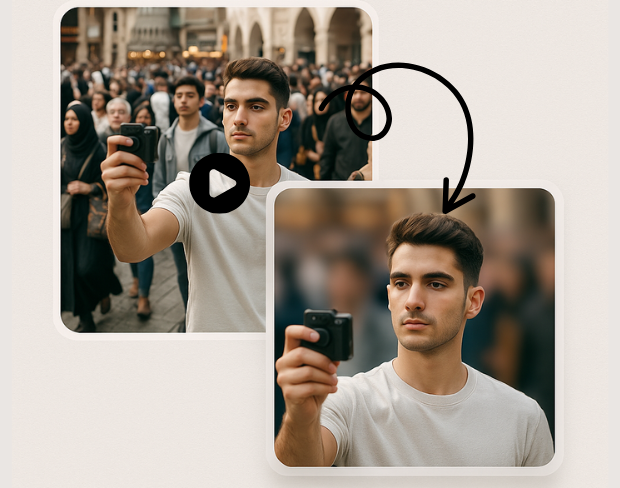
Our cutting-edge AI technology provides precise face detection and seamless replacement with natural-looking results. Advanced algorithms ensure perfect face mapping, color matching, and expression preservation for professional-quality face replacement.
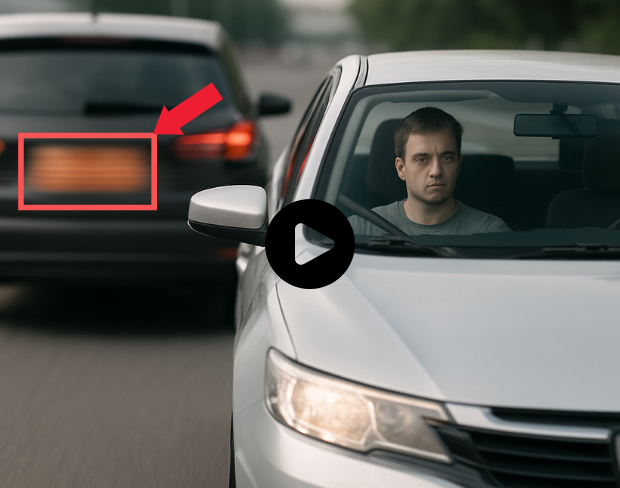
Experience ultra-fast face replacement processing with optimized AI algorithms. Generate realistic face swaps in seconds while maintaining video quality and natural facial expressions. Instant processing for immediate results.
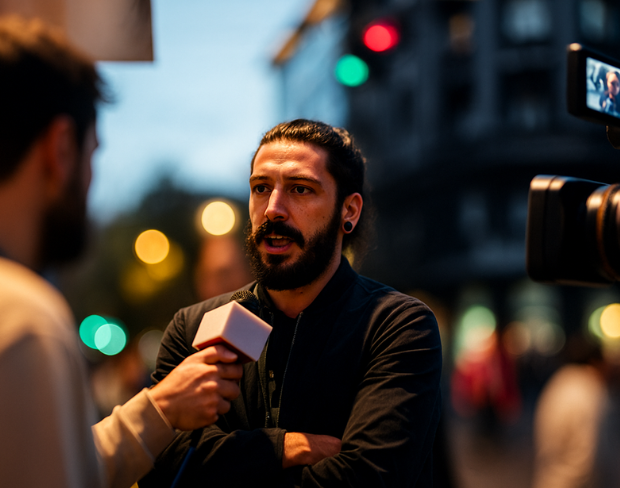
Achieve broadcast-ready face replacement with our professional-grade processing engine. Seamless blending, accurate skin tone matching, and natural lighting integration ensure your face replacements look authentic and professional.
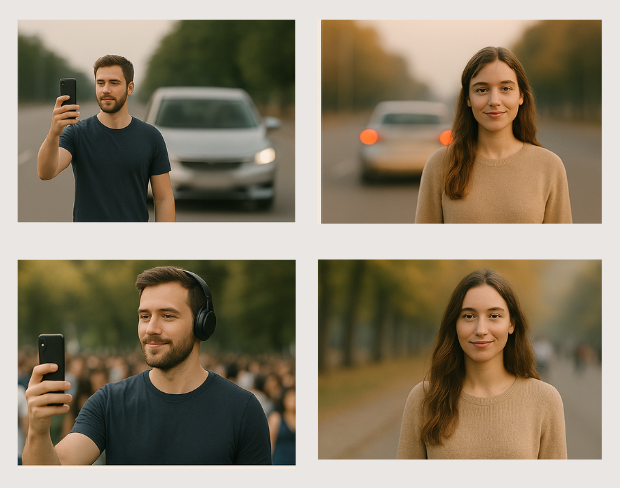
Perfect for creative video production, entertainment content, social media videos, educational materials, and artistic projects. Create character replacements, anonymize subjects, or produce engaging content with reliable face replacement technology.
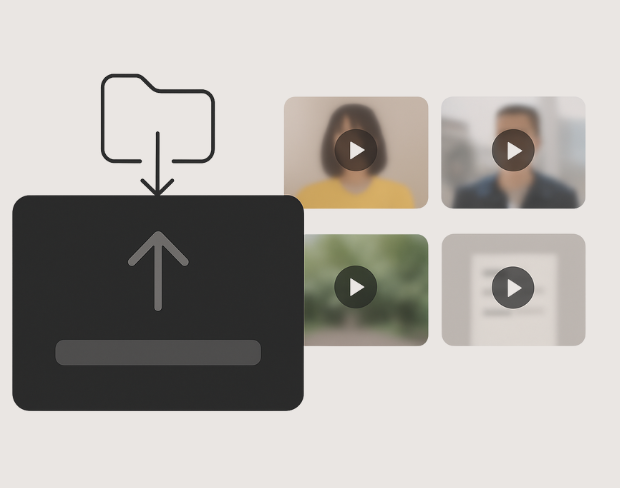
Process multiple videos simultaneously with consistent face replacement settings. Save time with bulk face swapping while maintaining quality across all your video content. Perfect for content creators handling multiple video projects.
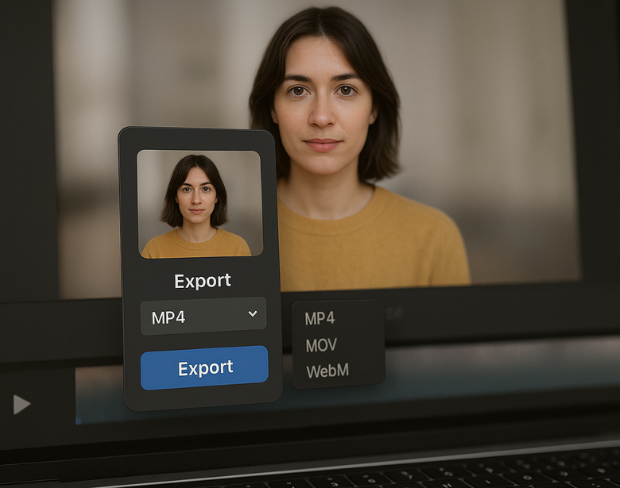
Export your face-replaced videos in various high-quality formats including MP4, MOV, and AVI. Choose from different resolution options and compression settings to match your specific project requirements and platform specifications.
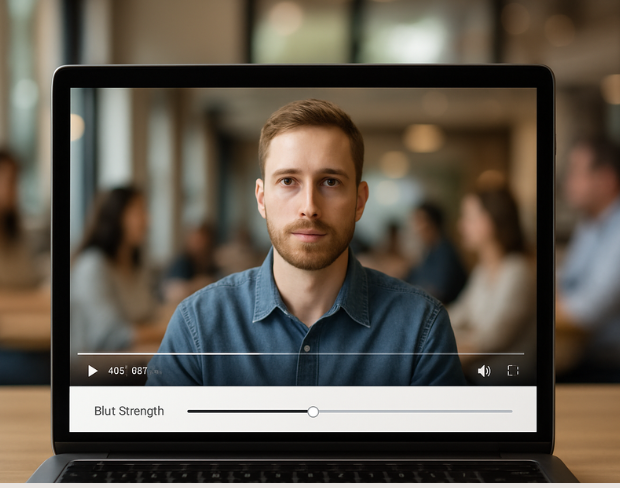
Fine-tune face replacement parameters including blend strength, color adjustment, and edge smoothing. Preview results in real-time and adjust settings to achieve the perfect face replacement for your specific creative vision and project needs.
Functies
Eén platform voor elke vervagingsbehoefte. Klik op een functie om te beginnen.
Video vervagen
Kentekens automatisch detecteren
Video vervagen
Frame-voor-frame tracking
Video vervagen
Geen green screen nodig
Video vervagen
Gebruik een prompt of teken een kader rond wat je wilt vervagen
Privacy
Vervaag gezichten in foto's
Privacy
Redactie voor teams
Privacy
AI-stemmaskering
Gezicht wisselen
Wissel gezichten in afbeeldingen
Gezicht wisselen
Wissel gezichten in video
Gezicht wisselen
Verwijder objecten met scene fill
Ecosysteem
Stel vragen en krijg AI-samenvattingen
Sluit je aan bij duizenden makers en teams die elke dag op bgblur vertrouwen.
Transform video content with our professional face replacement technology. Perfect for creative projects, content creation, and digital storytelling.
Enhanced face replacement with professional video background effects. Perfect for creating studio-quality content, presentations, and creative projects with seamless face swapping technology.
Our advanced AI ensures accurate face detection and realistic replacement with natural skin tones, lighting adaptation, and expression preservation for professional results.
Get your face-replaced videos ready in seconds. Our optimized processing delivers fast, high-quality results while maintaining original video resolution and frame rates.
Enjoy unlimited face replacement processing with professional-grade output. Export your videos without watermarks or quality restrictions for commercial and personal use.
Join content creators and professionals using our AI-powered face replacement technology to create engaging, creative videos with seamless face swapping results.
120K+
Vervaagde clips
500K+
Verborgen kentekens
"The blur tools are a lifesaver — I can softly blur distracting backgrounds and automatically anonymize license plates in my vlogs."
Sarah Johnson
Content Creator • YouTube
"Perfect for short-form content — selective blur and automatic license-plate hiding keeps posts compliant and on-brand without manual editing."
Emma Rodriguez
Social Media Manager • Digital Agency
"I've used many blur filters, but the adaptive face and plate blur here are the most natural-looking — great for client deliverables where privacy matters."
Lisa Thompson
Freelance Video Editor • Independent
"We rely on the motion-aware blur and plate anonymization for on-the-go product demos. It's fast, consistent, and saves legal review time."
Michael Chen
Marketing Director • TechStart Inc.
"The blur tools are a lifesaver — I can softly blur distracting backgrounds and automatically anonymize license plates in my vlogs."
Sarah Johnson
Content Creator • YouTube
"Perfect for short-form content — selective blur and automatic license-plate hiding keeps posts compliant and on-brand without manual editing."
Emma Rodriguez
Social Media Manager • Digital Agency
"I've used many blur filters, but the adaptive face and plate blur here are the most natural-looking — great for client deliverables where privacy matters."
Lisa Thompson
Freelance Video Editor • Independent
"We rely on the motion-aware blur and plate anonymization for on-the-go product demos. It's fast, consistent, and saves legal review time."
Michael Chen
Marketing Director • TechStart Inc.
Onze AI analyseert je video en detecteert en vervaagt automatisch achtergronden, gezichten, nummerplaten of alle objecten die je selecteert met bewegingstracking.
We ondersteunen MP4, MOV en M4V formaten voor alle vervaagfuncties inclusief video gezichtsvervaging en achtergrondvervaging.
Gratis gebruikers kunnen video's onder 200MB en 10 minuten vervagen. Pro gebruikers krijgen onbeperkte vervaag verwerking met ondersteuning voor langere video's.
Ja, de AI van BGBlur volgt automatisch bewegende objecten, gezichten en voertuigen. Je hoeft niet elk frame handmatig te maskeren; de bewegingsbewuste tracker houdt de vervaging vergrendeld op het onderwerp terwijl het beweegt.
BGBlur is een volledig webgebaseerde tool. Je kunt elke video of afbeelding uploaden, de Gezichtsvervaging-tool selecteren en direct in je browser pixelatie of vervaging toepassen zonder apps of plug-ins te downloaden.
Absoluut. Ons AI is speciaal getraind om kentekenplaten te detecteren en te vervagen in rijbeelden, dashcams en straatvideo's, wat helpt om te voldoen aan de privacywetgeving.
Jouw privacy is onze prioriteit. BGBlur maakt gebruik van geavanceerde technologieën aan de clientzijde om video's veilig te verwerken. Je bestanden worden lokaal in je browser verwerkt en worden nooit geüpload of permanent opgeslagen op externe servers.
Ja! BGBlur is volledig responsief en geoptimaliseerd voor mobiele browsers. Je kunt eenvoudig een video-achtergrond vervagen of gezichten pixeleren direct op je iPhone, iPad of Android-telefoon.
Limieten zijn afhankelijk van de functie. Standaard tools voor videovervaging, zoals gezichtsvervaging, kentekenvervaging, achtergrondvervaging, alles vervagen, schermvervaging, NSFW-vervaging en gezichtsanonimisering ondersteunen tot 500 MB en 5 minuten bij het gratis abonnement, of tot 1 GB en 10 minuten bij betaalde abonnementen. Object Remover ondersteunt MP4- en MOV-video's tot 1 GB en 10 seconden per clip. Directe uploads van Voice Anon ondersteunen tot 100 MB, terwijl de upload/URL-workflow audio- of videobestanden tot 500 MB en minder dan 10 minuten ondersteunt.
Deel uw ervaring en help anderen om weloverwogen beslissingen te nemen
Community Score
0.0
/ 5
Gebaseerd op 0 beoordelingen
Deel als eerste uw ervaring en help anderen om weloverwogen beslissingen te nemen!