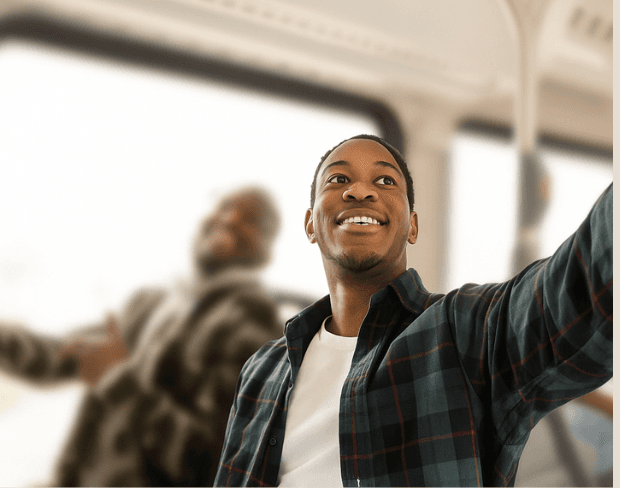
Creëer professionele live streams met real-time achtergrond vervaging effecten. Verwijder afleidingen, bescherm privacy en houd je publiek gefocust op jou met studio kwaliteit!
Stream achtergrond nu vervagen
Vervaag achtergronden onmiddellijk tijdens live streams. Onze AI houdt je gezicht en gameplay centraal terwijl afleidingen worden verborgen.
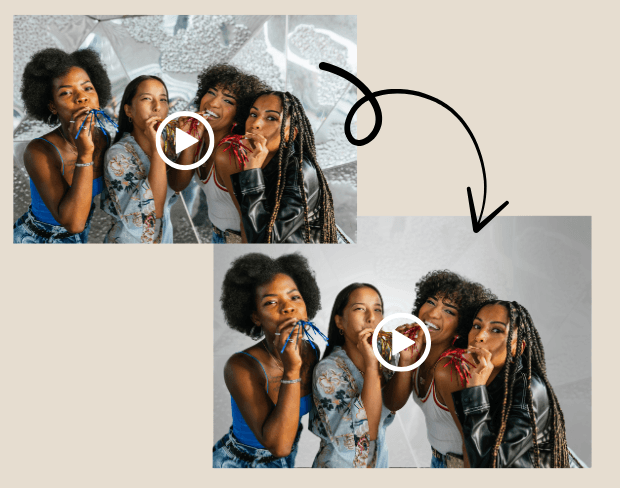
Geen green screen of dure apparatuur nodig. Gebruik AI achtergrond vervaging voor professionele streams vanuit elke opstelling.
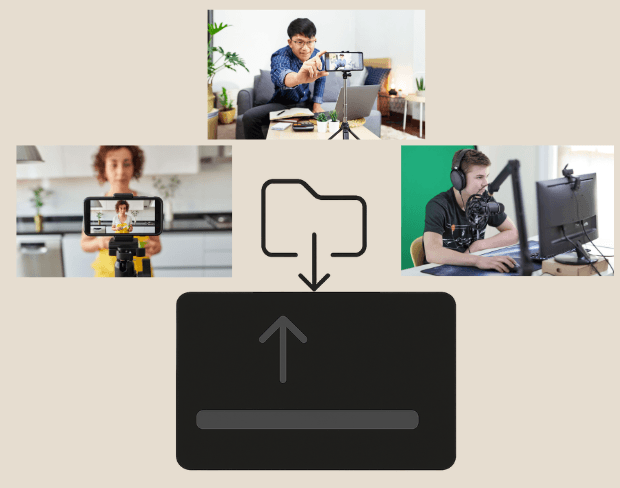

Verwwerk meerdere stream highlights of VODs samen. Perfect voor hergebruik van content voor YouTube en sociale media.
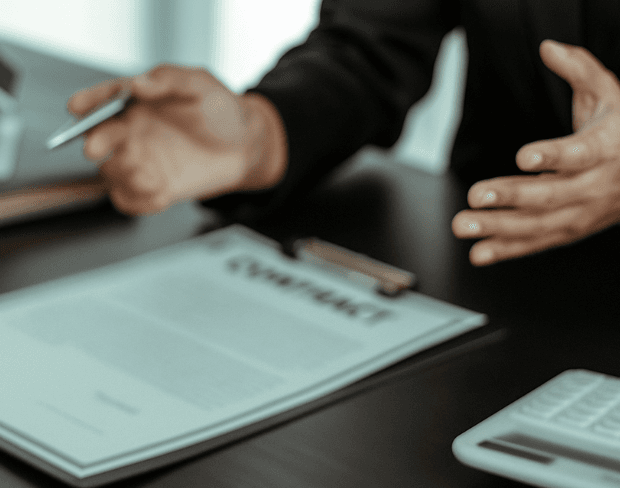
Bescherm privacy in streams met AI achtergrond vervaging. Verberg gezichten en persoonlijke informatie voor veiligheid en professionaliteit.
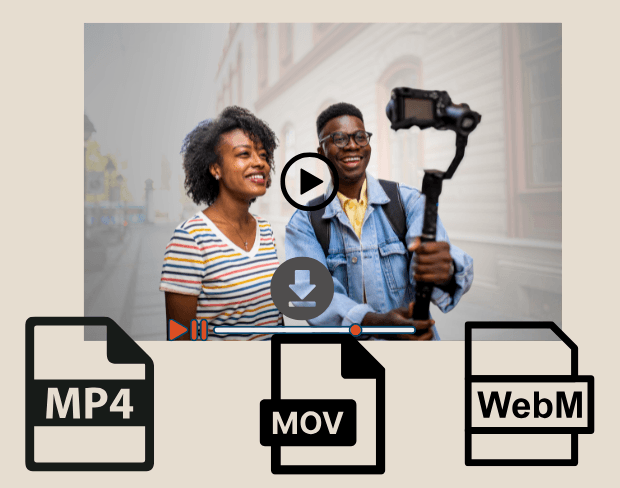

Exporteer in MP4, MOV of WebM. HD-klare streams perfect voor Twitch, YouTube en Instagram.
Share your experience and help others make informed decisions
Community Score
0.0
/ 5
Based on 0 reviews
Be the first to share your experience and help others discover this feature!
BGBlur uses AI to automatically detect and blur faces, license plates, backgrounds, and other objects in your videos and images. Simply upload your media, choose what to blur, and export the result.
BGBlur offers free processing for many use cases. Upload your video or image to get started with AI-powered blur tools without signup or watermarks.
BGBlur supports all major video formats (MP4, MOV, AVI, MKV) and image formats (JPG, PNG, JPEG, HEIC) for blur processing.
Yes. BGBlur can detect and blur multiple faces, license plates, or custom objects simultaneously in the same video or image.
Yes. Your uploads are processed securely and are not stored permanently. BGBlur is designed with privacy in mind for both you and the subjects in your media.
Begin direct met het maken van professionele live streams met onze gratis AI-aangedreven achtergrond vervaging tool.
Stream achtergrond nu vervagenGreat app, easy to use. Helps our small business save time and money to create different marketing materials professionally. Thank you.
Shaelyn D.
I need a good blur tool for my work and I've been through them all. This one is the best by far. It's so easy to use and the results always look amazing.
Kira H.
It's amazingly easy and gives the perfect results for my bags and accessories. It looks like it was done by a professional photographer.
Mary J.
Related platforms
Extend your workflow with specialized tools from our ecosystem. Opens in a new tab.