
"The blur tools are a lifesaver — I can softly blur distracting backgrounds and automatically anonymize license plates in my vlogs."
SJ
Sarah Johnson
Content Creator • YouTube
AI Video Background Blur — Green-Screen-Free, Built for Privacy
Get started with our simple 3-step process
Upload your MP4, MOV, or M4V file securely in your browser.
Choose face blur, license plate blur, background blur, or object blur and preview instantly.
Export your privacy-safe video in high quality and publish anywhere.
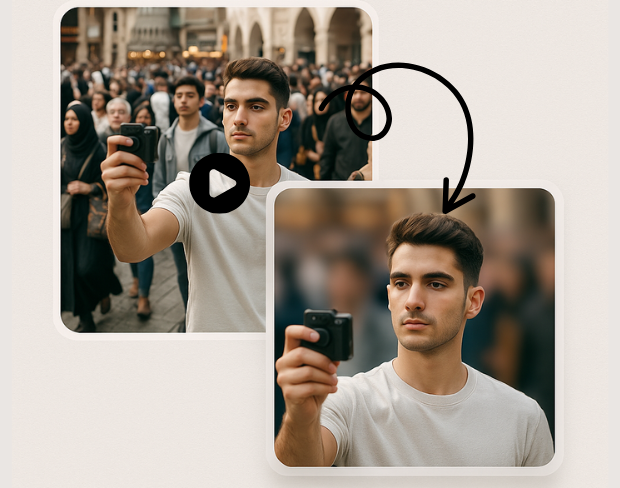
Create a bokeh-style background without a physical green screen. Subjects stay sharp while environments fall off—ideal for calls, vlogs, and compliance-friendly sharing.
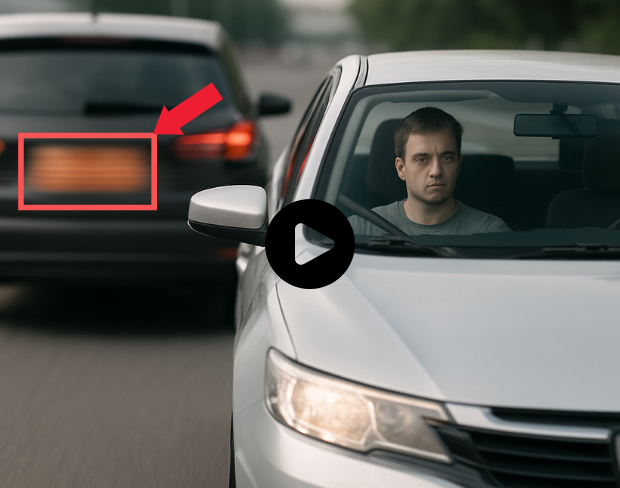
Our models handle natural lighting, motion, and busy scenes. You get consistent blur across frames without manual rotoscoping.
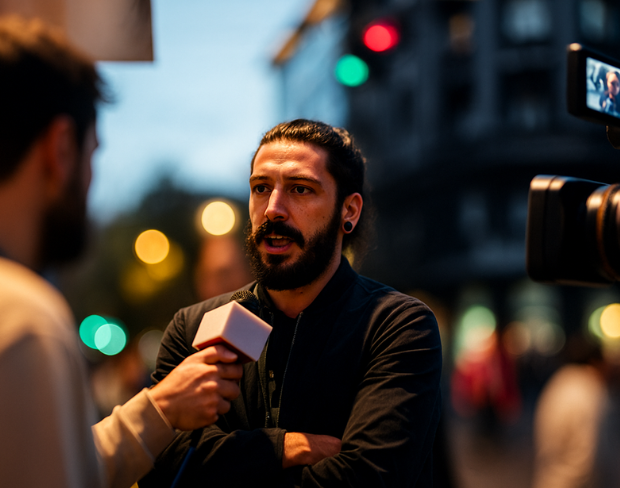
Blur sensitive areas automatically so you can publish faster. Pair background blur with face and plate tools when one effect is not enough.
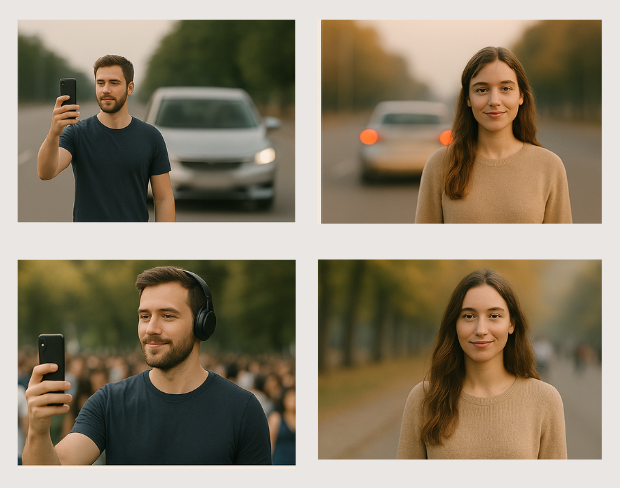
Batch-friendly processing and presets help agencies, journalists, and operators move from raw footage to redacted masters quickly.
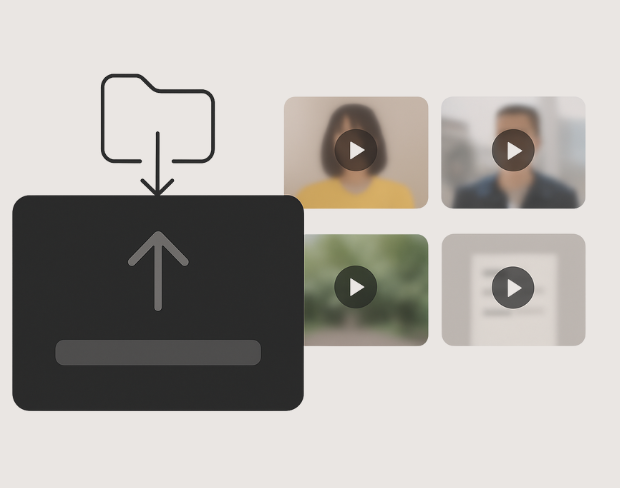
Detection tracks people and plates through the timeline so effects stay locked to subjects—even with handheld cameras.
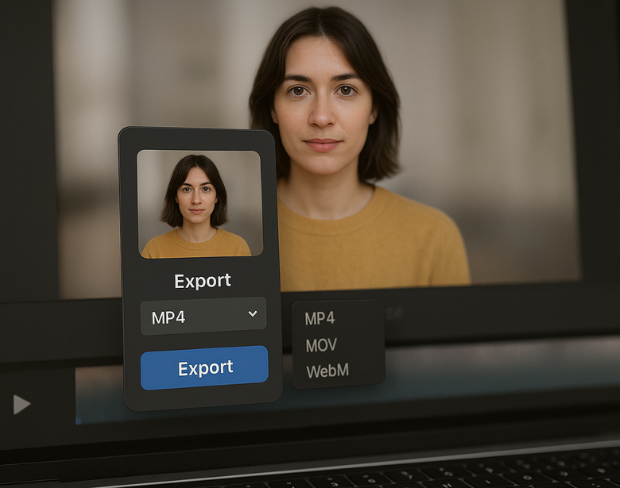
Export high-quality MP4/MOV/WebM outputs with the blur baked in, ready for YouTube, TikTok, internal archives, or legal review packets.
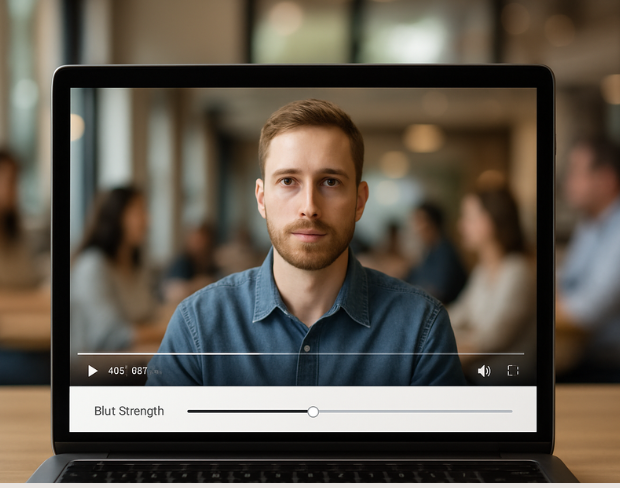
Visit our examples and docs for sample settings, or combine tools: many teams stack background blur with face anonymization on the same render.
Functies
Eén platform voor elke vervagingsbehoefte. Klik op een functie om te beginnen.
Video vervagen
Kentekens automatisch detecteren
Video vervagen
Frame-voor-frame tracking
Video vervagen
Geen green screen nodig
Video vervagen
Gebruik een prompt of teken een kader rond wat je wilt vervagen
Privacy
Vervaag gezichten in foto's
Privacy
Redactie voor teams
Privacy
AI-stemmaskering
Gezicht wisselen
Wissel gezichten in afbeeldingen
Gezicht wisselen
Wissel gezichten in video
Gezicht wisselen
Verwijder objecten met scene fill
Ecosysteem
Stel vragen en krijg AI-samenvattingen
Sluit je aan bij duizenden makers en teams die elke dag op bgblur vertrouwen.
Soften or hide video backgrounds, blur faces, and redact license plates with AI. BGBlur focuses on privacy-safe exports—not transparent background cutouts.
Combine background blur, face blur, and plate redaction for publish-ready clips—built for creators, teams, and compliance workflows.
Models locate subjects and sensitive regions so blur tracks motion without chroma keys or frame-by-frame touch-ups.
Optimized pipelines keep foreground detail crisp while backgrounds and plates receive clean, adjustable blur.
Shoot anywhere; BGBlur works on everyday environments so you can protect privacy without a production-grade setup.
Teams trust BGBlur to anonymize footage while keeping storytelling intact—especially for street scenes, interviews, and ops video.
120K+
Vervaagde clips
500K+
Verborgen kentekens
"The blur tools are a lifesaver — I can softly blur distracting backgrounds and automatically anonymize license plates in my vlogs."
Sarah Johnson
Content Creator • YouTube
"Perfect for short-form content — selective blur and automatic license-plate hiding keeps posts compliant and on-brand without manual editing."
Emma Rodriguez
Social Media Manager • Digital Agency
"I've used many blur filters, but the adaptive face and plate blur here are the most natural-looking — great for client deliverables where privacy matters."
Lisa Thompson
Freelance Video Editor • Independent
"We rely on the motion-aware blur and plate anonymization for on-the-go product demos. It's fast, consistent, and saves legal review time."
Michael Chen
Marketing Director • TechStart Inc.
"The blur tools are a lifesaver — I can softly blur distracting backgrounds and automatically anonymize license plates in my vlogs."
Sarah Johnson
Content Creator • YouTube
"Perfect for short-form content — selective blur and automatic license-plate hiding keeps posts compliant and on-brand without manual editing."
Emma Rodriguez
Social Media Manager • Digital Agency
"I've used many blur filters, but the adaptive face and plate blur here are the most natural-looking — great for client deliverables where privacy matters."
Lisa Thompson
Freelance Video Editor • Independent
"We rely on the motion-aware blur and plate anonymization for on-the-go product demos. It's fast, consistent, and saves legal review time."
Michael Chen
Marketing Director • TechStart Inc.
Onze AI analyseert je video en detecteert en vervaagt automatisch achtergronden, gezichten, nummerplaten of alle objecten die je selecteert met bewegingstracking.
We ondersteunen MP4, MOV en M4V formaten voor alle vervaagfuncties inclusief video gezichtsvervaging en achtergrondvervaging.
Gratis gebruikers kunnen video's onder 200MB en 10 minuten vervagen. Pro gebruikers krijgen onbeperkte vervaag verwerking met ondersteuning voor langere video's.
Ja, de AI van BGBlur volgt automatisch bewegende objecten, gezichten en voertuigen. Je hoeft niet elk frame handmatig te maskeren; de bewegingsbewuste tracker houdt de vervaging vergrendeld op het onderwerp terwijl het beweegt.
BGBlur is een volledig webgebaseerde tool. Je kunt elke video of afbeelding uploaden, de Gezichtsvervaging-tool selecteren en direct in je browser pixelatie of vervaging toepassen zonder apps of plug-ins te downloaden.
Absoluut. Ons AI is speciaal getraind om kentekenplaten te detecteren en te vervagen in rijbeelden, dashcams en straatvideo's, wat helpt om te voldoen aan de privacywetgeving.
Jouw privacy is onze prioriteit. BGBlur maakt gebruik van geavanceerde technologieën aan de clientzijde om video's veilig te verwerken. Je bestanden worden lokaal in je browser verwerkt en worden nooit geüpload of permanent opgeslagen op externe servers.
Ja! BGBlur is volledig responsief en geoptimaliseerd voor mobiele browsers. Je kunt eenvoudig een video-achtergrond vervagen of gezichten pixeleren direct op je iPhone, iPad of Android-telefoon.
Limieten zijn afhankelijk van de functie. Standaard tools voor videovervaging, zoals gezichtsvervaging, kentekenvervaging, achtergrondvervaging, alles vervagen, schermvervaging, NSFW-vervaging en gezichtsanonimisering ondersteunen tot 500 MB en 5 minuten bij het gratis abonnement, of tot 1 GB en 10 minuten bij betaalde abonnementen. Object Remover ondersteunt MP4- en MOV-video's tot 1 GB en 10 seconden per clip. Directe uploads van Voice Anon ondersteunen tot 100 MB, terwijl de upload/URL-workflow audio- of videobestanden tot 500 MB en minder dan 10 minuten ondersteunt.
Deel uw ervaring en help anderen om weloverwogen beslissingen te nemen
Community Score
0.0
/ 5
Gebaseerd op 0 beoordelingen
Deel als eerste uw ervaring en help anderen om weloverwogen beslissingen te nemen!