
"The blur tools are a lifesaver — I can softly blur distracting backgrounds and automatically anonymize license plates in my vlogs."
SJ
Sarah Johnson
Content Creator • YouTube
Get started with our simple 3-step process
Upload your MP4, MOV, or M4V file securely in your browser.
Choose face blur, license plate blur, background blur, or object blur and preview instantly.
Export your privacy-safe video in high quality and publish anywhere.
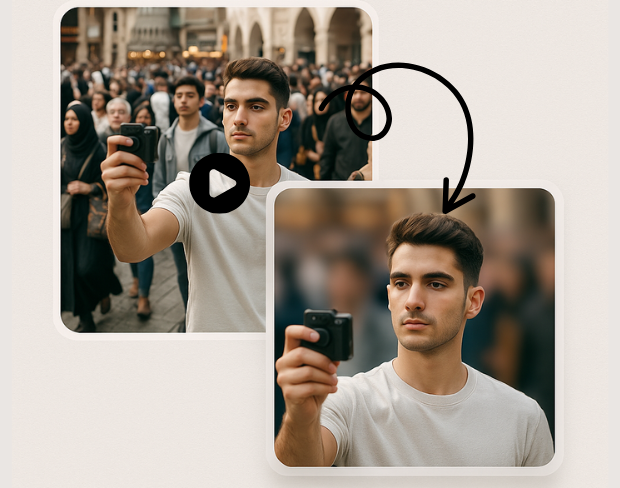
Advanced AI technology automatically detects and blurs specific objects in your videos. Our object detection blur system identifies people, vehicles, text, and custom objects with pixel-perfect precision for targeted anonymization.
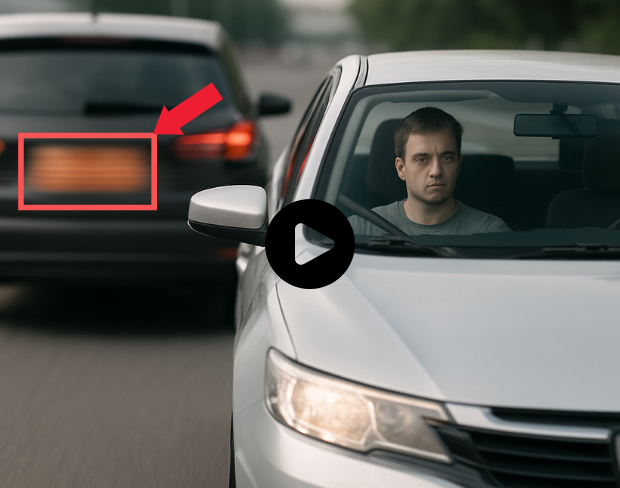
Create custom blur zones for any area in your video. Draw precise regions to blur with our selective video blur tool, perfect for privacy protection and professional video editing with complete control over blur areas.
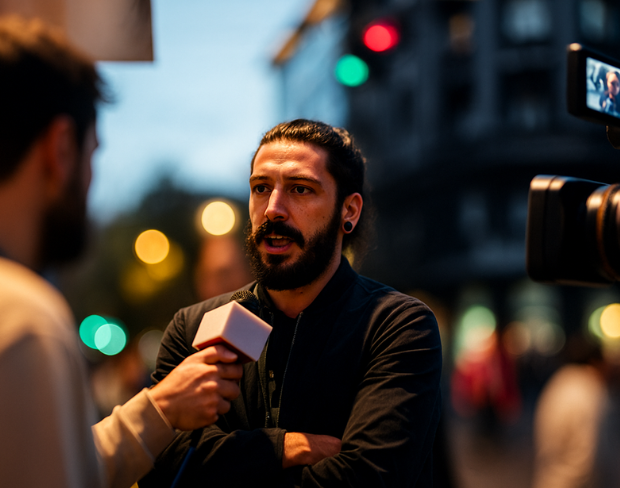
Blur only what you want with our selective anonymization technology. Choose specific objects, regions, or areas to blur while keeping the rest of your video sharp and clear for professional results.
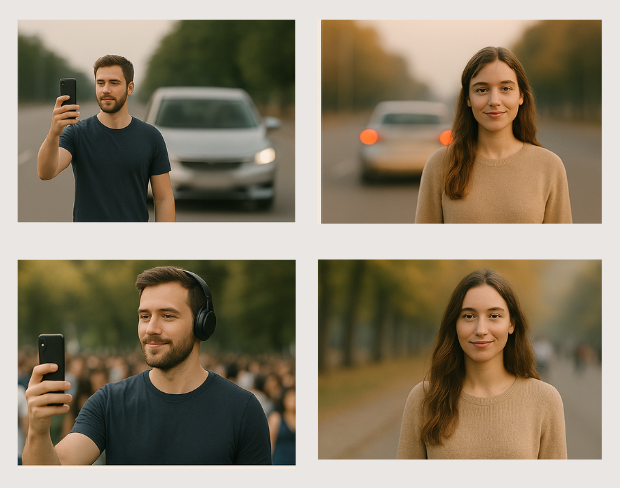
Professional video object masking with AI-powered precision. Our tool creates seamless object masks that follow movement throughout your video, ensuring consistent blur coverage across all frames.
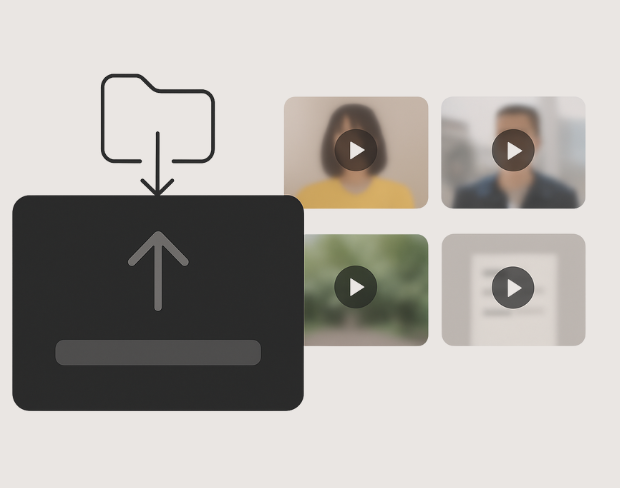
Apply targeted blur effects with surgical precision. Our AI identifies and tracks specific objects throughout your video, maintaining consistent blur coverage while preserving video quality and natural motion.
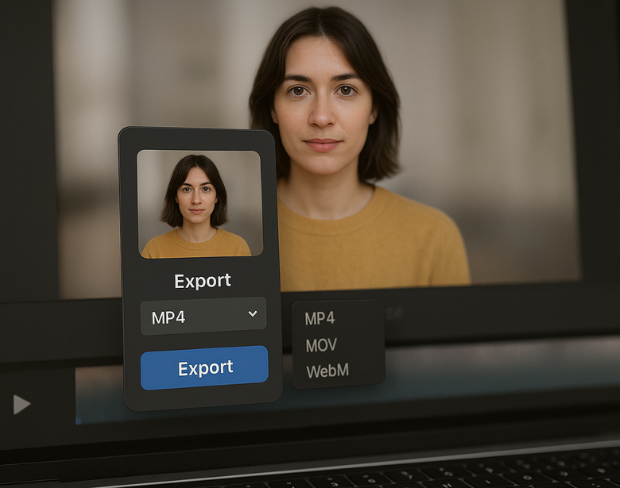
Control blur intensity and coverage for specific areas in your video. Adjust blur strength, feathering, and tracking parameters for each region to achieve professional-grade selective video anonymization.
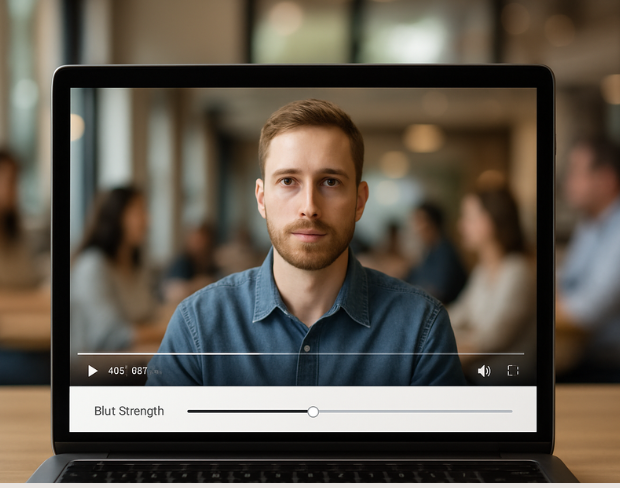
Advanced object tracking maintains consistent blur coverage as objects move through your video. Our AI follows selected objects frame-by-frame, ensuring seamless anonymization throughout the entire video duration.
Функции
Одна платформа для любых задач размытия. Нажмите на любую функцию, чтобы начать.
Размытие видео
Автоопределение номеров
Размытие видео
Покадровое отслеживание
Размытие видео
Без зелёного экрана
Размытие видео
Введите запрос или выделите область для размытия
Приватность
Размытие лиц на фото
Приватность
Редактура уровня команды
Приватность
Маскирование голоса ИИ
Замена лица
Замена лиц на изображениях
Замена лица
Замена лиц в видео
Замена лица
Удаление объектов с заполнением сцены
Экосистема
Задавайте вопросы и получайте сводки ИИ
Присоединяйтесь к тысячам авторов и команд, которые ежедневно доверяют bgblur.
Blur any selected object or area in videos with AI precision. Free selective blur tool for targeted video anonymization and privacy protection. No signup required.
Blur specific objects in videos for professional anonymization and privacy protection. Perfect for content creators, businesses, and media professionals requiring precise object blur control.
Our advanced AI object detection technology ensures accurate targeting of specific objects and regions, delivering professional-grade selective blur effects with minimal manual intervention.
Process object region blur effects instantly with our optimized AI engine. Get professional selective blur results in seconds while maintaining original video quality.
Select and blur unlimited objects and regions in your videos. Create complex anonymization patterns with multiple blur zones, all processed without watermarks or restrictions.
Join professionals using our AI-powered selective blur tool for precise object anonymization and privacy protection in their video content.
120K+
Размытые клипы
500K+
Скрытые номера
"The blur tools are a lifesaver — I can softly blur distracting backgrounds and automatically anonymize license plates in my vlogs."
Sarah Johnson
Content Creator • YouTube
"Perfect for short-form content — selective blur and automatic license-plate hiding keeps posts compliant and on-brand without manual editing."
Emma Rodriguez
Social Media Manager • Digital Agency
"I've used many blur filters, but the adaptive face and plate blur here are the most natural-looking — great for client deliverables where privacy matters."
Lisa Thompson
Freelance Video Editor • Independent
"We rely on the motion-aware blur and plate anonymization for on-the-go product demos. It's fast, consistent, and saves legal review time."
Michael Chen
Marketing Director • TechStart Inc.
"The blur tools are a lifesaver — I can softly blur distracting backgrounds and automatically anonymize license plates in my vlogs."
Sarah Johnson
Content Creator • YouTube
"Perfect for short-form content — selective blur and automatic license-plate hiding keeps posts compliant and on-brand without manual editing."
Emma Rodriguez
Social Media Manager • Digital Agency
"I've used many blur filters, but the adaptive face and plate blur here are the most natural-looking — great for client deliverables where privacy matters."
Lisa Thompson
Freelance Video Editor • Independent
"We rely on the motion-aware blur and plate anonymization for on-the-go product demos. It's fast, consistent, and saves legal review time."
Michael Chen
Marketing Director • TechStart Inc.
Наш ИИ анализирует ваше видео и автоматически добавляет размытие на фон.
Мы поддерживаем форматы MP4, MOV и M4V.
Да, видео должны быть менее 200 МБ и менее 10 минут.
Да, искусственный интеллект BGBlur автоматически отслеживает движущиеся объекты, лица и автомобили. Вам не нужно вручную маскировать каждый кадр; трекер движения удерживает размытие на объекте на протяжении всего видео.
BGBlur — это полностью веб-инструмент. Вы можете загрузить любое видео или изображение, выбрать инструмент размытия лица и мгновенно применить пикселизацию или размытие прямо в браузере без скачивания приложений или плагинов.
Безусловно. Наш ИИ специально обучен распознавать и размывать номерные знаки на дорожных записях, видеорегистраторах и уличных видео, помогая соблюдать законы о конфиденциальности.
Ваша конфиденциальность — наш приоритет. BGBlur использует передовые клиентские технологии для безопасной обработки видео. Ваши файлы обрабатываются локально в вашем браузере и никогда не загружаются и не хранятся постоянно на внешних серверах.
Да! BGBlur полностью адаптирован и оптимизирован для мобильных браузеров. Вы можете легко размыть фон видео или пикселировать лица прямо на вашем iPhone, iPad или Android-телефоне.
Ограничения зависят от функции. Стандартные инструменты размытия видео, такие как размытие лица, размытие номерного знака, размытие фона, размытие чего-либо, размытие экрана, размытие NSFW и анонимизация лица, поддерживают до 500 МБ и 5 минут в бесплатном плане или до 1 ГБ и 10 минут в платных планах. Object Remover поддерживает видео MP4 и MOV размером до 1 ГБ и продолжительностью 10 секунд на клип. Прямая загрузка Voice Anon поддерживает до 100 МБ, а рабочий процесс загрузки/URL поддерживает аудио- или видеофайлы размером до 500 МБ и продолжительностью менее 10 минут.
Поделитесь своим опытом и помогите другим принять обоснованные решения
Оценка Сообщества
0.0
/ 5
На основе 0 отзывов
Станьте первым, кто поделится своим опытом и поможет другим принять обоснованные решения!