
"The blur tools are a lifesaver — I can softly blur distracting backgrounds and automatically anonymize license plates in my vlogs."
SJ
Sarah Johnson
Content Creator • YouTube
AI Video Background Blur — Green-Screen-Free, Built for Privacy
Get started with our simple 3-step process
Upload your MP4, MOV, or M4V file securely in your browser.
Choose face blur, license plate blur, background blur, or object blur and preview instantly.
Export your privacy-safe video in high quality and publish anywhere.
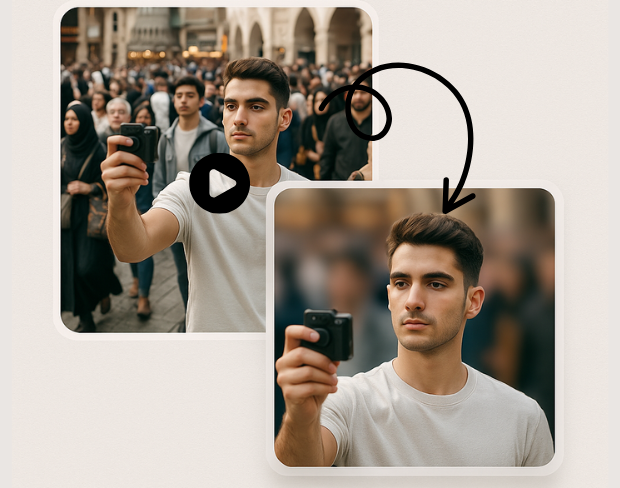
Create a bokeh-style background without a physical green screen. Subjects stay sharp while environments fall off—ideal for calls, vlogs, and compliance-friendly sharing.
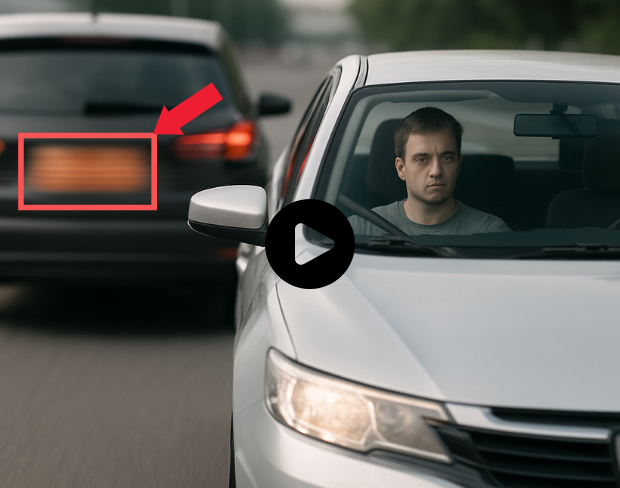
Our models handle natural lighting, motion, and busy scenes. You get consistent blur across frames without manual rotoscoping.
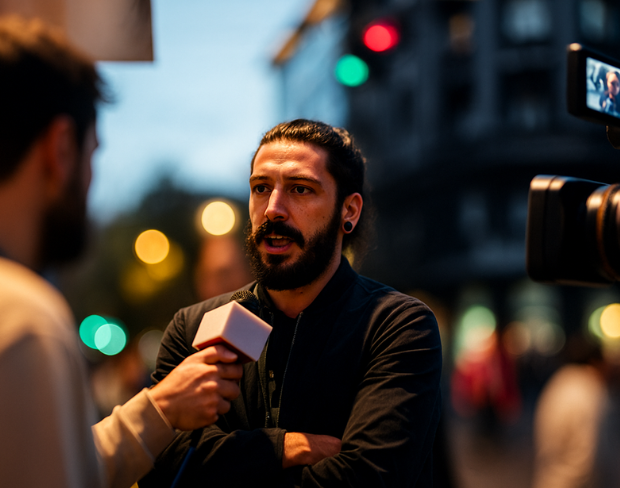
Blur sensitive areas automatically so you can publish faster. Pair background blur with face and plate tools when one effect is not enough.
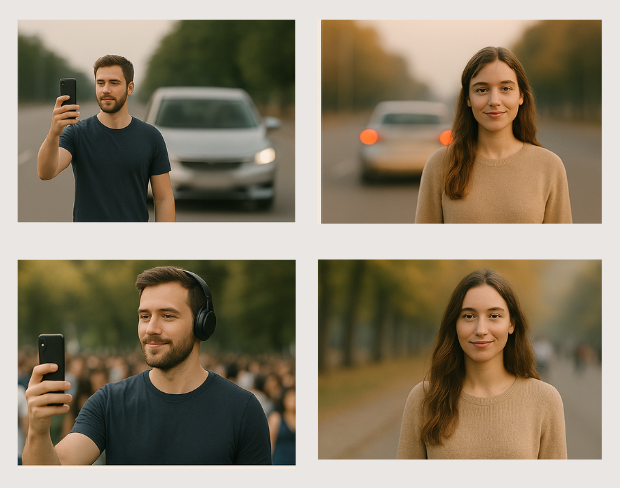
Batch-friendly processing and presets help agencies, journalists, and operators move from raw footage to redacted masters quickly.
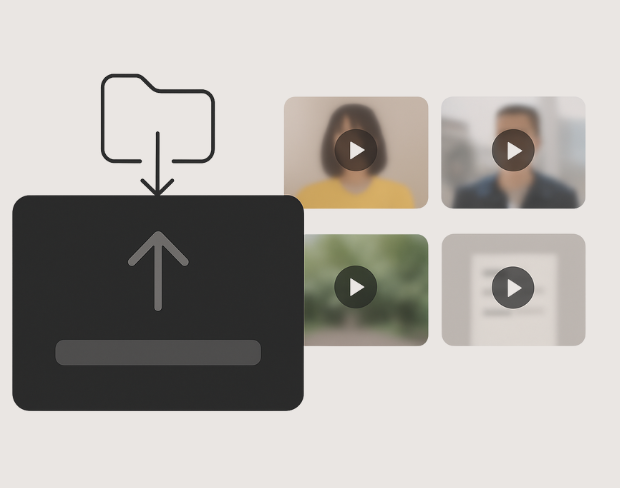
Detection tracks people and plates through the timeline so effects stay locked to subjects—even with handheld cameras.
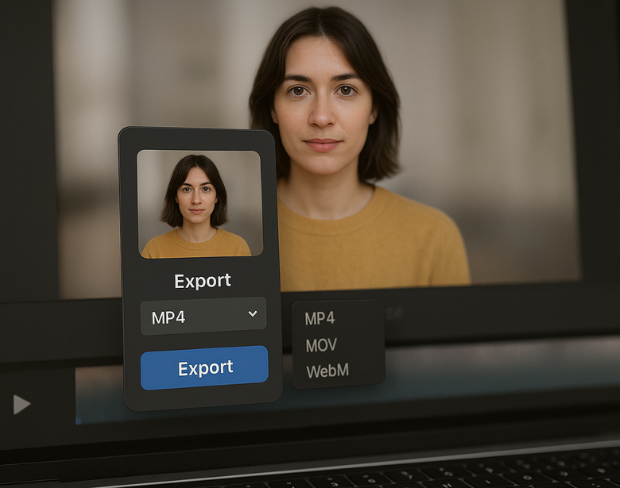
Export high-quality MP4/MOV/WebM outputs with the blur baked in, ready for YouTube, TikTok, internal archives, or legal review packets.
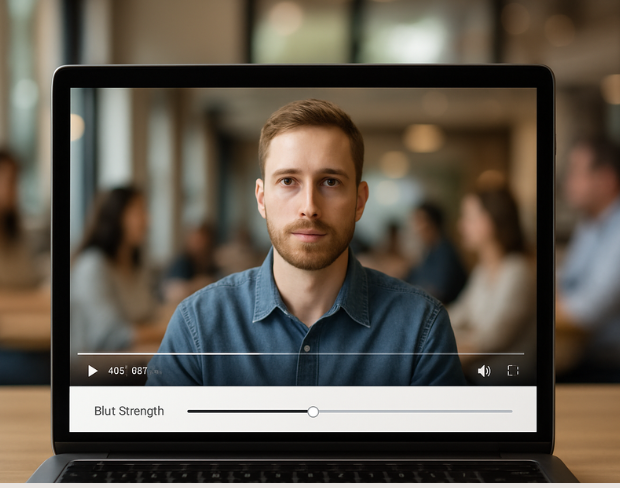
Visit our examples and docs for sample settings, or combine tools: many teams stack background blur with face anonymization on the same render.
Функции
Одна платформа для любых задач размытия. Нажмите на любую функцию, чтобы начать.
Размытие видео
Автоопределение номеров
Размытие видео
Покадровое отслеживание
Размытие видео
Без зелёного экрана
Размытие видео
Введите запрос или выделите область для размытия
Приватность
Размытие лиц на фото
Приватность
Редактура уровня команды
Приватность
Маскирование голоса ИИ
Замена лица
Замена лиц на изображениях
Замена лица
Замена лиц в видео
Замена лица
Удаление объектов с заполнением сцены
Экосистема
Задавайте вопросы и получайте сводки ИИ
Присоединяйтесь к тысячам авторов и команд, которые ежедневно доверяют bgblur.
Soften or hide video backgrounds, blur faces, and redact license plates with AI. BGBlur focuses on privacy-safe exports—not transparent background cutouts.
Combine background blur, face blur, and plate redaction for publish-ready clips—built for creators, teams, and compliance workflows.
Models locate subjects and sensitive regions so blur tracks motion without chroma keys or frame-by-frame touch-ups.
Optimized pipelines keep foreground detail crisp while backgrounds and plates receive clean, adjustable blur.
Shoot anywhere; BGBlur works on everyday environments so you can protect privacy without a production-grade setup.
Teams trust BGBlur to anonymize footage while keeping storytelling intact—especially for street scenes, interviews, and ops video.
120K+
Размытые клипы
500K+
Скрытые номера
"The blur tools are a lifesaver — I can softly blur distracting backgrounds and automatically anonymize license plates in my vlogs."
Sarah Johnson
Content Creator • YouTube
"Perfect for short-form content — selective blur and automatic license-plate hiding keeps posts compliant and on-brand without manual editing."
Emma Rodriguez
Social Media Manager • Digital Agency
"I've used many blur filters, but the adaptive face and plate blur here are the most natural-looking — great for client deliverables where privacy matters."
Lisa Thompson
Freelance Video Editor • Independent
"We rely on the motion-aware blur and plate anonymization for on-the-go product demos. It's fast, consistent, and saves legal review time."
Michael Chen
Marketing Director • TechStart Inc.
"The blur tools are a lifesaver — I can softly blur distracting backgrounds and automatically anonymize license plates in my vlogs."
Sarah Johnson
Content Creator • YouTube
"Perfect for short-form content — selective blur and automatic license-plate hiding keeps posts compliant and on-brand without manual editing."
Emma Rodriguez
Social Media Manager • Digital Agency
"I've used many blur filters, but the adaptive face and plate blur here are the most natural-looking — great for client deliverables where privacy matters."
Lisa Thompson
Freelance Video Editor • Independent
"We rely on the motion-aware blur and plate anonymization for on-the-go product demos. It's fast, consistent, and saves legal review time."
Michael Chen
Marketing Director • TechStart Inc.
Наш ИИ анализирует ваше видео и автоматически добавляет размытие на фон.
Мы поддерживаем форматы MP4, MOV и M4V.
Да, видео должны быть менее 200 МБ и менее 10 минут.
Да, искусственный интеллект BGBlur автоматически отслеживает движущиеся объекты, лица и автомобили. Вам не нужно вручную маскировать каждый кадр; трекер движения удерживает размытие на объекте на протяжении всего видео.
BGBlur — это полностью веб-инструмент. Вы можете загрузить любое видео или изображение, выбрать инструмент размытия лица и мгновенно применить пикселизацию или размытие прямо в браузере без скачивания приложений или плагинов.
Безусловно. Наш ИИ специально обучен распознавать и размывать номерные знаки на дорожных записях, видеорегистраторах и уличных видео, помогая соблюдать законы о конфиденциальности.
Ваша конфиденциальность — наш приоритет. BGBlur использует передовые клиентские технологии для безопасной обработки видео. Ваши файлы обрабатываются локально в вашем браузере и никогда не загружаются и не хранятся постоянно на внешних серверах.
Да! BGBlur полностью адаптирован и оптимизирован для мобильных браузеров. Вы можете легко размыть фон видео или пикселировать лица прямо на вашем iPhone, iPad или Android-телефоне.
Ограничения зависят от функции. Стандартные инструменты размытия видео, такие как размытие лица, размытие номерного знака, размытие фона, размытие чего-либо, размытие экрана, размытие NSFW и анонимизация лица, поддерживают до 500 МБ и 5 минут в бесплатном плане или до 1 ГБ и 10 минут в платных планах. Object Remover поддерживает видео MP4 и MOV размером до 1 ГБ и продолжительностью 10 секунд на клип. Прямая загрузка Voice Anon поддерживает до 100 МБ, а рабочий процесс загрузки/URL поддерживает аудио- или видеофайлы размером до 500 МБ и продолжительностью менее 10 минут.
Поделитесь своим опытом и помогите другим принять обоснованные решения
Оценка Сообщества
0.0
/ 5
На основе 0 отзывов
Станьте первым, кто поделится своим опытом и поможет другим принять обоснованные решения!