AI-Powered Video Eraser for Images & Videos
Automatically process images and videos using advanced AI detection and editing workflows. Video Eraser reduces manual work while delivering clean, professional, and privacy-ready results.

Erase Anything from Video
Paint over objects and AI erases them completely from your footage.
Ready to erase objects?
Upload and paint over anything you want to remove.
AI editing features
More than a Video Eraser tool
AI-powered object removal. Video Eraser is built for video privacy protection, automatic blur, motion-aware editing, object redaction, secure export, and faster browser-based video workflows.
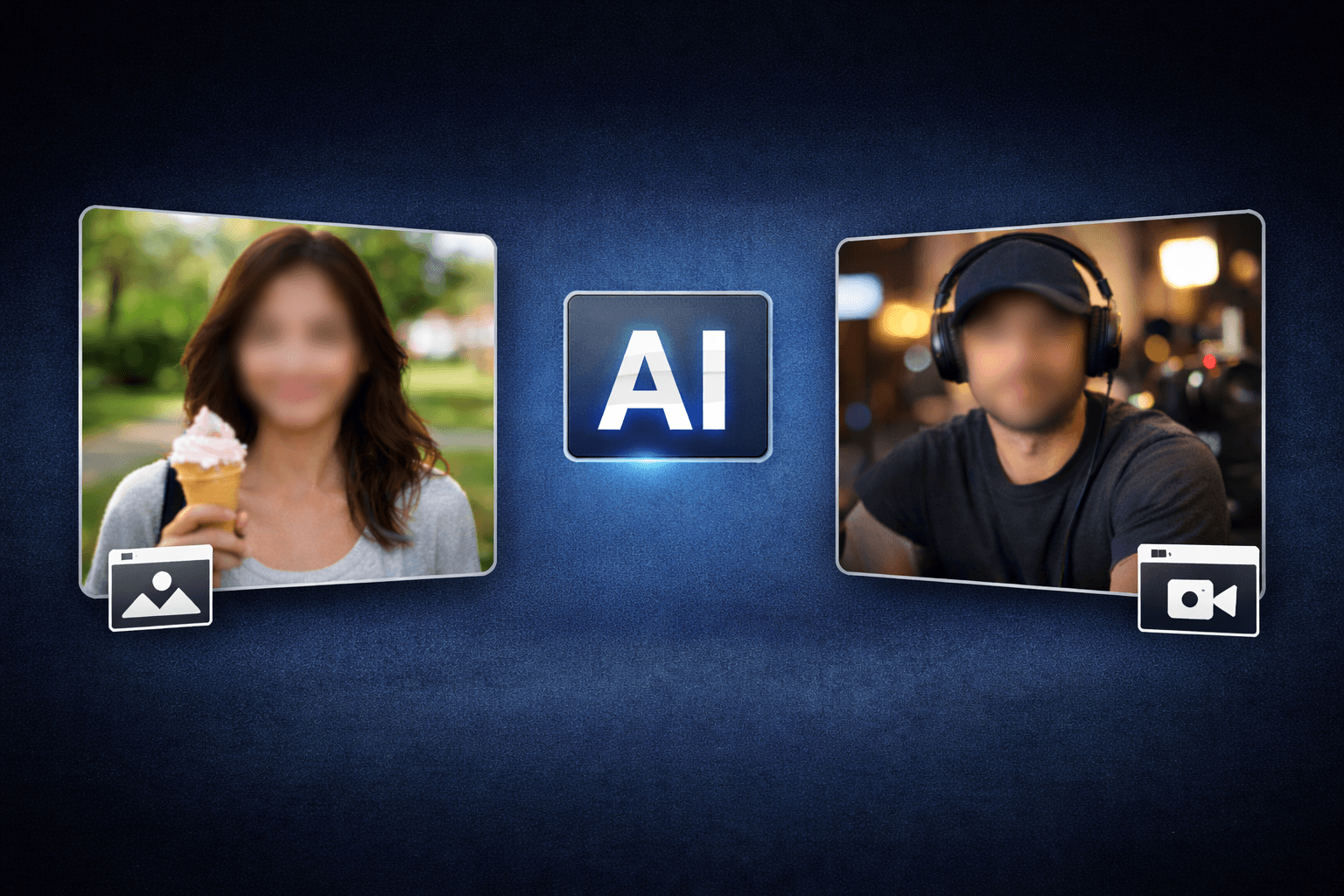
Smart AI Video Eraser video workflow
Video Eraser helps creators edit videos faster with AI-powered blur, masking, tracking, redaction, privacy protection, and browser-based automation.
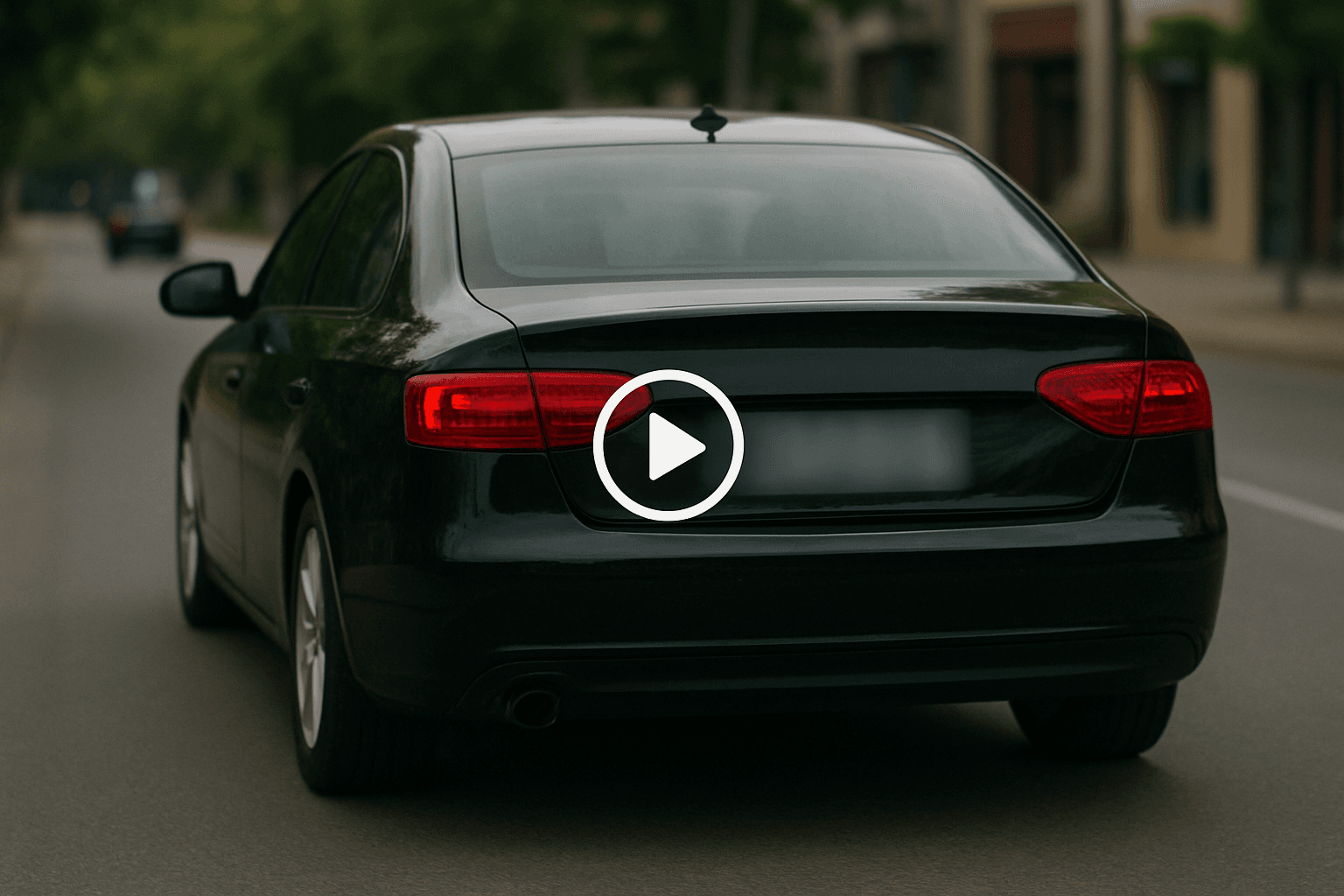
Motion-aware AI automation
Use AI assistance to reduce manual keyframes, repeated masking, frame-by-frame blur work, object selection, and privacy edits across clips and social videos.
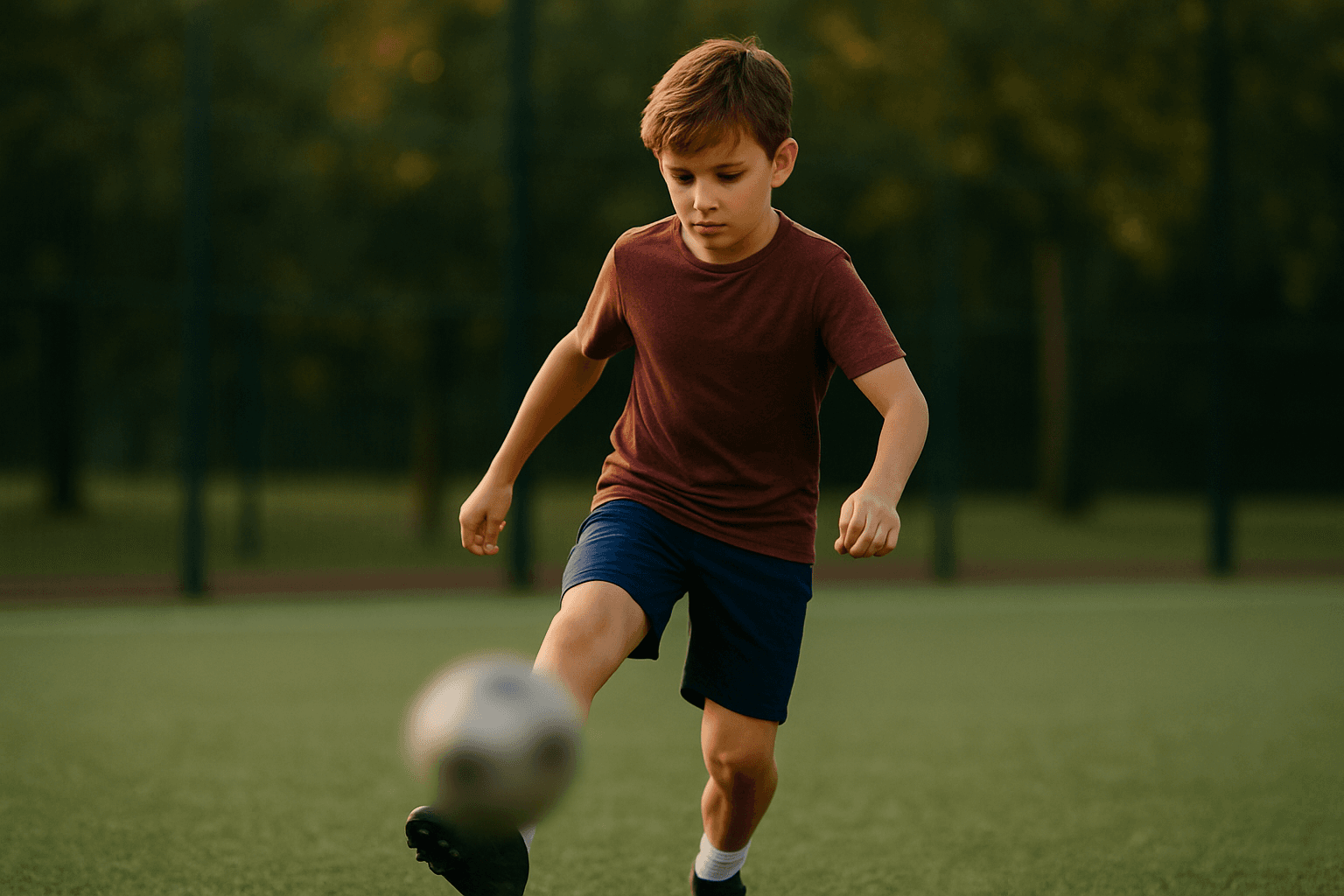
Video privacy protection
Video Eraser helps hide faces, plates, backgrounds, objects, text, body details, and sensitive visual information before videos are published or shared.
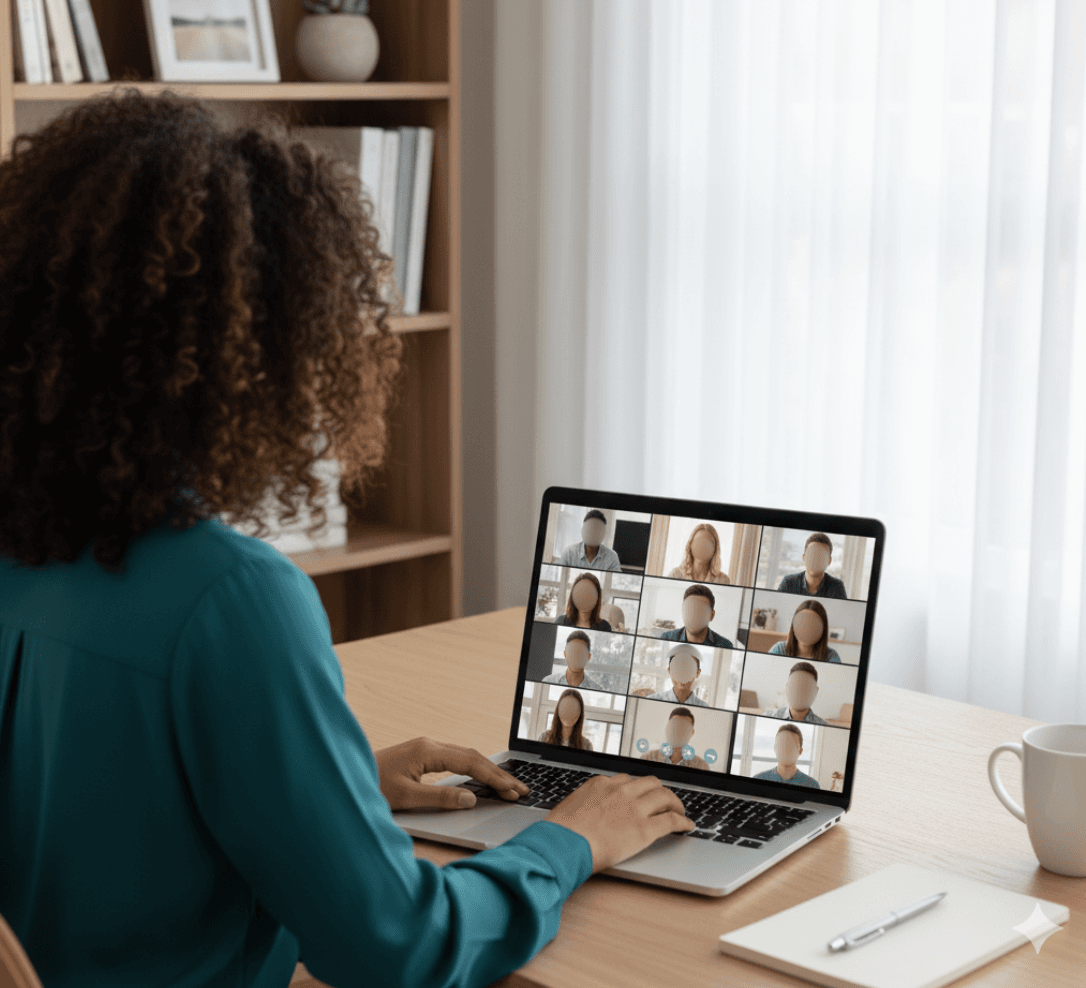
Fast browser-based processing
Upload a video, apply the tool workflow, review the result, and export edited content without installing heavy video software or switching between apps.
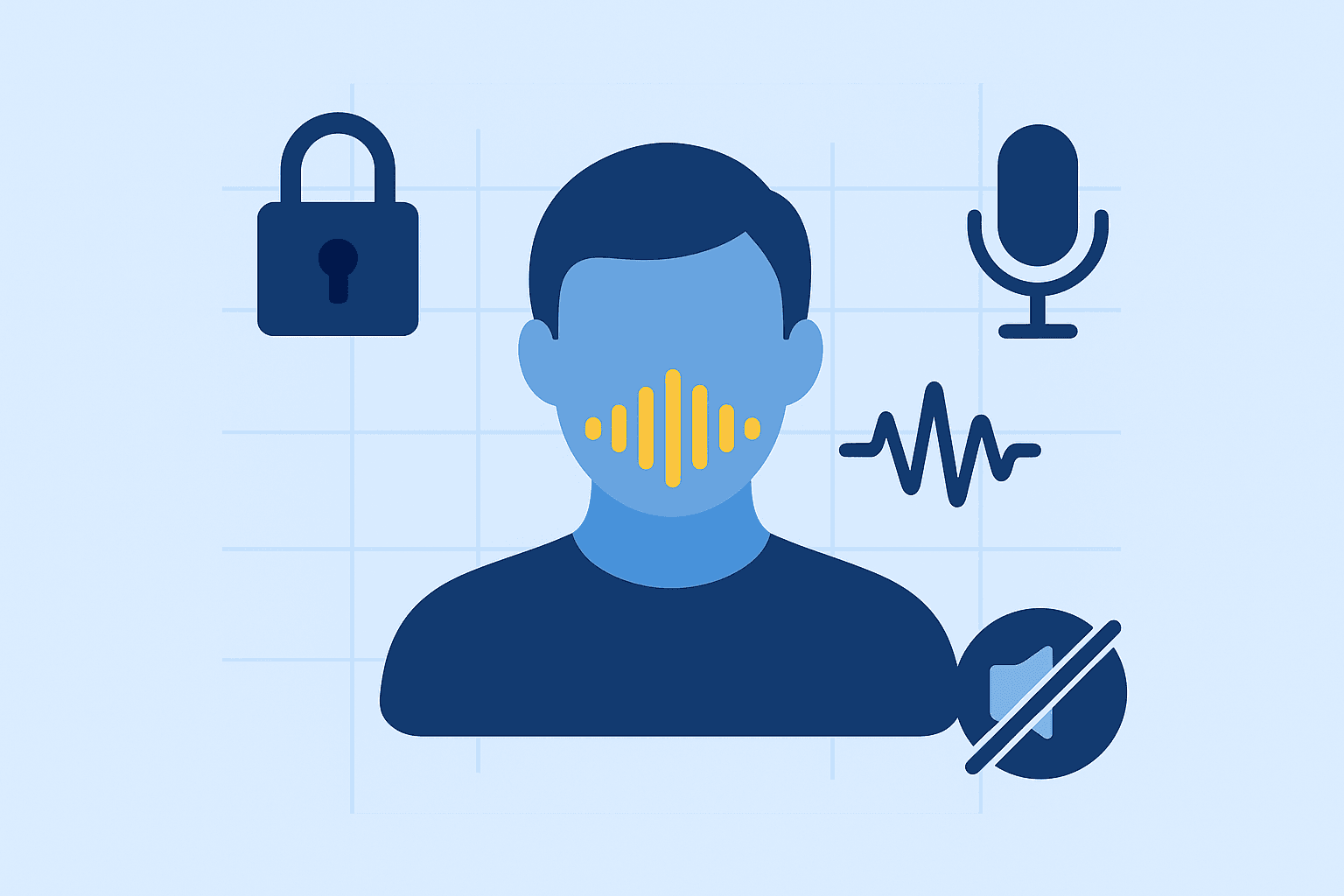
Flexible editing controls
Adjust blur style, intensity, selected areas, tracking, masking, and export decisions depending on the footage, audience, platform, and privacy requirement.
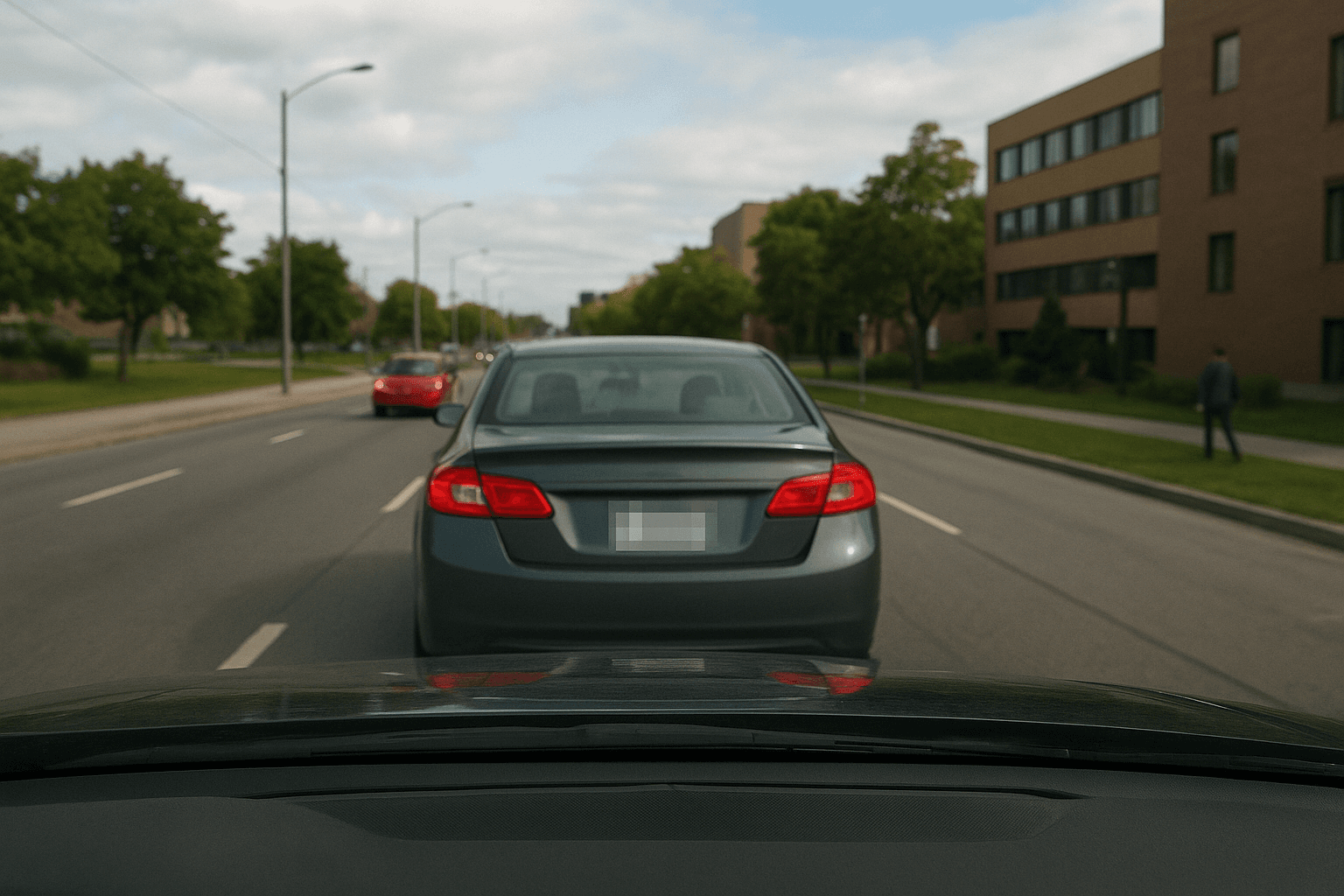
Export publish-ready videos
Prepare cleaner videos for YouTube, TikTok, Instagram, training libraries, client review, education, journalism, real estate, automotive content, and compliance workflows.
Video Eraser FAQs
Answers to common questions about using Video Eraser for image and video editing, privacy protection, export quality, and browser-based AI workflows.
Upload your video, paint over objects you want to erase with the brush tool, select a removal method (blur, fill, or clone), and download your clean video. AI handles the rest.
Yes, the AI tracks moving objects automatically. Paint over the object once, and it will be erased throughout your video as it moves.
You can erase people, watermarks, logos, text, vehicles, animals, wires, poles, signs, or any visual element you want to remove.
No, BGBlur preserves your original video quality. Only the selected areas are processed while the rest stays pristine.
No, erasing completely removes objects from your video, while blurring only obscures them. Use erasing for clean footage without traces.
Video Eraser is an AI-powered BGBlur workflow for editing images and videos faster. It helps automate privacy, blur, masking, or cleanup tasks so creators can finish content without manual frame-by-frame work.
Yes. BGBlur workflows are designed around common image and video use cases, including uploads for photos, short clips, social content, product footage, screen recordings, and longer privacy review workflows.
The tool uses AI-assisted detection and automation to reduce repetitive selection, masking, and redaction steps. You can start with an upload, review the result, adjust settings when needed, and export a finished file.
Yes. It is built for privacy-first editing tasks such as hiding sensitive details, reducing identifiable information, and preparing content before it is shared publicly, with clients, or inside a team.
No. BGBlur runs in the browser, so you do not need a desktop video editor, plugin setup, or complex timeline workflow for common AI blur and privacy edits.
The goal is to keep the important parts of your image or video visible while applying the selected privacy or blur effect only where it is needed. Final quality can depend on the uploaded file and export settings.
Yes. You should review the AI result before export, especially for crowded scenes, fast motion, low light, reflections, small objects, or footage with partial occlusion.
Creators, marketers, educators, journalists, real estate teams, automotive teams, compliance reviewers, and social media editors use BGBlur tools to prepare safer publish-ready media faster.
BGBlur is web-based, so it is designed for modern browsers on desktop and mobile devices. Larger video files are usually easier to review and export from a desktop browser.
Check every sensitive frame or image area, confirm the blur or mask covers the intended subject, preview the final export, and keep an original backup if you may need to revise the edit later.
Start with BGBlur
Smart AI Erase Objects from Video for Images & Videos
Erase Objects from Video helps creators edit images and videos faster with smart AI-powered automation. Upload your file, choose the privacy or blur workflow you need, and export polished content without manual frame-by-frame editing.
Paint, erase, download
Start Erasing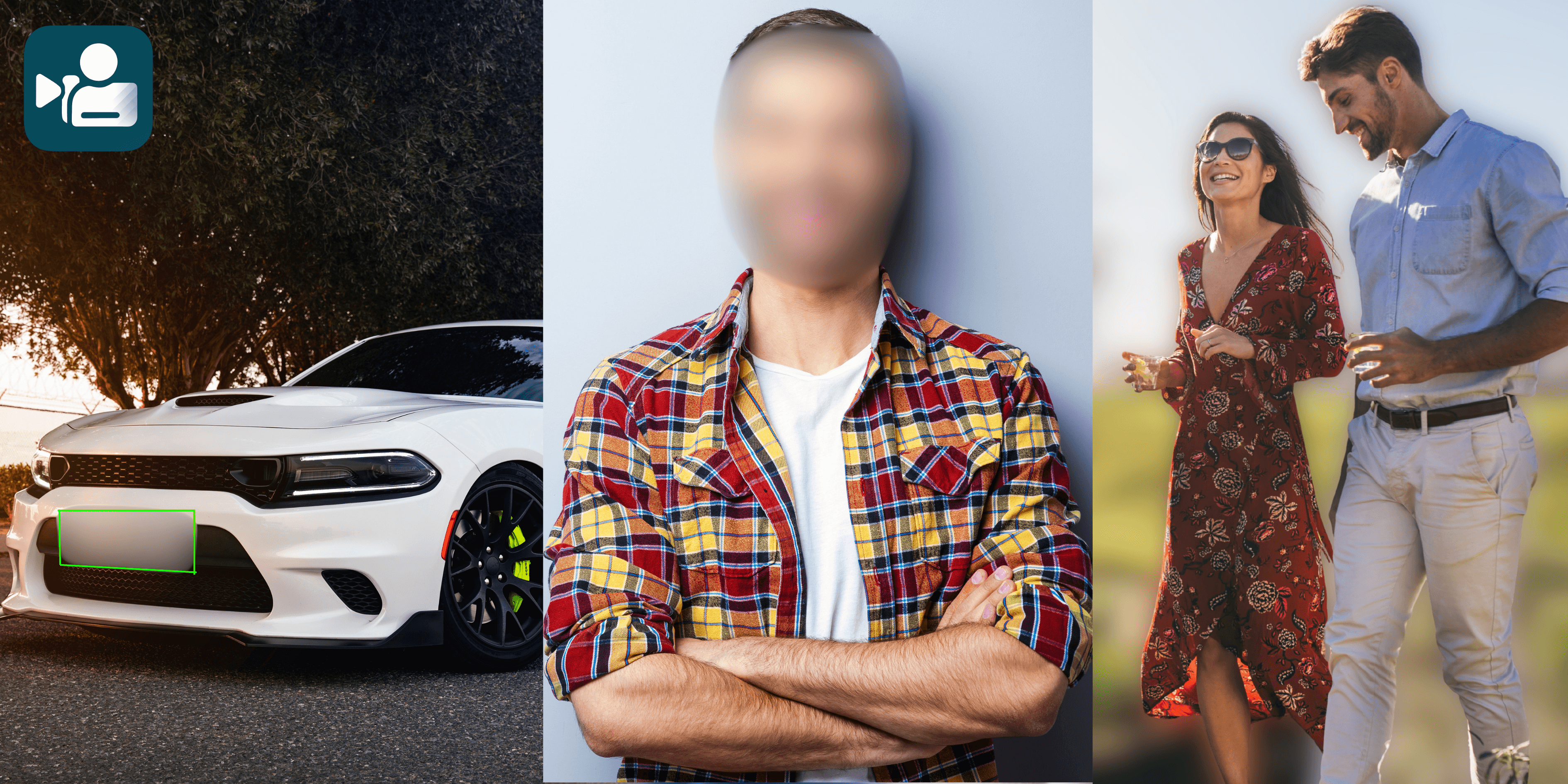
User Reviews
Share your experience and help others make informed decisions
Write a Review
All Reviews (0)
No reviews yet
Be the first to share your experience and help others discover this tool!