AI-Powered Blur MOV Online for Images & Videos
Automatically process images and videos using advanced AI detection and editing workflows. Blur MOV Online reduces manual work while delivering clean, professional, and privacy-ready results.
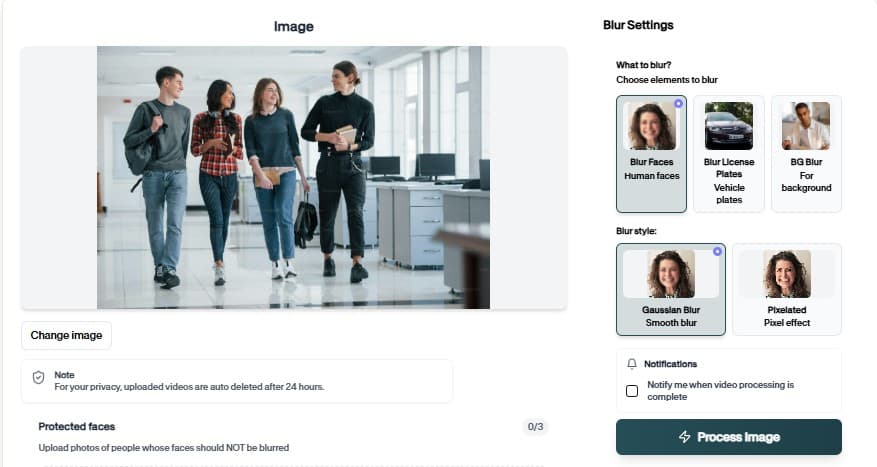
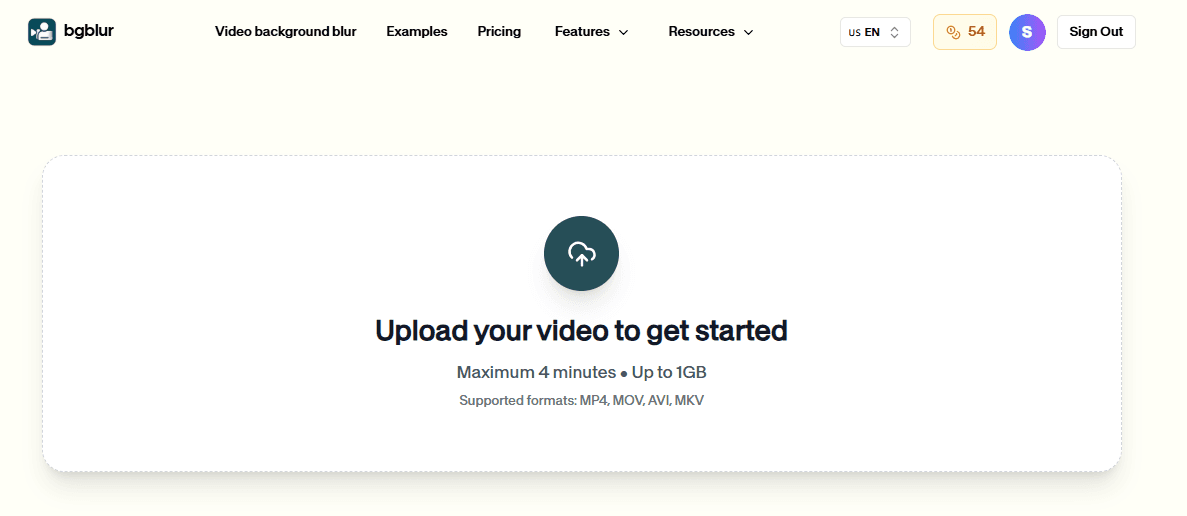
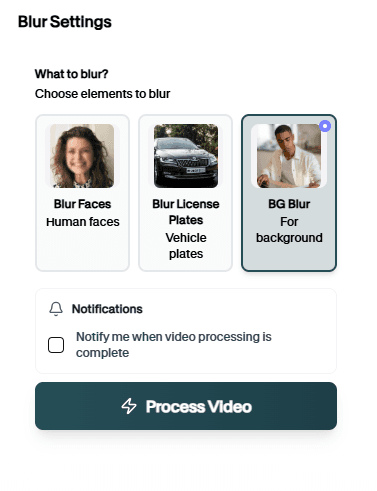
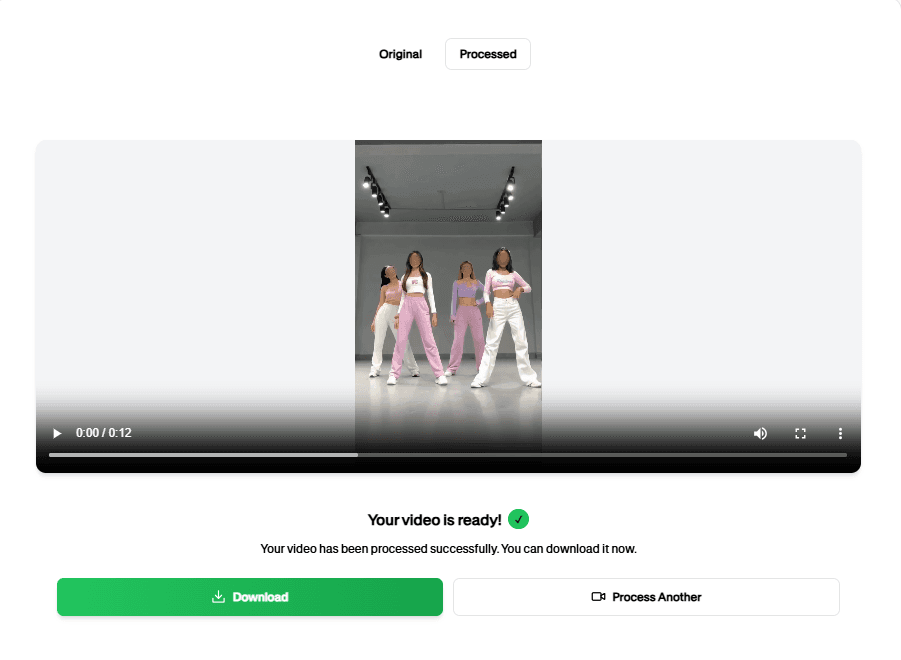
How to Easily Blur MOV Online
Follow this simple 3-step process to get a polished result without frame-by-frame editing.
Upload Your Video
Start by uploading the video you want to process. The blur MOV Online workflow keeps the setup simple, so you can move from file selection to preview without rebuilding the project manually.
Review the AI Preview
BGBlur analyzes the file and prepares the right privacy edits for blur MOV Online. Check the preview, confirm the important areas, and adjust the result before exporting.
Download the Result
Export a clean, privacy-safe version when the preview looks right. The finished video is ready for sharing, publishing, archiving, or handing off to your team.
AI-Powered Blur MOV Online
Blur MOV Online helps you finish the core task faster with a simple browser workflow and clean export.
How Blur MOV Online Works
Blur MOV Online turns a complex manual workflow into a focused browser flow. Upload the file, let the tool do the heavy lifting, and export a result that is easier to share, review, or publish.
Use it when you need a faster way to prepare content for public pages, reports, client review, training material, social posts, or internal documentation without rebuilding the edit by hand.
Blur, redact, or anonymize sensitive regions quickly
Protect people, identifiers, and private details in media
Preserve the rest of the scene for context
Support both image and video workflows
Reduce repetitive manual editing tasks
Create privacy-safe assets for sharing or review
Use Cases

Public Sharing
Prepare safe media for posting. AI-Powered Blur MOV Online keeps this workflow practical for repeated review, privacy cleanup, publishing, and team handoff without forcing editors to rebuild every mask or adjustment manually.

Compliance
Protect personal data in files. AI-Powered Blur MOV Online keeps this workflow practical for repeated review, privacy cleanup, publishing, and team handoff without forcing editors to rebuild every mask or adjustment manually.

Investigations
Redact sensitive details. AI-Powered Blur MOV Online keeps this workflow practical for repeated review, privacy cleanup, publishing, and team handoff without forcing editors to rebuild every mask or adjustment manually.

Education
Share examples without exposure. AI-Powered Blur MOV Online keeps this workflow practical for repeated review, privacy cleanup, publishing, and team handoff without forcing editors to rebuild every mask or adjustment manually.
Business
Handle confidential materials. AI-Powered Blur MOV Online keeps this workflow practical for repeated review, privacy cleanup, publishing, and team handoff without forcing editors to rebuild every mask or adjustment manually.
Teams
Standardize privacy edits. AI-Powered Blur MOV Online keeps this workflow practical for repeated review, privacy cleanup, publishing, and team handoff without forcing editors to rebuild every mask or adjustment manually.
Fast Browser Workflow
Blur MOV Online is designed for quick uploads, fast processing, and a clean result without a complicated editing timeline.
Ready to try Blur MOV Online?
Upload a file and generate a cleaner result with blur mov online in seconds.
AI editing features
More than a Blur MOV Online tool
Apple optimized. Blur MOV Online is built for video privacy protection, automatic blur, motion-aware editing, object redaction, secure export, and faster browser-based video workflows.
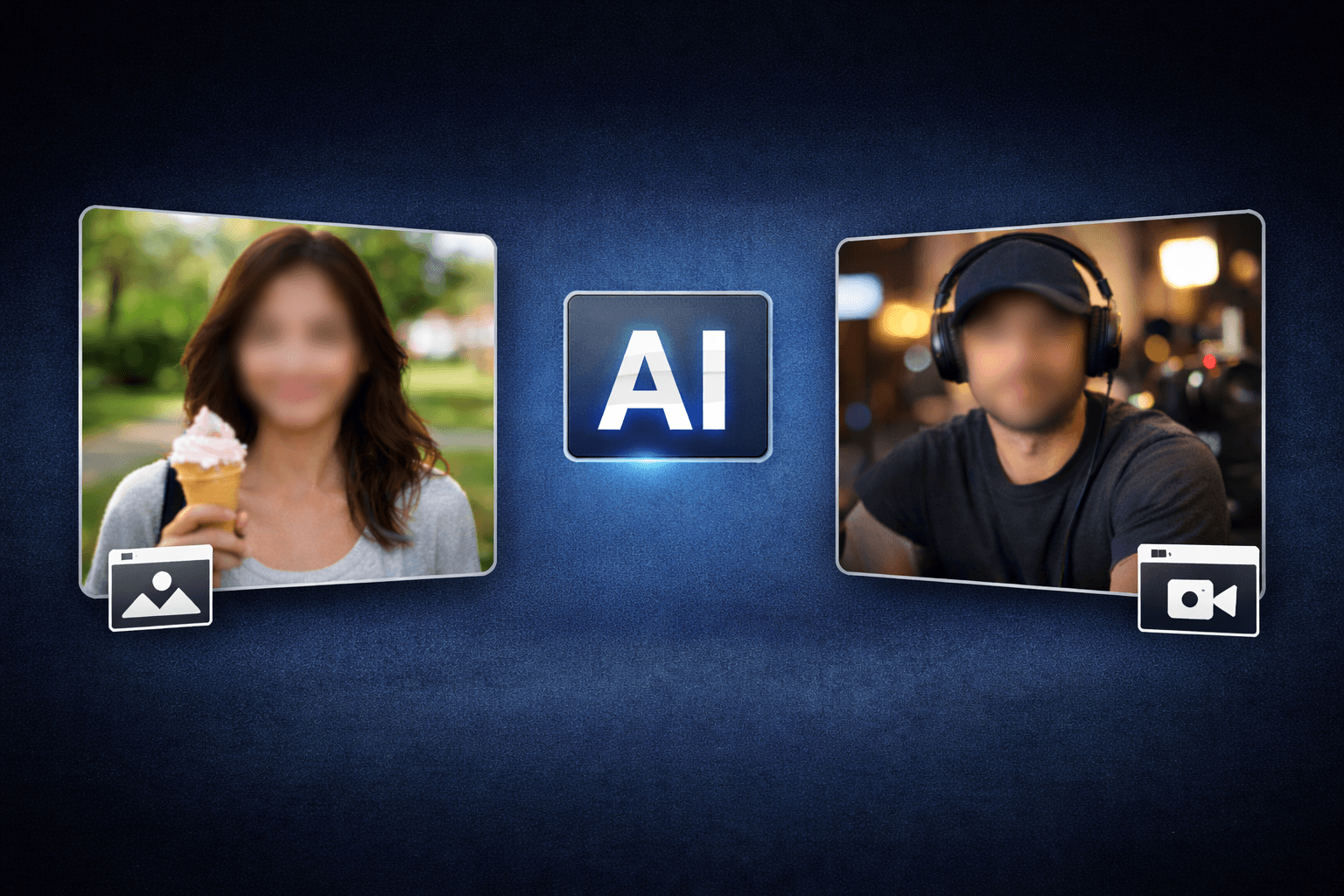
Smart AI Blur MOV Online video workflow
Blur MOV Online helps creators edit videos faster with AI-powered blur, masking, tracking, redaction, privacy protection, and browser-based automation.
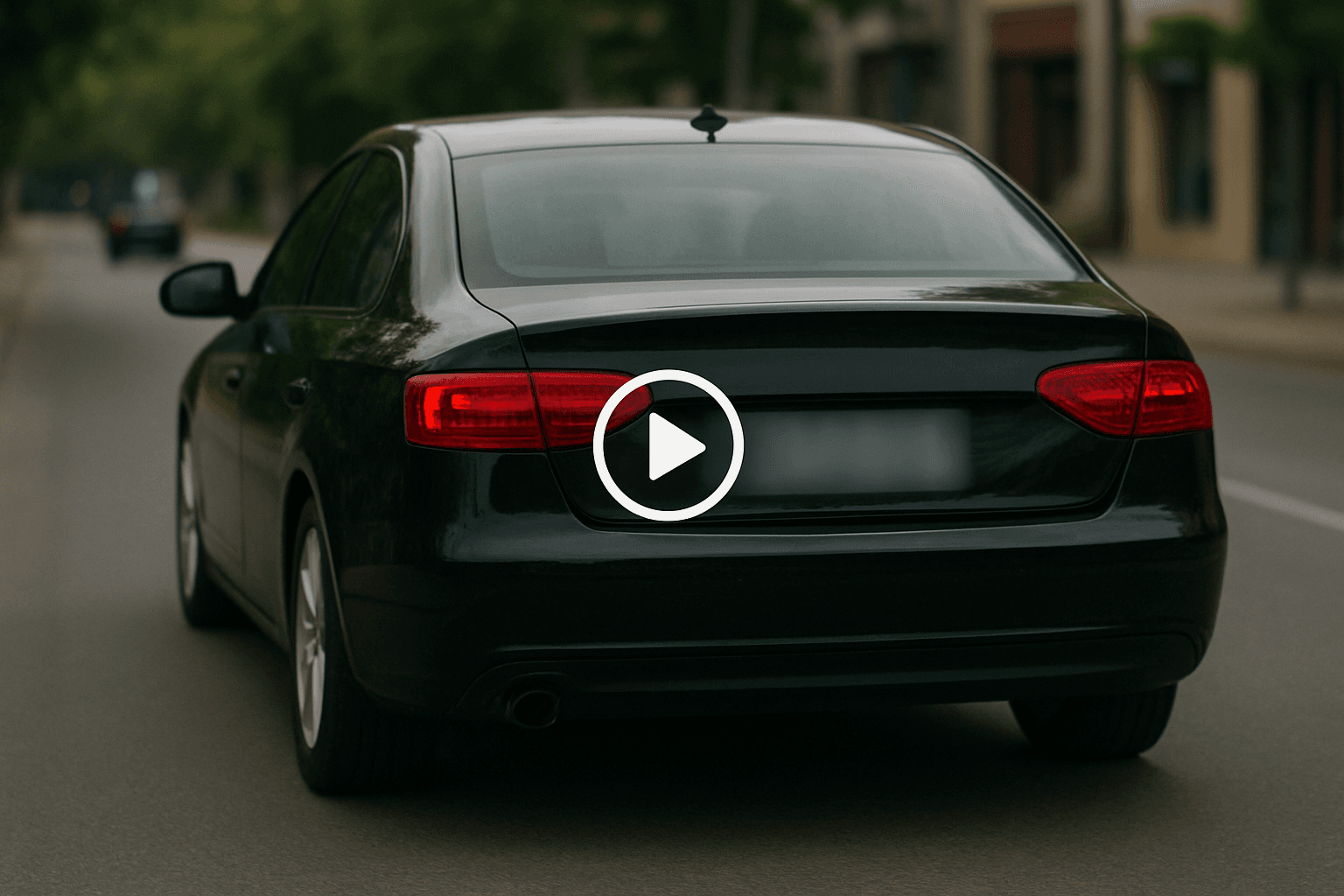
Motion-aware AI automation
Use AI assistance to reduce manual keyframes, repeated masking, frame-by-frame blur work, object selection, and privacy edits across clips and social videos.

Video privacy protection
Blur MOV Online helps hide faces, plates, backgrounds, objects, text, body details, and sensitive visual information before videos are published or shared.

Fast browser-based processing
Upload a video, apply the tool workflow, review the result, and export edited content without installing heavy video software or switching between apps.
Flexible editing controls
Adjust blur style, intensity, selected areas, tracking, masking, and export decisions depending on the footage, audience, platform, and privacy requirement.

Export publish-ready videos
Prepare cleaner videos for YouTube, TikTok, Instagram, training libraries, client review, education, journalism, real estate, automotive content, and compliance workflows.
Blur MOV Online FAQs
Answers to common questions about using Blur MOV Online for image and video editing, privacy protection, export quality, and browser-based AI workflows.
Yes, MOV files from iPhone, iPad, and Mac are fully supported.
Yes, including ProRes and high-bitrate MOV files.
Blur MOV Online is an AI-powered BGBlur workflow for editing images and videos faster. It helps automate privacy, blur, masking, or cleanup tasks so creators can finish content without manual frame-by-frame work.
Yes. BGBlur workflows are designed around common image and video use cases, including uploads for photos, short clips, social content, product footage, screen recordings, and longer privacy review workflows.
The tool uses AI-assisted detection and automation to reduce repetitive selection, masking, and redaction steps. You can start with an upload, review the result, adjust settings when needed, and export a finished file.
Yes. It is built for privacy-first editing tasks such as hiding sensitive details, reducing identifiable information, and preparing content before it is shared publicly, with clients, or inside a team.
No. BGBlur runs in the browser, so you do not need a desktop video editor, plugin setup, or complex timeline workflow for common AI blur and privacy edits.
The goal is to keep the important parts of your image or video visible while applying the selected privacy or blur effect only where it is needed. Final quality can depend on the uploaded file and export settings.
Yes. You should review the AI result before export, especially for crowded scenes, fast motion, low light, reflections, small objects, or footage with partial occlusion.
Creators, marketers, educators, journalists, real estate teams, automotive teams, compliance reviewers, and social media editors use BGBlur tools to prepare safer publish-ready media faster.
BGBlur is web-based, so it is designed for modern browsers on desktop and mobile devices. Larger video files are usually easier to review and export from a desktop browser.
Check every sensitive frame or image area, confirm the blur or mask covers the intended subject, preview the final export, and keep an original backup if you may need to revise the edit later.
User Reviews
Share your experience and help others make informed decisions
Write a Review
All Reviews (0)
No reviews yet
Be the first to share your experience and help others discover this tool!
Video privacy tools
Related privacy tools for faster video anonymization
Move between video blur, object redaction, AI privacy editing, and combined face plus license plate workflows from one toolset.
Start with BGBlur
Smart AI Blur MOV for Images & Videos
Blur MOV helps creators edit images and videos faster with smart AI-powered automation. Upload your file, choose the privacy or blur workflow you need, and export polished content without manual frame-by-frame editing.
QuickTime ready
Blur MOV